
About
What Inkling Notes does
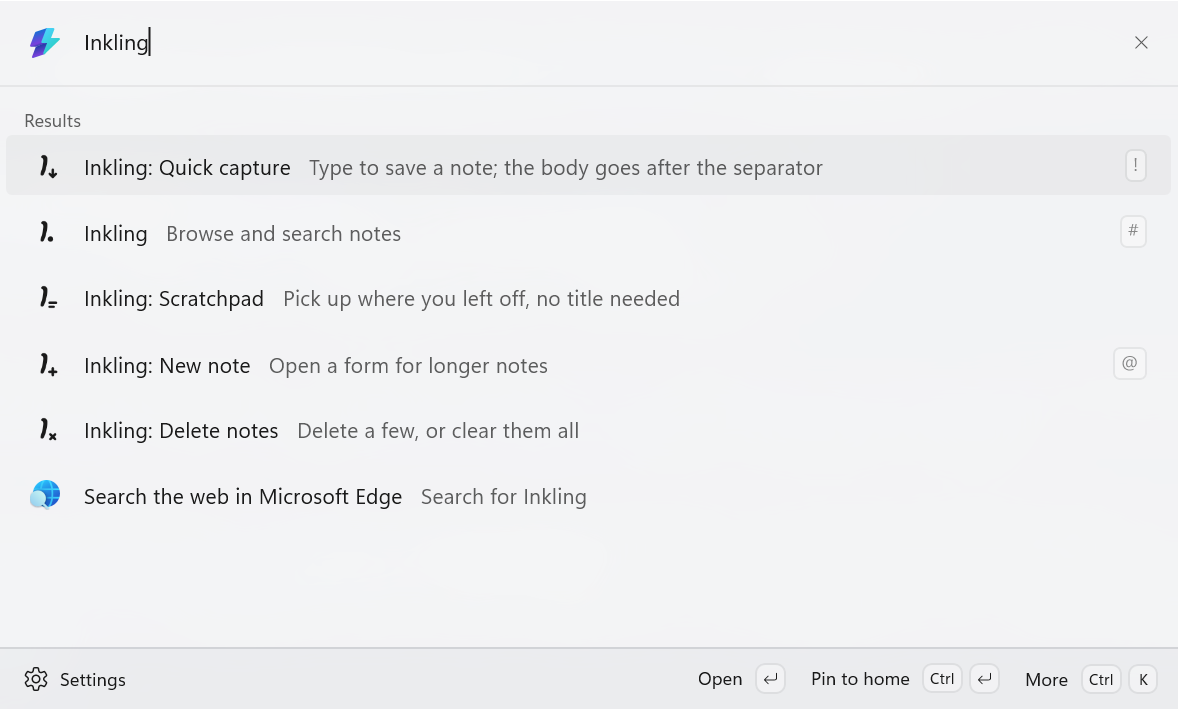
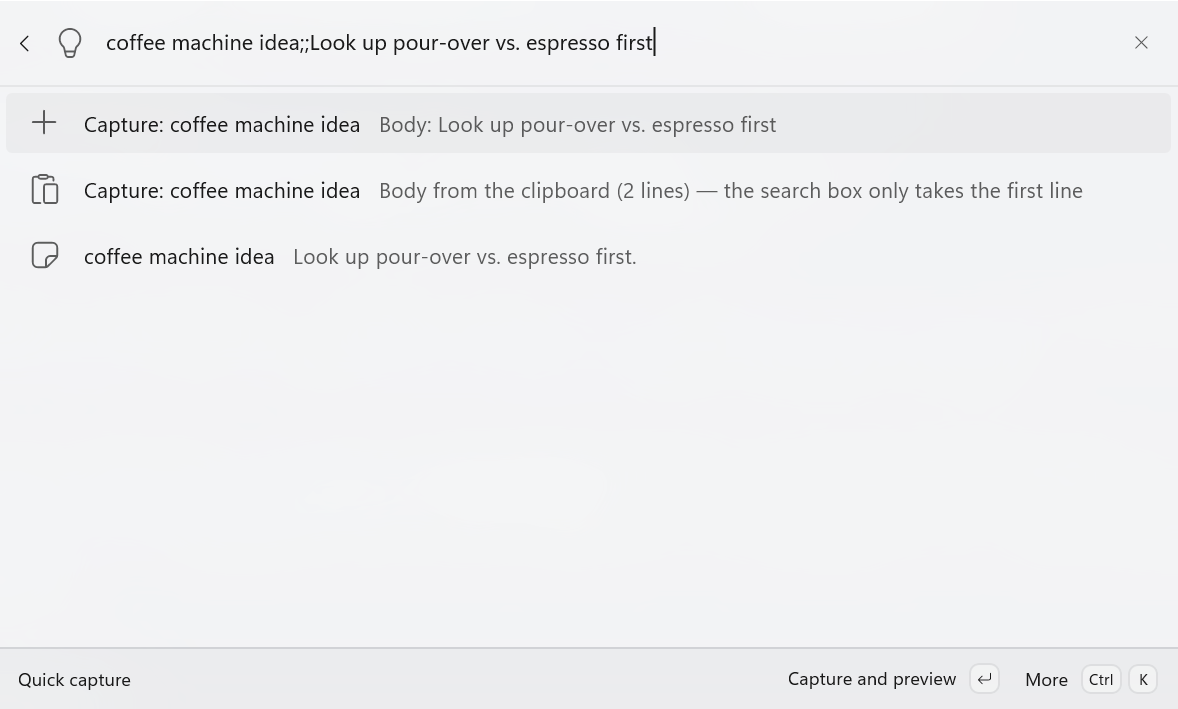
Inkling lets you take notes inside PowerToys Command Palette. Summon the palette, type Inkling, and pick Quick capture. Type your thought, press Enter, and the note is saved.
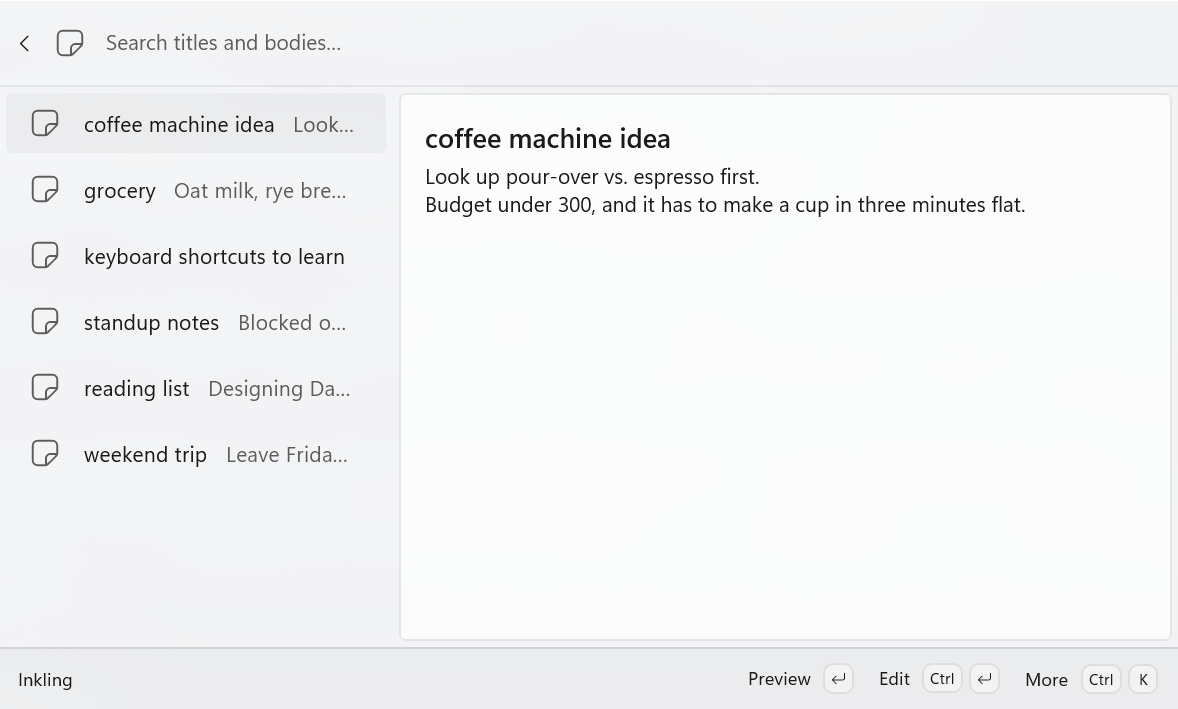
Your notes are ordinary Markdown files in a folder you pick. Open them in any editor, sync them with OneDrive or any other cloud drive, or drop your existing .md files into the folder and they show up in the list right away.
- Quick capture: type a title and press Enter. Add ;; after the title to write the body in the same line. - Notes list: search, preview, edit, copy the body, open a note in your editor, show it in File Explorer, or delete it to the Recycle Bin. - Scratchpad: a single note that is always there, for anything that needs no title. It opens with whatever you left in it last time. - Plain Markdown: front matter fields Inkling does not know are left untouched, so it coexists with Obsidian, VS Code, and anything else that reads .md. - Keyboard-first: the common actions have shortcuts, and Ctrl+K shows the rest. - Optional: assign an alias or a global hotkey to Quick capture to jump straight in.
Your notes stay on your PC. Inkling collects nothing and sends nothing.