
About
What Tex Snippets does
TexSnippets integrates with the Command Palette to turn LaTeX math formulas into easily accessible PNG snippets and Unicode equivalents.
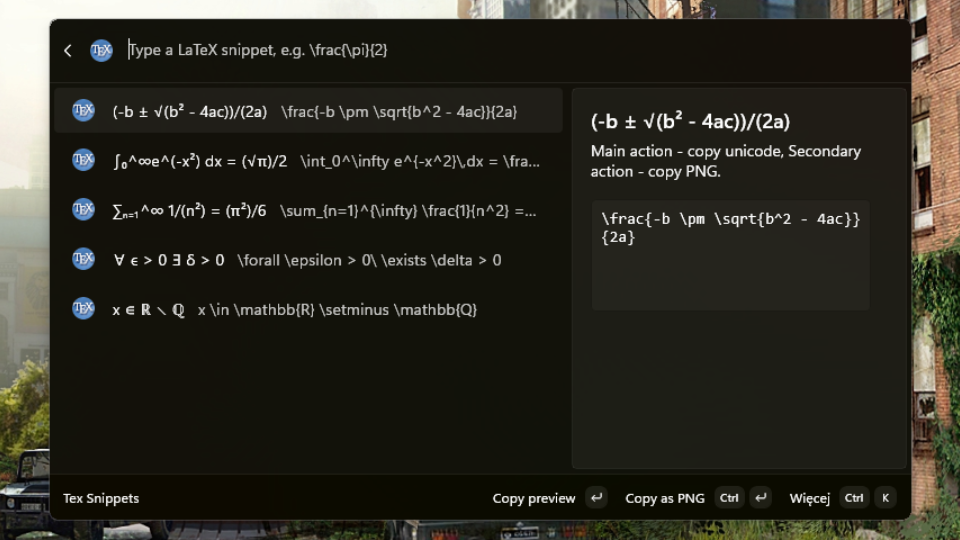
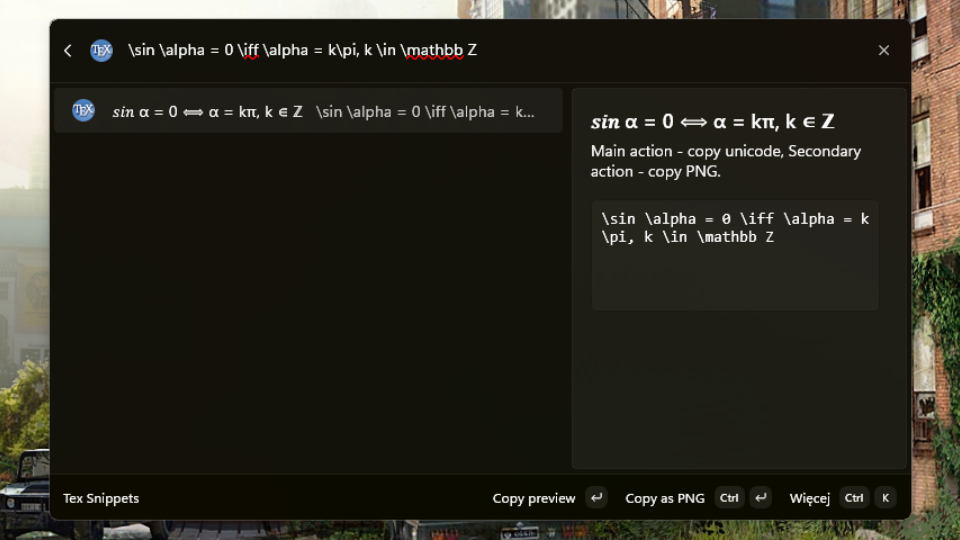
Type a snippet and every keystroke is parsed and rendered to a Unicode approximation, so \frac{-b \pm \sqrt{b^2 - 4ac}}{2a} becomes (-b ± √(b² - 4ac))/(2a) as you go. Malformed input shows the syntax error instead of a preview.
FEATURES
- Live Unicode preview: a small purpose-built parser checks braces, math delimiters, \left / \right pairs and environments, then maps known control sequences to their Unicode equivalents. No LaTeX installation needed.
- Three ways to copy: the Unicode preview, the raw LaTeX source, or a properly typeset PNG placed on the clipboard in two formats at once - PNG with transparency for browsers, Slack, Word and Notion, and a white-flattened bitmap for older image editors.
- Search-box suggestions: type LaTeX straight into the Command Palette search box and "LaTeX preview" and "LaTeX as PNG" appear without opening the extension first.
REQUIREMENTS
Windows 10 version 2004 (build 19041) or later, x64 or ARM64, with PowerToys Command Palette.
The Unicode preview works on its own. Copying as PNG additionally needs a LaTeX installation providing latex and dvipng - TeX Live and MiKTeX both work, and are found automatically on PATH or in their usual install locations.
Open source under the MIT licence.