
About
What Redmine does
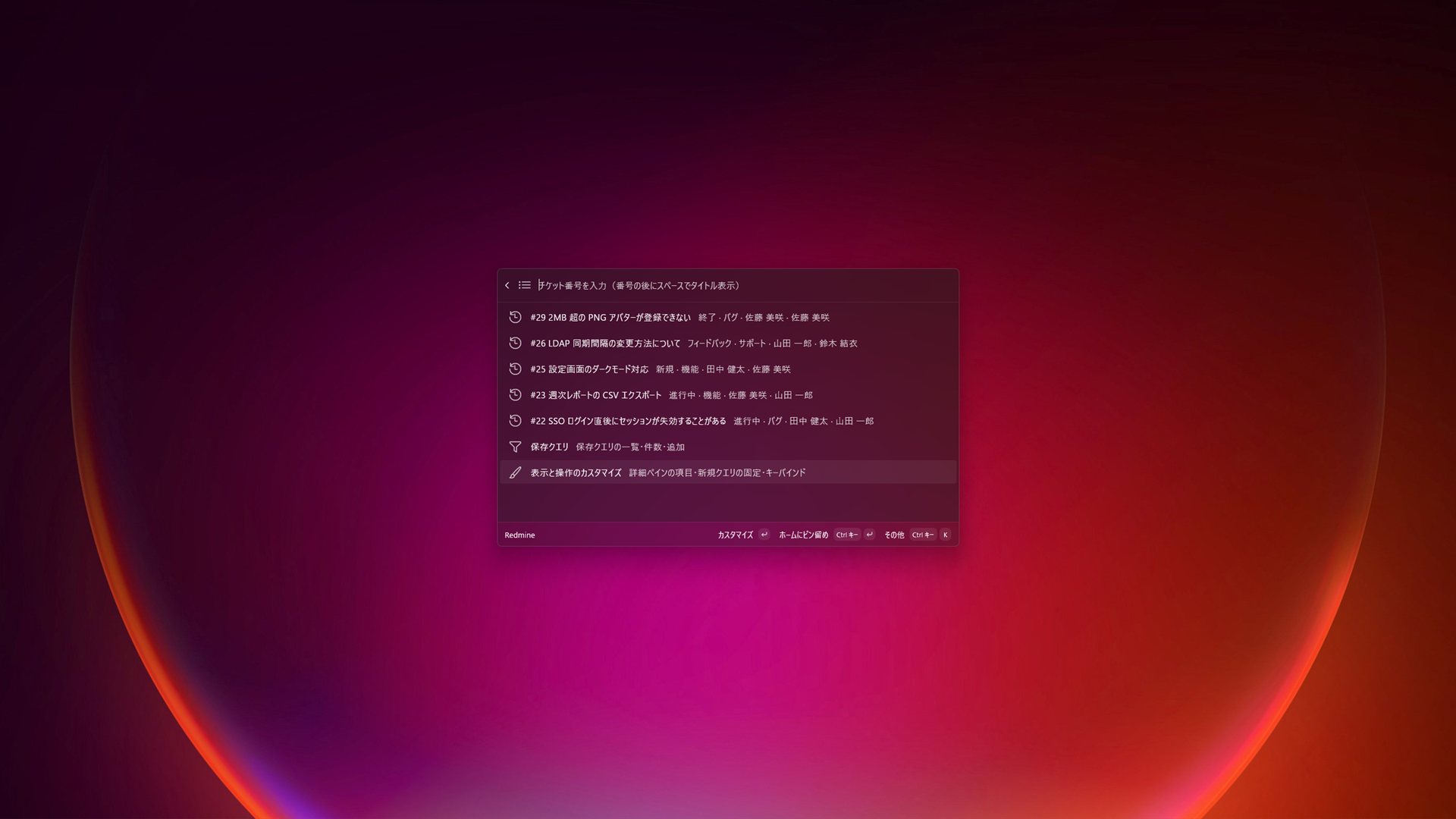
Redmine for Command Palette is an unofficial extension that brings your Redmine issues into the PowerToys Command Palette, so you can act on tickets without switching to the browser.
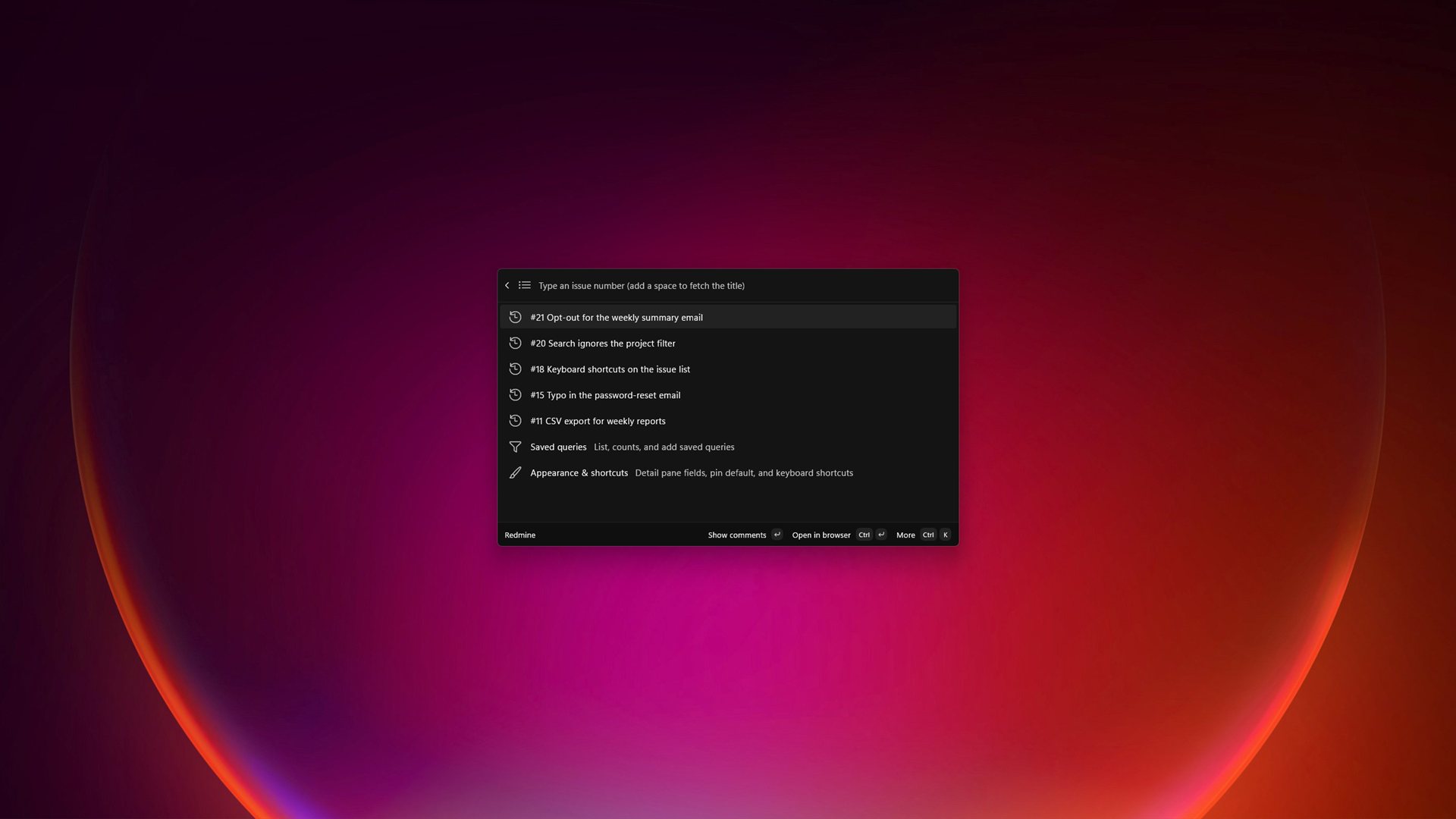
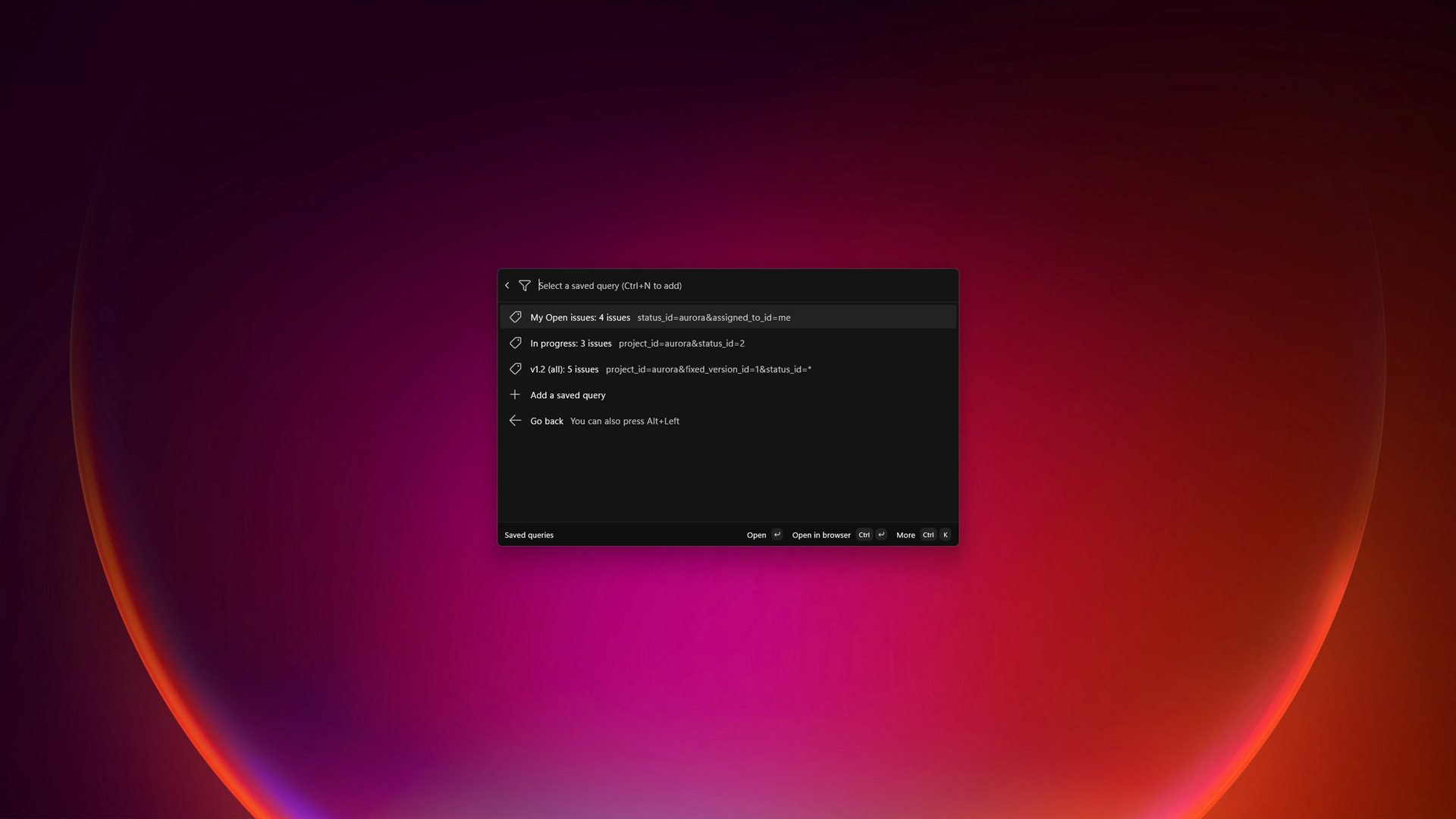
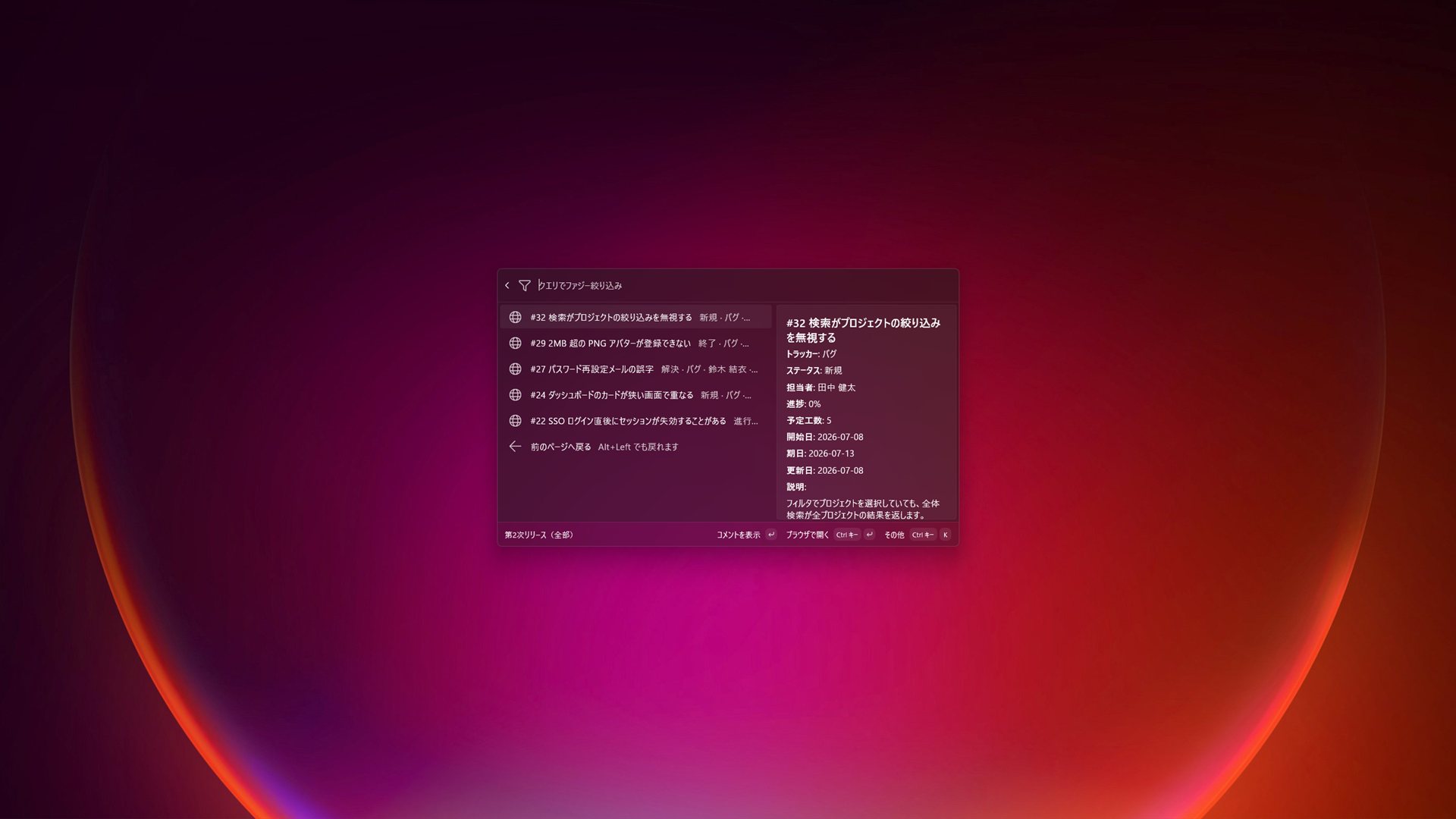
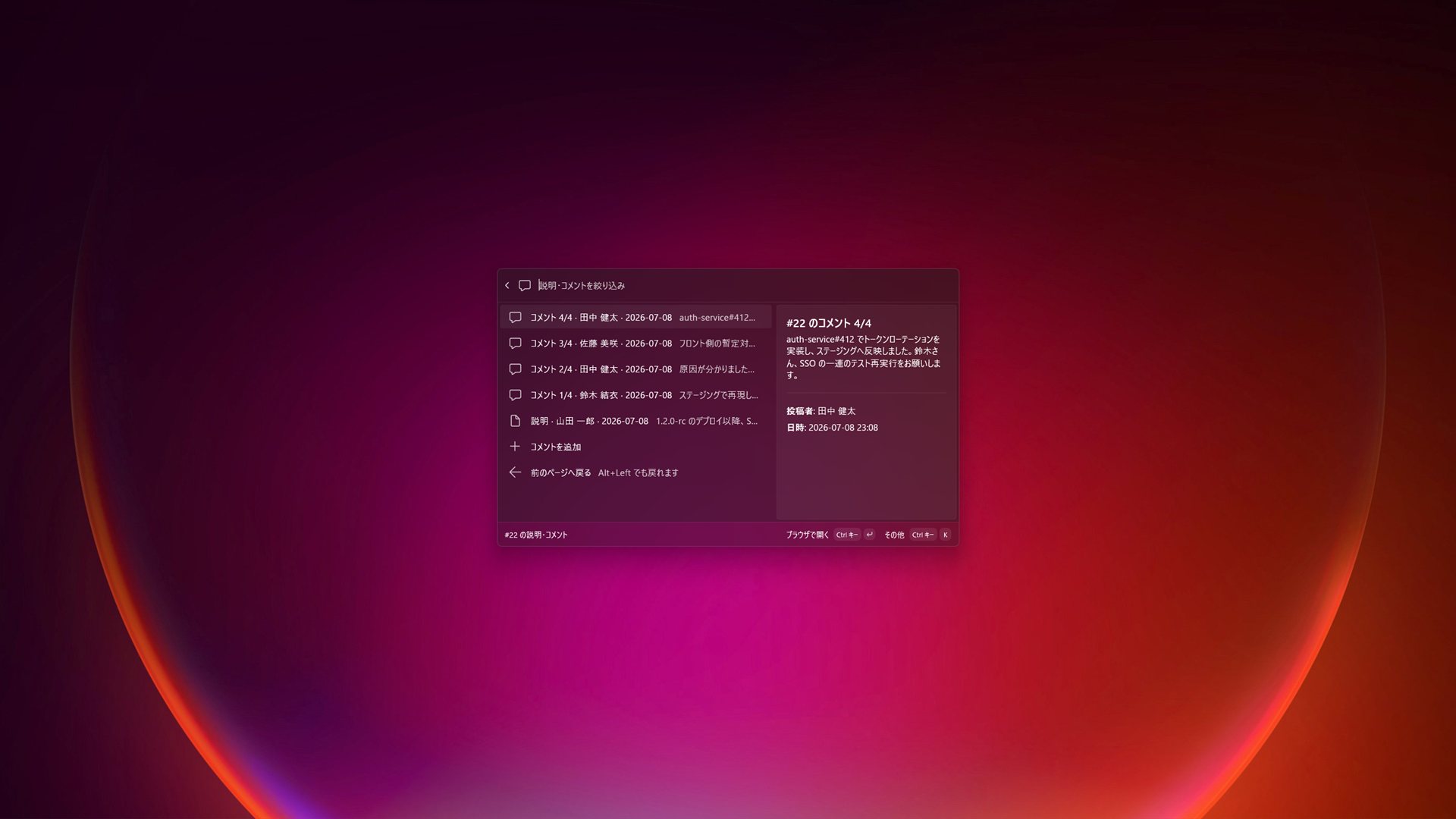
Type an issue number to jump straight to its description and comments. Recently viewed tickets stay one keystroke away in the history, and your favorite Redmine filters become saved queries — each listed with its issue count and ready to pin as a top-level command. Status changes and comments are handled right in the palette; anything more detailed opens in the browser with Ctrl+Enter.
The extension is designed to be gentle on your server (batched requests and caching) and careful with your credentials: the API key is stored only in the Windows Credential Manager (DPAPI-encrypted, per user) and is never written to disk in plain text. The UI is available in English and Japanese, following the Windows display language.
Requirements: - Microsoft PowerToys with the Command Palette feature enabled. - A Redmine server with the REST API enabled. An API access key is optional: public servers can be browsed read-only without one; a key is needed for private projects and for status changes / comments.
"Redmine" is a trademark of its respective owner. This is an independent, unofficial extension.