
About
What Tailscale Command Palette does
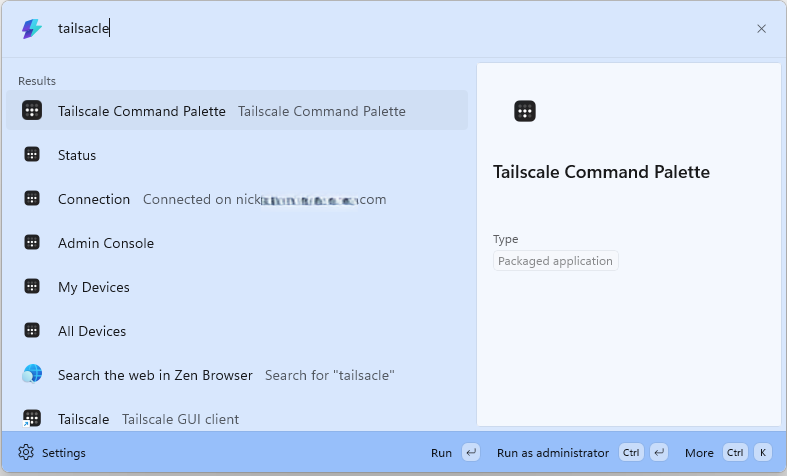
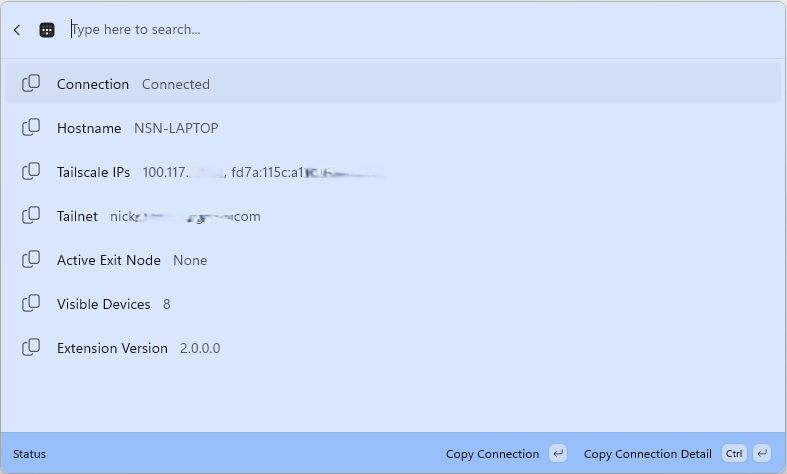
Bring Tailscale into Command Palette so you can inspect your tailnet and run common actions without leaving your workflow. Browse all visible devices or just your own devices, view connection and local node status, quickly connect or disconnect Tailscale, and open the Tailscale Admin Console.
The extension also makes device details easy to work with by letting you copy Tailscale IPv4, IPv6, and MagicDNS values, while showing useful metadata such as online state, operating system, current device, exit node status, and SSH availability.
Requires Windows 10 2004 or later, Microsoft PowerToys with Command Palette support, and Tailscale installed with the tailscale CLI available on PATH.