
About
What Event Viewer does
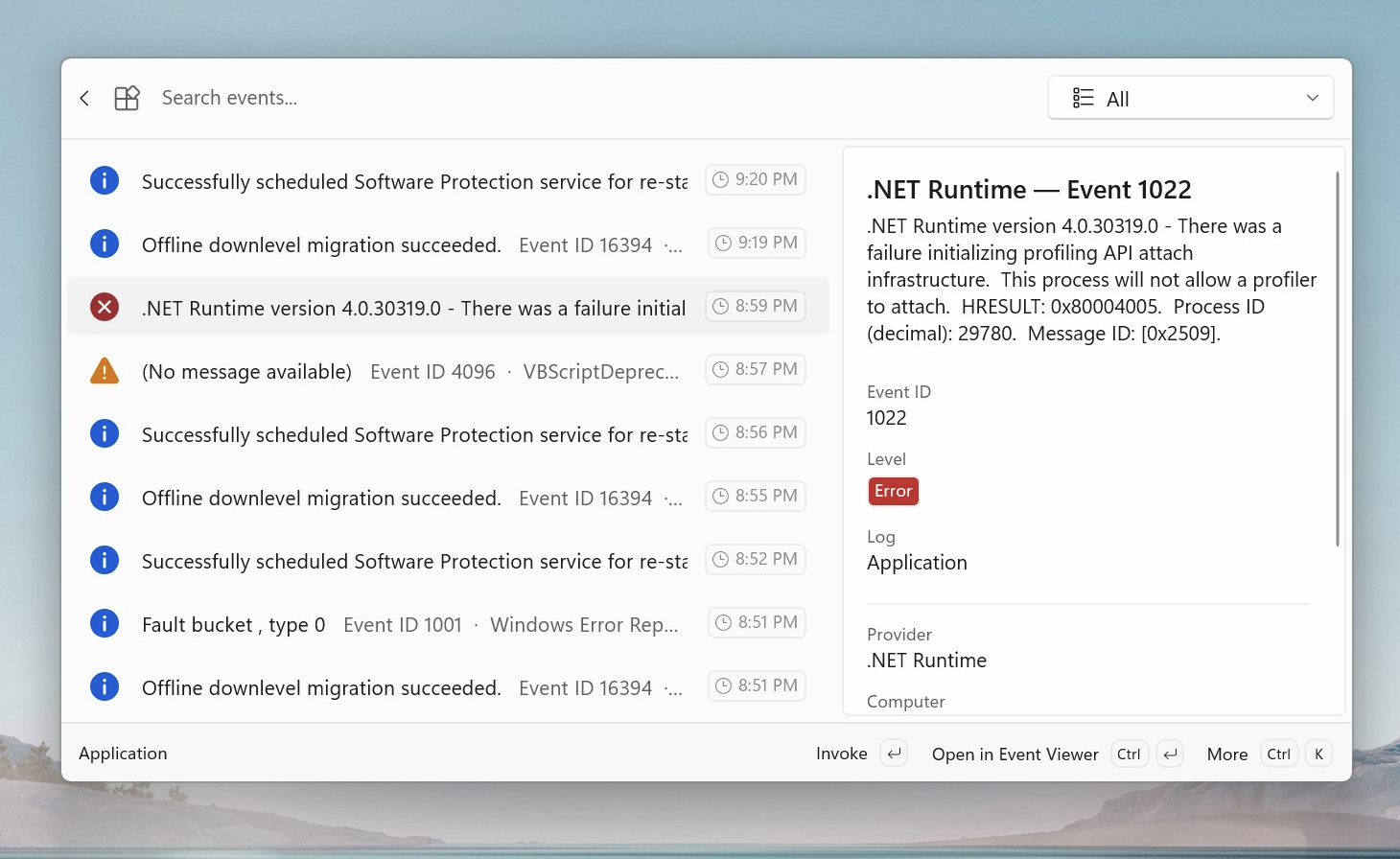
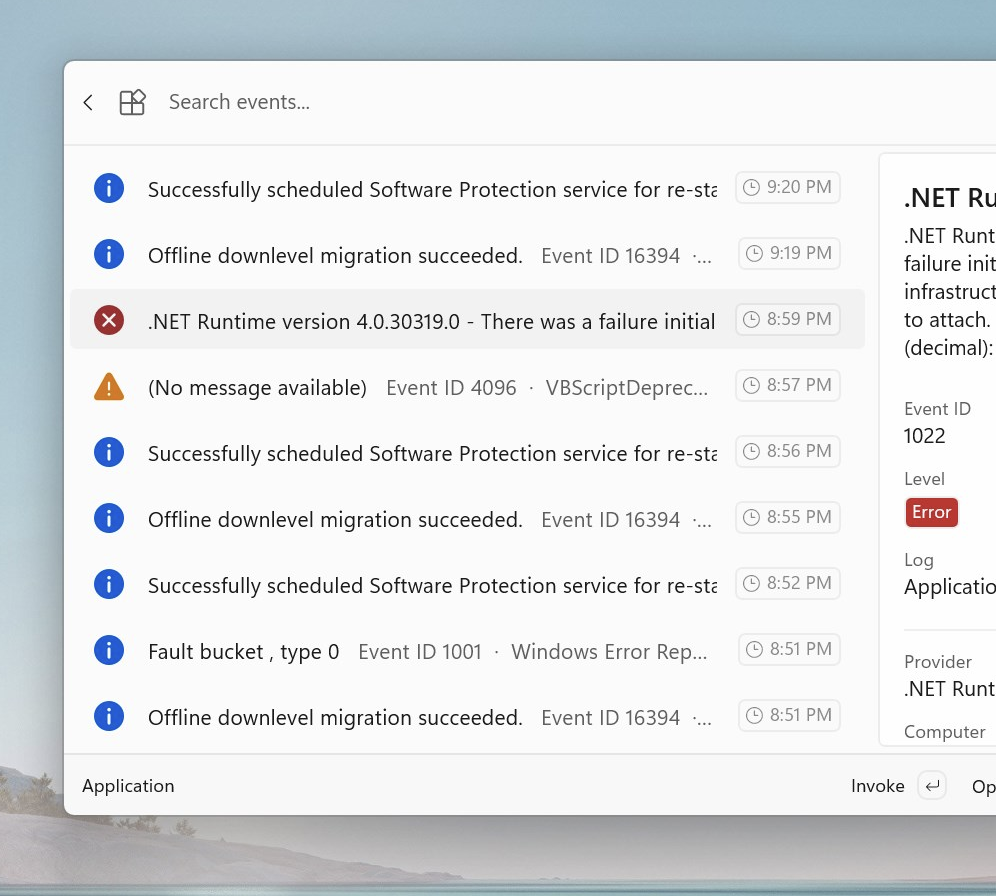
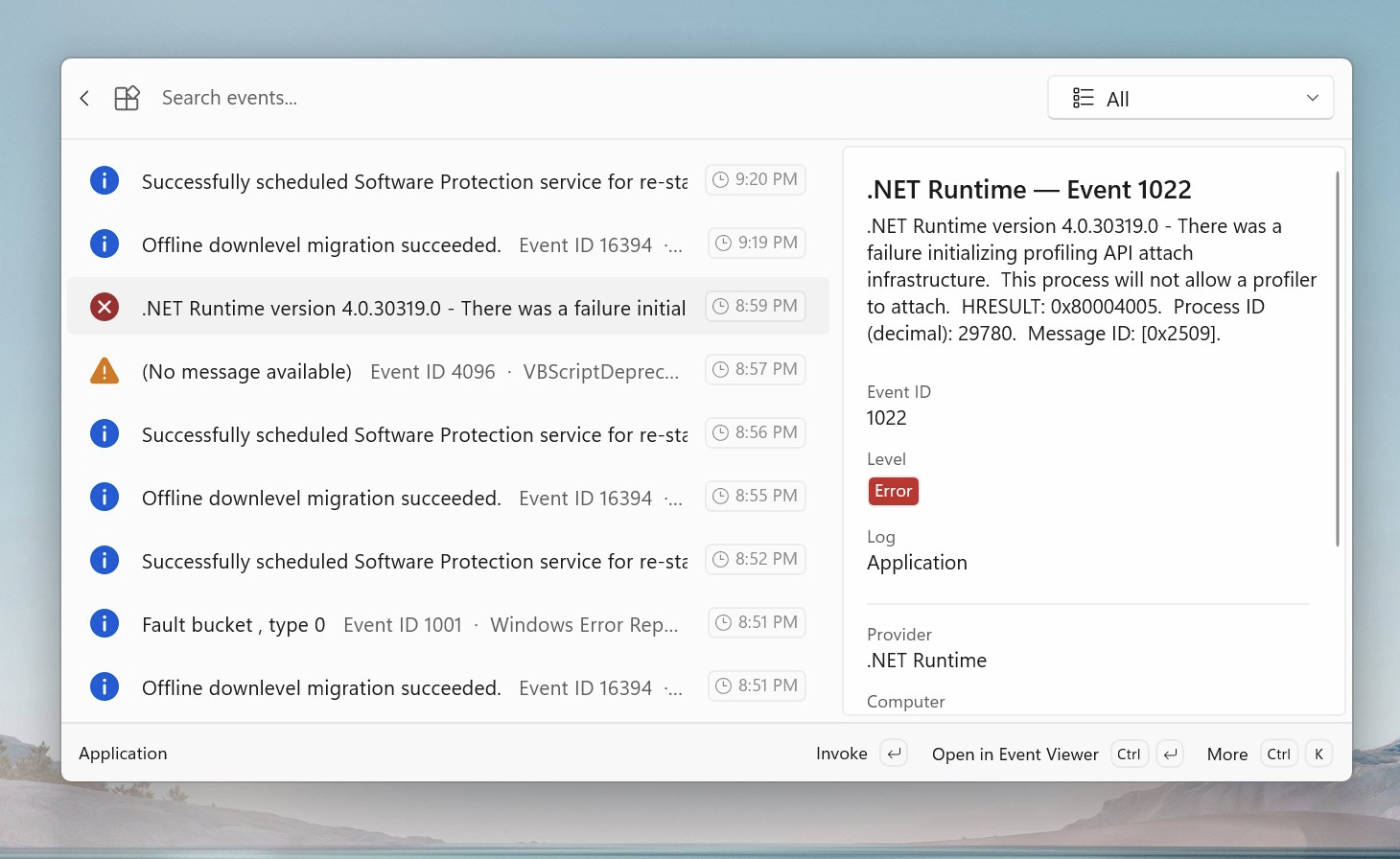
Browse and search Windows Event Logs directly from the Command Palette experience. Access all major Windows log categories including Application, Security, Setup, System, and Forwarded Events.
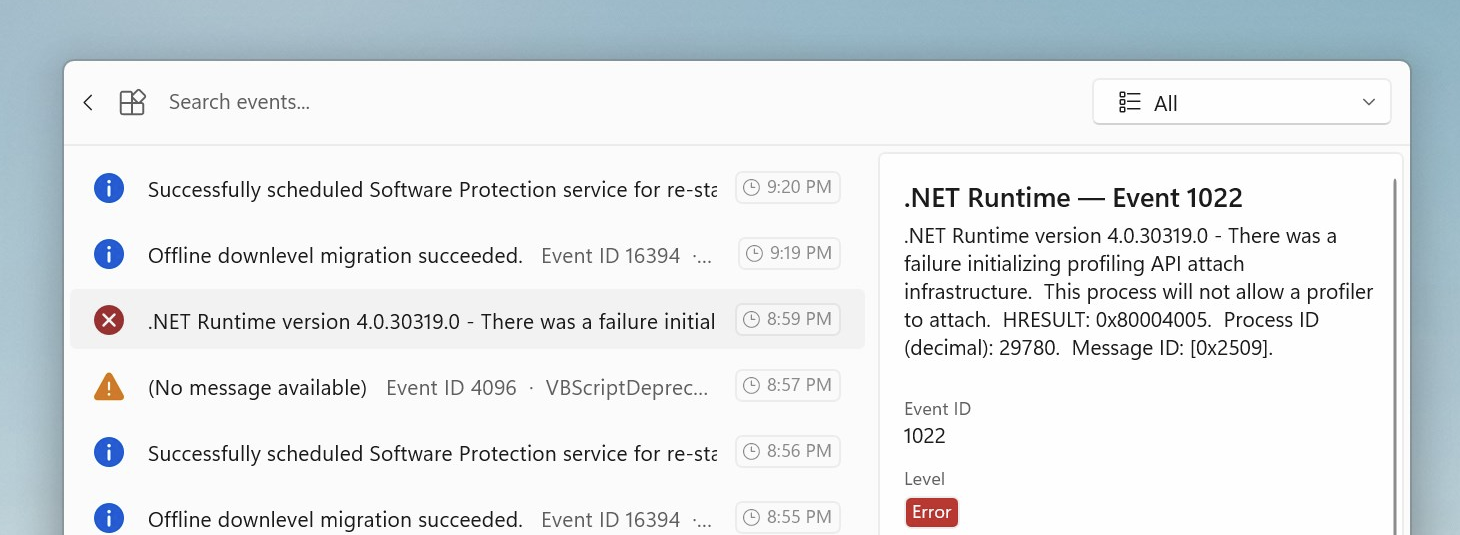
Filter events by severity level—Critical, Error, Warning, Information, or Verbose. View events from configurable time ranges, search by message content or provider name, and see detailed event information including timestamp, provider, event ID, message, machine name, and user info.