
About
What Quick Shell does
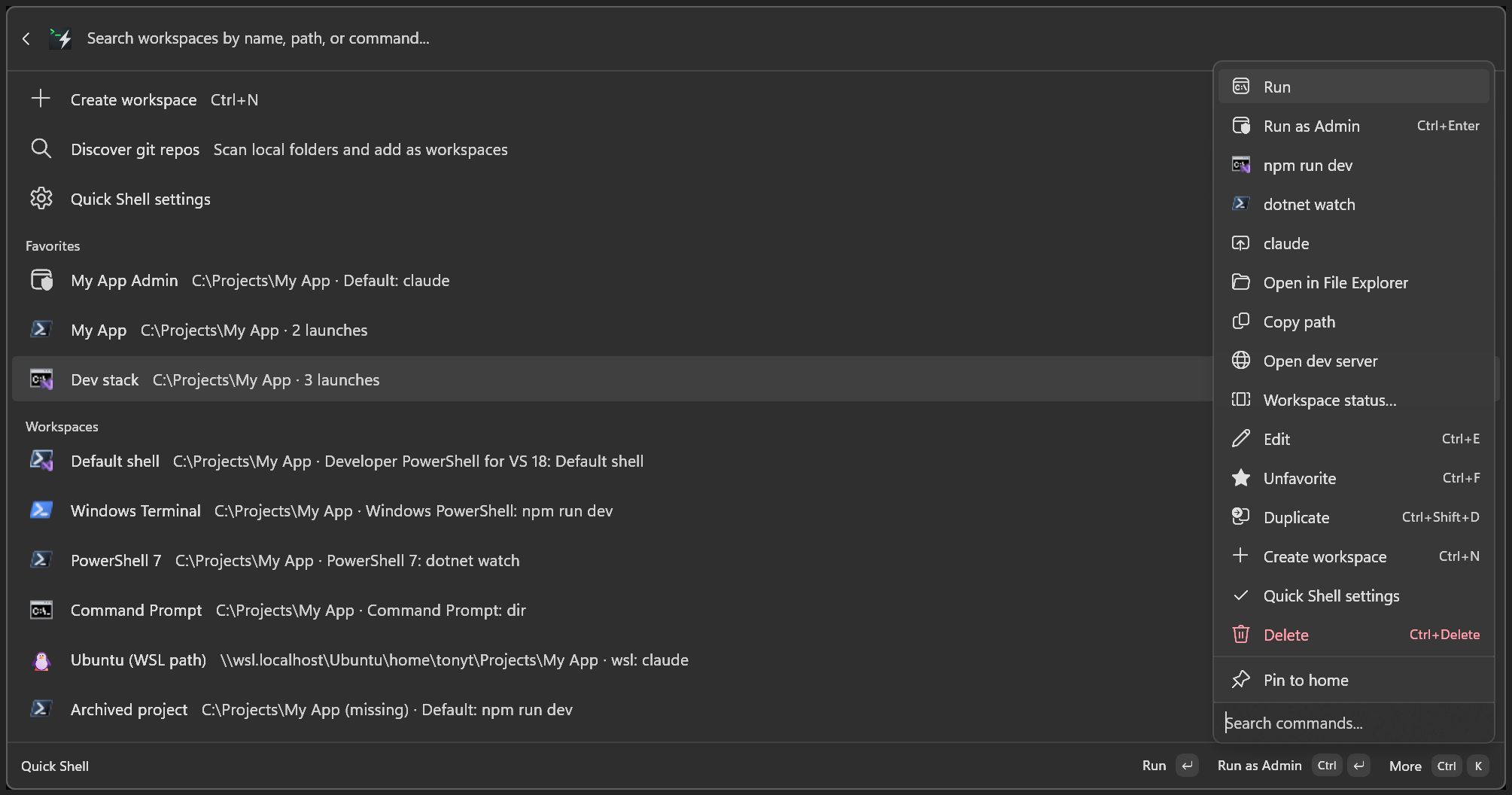
Quick Shell saves folders you open often and launches them from Command Palette in the terminal you already use.
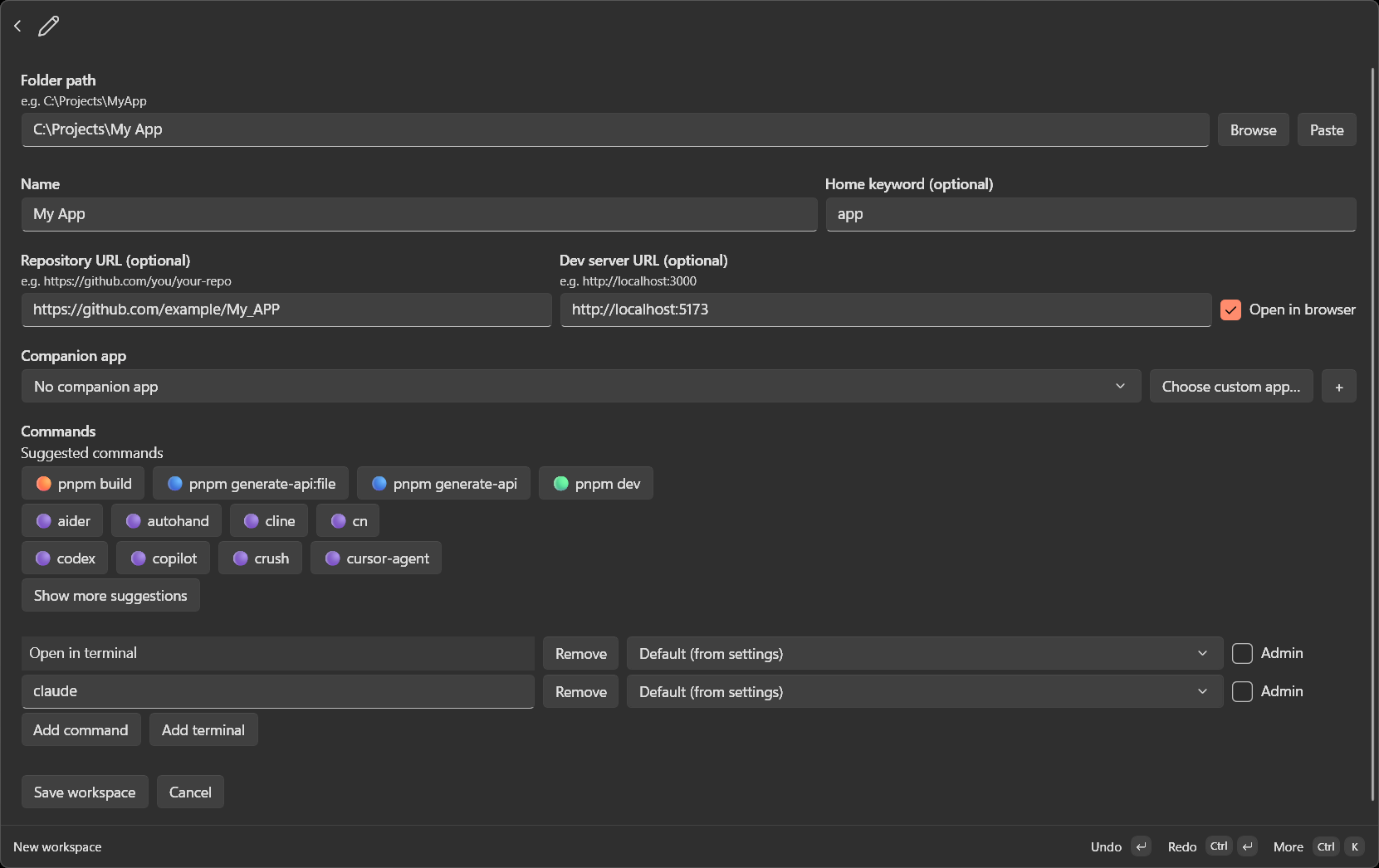
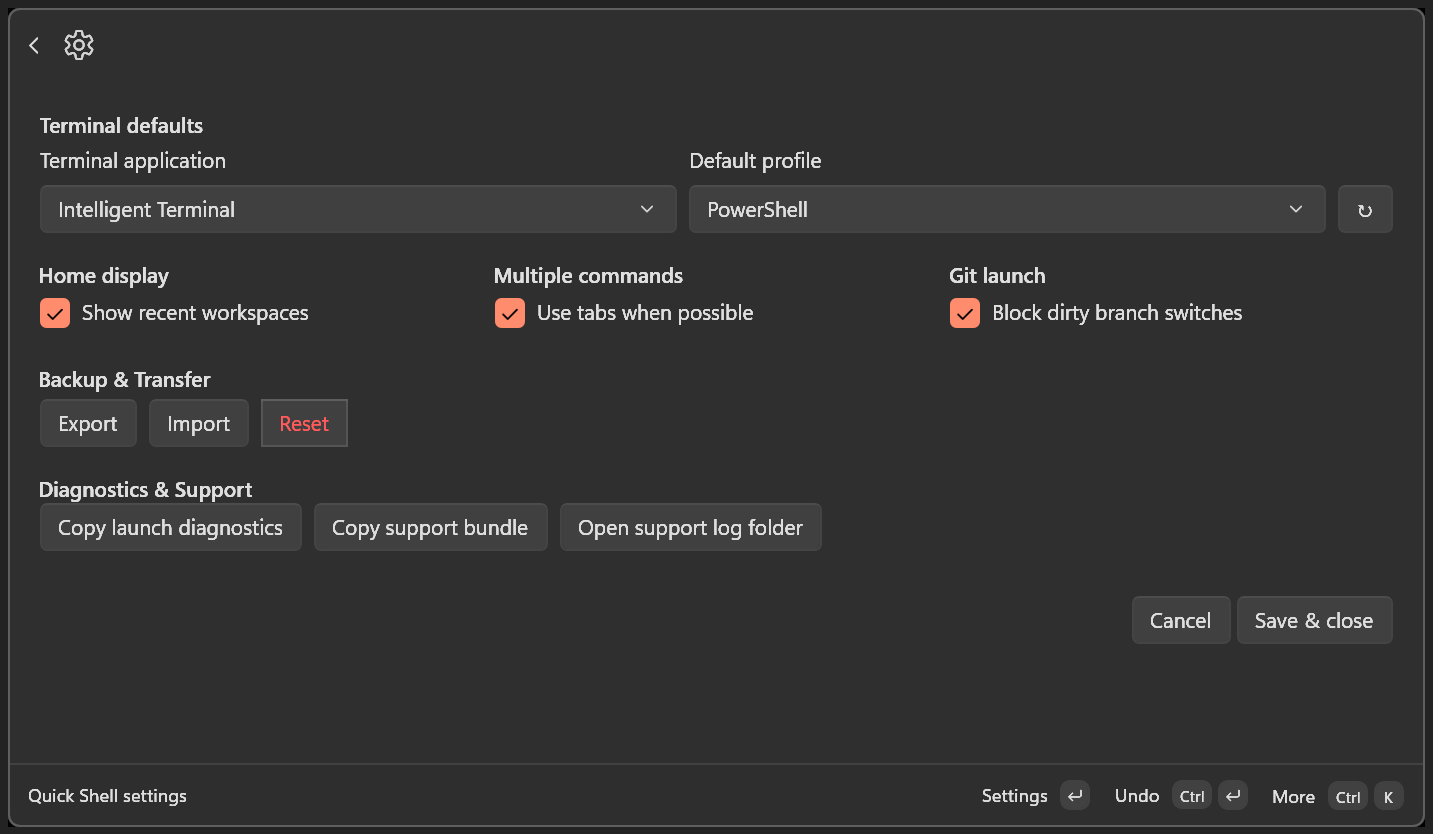
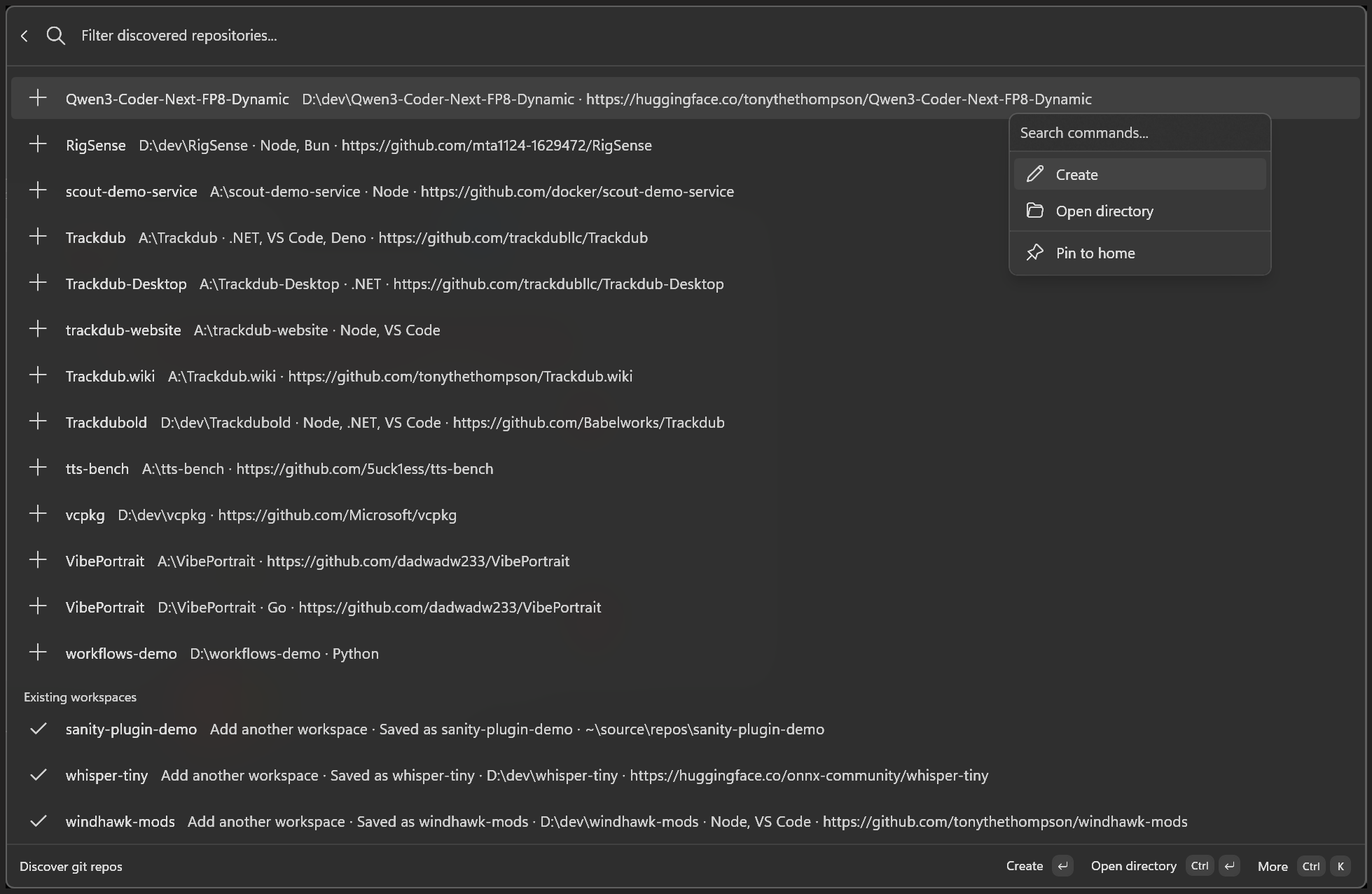
- Discover local git repositories and add them as workspaces - Save workspaces with optional home keywords for root-palette search - Suggested launch commands from project analysis (npm, dotnet, agent CLIs, and more) - Every Windows Terminal and Intelligent Terminal profile on your PC, plus WSL and classic shells - Optional companion app and dev-server URL on open - Create, edit, favorite, duplicate, import, and export workspaces inside Command Palette - Undo and redo edits; open elevated when needed
After installing from the Microsoft Store or WinGet, open Command Palette and run "Reload Command Palette Extension", then search for Quick Shell.