Transform Constraints
UXTools provides a mechanism to implement and apply transform constraints to actors on manipulation by using a UxtConstraintManager. They are integrated with the UxtManipulatorComponent and UxtBoundsControlComponent out of the box.
Usage
In order to use constraints:
- Add any desired
UxtTransformConstraint-derived components to the actor. - Add any components that contain and use a
UxtConstraintManagerinstance, such asUxtManipulatorComponentandUxtBoundsControlComponent.
By default, every UxtConstraintManager instance will take all the constraint components attached to the actor into consideration.
Built-in constraint components
There are a few built-in constraint components, which will hopefully save you from having to write your own.
UxtFaceUserConstraint
Makes the actor face the camera while interacting with it.
Set bFaceAway to true to make the object face away from the camera.
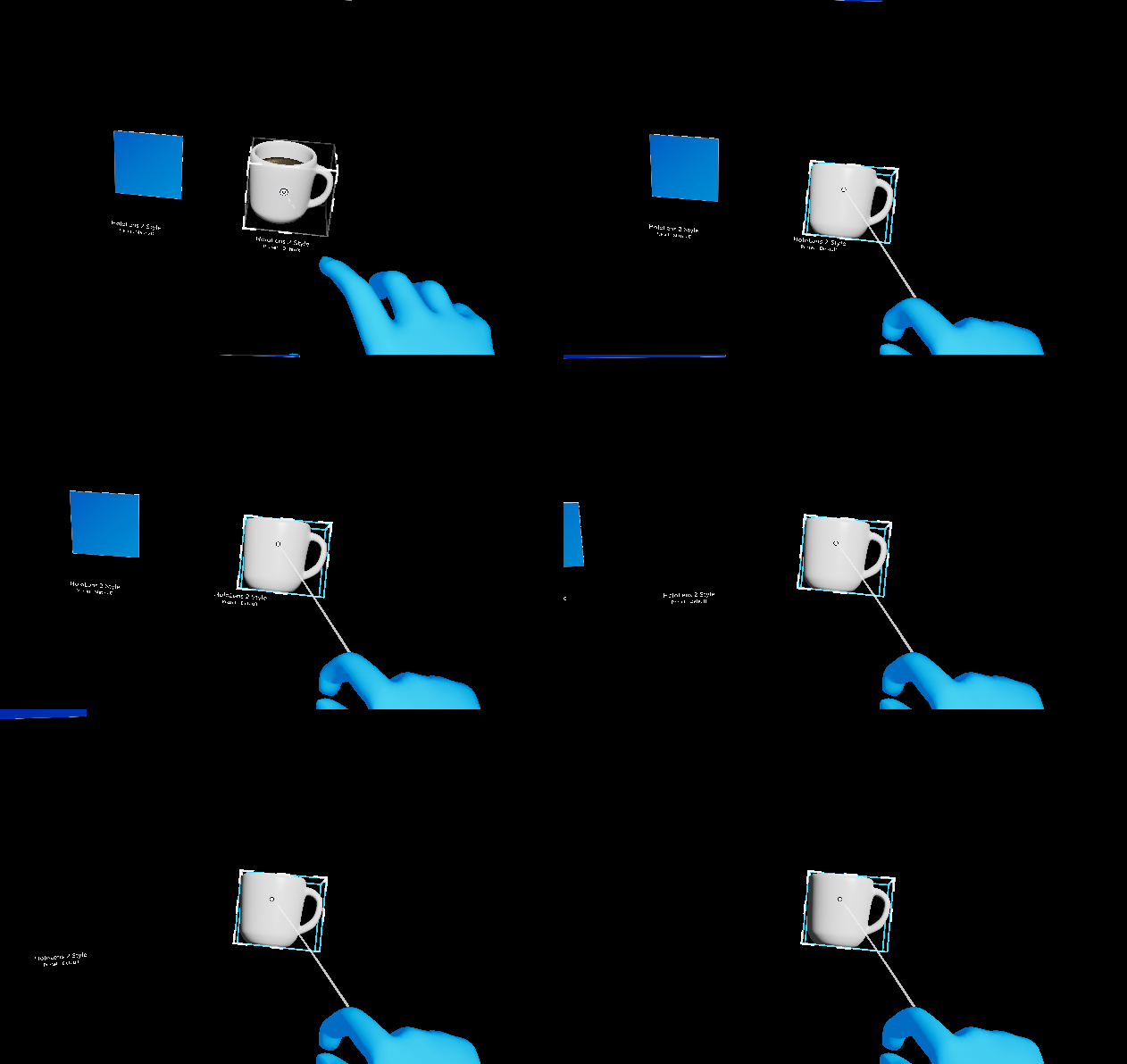
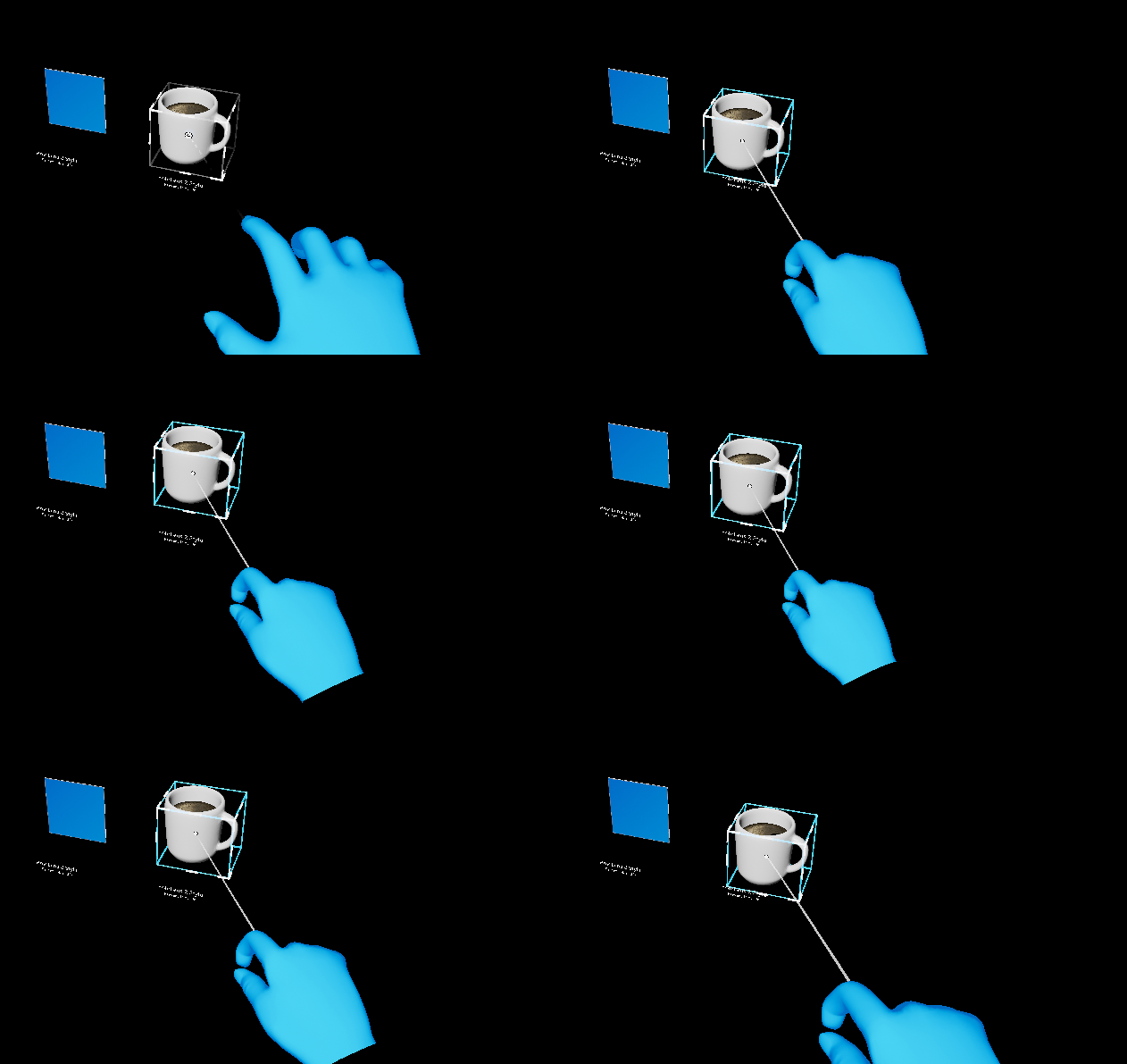
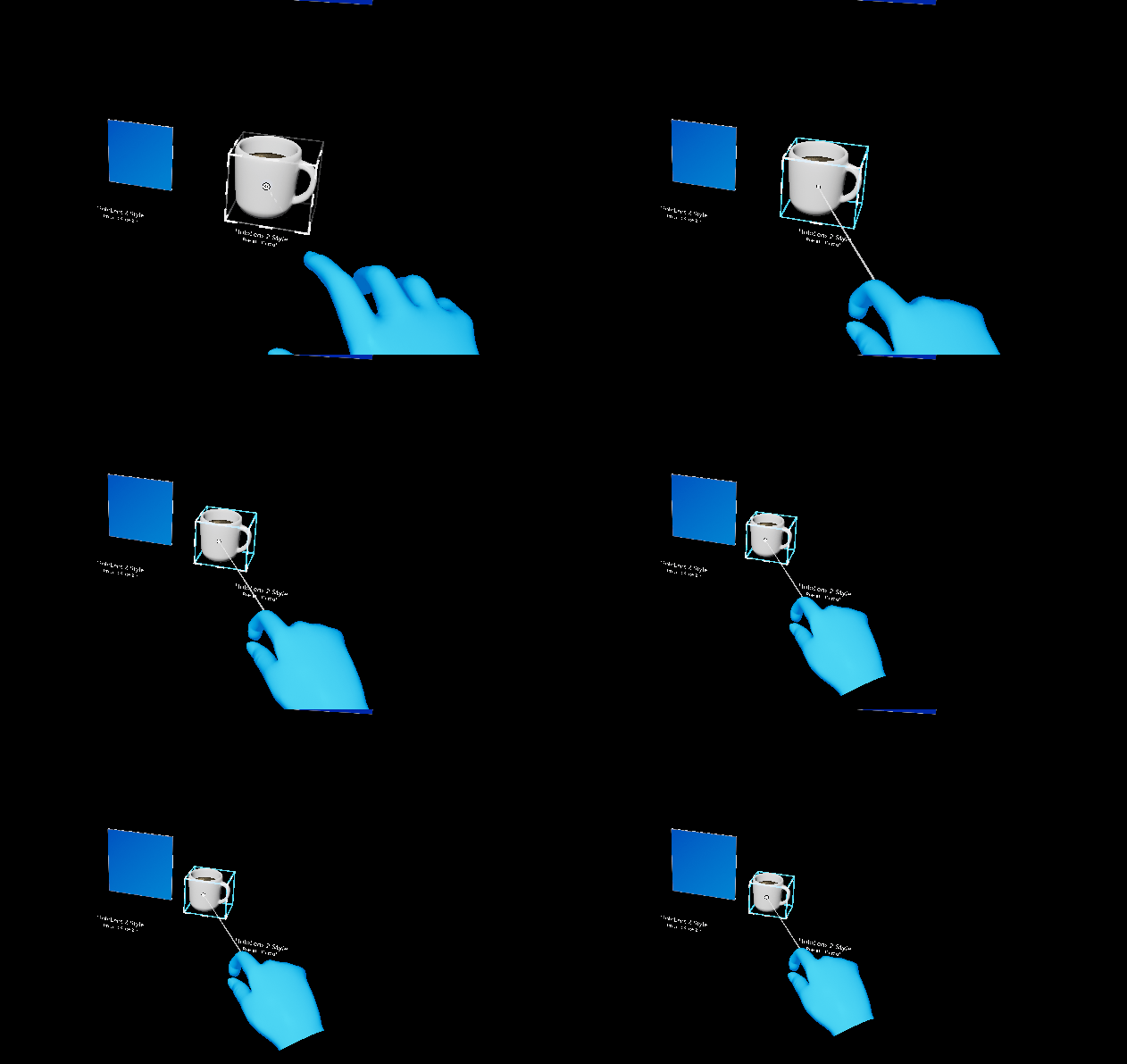
UxtFixedDistanceConstraint
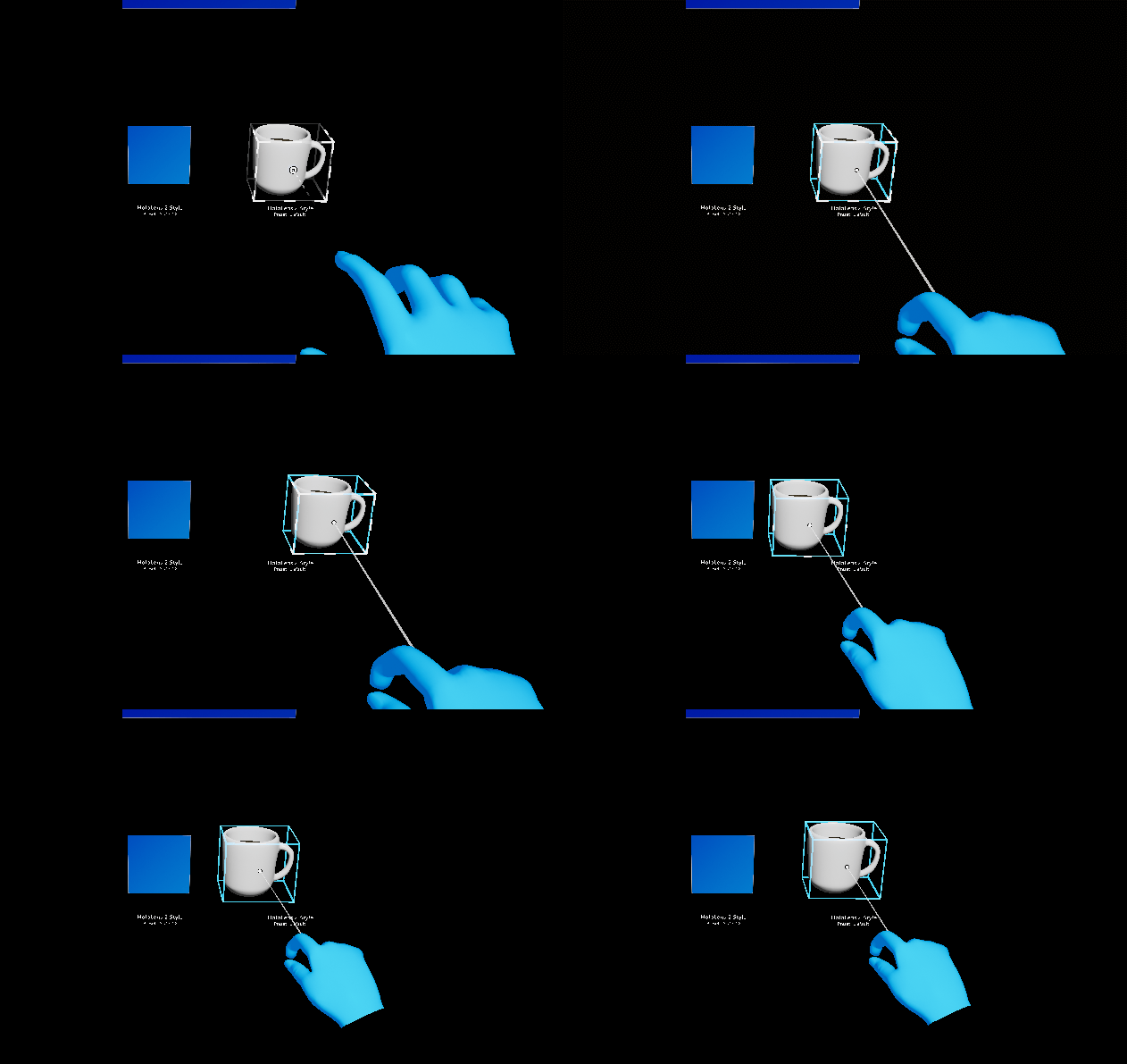
Makes the actor stay at a fixed distance from the camera.
| With | Without |
|---|---|
 |
 |
UxtFixedRotationToUserConstraint
Makes the actor maintain the same rotation (relative to the user) that it had when the interaction started.
Set bExcludeRoll to false to allow rolling of the actor.
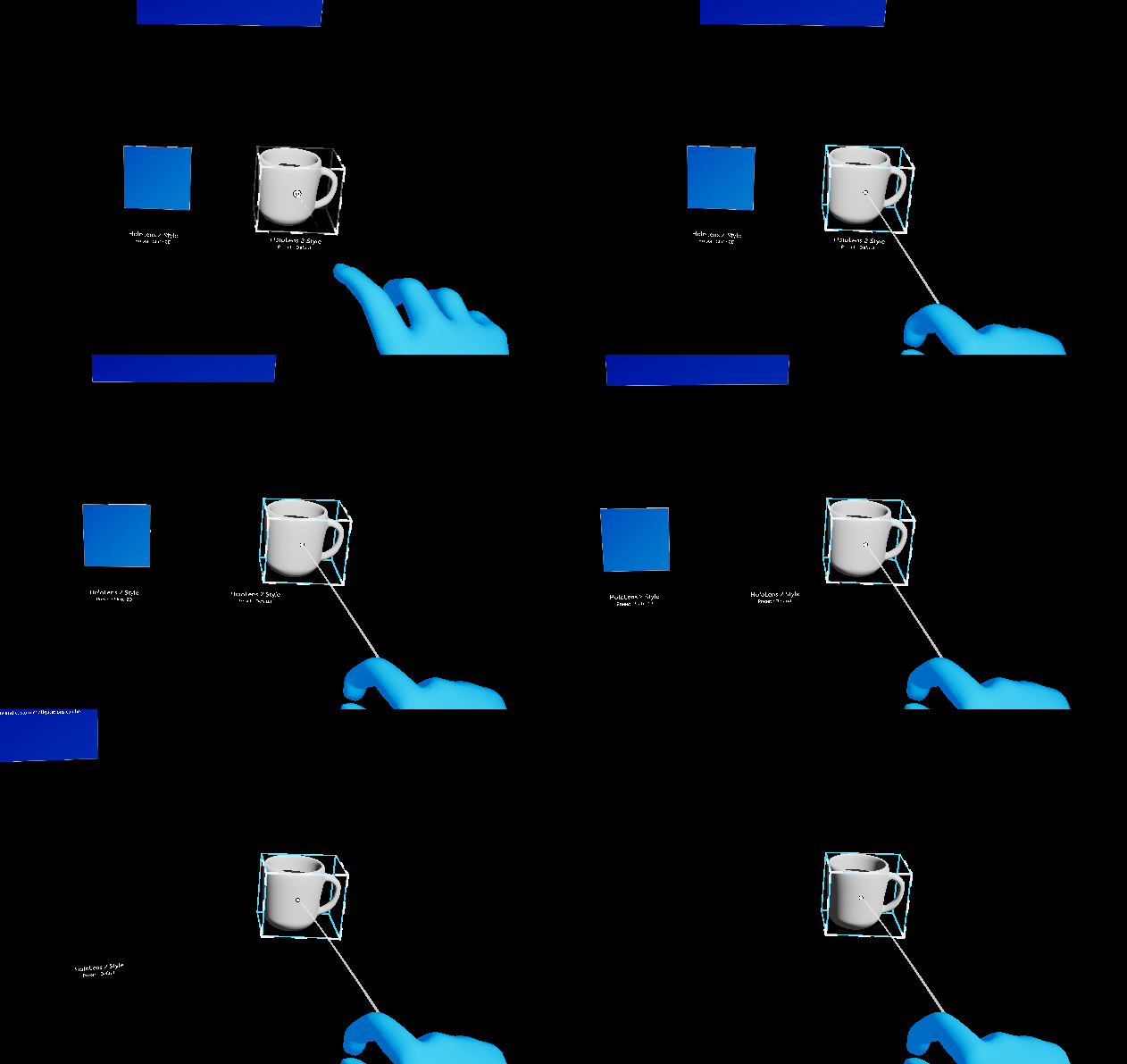
UxtFixedRotationToWorldConstraint
Makes the actor maintain the same rotation (relative to the world) that it had when the interaction started.
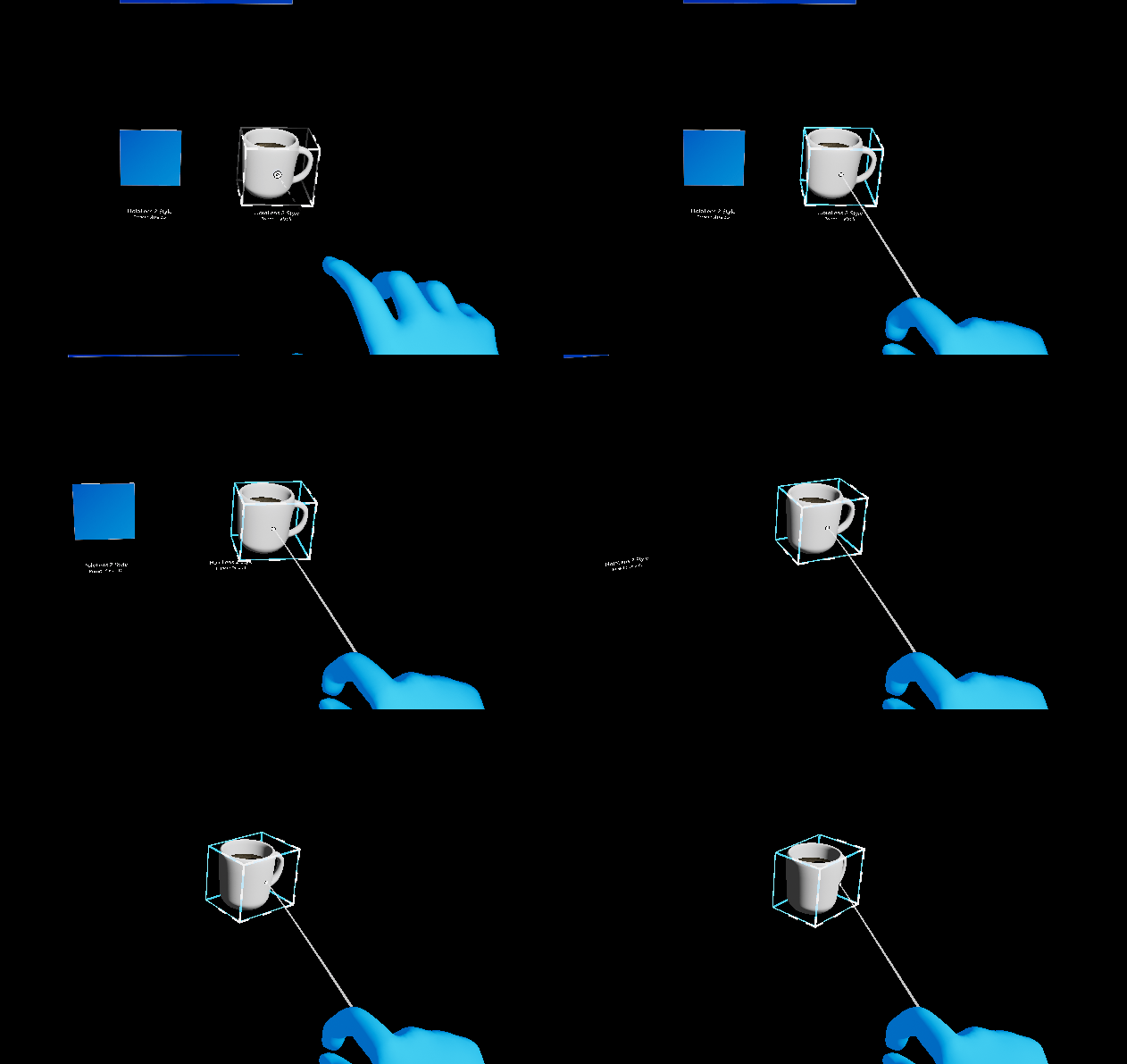
UxtMaintainApparentSizeConstraint
Makes the actor maintain the apparent size (relative to the user) that it had when the interaction started.
UxtMinMaxScaleConstraint
Limits the minimum and maximum scale of the actor during manipulation, via MinScale and MaxScale properties respectively.
Use bRelativeToInitialScale to configure whether the limits are relative to the scale at interaction start (true) or absolute (false).
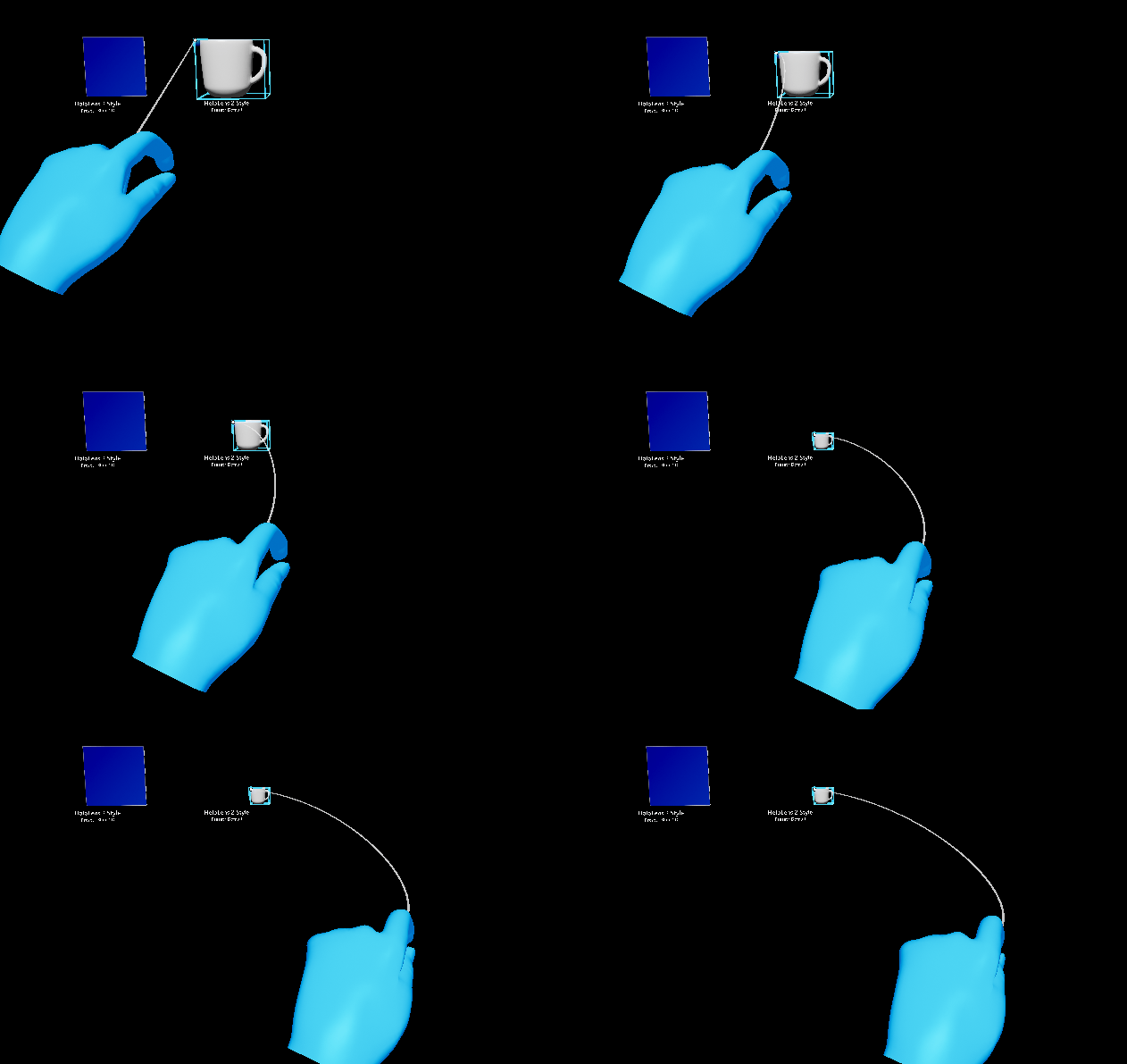
(Example limiting the minimum scale to 0.3)
UxtMoveAxisConstraint
Limits movement on specific axes. Use the ConstraintOnMovement bit mask of EUxtAxisFlags.
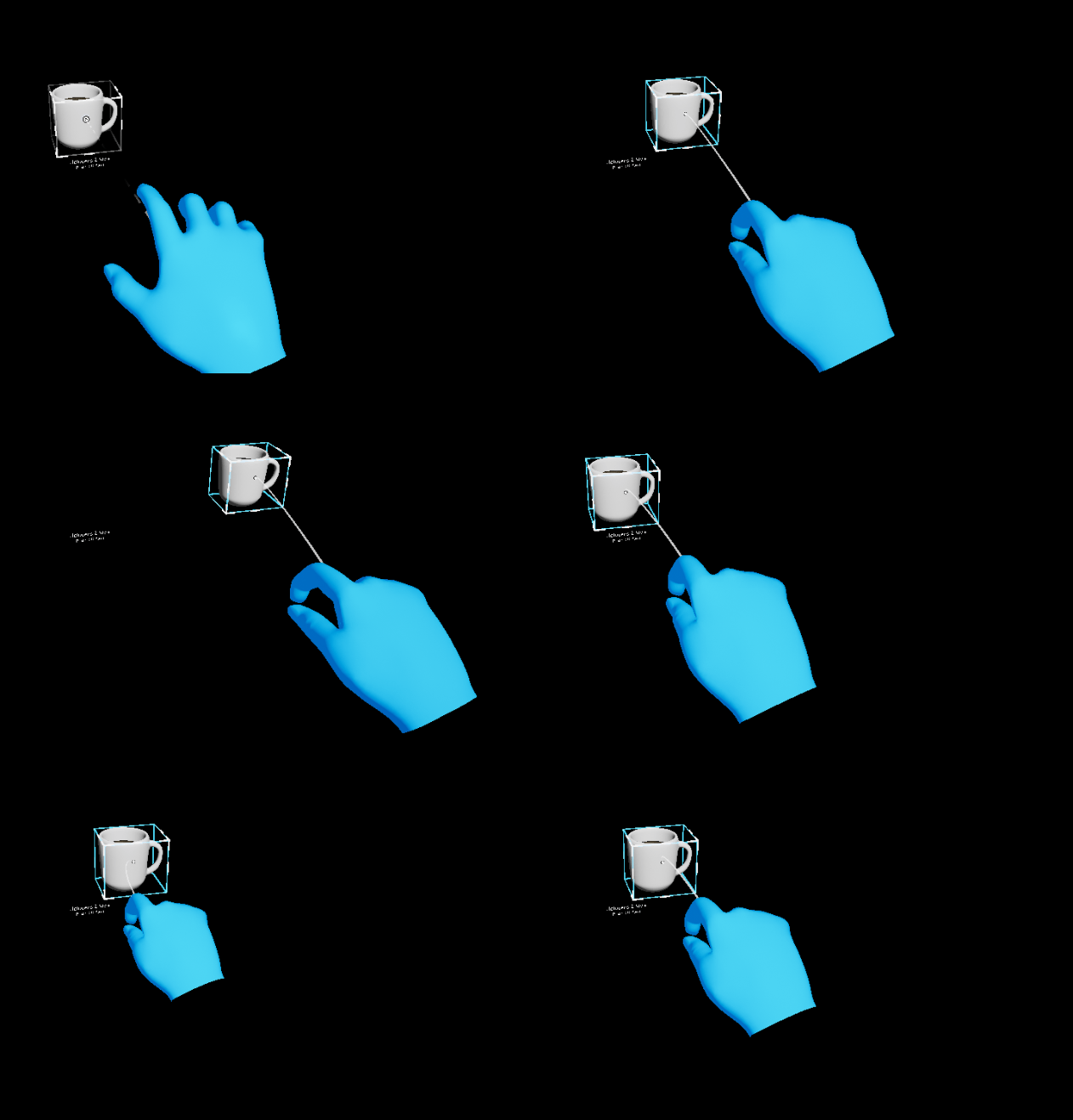
(Example limiting the movement along the X and Z axes)
UxtRotationAxisConstraint
Limits rotation on specific axes. Use the ConstraintOnRotation bit mask of EUxtAxisFlags.
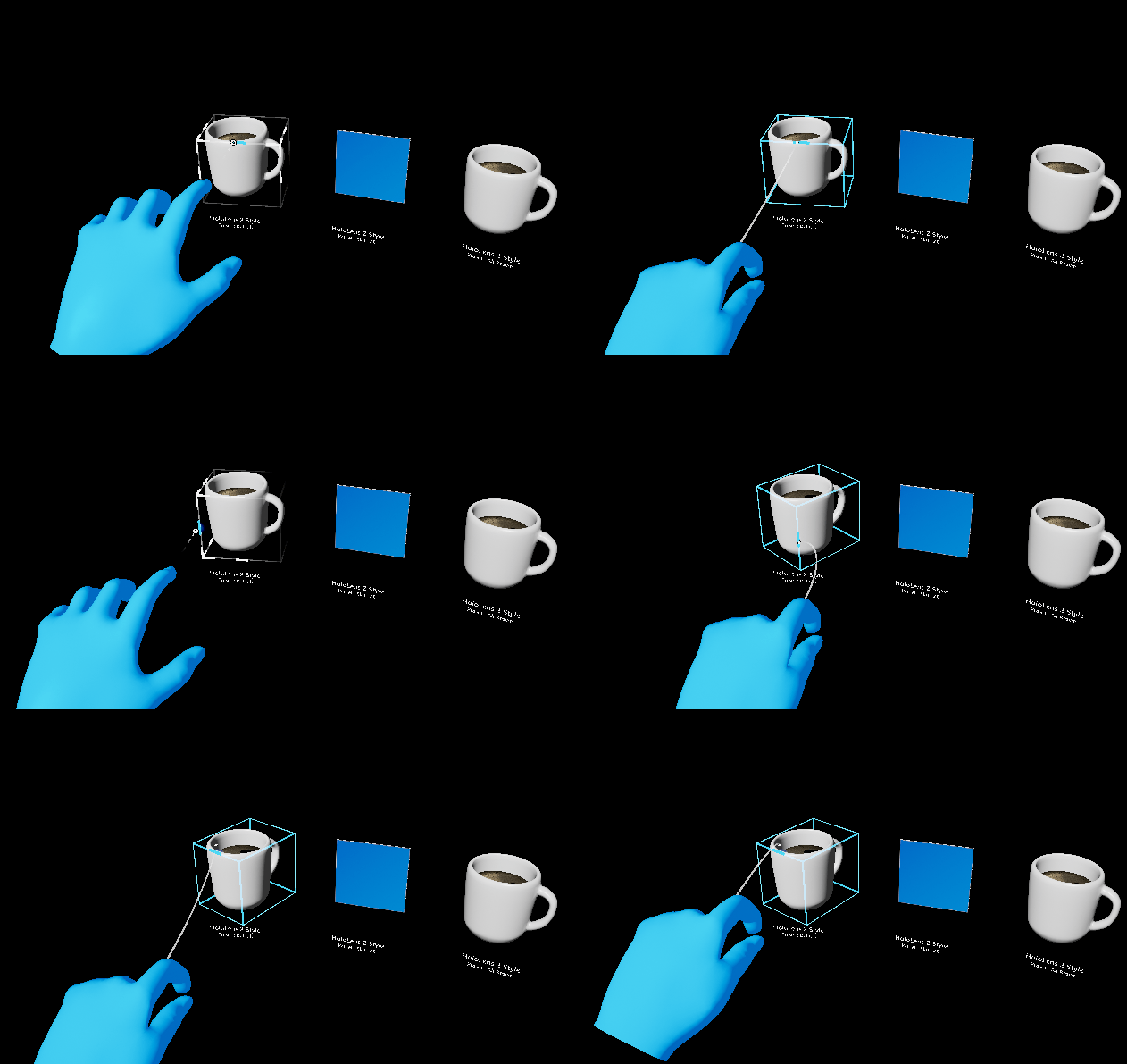
(Example limiting the rotation around the X and Y axes)
Adding more constraint components
If none of the Built-in constraint components suits your needs, you can add more by simply creating a new UCLASS that inherits from UxtTransformConstraint. Then, provide implementations for GetConstraintType, ApplyConstraint and (optionally) Initialize.
In this case, please feel free to take a look at our contributing docs and make a suggestion!