azure-monitor-lab
Azure Monitor Lab
📋 Session Description
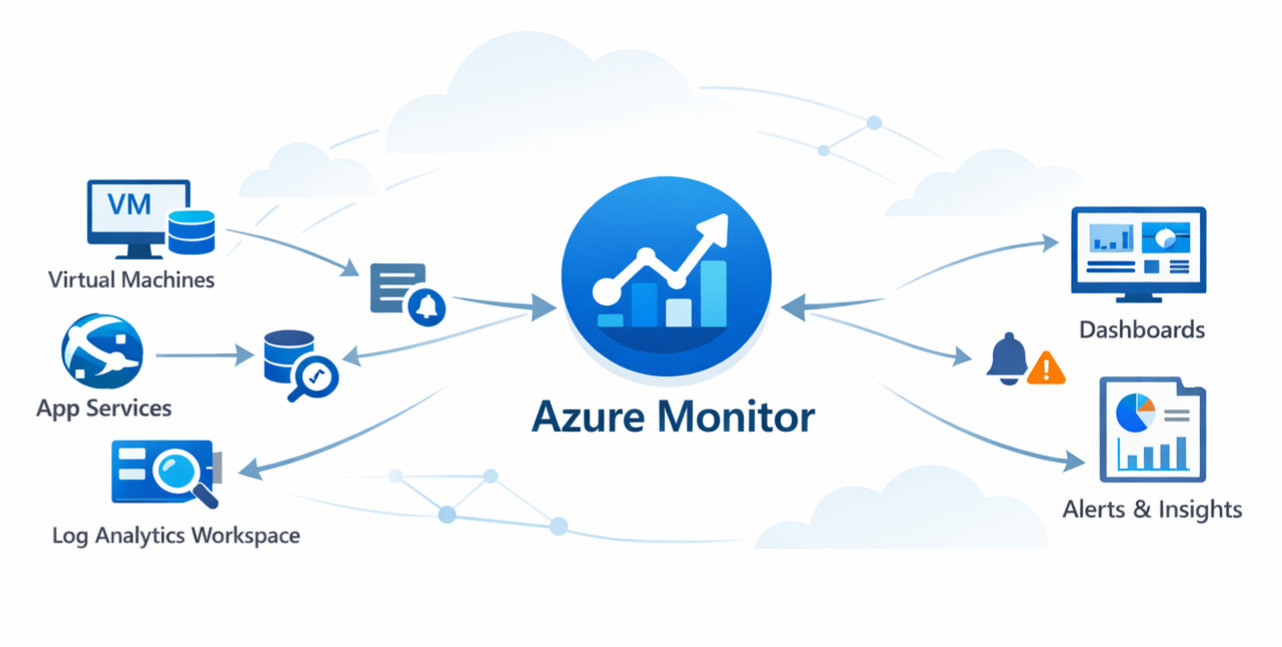
This hands-on lab provides practical experience configuring monitoring solutions using Azure Monitor. Participants will deploy Log Analytics workspaces, enable Application Insights for web applications, configure data collection rules for compute services, and create alert notifications. By completing this lab, you’ll gain the skills needed to implement comprehensive monitoring solutions for Azure workloads.
🧠 Learning Outcomes
By the end of this lab, you will be able to:
- Deploy and configure Azure Log Analytics workspaces with data retention and access policies
- Implement monitoring solutions for web applications and compute services using Application Insights and data collection rules
- Create and configure Azure Monitor alerts with action groups for proactive infrastructure monitoring
💻 Technologies Used
- Azure Monitor
- Log Analytics
- Application Insights
- Azure Virtual Machines
- Azure App Service
- Data Collection Rules
👥 Content Owners
| Name | GitHub Username |
|---|---|
| Orin Thomas | @Orin-Thomas |
🏫 Getting Started
- To complete this lab, you need access to an Azure subscription.
- You can use a trial subscription (or you can use your own)
To get started, navigate to the lab instructions and begin with the Introduction.
Note: Completing this lab in your own Azure subscription will incur costs. Please review Azure pricing to understand the potential charges.
Prerequisites
- An Azure subscription with Owner or Contributor access
- Basic understanding of Azure Portal navigation
- Familiarity with Azure virtual machines and web applications
Setup Steps
- Get an Azure subscription: If you don’t have one, sign up for a free Azure account
- Review the lab structure: Navigate to the lab instructions
- Start with the environment preparation: Follow the exercises in order, beginning with preparing your Azure environment
- Allocate time: The complete lab takes approximately 85 minutes to complete
Cost Management
This lab deploys several Azure resources including virtual machines, App Services, and Log Analytics workspaces. To minimize costs:
- Complete the lab in one session when possible
- Follow the cleanup instructions at the end of Exercise 4
- Delete the resource group rg-alpha when finished
- Monitor your costs in the Azure Portal under Cost Management
Getting Help
If you encounter issues while working through the lab:
- Review the exercise instructions carefully
- Check the Azure Monitor documentation
- Ensure all prerequisites are met and resources are properly deployed
License
The contents of this repository are licensed under the Creative Commons Attribution 4.0 International License.