# Foundry Toolkit 1.6.17 Latest
This release of Microsoft Foundry Toolkit for VS Code adds fine-tuning analysis links for Copilot Chat and restores tool icons in the catalog and in prompt agents. It also improves model deployment and response details.
Added
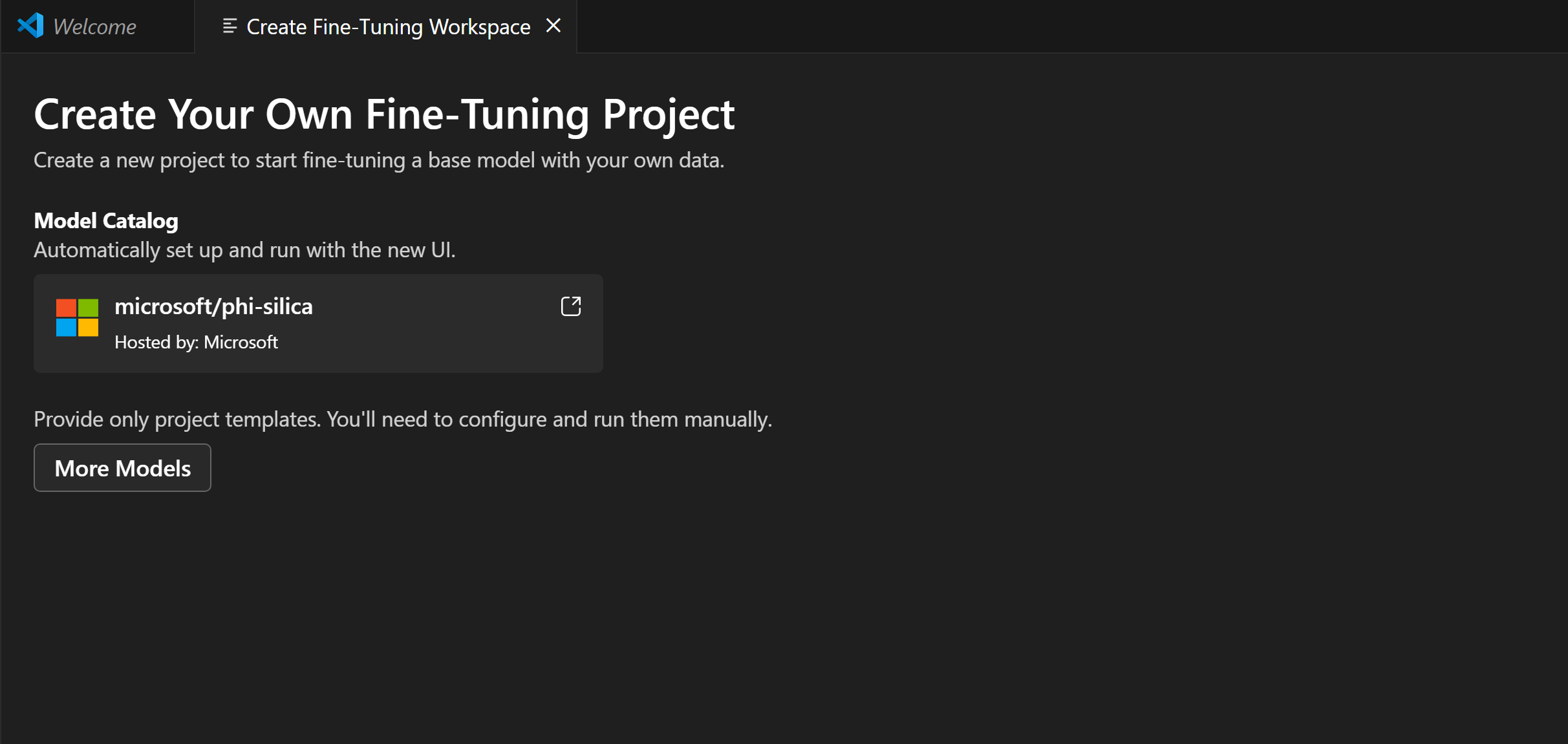
- Fine-tuning analysis: Open Copilot Chat from a fine-tuning analysis link, with the job and project context and a bundled skill to guide run analysis.
Changed
- Agent optimization: Removed the Preview badge from the Optimize tab in Agent Playground.
Fixed
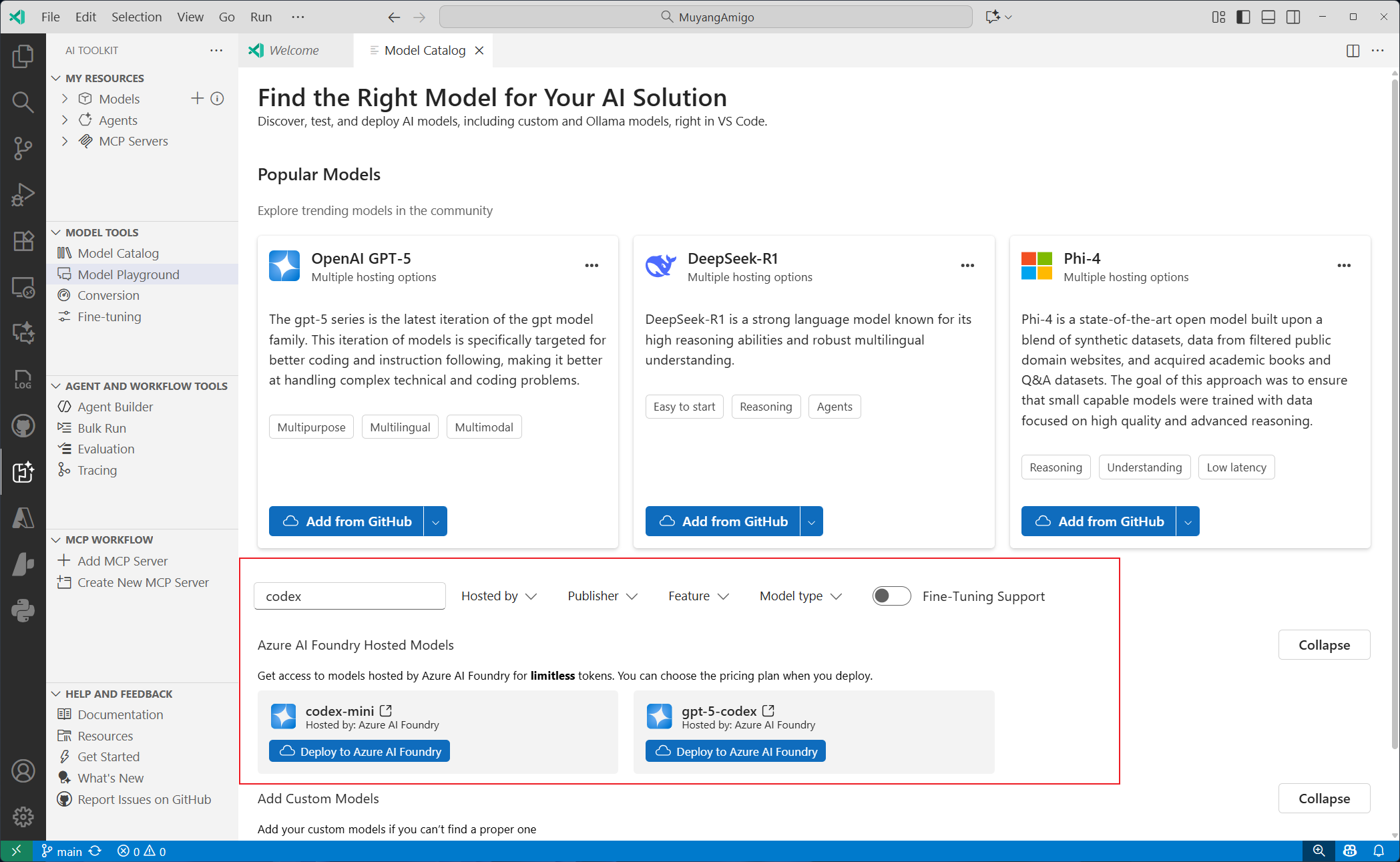
- Model deployment: Successful deployments from the model deployment page now open Model Playground with the new deployment selected, even if Playground is already open.
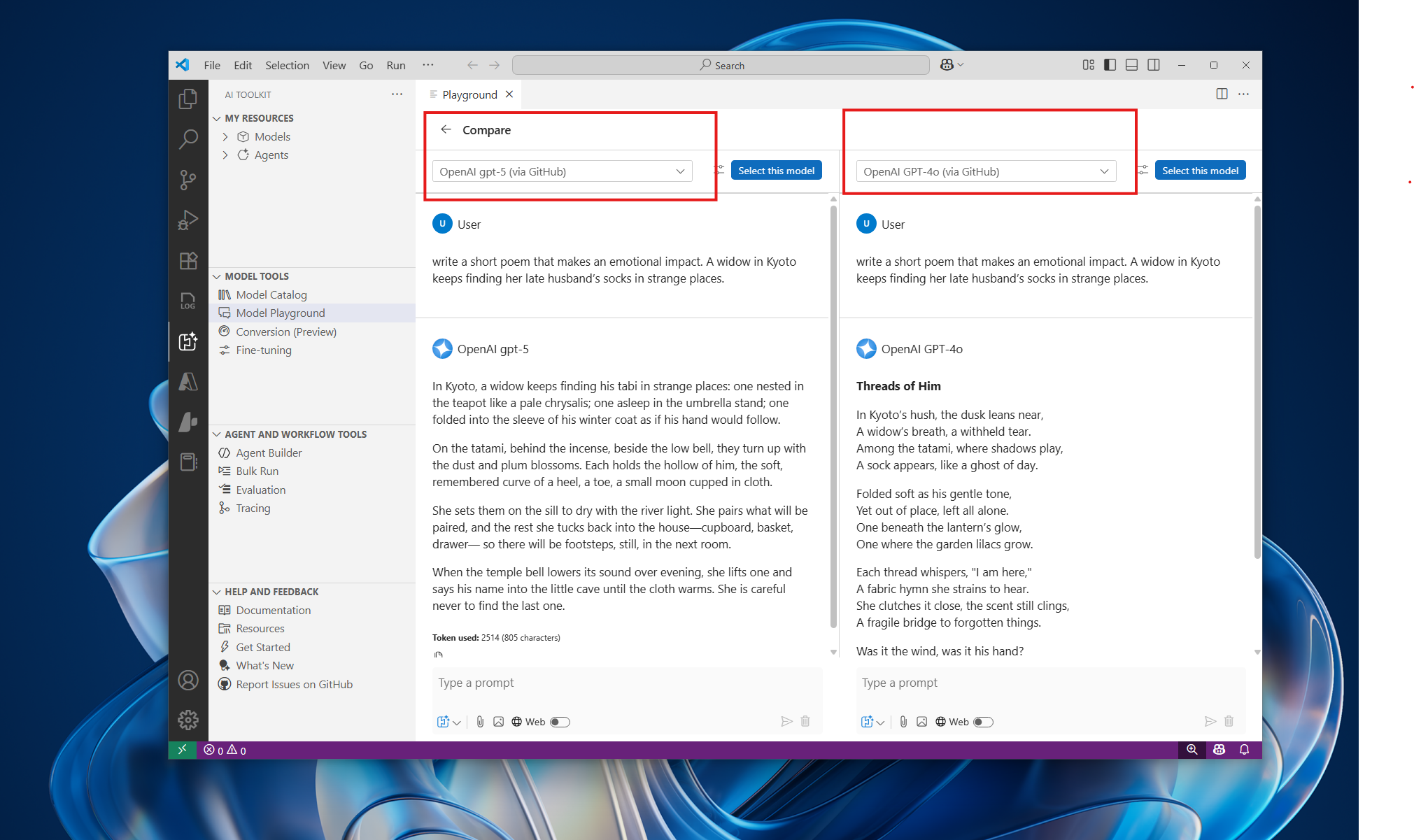
- Model Playground: Show the model that served each response and service-reported token usage when available, including for routed models. Preserve these details in chat history.
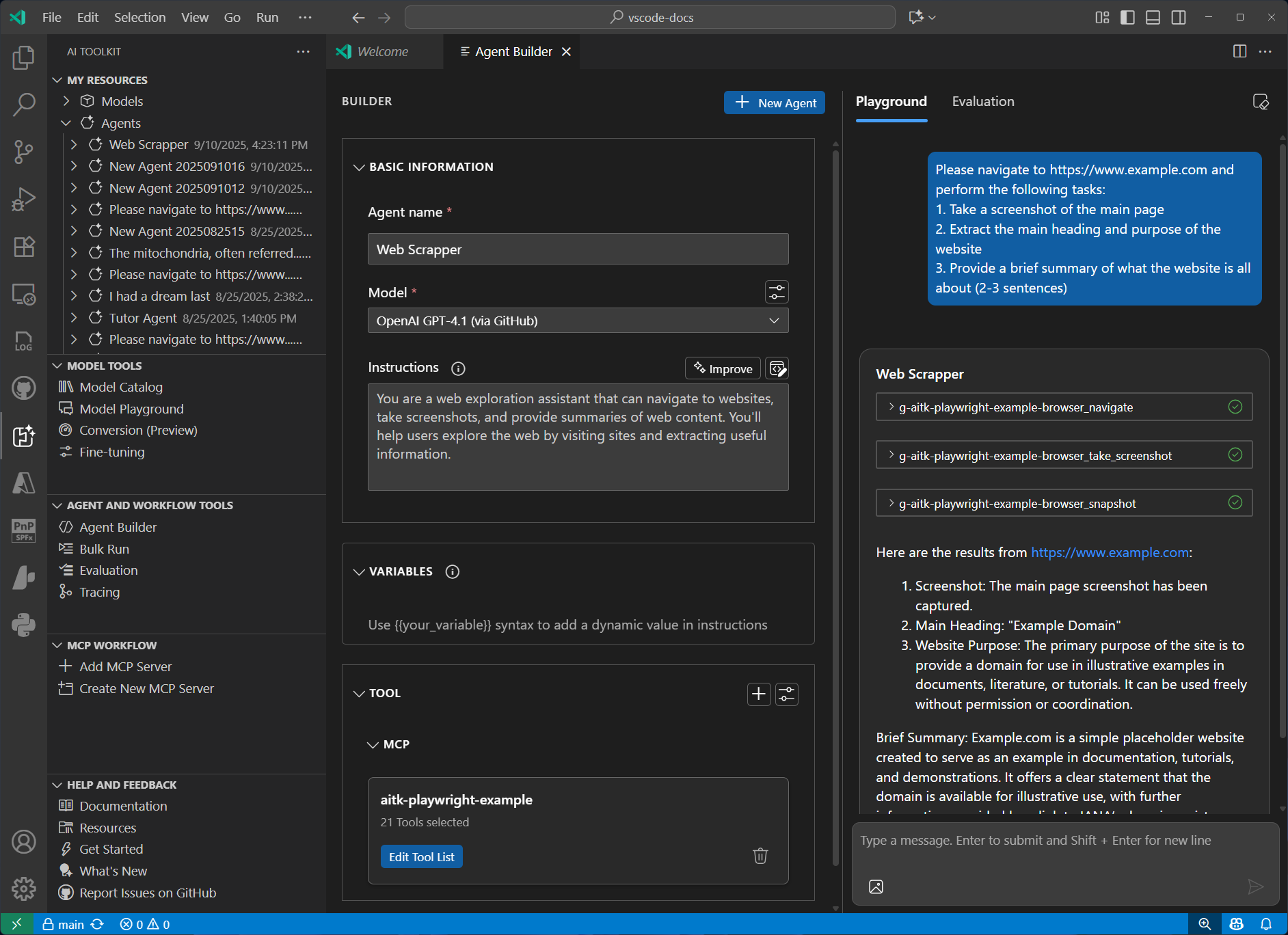
- Tool icons: Restored provider icons in Tool Catalog and Agent Builder, including when reopening saved prompt agents.
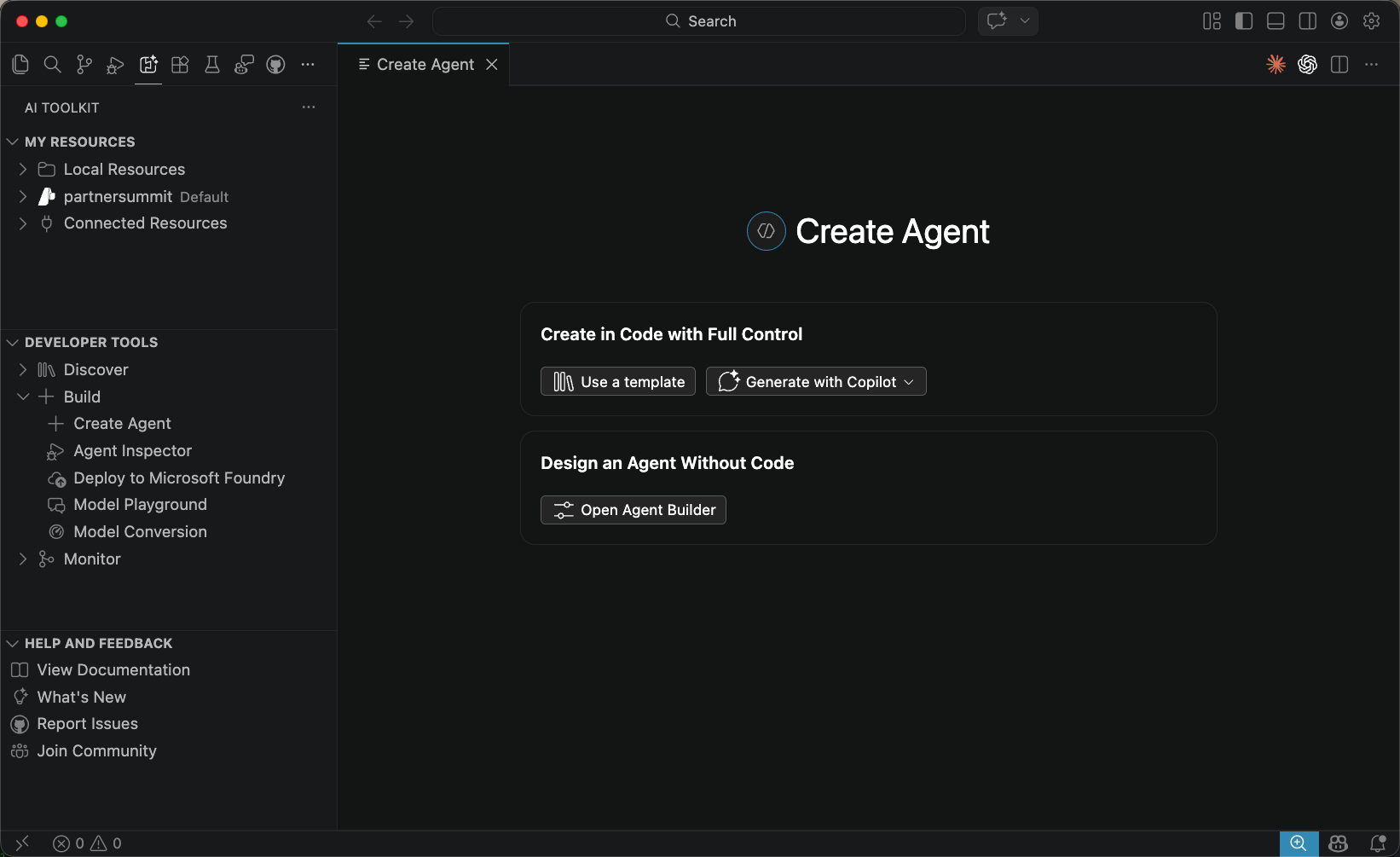
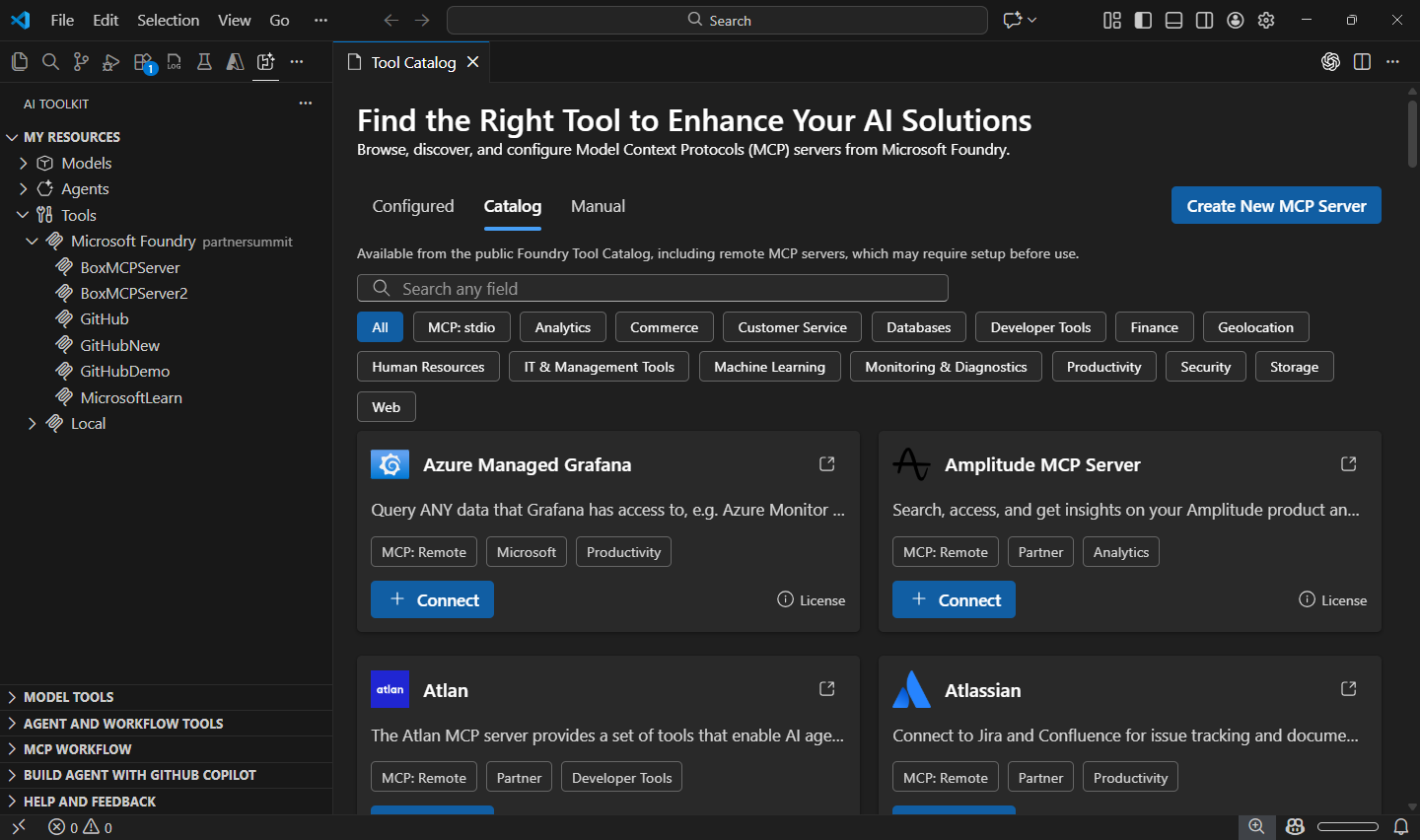
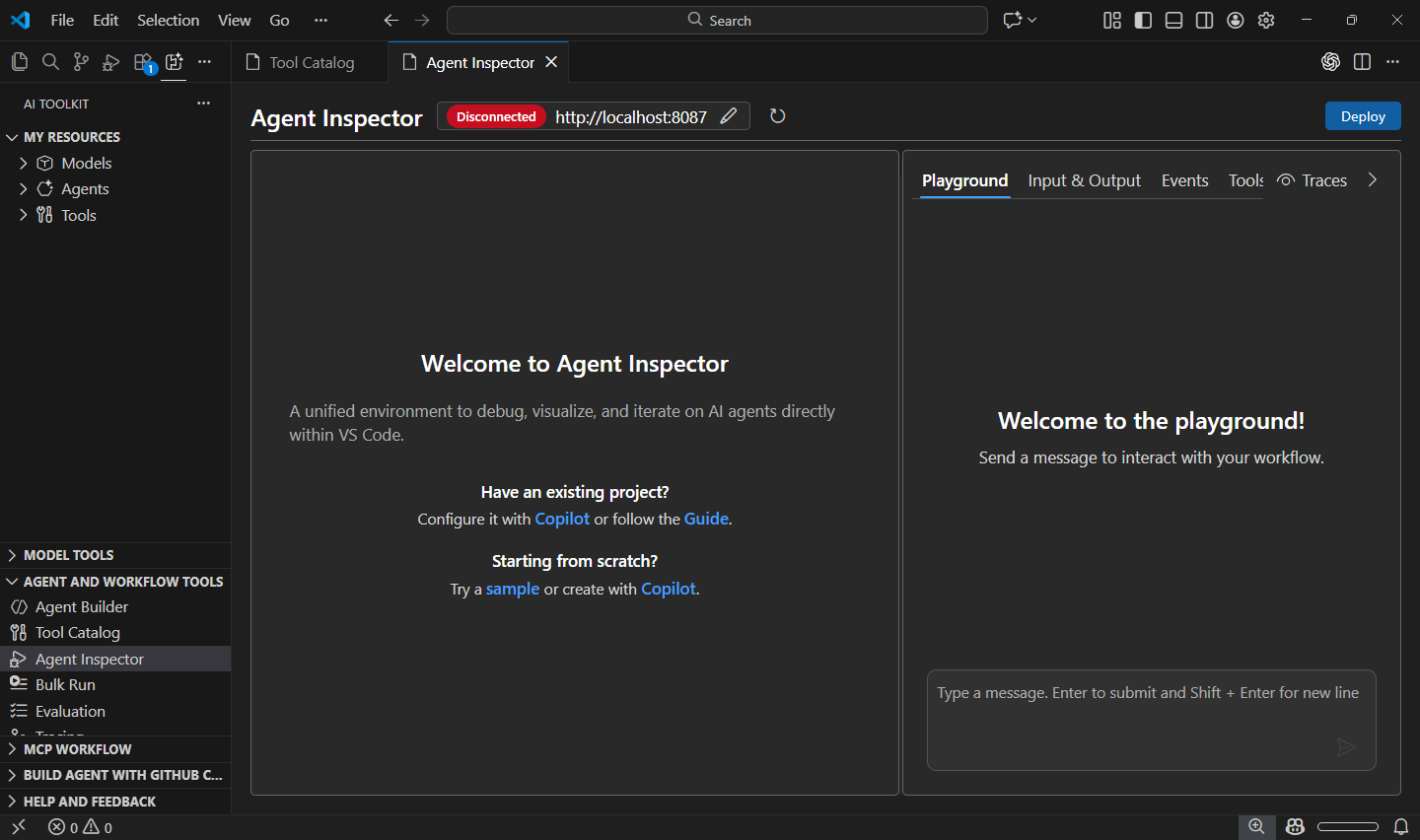
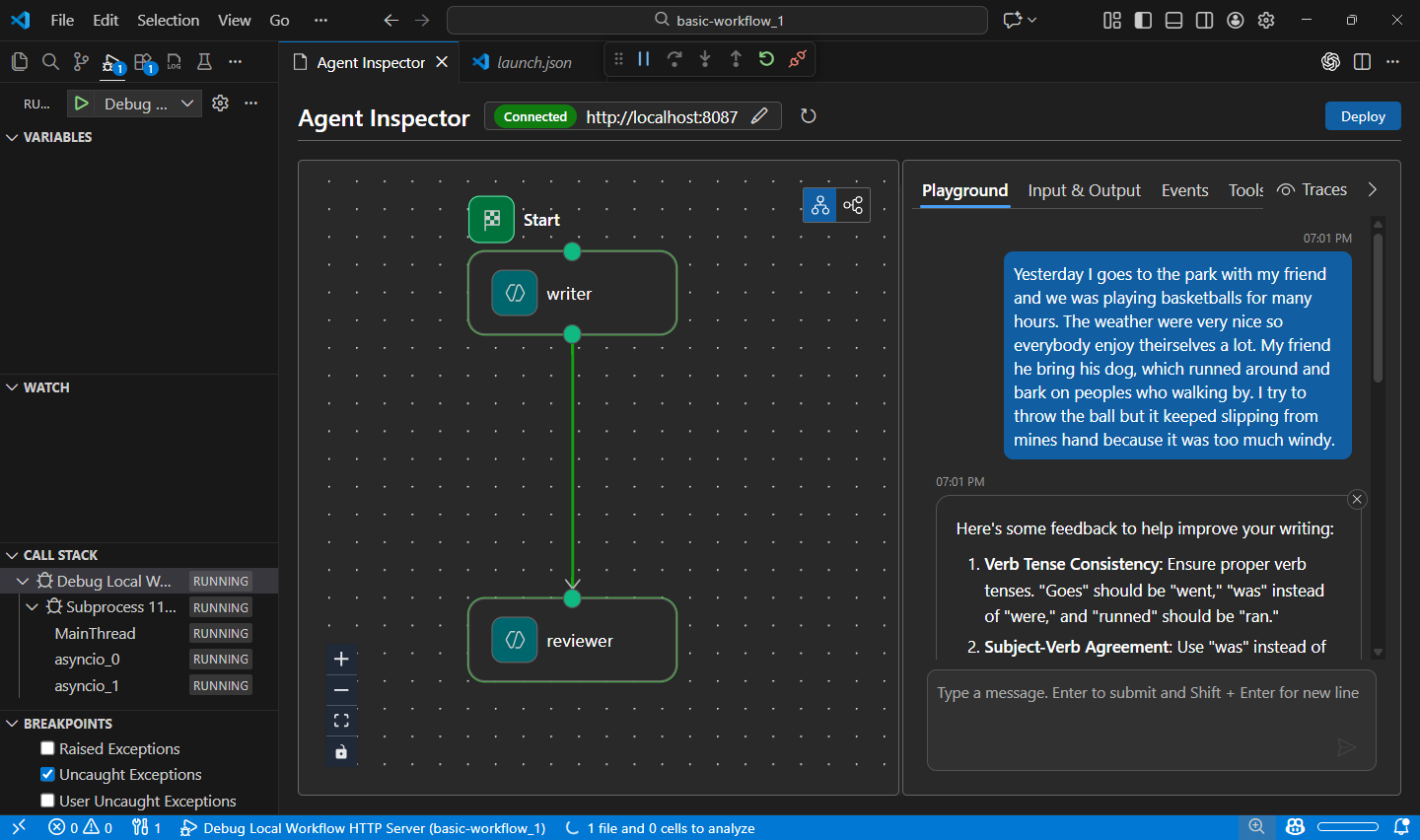
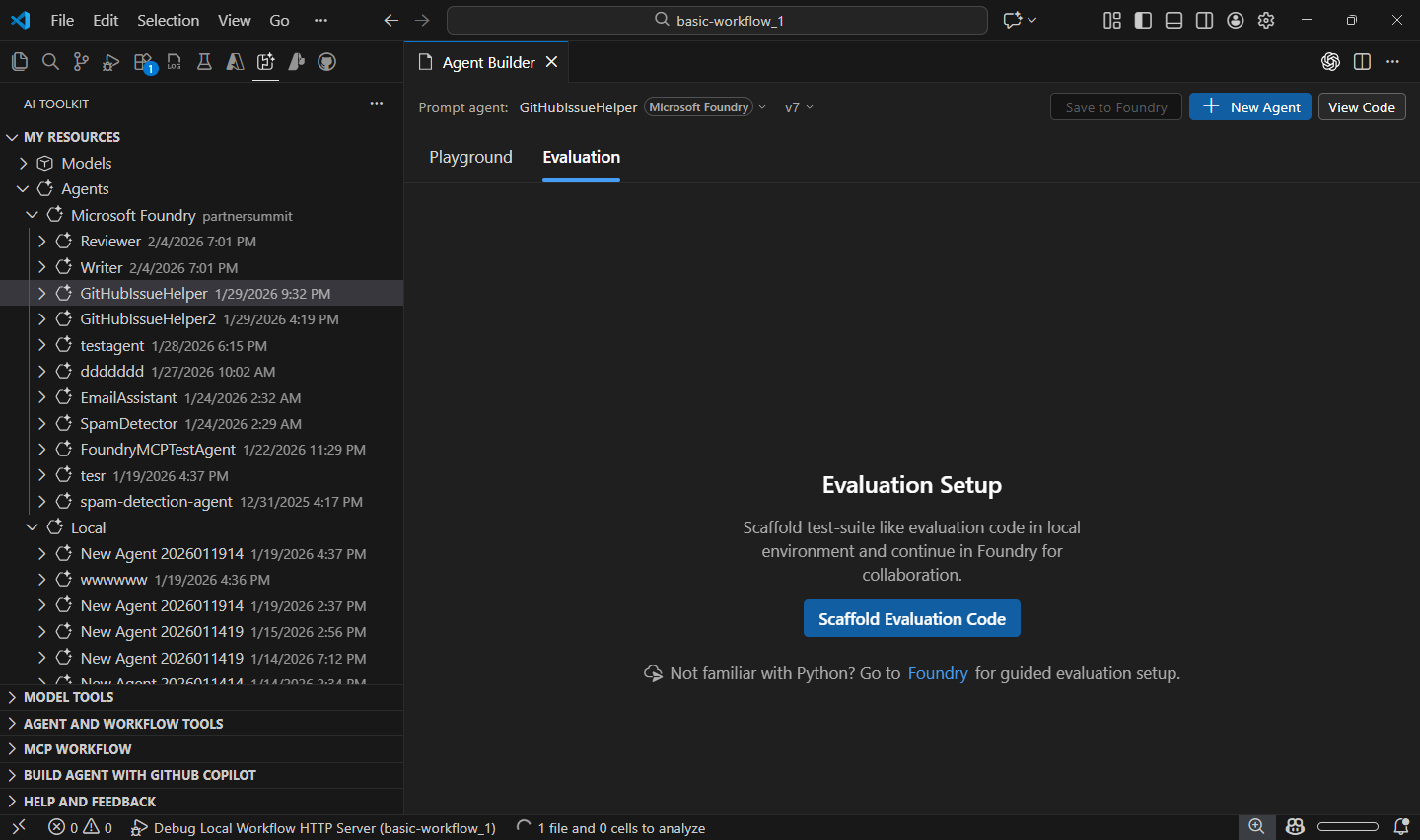
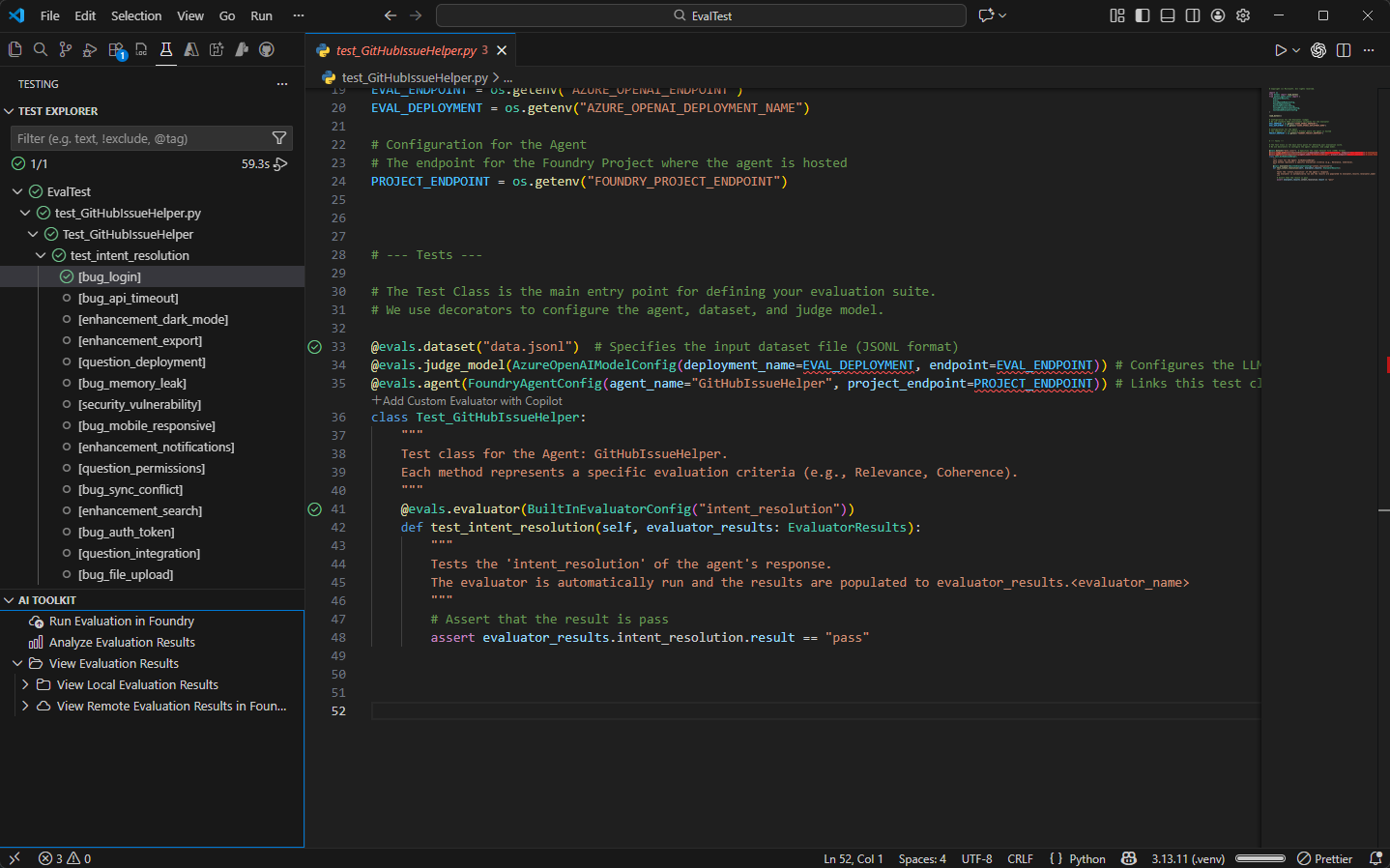
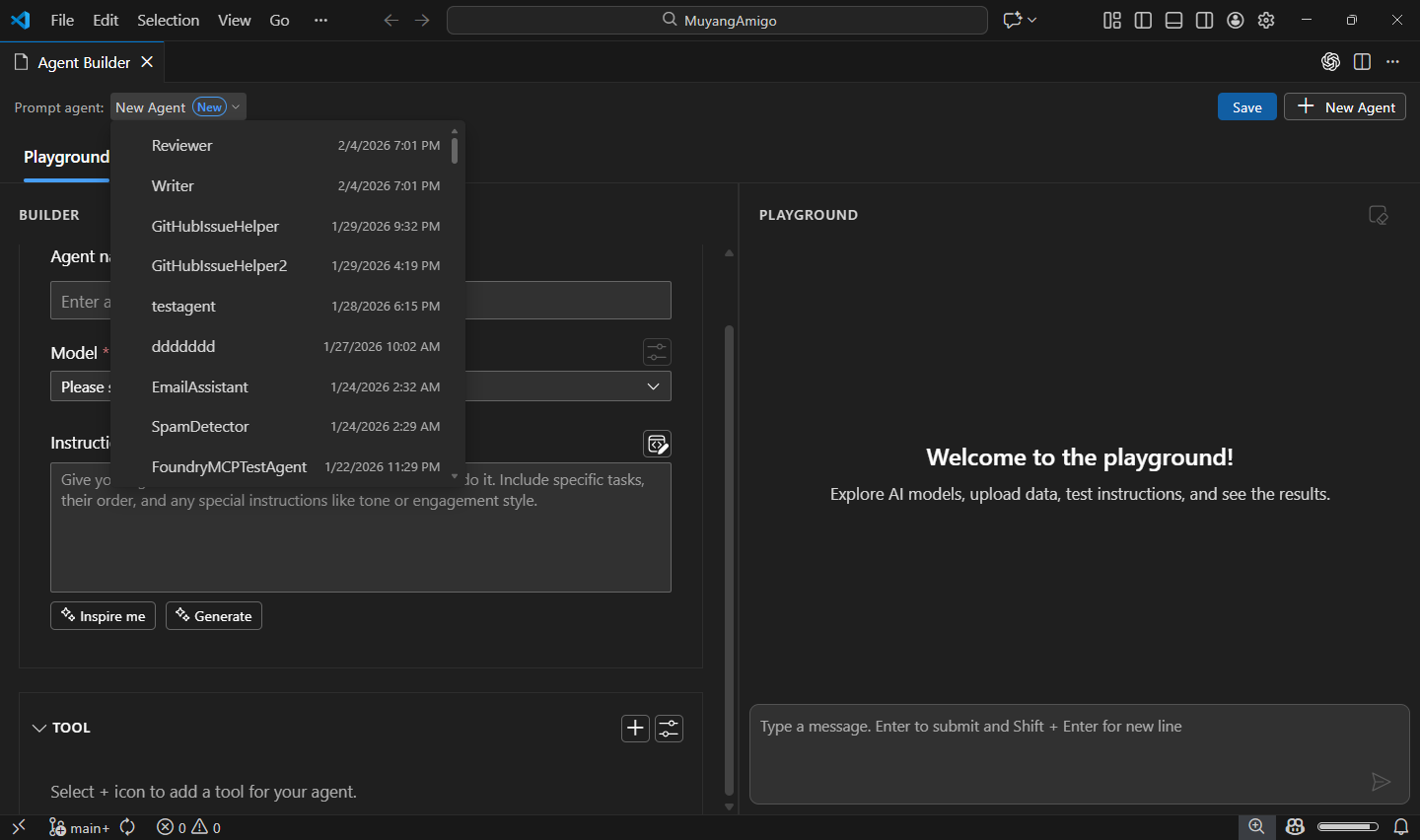
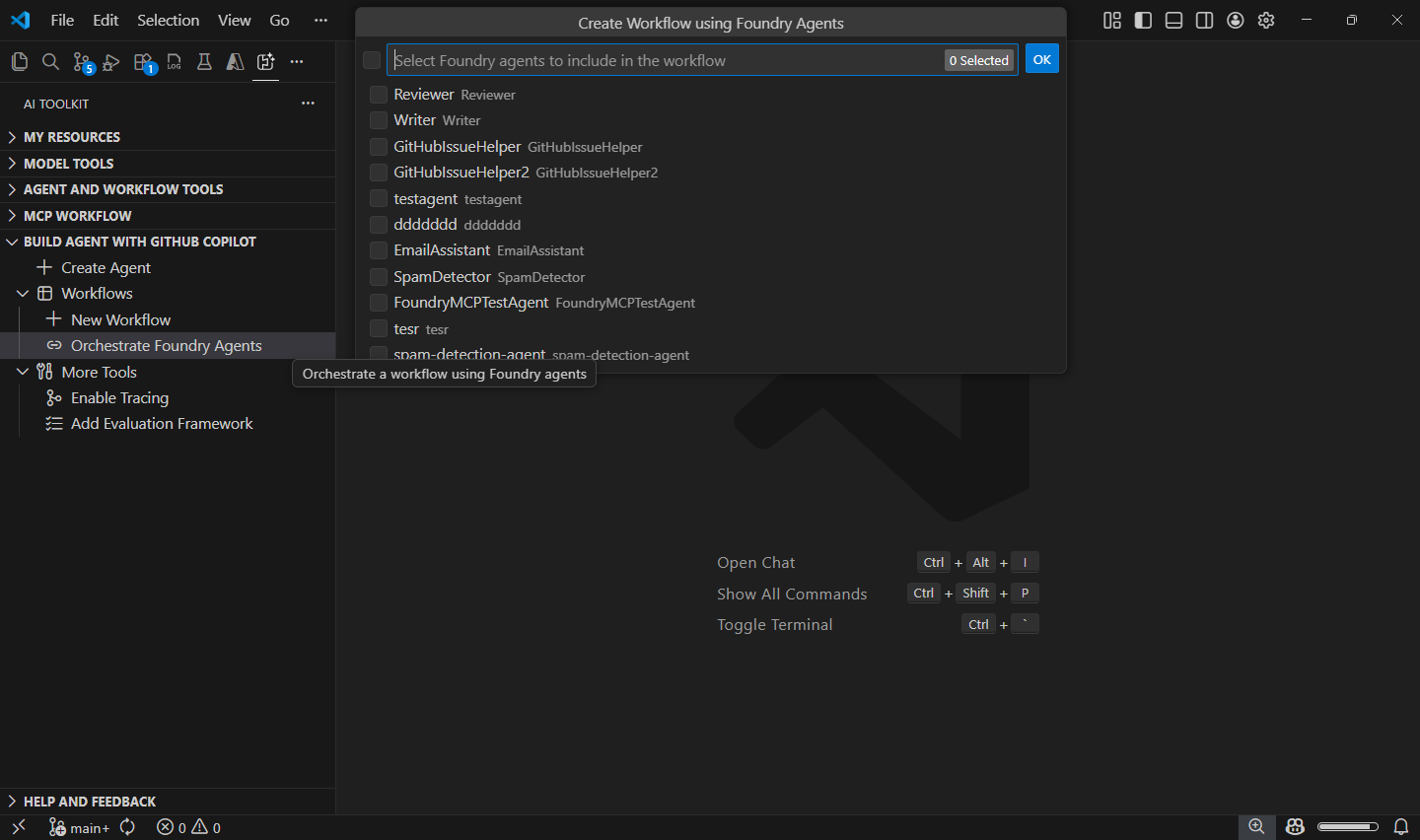
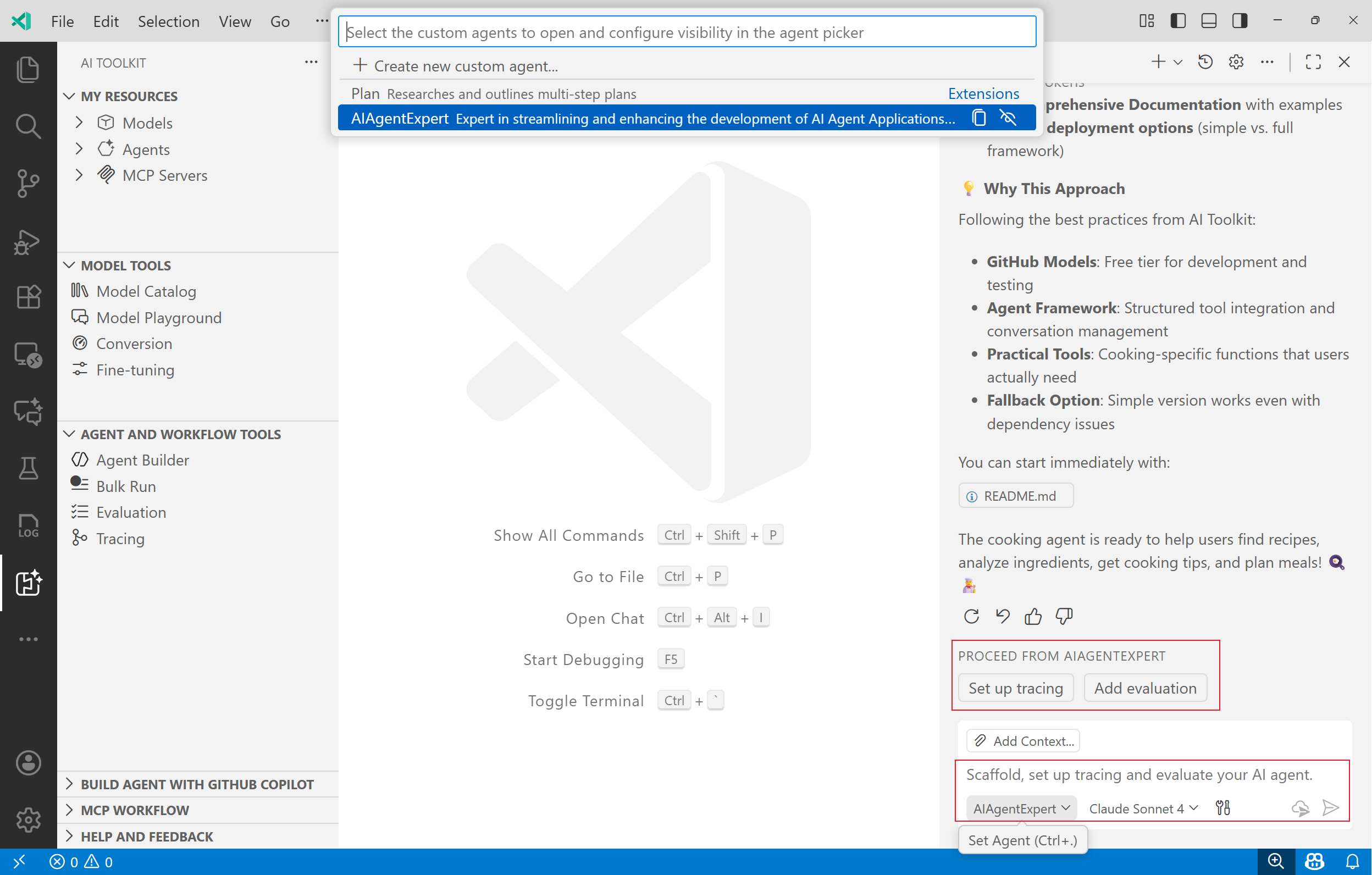
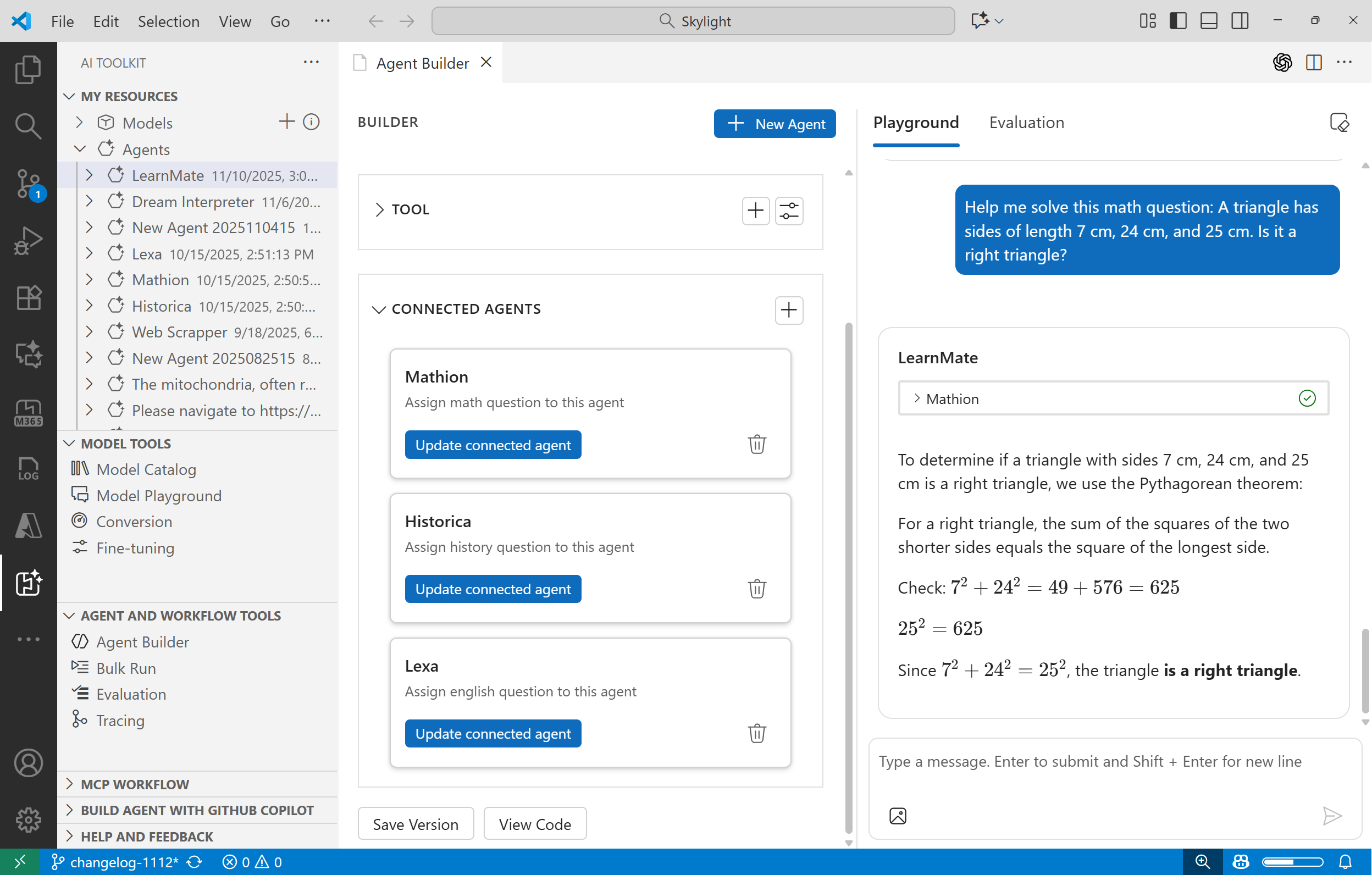
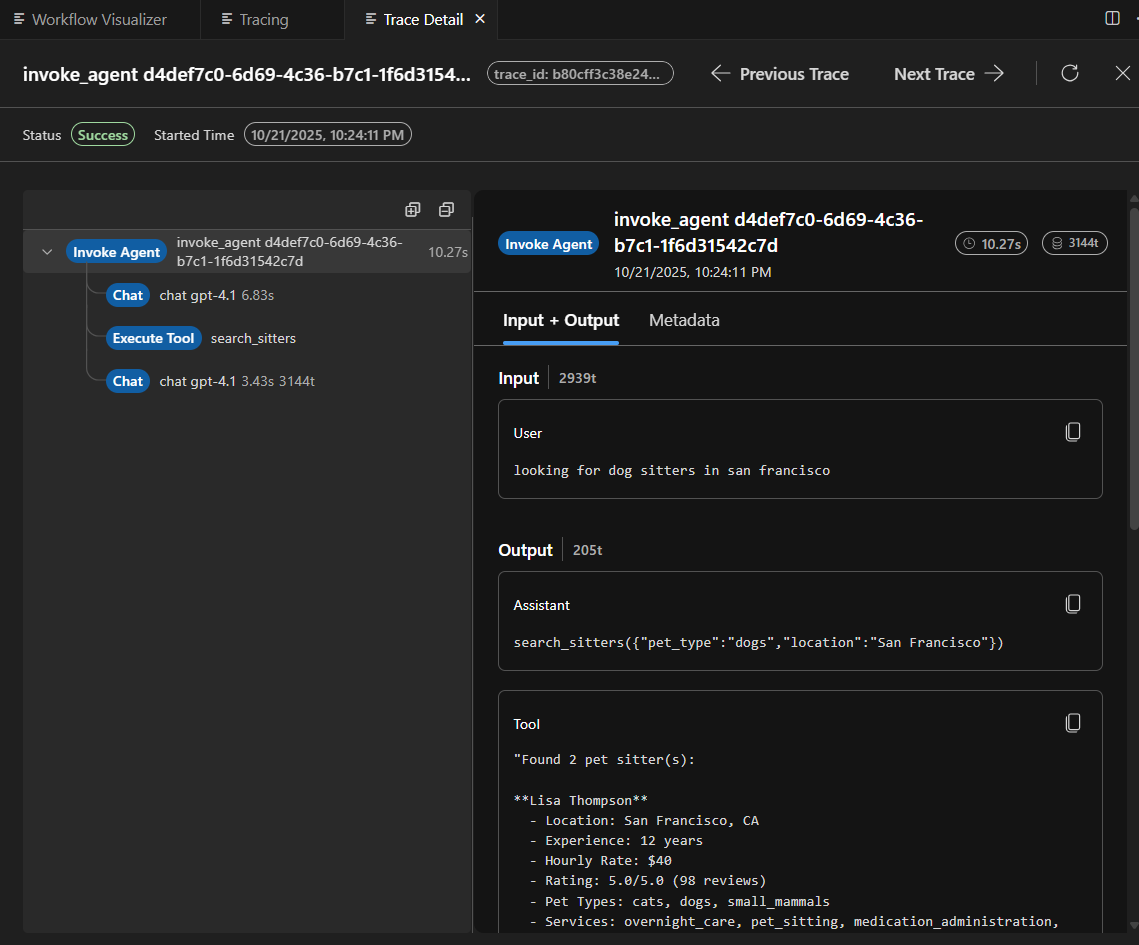
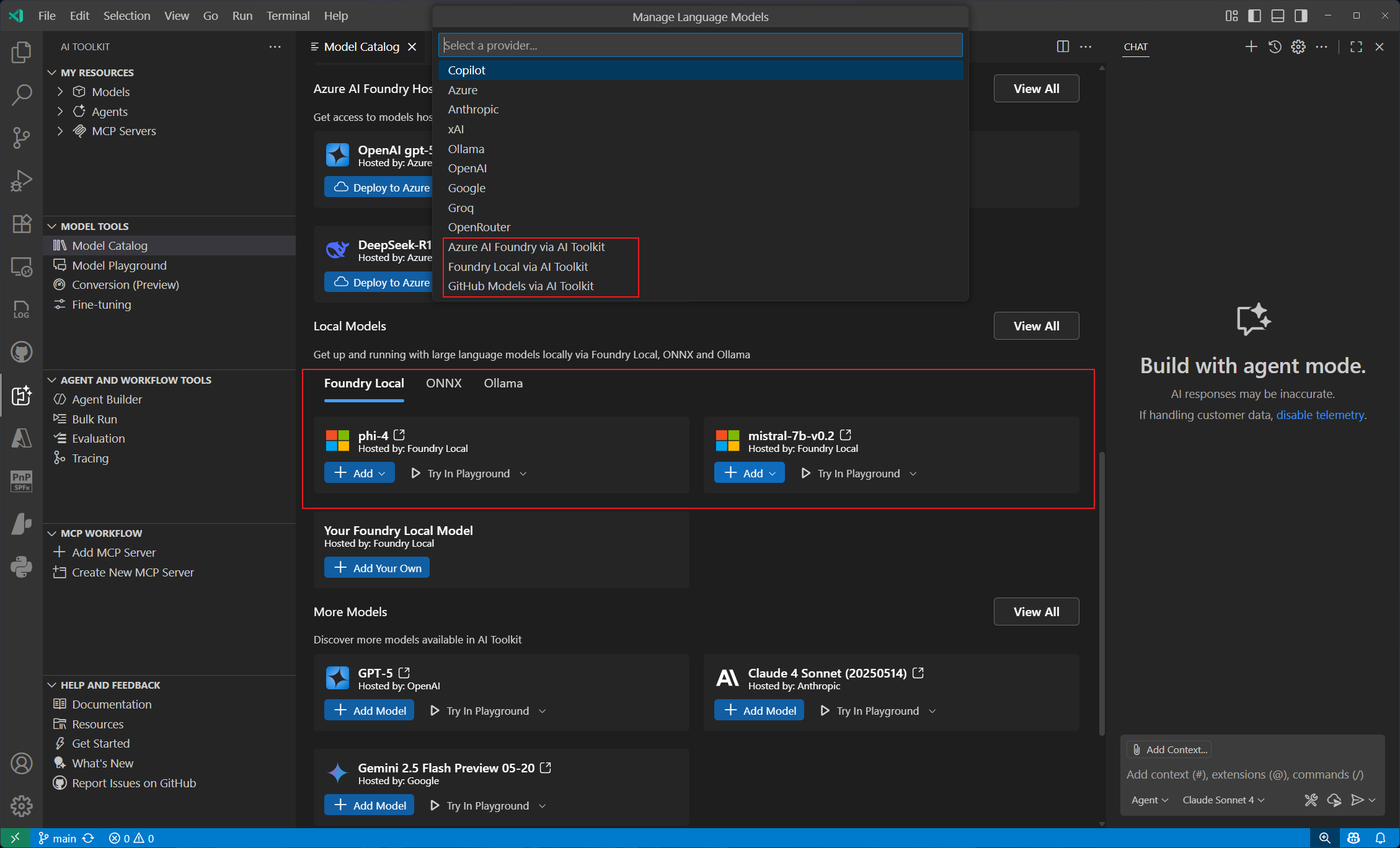
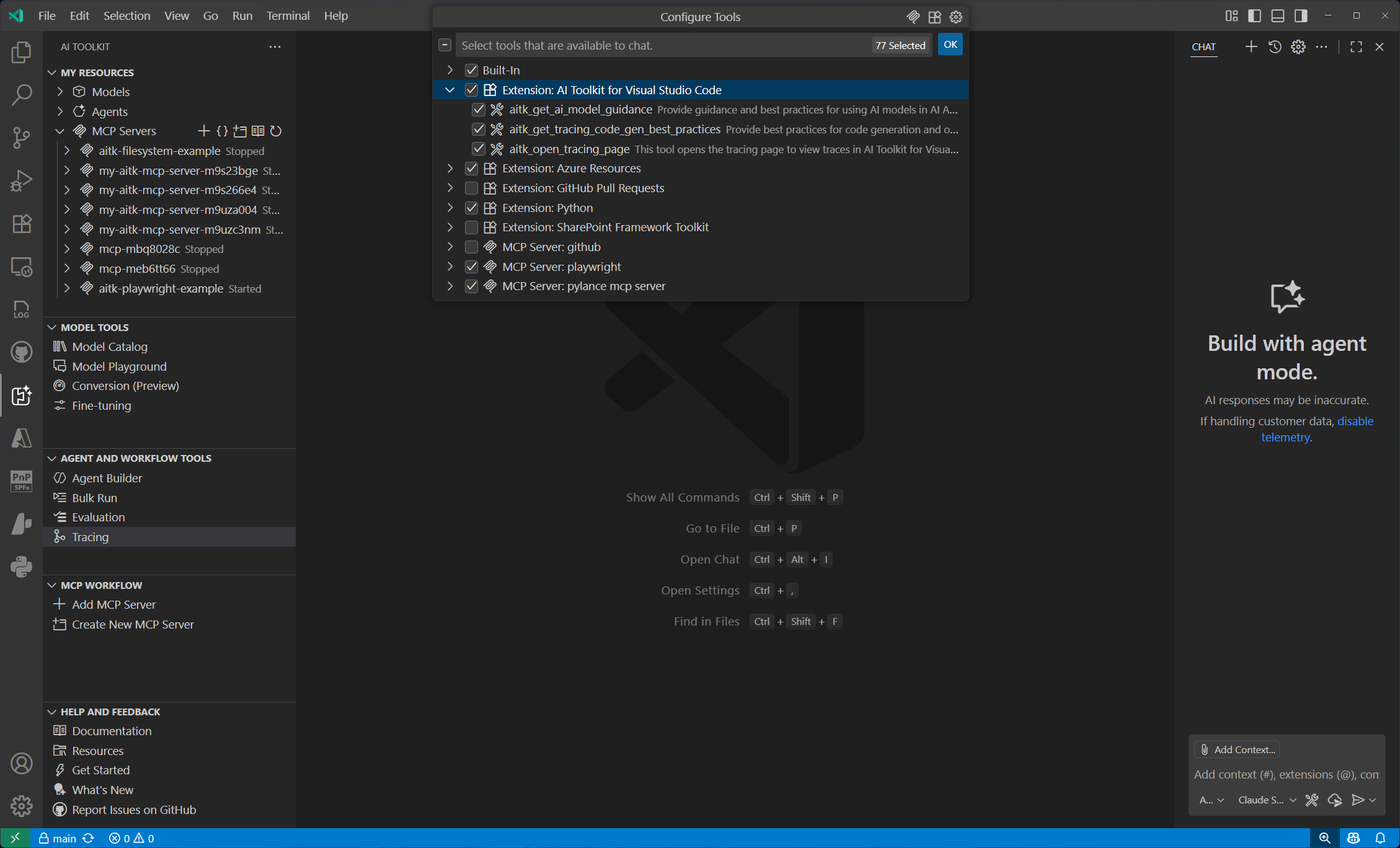
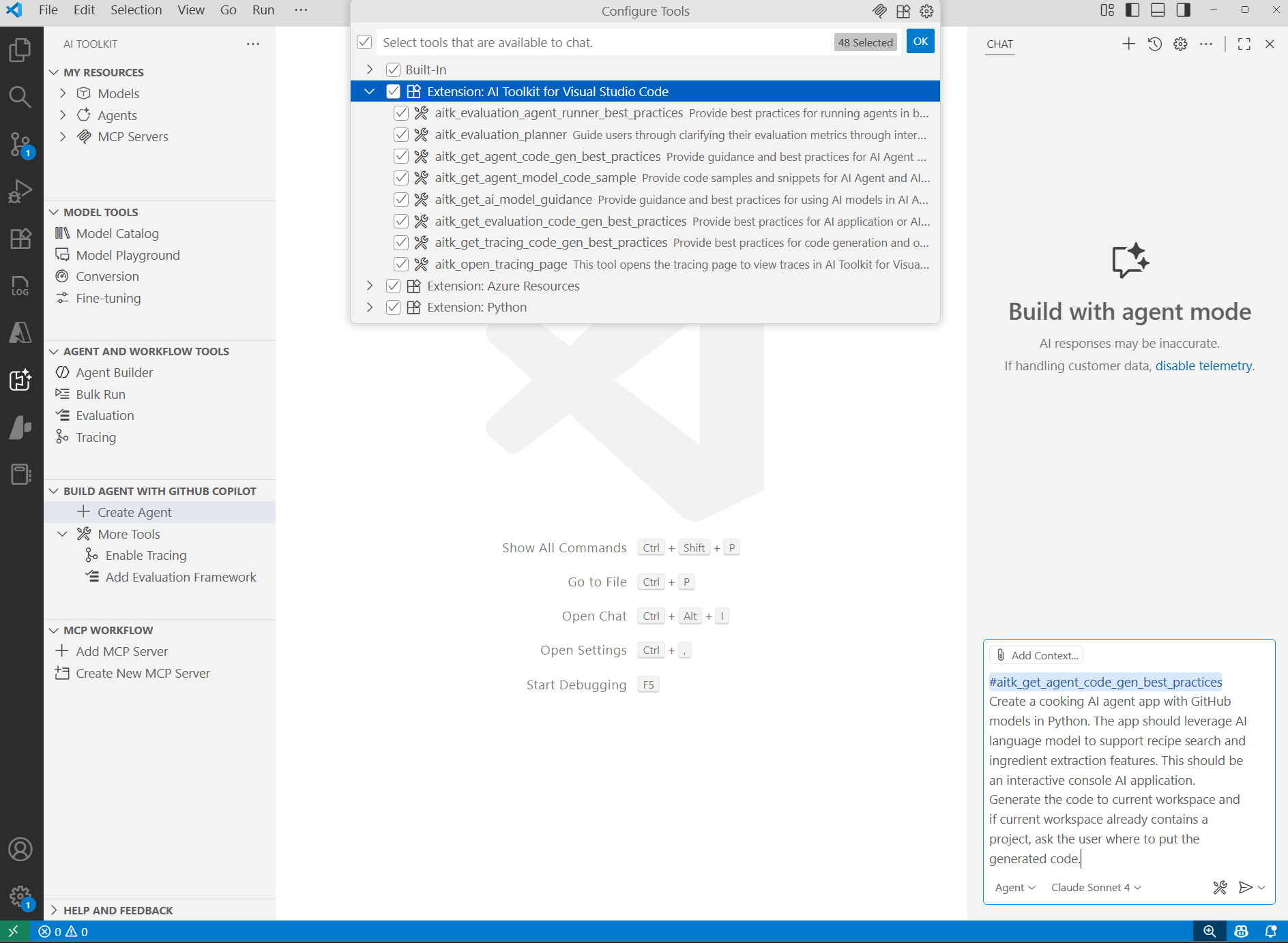 We are excited to announce the integration of GitHub Copilot Tools into AI Toolkit for VS Code. This integration empowers developers to build AI-powered applications more efficiently by leveraging Copilot's capabilities enhanced by AI Toolkit.