# Foundry Toolkit 1.6.9 Latest
This release streamlines agent creation, brings administrator-connected Foundry models to playgrounds and Hosted Agent creation, and adds richer Agent Inspector views and controls.
Added
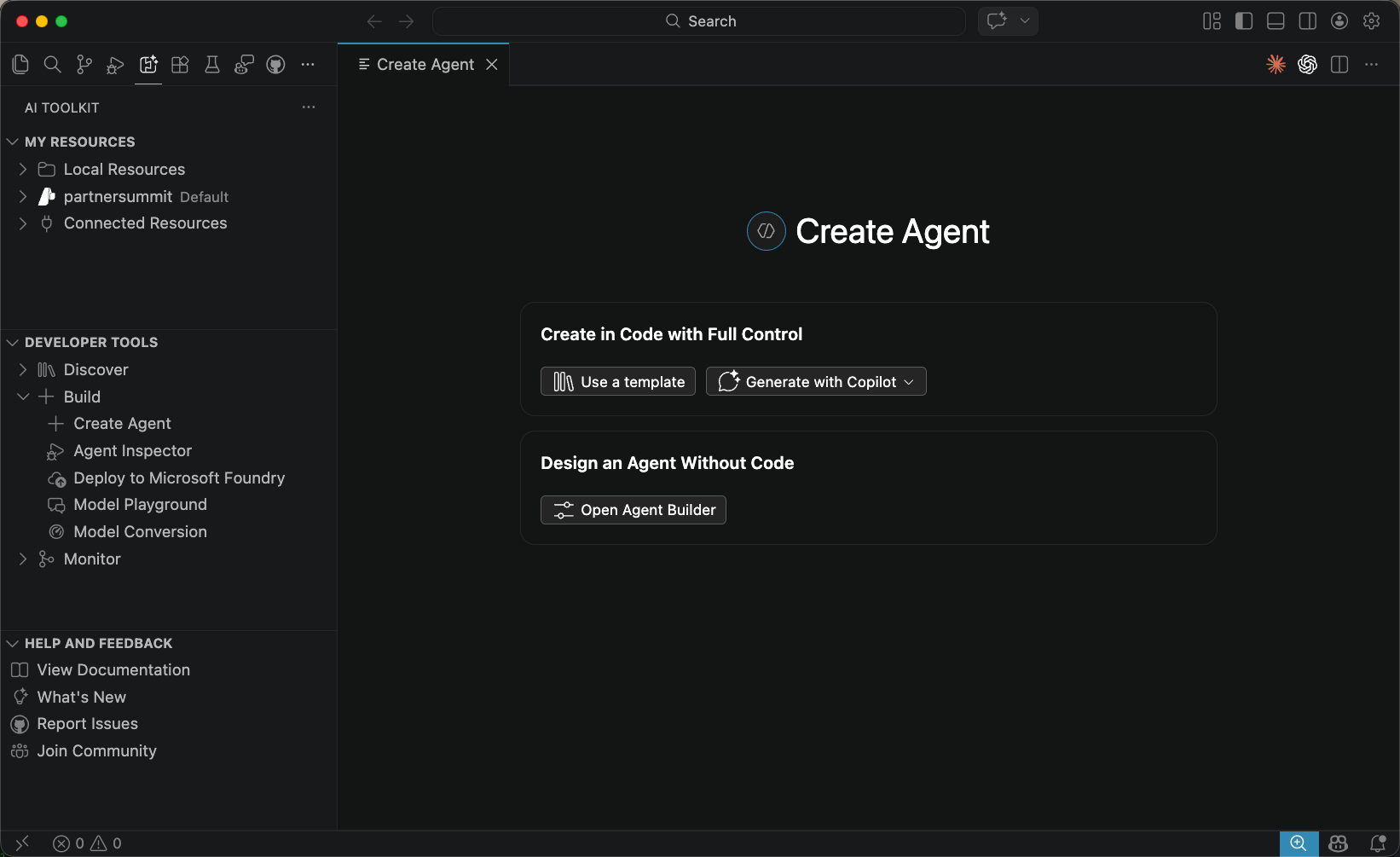
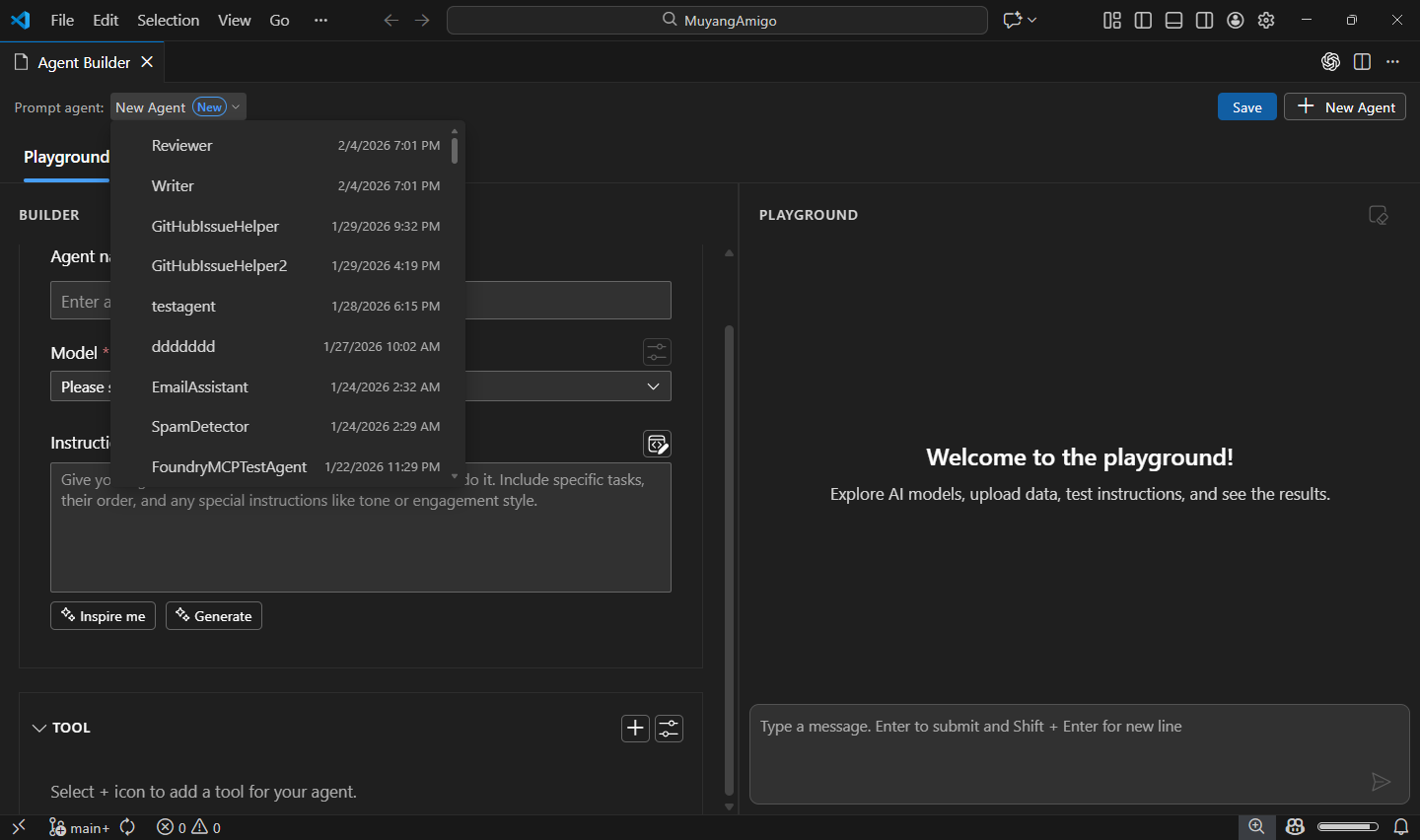
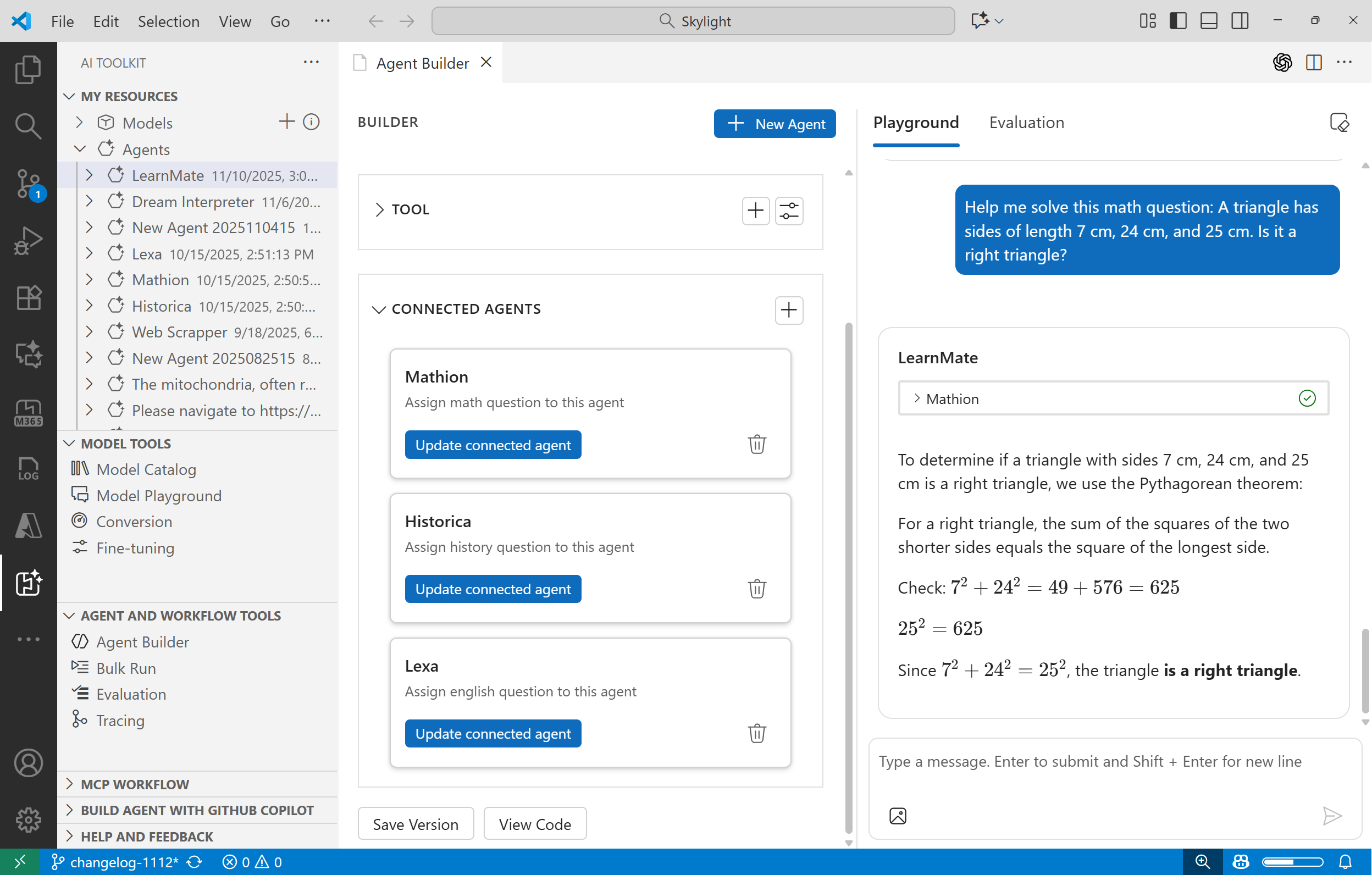
- Create Agent: Start from a redesigned page with direct paths to Agent Framework, Copilot SDK, and LangGraph samples, Copilot-assisted coding, Agent Builder, or the full sample catalog.
- Administrator-connected models: Select Microsoft Foundry models configured by an administrator in playgrounds and when creating a Hosted Agent.
- Agent Inspector
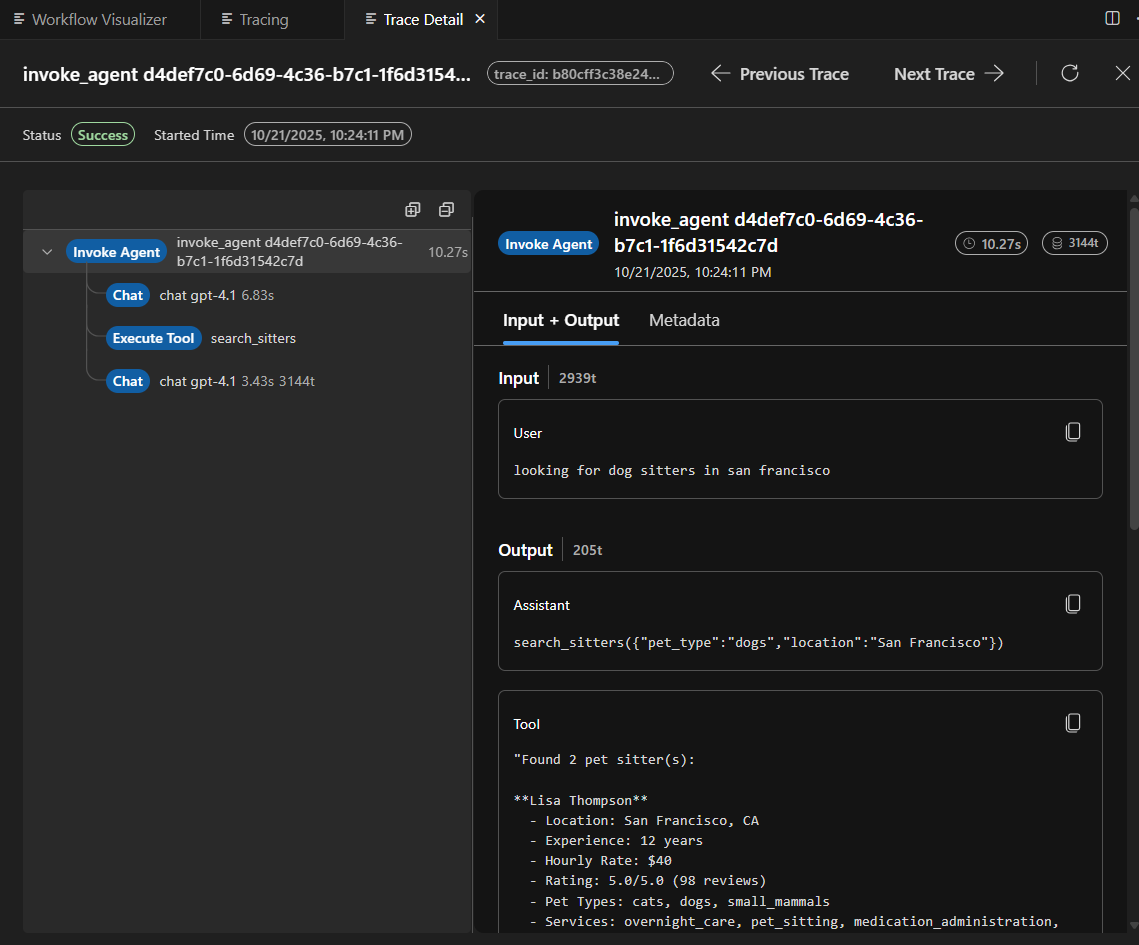
- Responses Overview: Inspect all runs or a selected run in a default Overview tab with a latency waterfall and an ordered timeline of model, reasoning, and tool activity.
- Reasoning: View raw reasoning and reasoning summaries in separate collapsible sections when an agent provides them.
Changed
- Agent Inspector permissions: Pending MCP approvals and OAuth consent requests stay pinned above the message input, with bulk actions and expandable request details.
- Agent Inspector response details: Response footers now show the model, duration, token total, and timestamp. Hover over the token total to see input and output usage. The Tokens table now uses Response terminology.
- Activity Protocol agents: Newly scaffolded Python projects now open Microsoft 365 Agents Playground inside VS Code for local debugging.
Fixed
- Agent Inspector
- Response text, reasoning, tool calls, and permission decisions now stay in their original order.
- Human-in-the-loop pauses no longer show duplicate tool and approval cards.
- Clear Chat remains available while a Responses turn is paused for approval or consent.
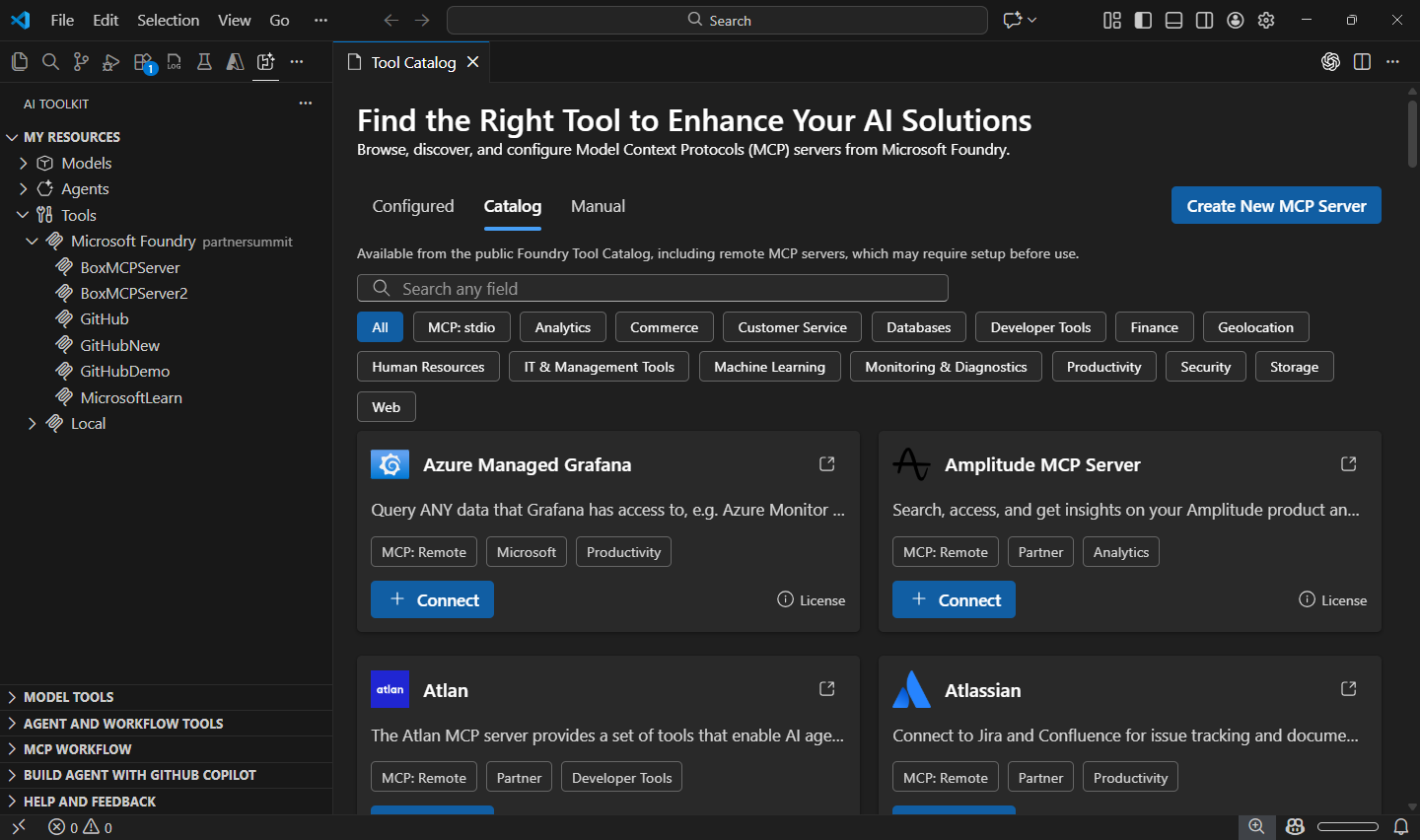
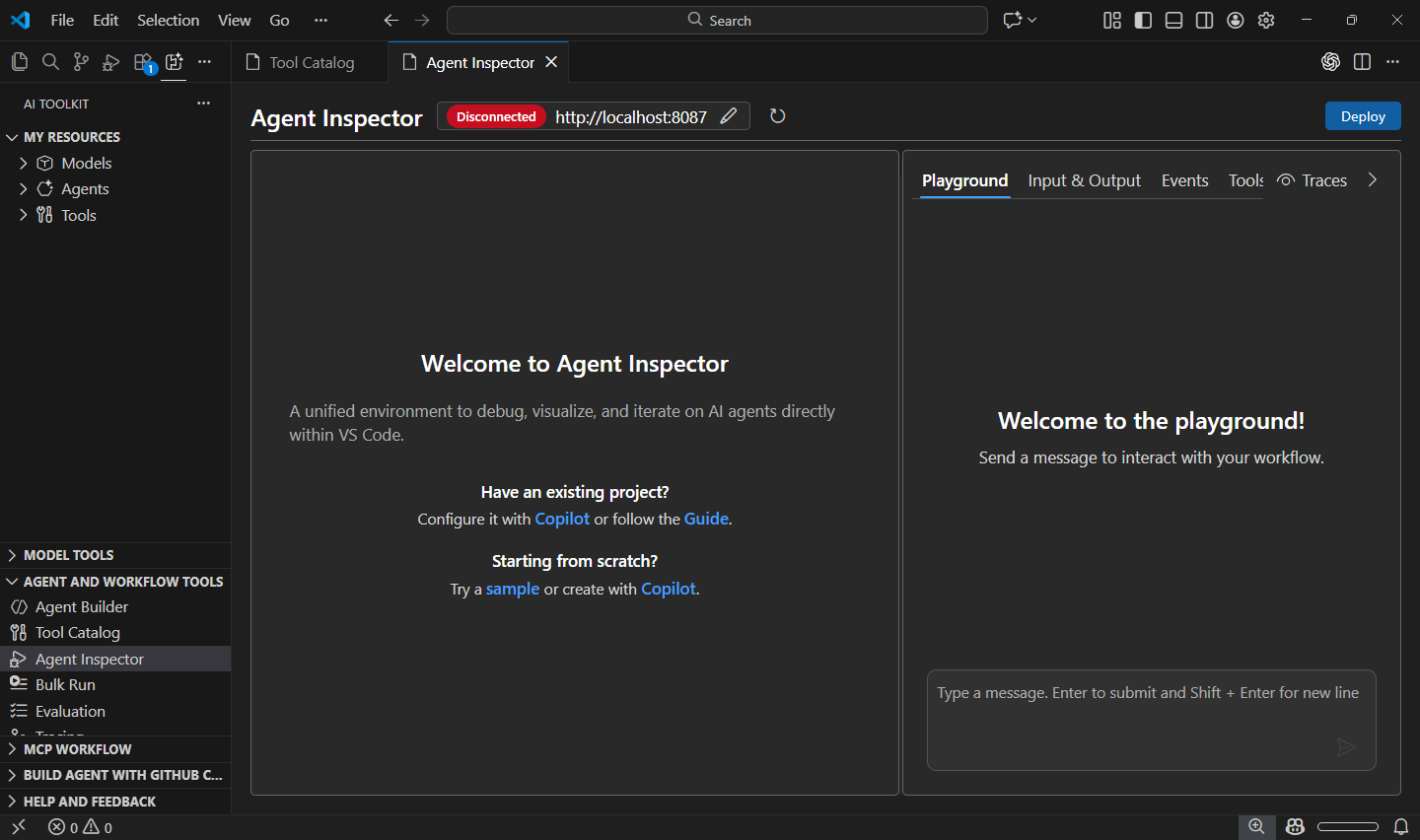
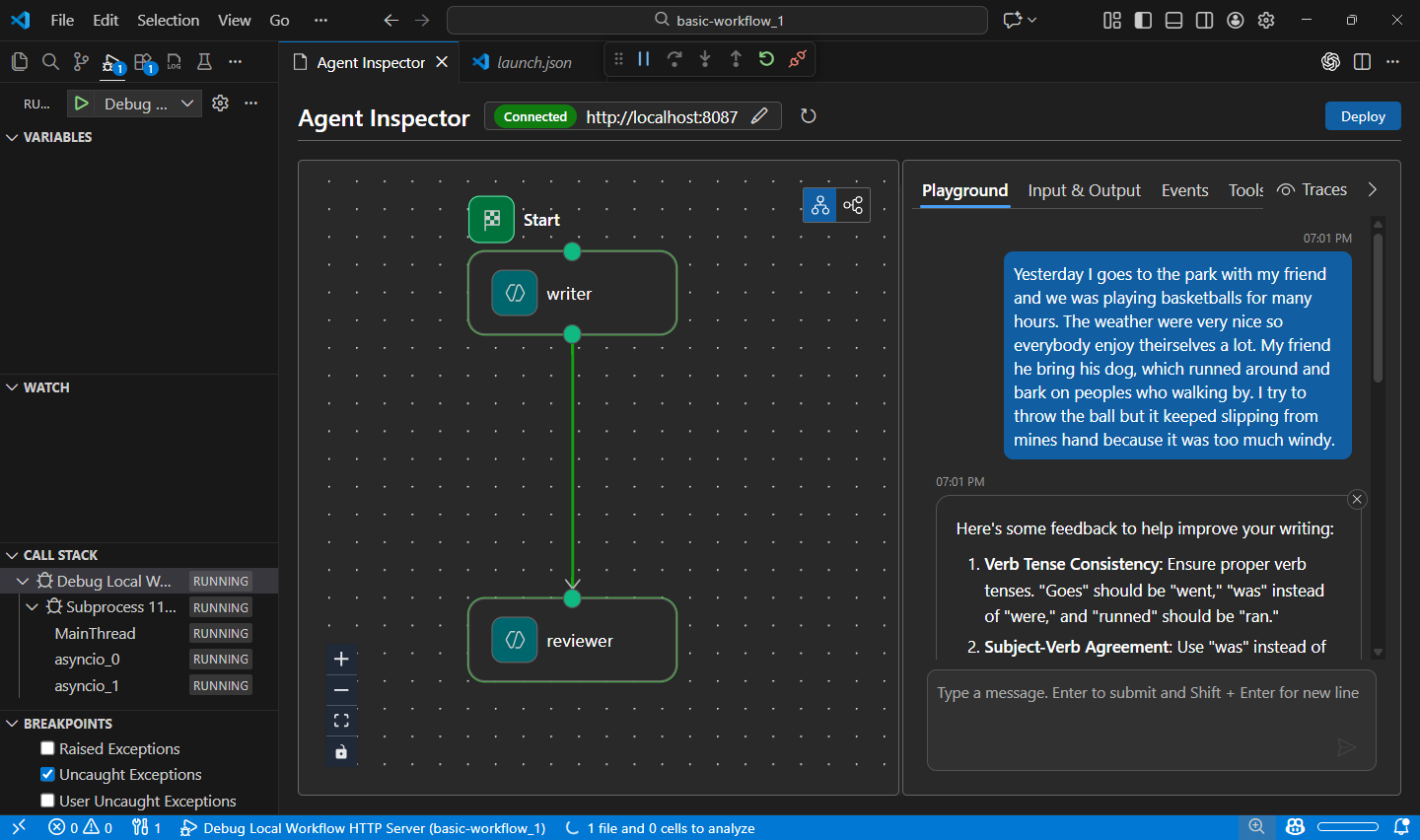
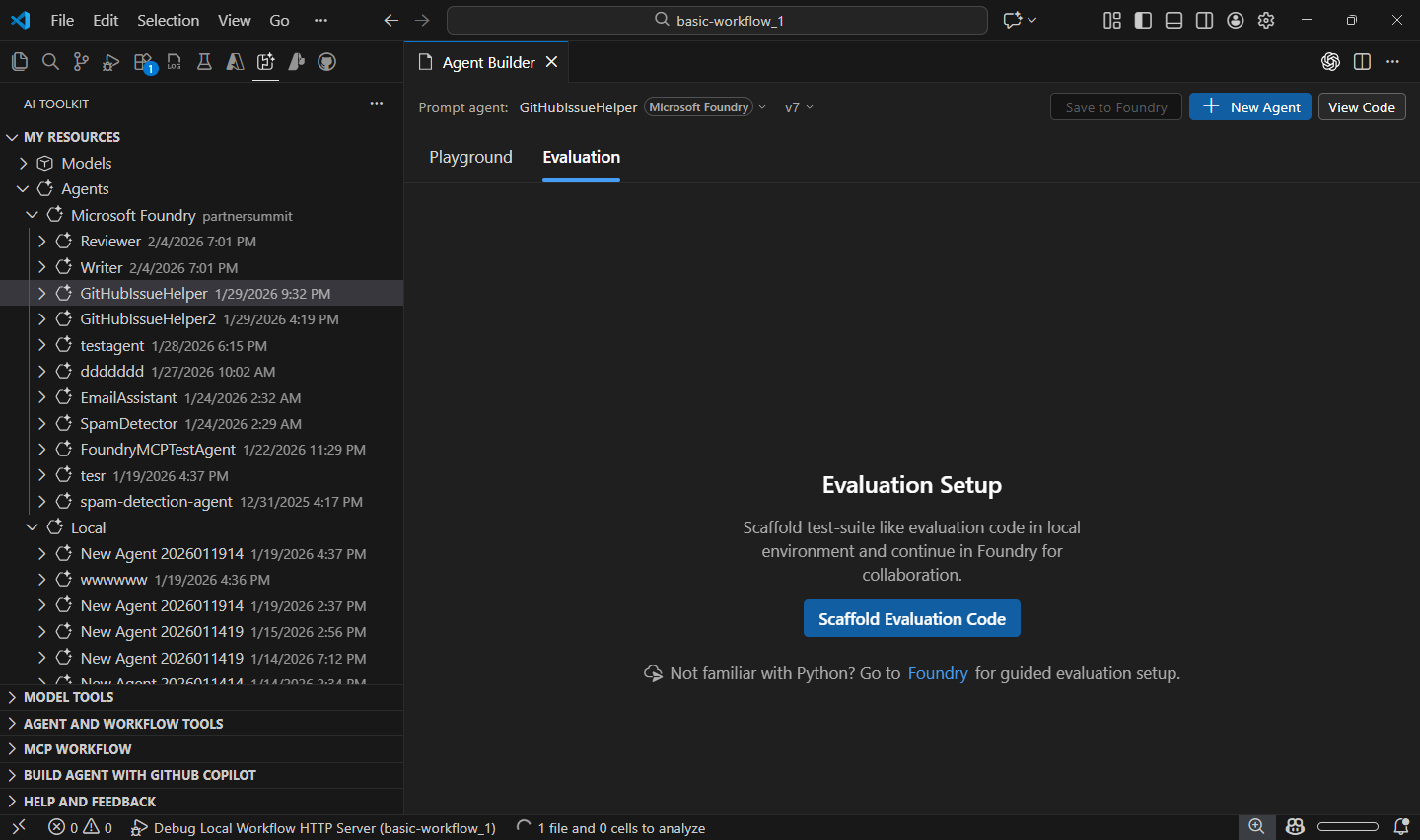
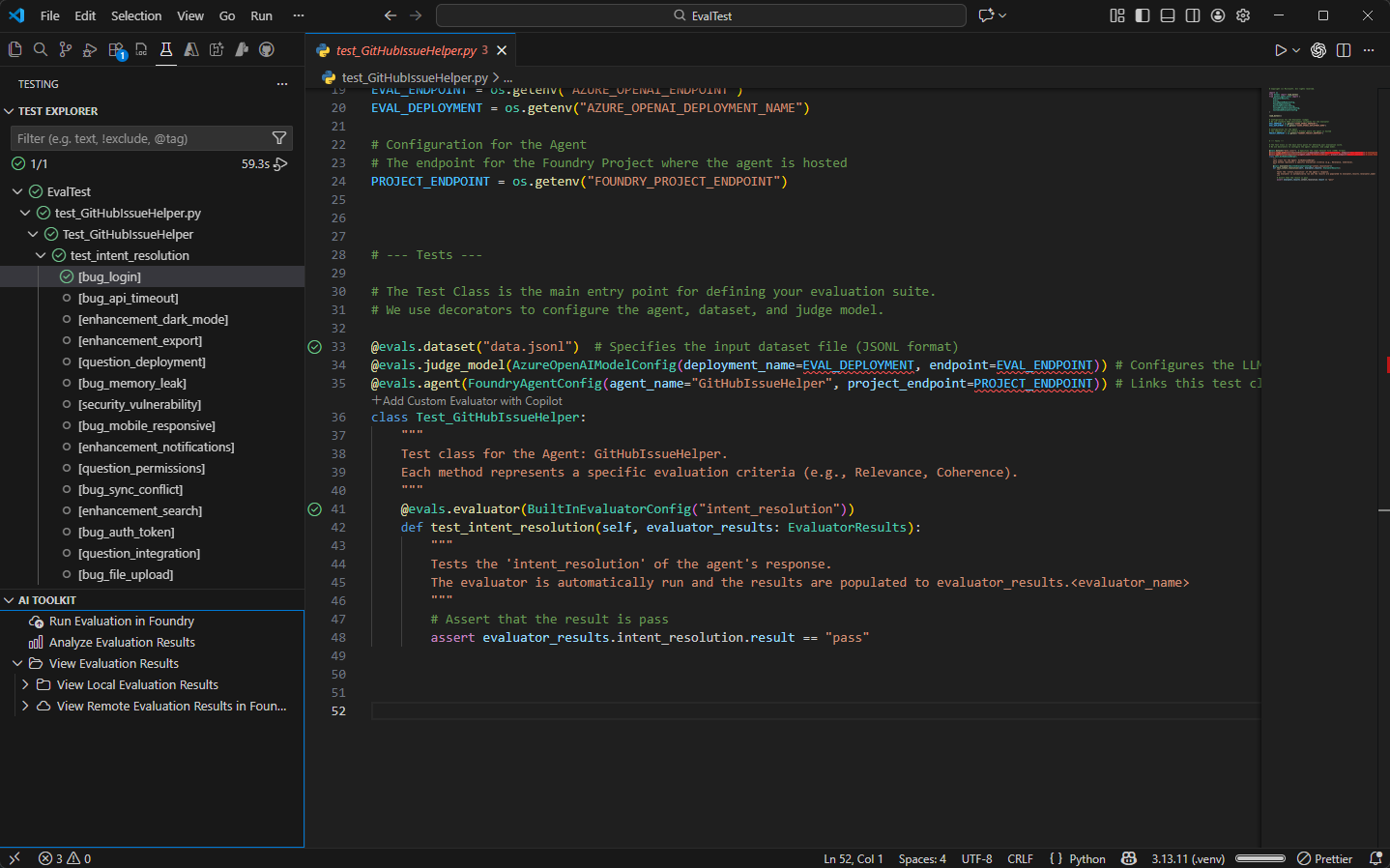
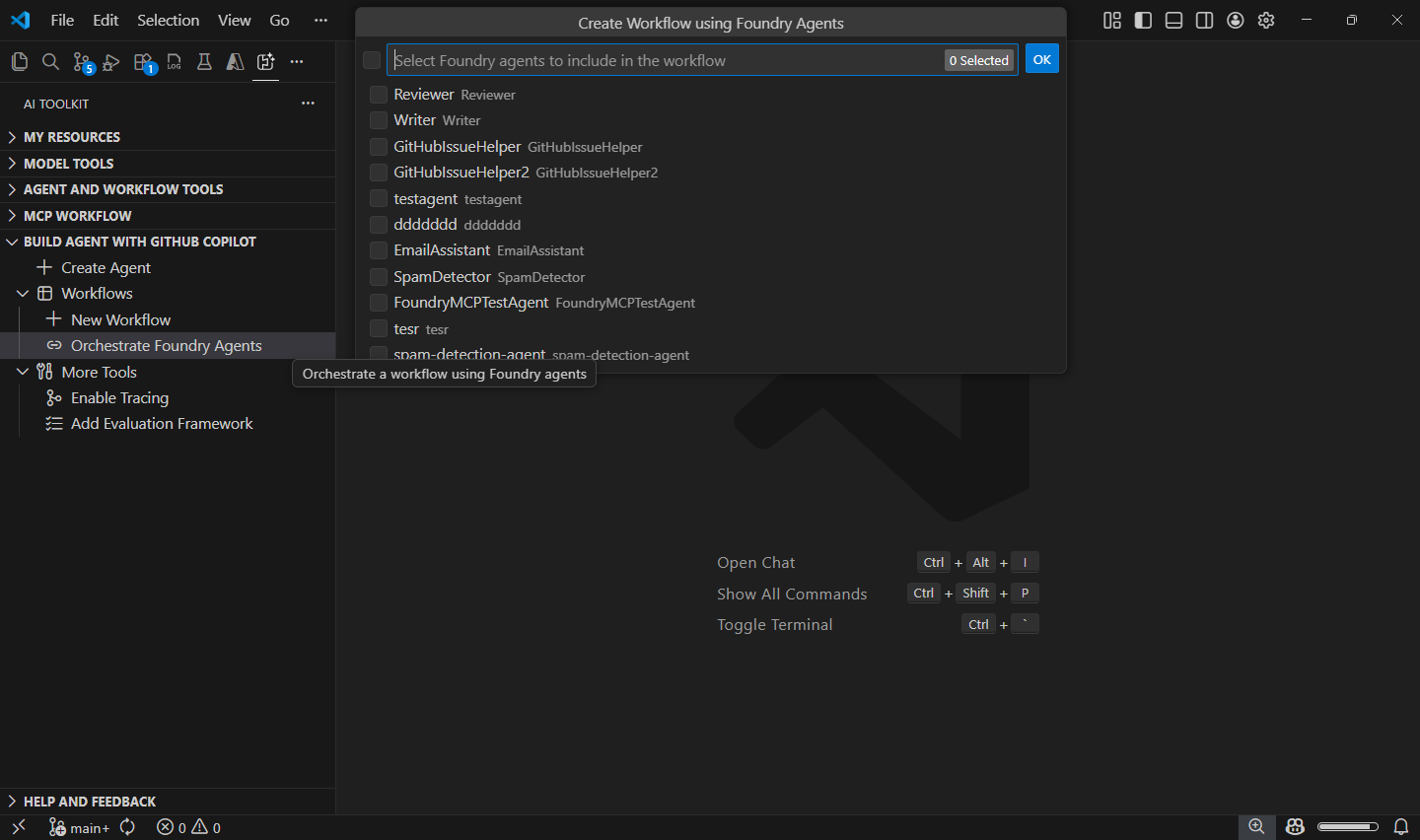
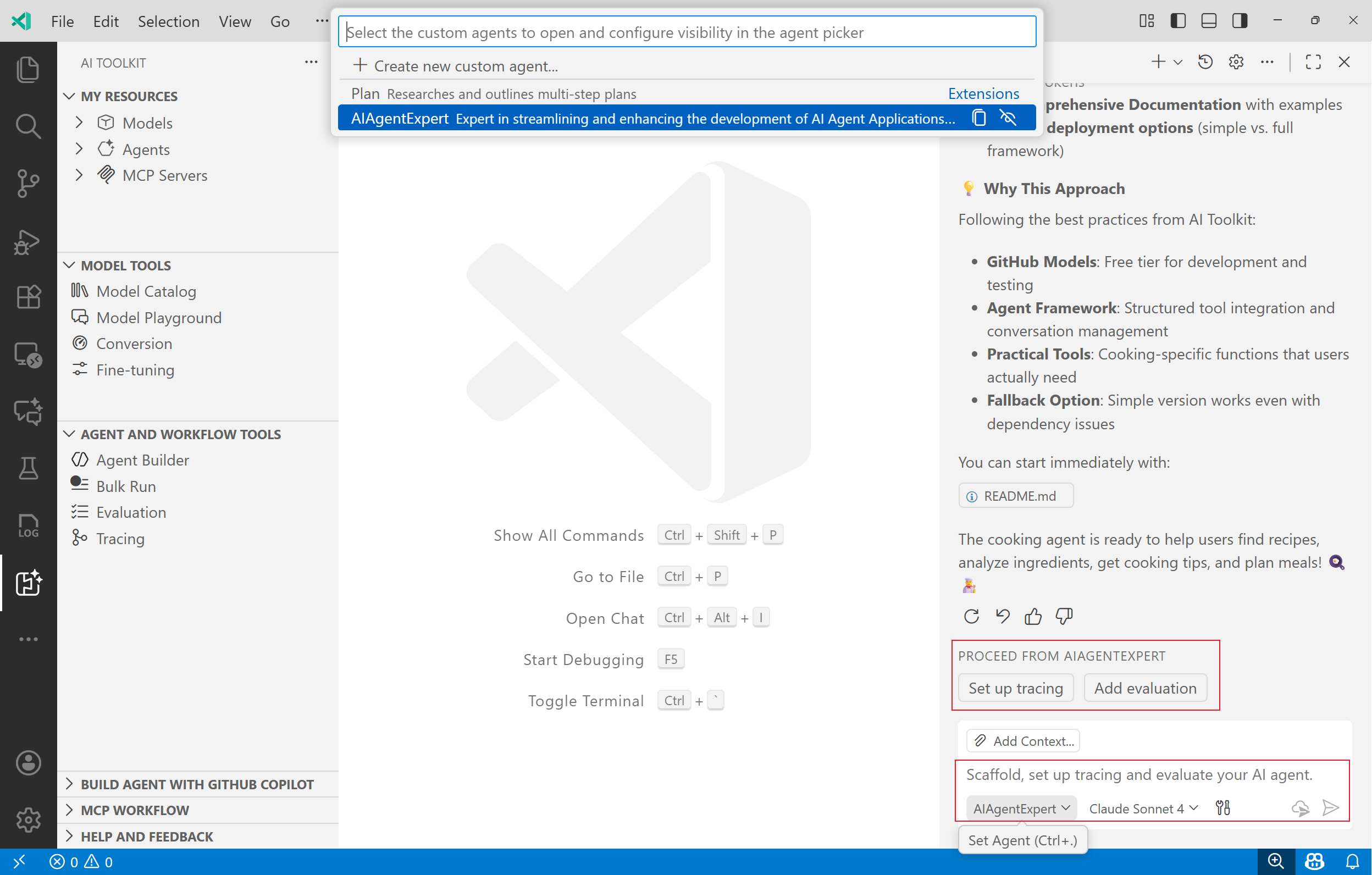
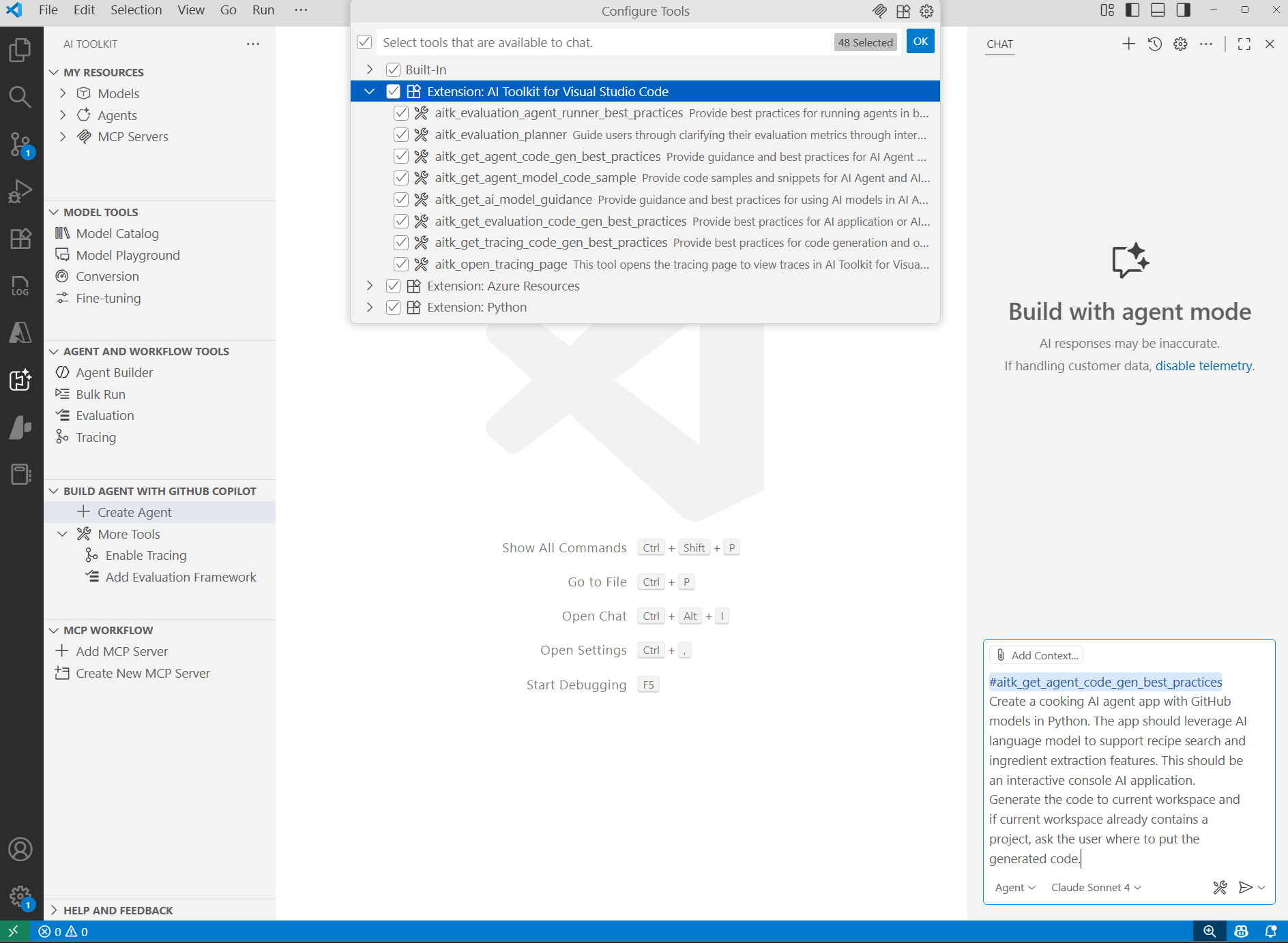 We are excited to announce the integration of GitHub Copilot Tools into AI Toolkit for VS Code. This integration empowers developers to build AI-powered applications more efficiently by leveraging Copilot's capabilities enhanced by AI Toolkit.