Live Demo: Using the Claude Code Plugin to Author a Copilot Studio Agent
Watch a full live demo of building a complex Copilot Studio agent from scratch using the Claude Code plugin - from cloning to pushing, all in one session.
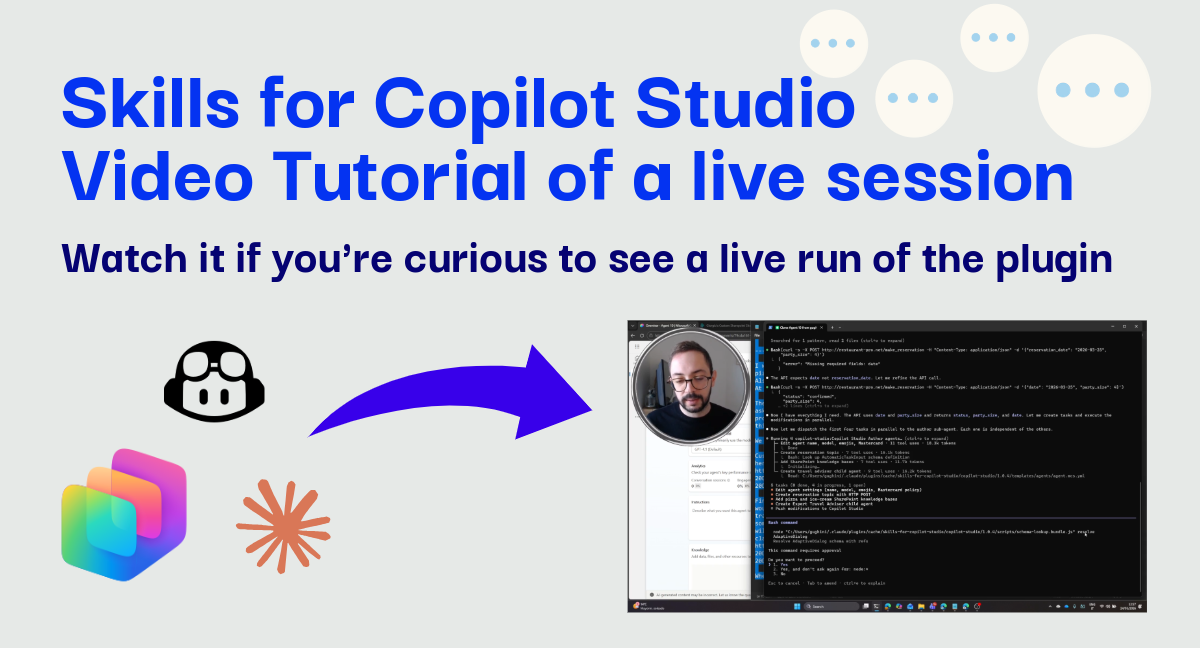
Heads up: This is a video-first tutorial. The post provides the scenario context, but the real action is in the recording below.
On the day our plugin reached its 3,000th clone, I thought it was time to record a quick video showing what a real authoring session looks like - starting from an empty agent and ending with a fully configured, multi-capability bot pushed live to Copilot Studio.
This was recorded using version 1.0.4 of the plugin (we’ve already moved to v1.0.5 - remember to update or enable auto-updates!), but the underlying logic and workflow remain the same.
What Gets Built
In this demo, I start with a blank agent and, through a single conversation with Claude Code, build out a pizzeria management agent with several capabilities working together:
- Agent Identity & Personality: The agent gets a new name, switches to a different language model, and is instructed to always use emojis - because a pizzeria is a happy place.
- Table Reservations: A full reservation flow that asks for party size and date, then sends the data via an HTTP POST call to an external booking API.
- Payment Information: The agent knows which credit cards are accepted and communicates this clearly to customers.
- Knowledge-Grounded Answers: Pizza and ice-cream recipe questions are answered using documents stored in SharePoint as a knowledge source.
- Child Agent - Expert Travel Advisor: When customers ask about travelling in Italy, the agent switches to a dedicated travel advisor mode - no emojis, clarification questions before answering, and grounded on its own set of travel guide documents.
The interesting part is how this gets done: Claude Code orchestrates four sub-agents working in parallel - one handling agent settings, one building the reservation topic with the HTTP action, one adding knowledge sources, and one creating the child travel advisor agent. Once all four complete, a fifth sequential step pushes everything to Copilot Studio.
Watch the demonstration
Video: Using the Claude Code Plugin to Author a Copilot Studio Agent
Tip: Watch how Claude Code parallelizes the work across multiple sub-agents - this is key to how the plugin keeps authoring fast even for complex, multi-feature requests.
Why this matters
Building a Copilot Studio agent with this level of complexity - custom topics, HTTP integrations, knowledge sources, child agents - would typically require significant time navigating the portal, configuring each piece individually, and testing along the way.
With the plugin, you describe what you want in natural language, and Claude Code figures out the how: which YAML files to create, how to structure the topics, where to wire up knowledge sources, and how to configure child agents. It parallelizes independent work and handles the push to your environment when everything is ready.
Note: we are not replacing the UI portal, we are just giving an alternative way of doing so by using your favorite AI Assistant of choice.
Have you been building something with Copilot Studio lately? Let me know in the comments - I read all of them!