VIDEO: Retrieve Meeting Transcripts in Copilot Studio & Block Focus Time
Watch an autonomous agent analyze your daily meeting transcripts and automatically block focus time for open action items.
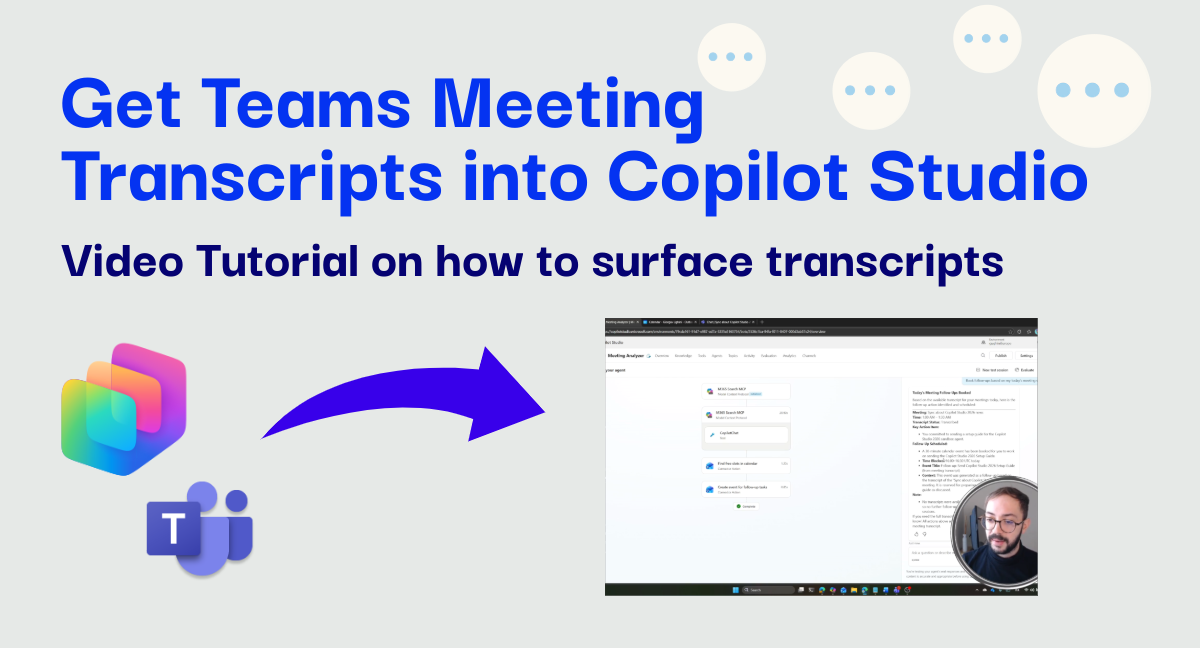
Heads up: This is a video-first tutorial. The post provides the scenario context, but the real action is in the recording below.
We all face the same challenge: back-to-back meetings leave us with a pile of action items and no time to do them. By the time the day ends, we often forget half of what we promised to deliver.
This video demonstrates a powerful solution using an autonomous agent in Copilot Studio.
Instead of manually reviewing recordings or notes, I’ll show you an agent designed to handle the post-meeting workload for you.
The Scenario
In this video, we deploy an autonomous agent that runs automatically at the end of every working day. Its workflow is simple yet impactful:
- Retrieves Transcripts: The agent fetches all Microsoft Teams meeting transcripts for the specific day.
- Analyzes Content: It reviews each transcript to identify open points, action items, and clear takeaways.
- Determines Effort: Using its intelligence, the agent estimates the effort required to complete each task.
- Takes Action: If there are significant open points requiring deep work, the agent uses the Outlook connector to find available slots and block time in the user’s calendar specifically for addressing those items.
Enjoy the video!
Watch the demonstration
Video: Autonomous Agent for Meeting Analysis and Calendar Management
UPDATE March 13th: The name of the MCP servers have been sligthly changed and are now “Work IQ”+Tool. For example, the one used in the video is now called Work IQ Copilot.
Why this matters
This example showcases the shift from simple chatbots to autonomous agents that can perform complex, multi-step workflows on your behalf. By integrating directly with Microsoft 365 data (Teams and Outlook), Copilot Studio enables you to build tools that not only answer questions but actively manage your workday.
If you enjoyed this practical look at autonomous agents, let me know directly or in the comments!