VIDEO: Mastering WebChat Middleware for Copilot Studio Agents
Watch how to intercept, modify, and control message flow in WebChat using Redux middleware - and why you should use WebChat instead of building custom chat UIs.
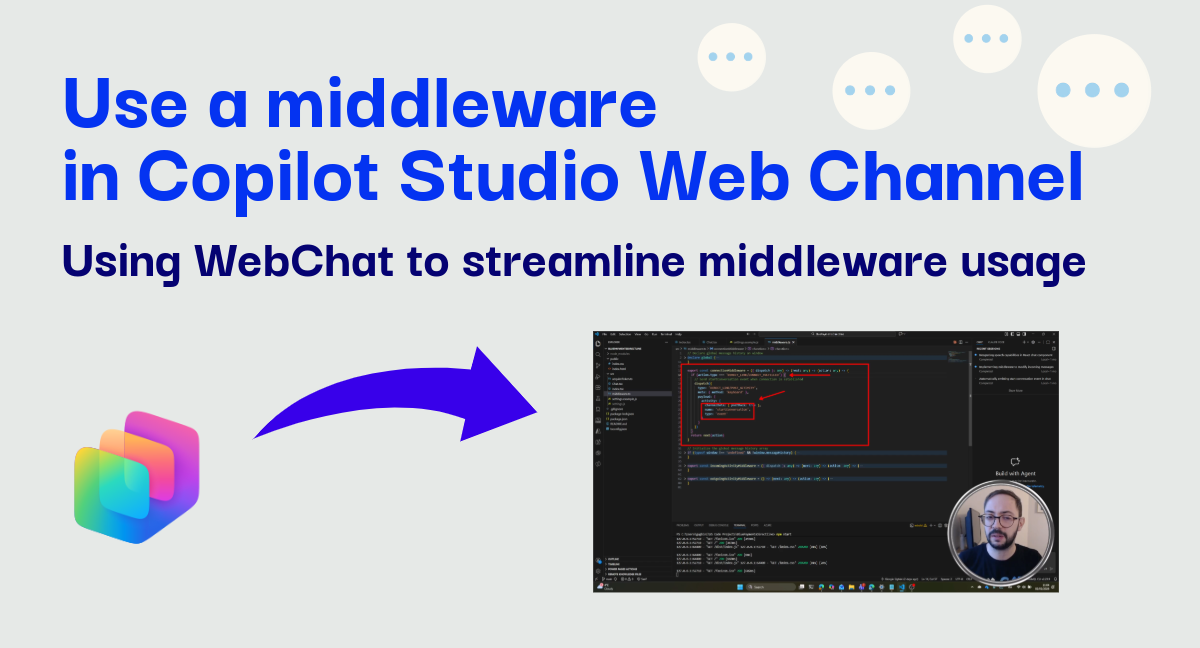
Heads up: This is a video-first tutorial. The post provides the scenario context, but the real action is in the recording below.
When integrating a Copilot Studio bot into your website, many developers instinctively reach for a custom chat implementation. After all, how hard can it be to build a simple chat UI?
The answer: harder than you think, and almost always unnecessary.
This video demonstrates why Bot Framework WebChat should be your default choice - and how its middleware architecture gives you all the customization power you actually need.
The Scenario
In this video, I walk through a practical sample application that showcases one of the many hidden powers of WebChat: Redux middleware. Instead of building a chat interface from scratch, I show you how to use middlewares for some common use-cases:
- Intercept Incoming Messages: Capture every response from your bot before it reaches the UI - perfect for logging, analytics, or filtering out system messages.
- Modify Outgoing Messages: Transform user input on the fly - add metadata, attach context, or even alter the text before it’s sent to your bot.
- Maintain Message History: Build a global message store accessible from anywhere in your application, without touching WebChat’s internal state.
- Filter Unwanted Content: Block JSON payloads or debug messages from cluttering your user interface.
The sample embeds WebChat into a demo website about pizzas, showing exactly how it integrates into a real single-page application.
Enjoy the video!
Watch the demonstration
Video: WebChat Middleware Patterns for Copilot Studio
Tip: Pay attention to how middleware lets you customize behavior without forking or wrapping WebChat components.
Source Code
The complete sample application is available on GitHub:
Clone it, configure your Direct Line token endpoint, and start experimenting with the middleware patterns demonstrated in the video.
Why this matters
I’ve seen too many projects where teams spend weeks building custom chat UIs, only to discover they need to handle typing indicators, adaptive cards, file attachments, accessibility, and a dozen other edge cases that WebChat already solves.
The middleware pattern flips the script: start with a battle-tested foundation, then customize only what you need. You get Microsoft’s ongoing investment in WebChat (Fluent UI themes, accessibility compliance, new features) while maintaining full control over the message pipeline.
Unless you have genuinely unique UI requirements that WebChat cannot accommodate, the answer is almost always: use WebChat with middleware, not a custom implementation.
If you found this useful or have questions about specific middleware patterns, let me know directly or in the comments!