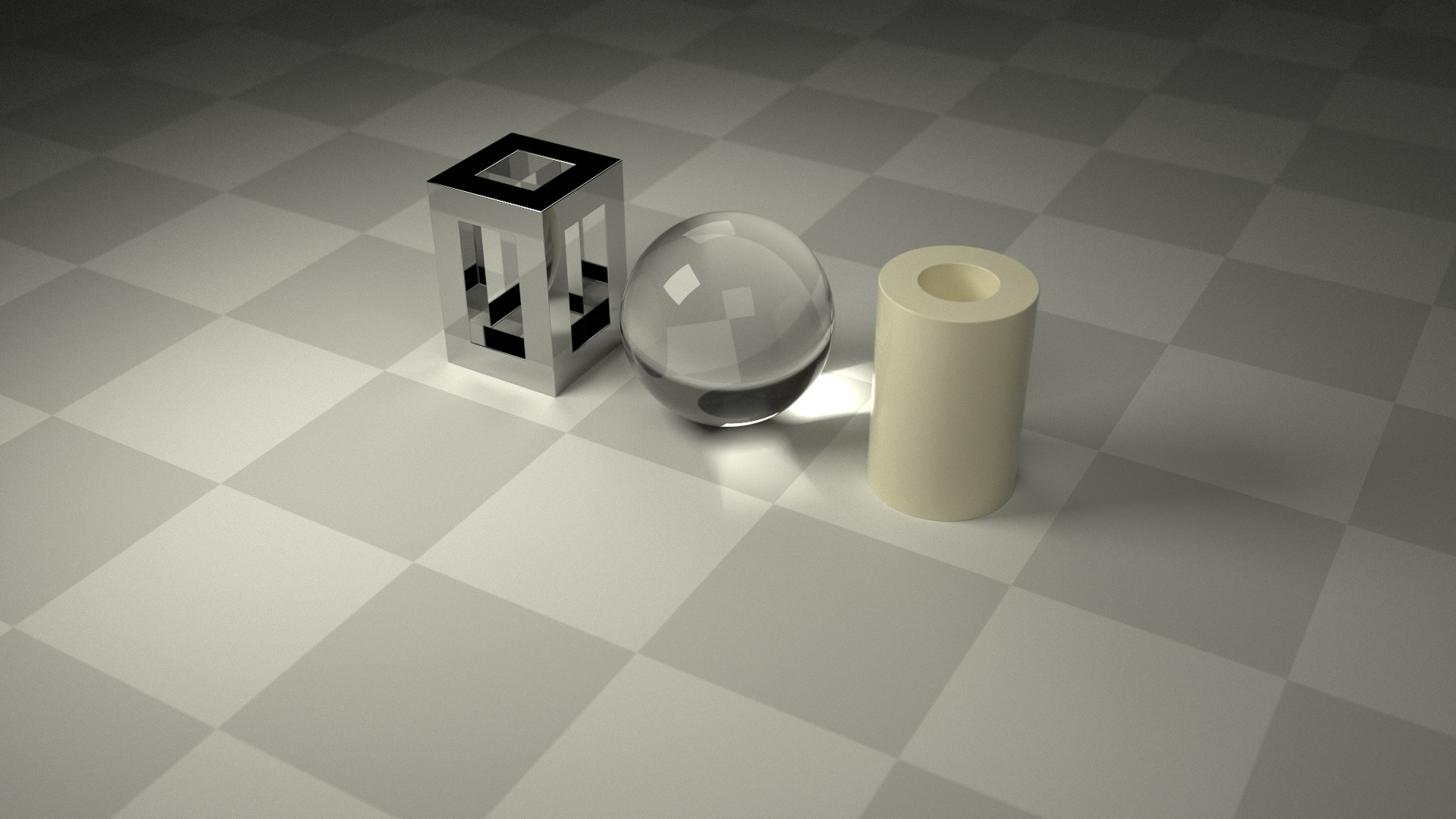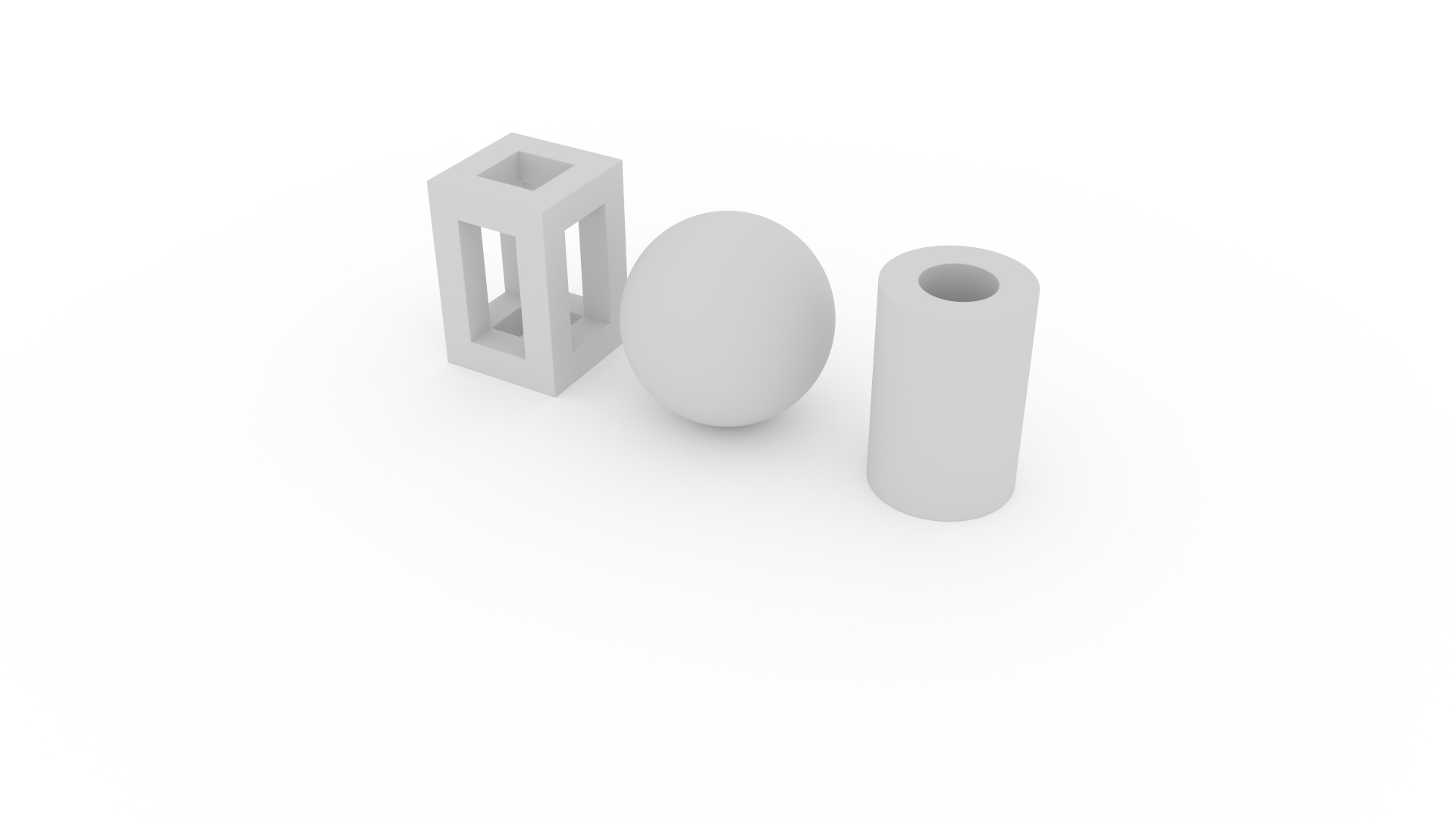
MorphCharts supports several different light types for illuminating scenes.
Ambient light provides a base level of illumination for all surfaces, regardless of position or orientation.
Defined as a top-level spec property, it accepts either a named color or CSS color string and defaults to
white. Set to black to disable ambient lighting.
  "ambient": "black",
"background": "black",| Property | Type | Default | Description |
|---|---|---|---|
ambient |
string | white |
Ambient color (CSS color string) |
background |
string | white |
Background color (CSS color string) |
To try the other light types, copy the light definition(s) from the examples below and modify the above
specification accordingly. Ensure the ambient property is set to black.
The background property defines the color seen when a ray misses all geometry. It defaults to
black and is also a top-level spec property.
Area lights and Direct lights are defined in the spec's
lights array. These lights share many common properties:
| Property | Type | Default | Description |
|---|---|---|---|
type |
string | — | Light type (required) |
color |
string | white |
Light color (CSS color string) |
brightness |
number | 1 |
Multiplier applied to color |
position |
[x, y, z] |
[0, 0, 0] |
Position in camera coordinates |
distance |
number | — | Spherical distance offset from position |
altitude |
degrees | 0 |
Spherical elevation from horizontal plane (0° = horizontal, 90° = up) |
azimuth |
degrees | 0 |
Spherical rotation around Y axis (0° = +Z, 90° = +X) |
visible |
boolean | true |
If false, the light is excluded from the scene |
Positions can be specified in either camera coordinates or plot coordinates using the
world prefix, for example worldPosition instead of position (see Coordinates).
For lights supporting a direction (e.g. Rect Light, Disk Light, Directional Light, Spot Light, Projector Light), the following properties can be used:
| Property | Type | Default | Description |
|---|---|---|---|
direction |
[x, y, z] |
toward origin | Direction vector (normalized internally) |
target |
[x, y, z] |
— | Look-at target (alternative to direction) |
Directions can be specified in either camera coordinates or plot coordinates using the
world prefix, for example worldTarget instead of target (see Coordinates). direction takes precedence over
target if both are specified.
For lights supporting a size (e.g. Rect Light, Disk Light, Sphere Light), the size property can be used:
| Property | Type | Default | Description |
|---|---|---|---|
size |
number | 1 |
Size of the light (e.g. width, diameter) |
size can also be specified in plot coordinates using worldSize (see Coordinates).
Camera coordinates take precedence over world coordinates if both are specified.
Area lights emit light from a surface, thereby enabling soft shadows. Area lights are supported in the
raytrace render mode and offer global
illumination.
Area lights also support a hidden property:
| Property | Type | Default | Description |
|---|---|---|---|
hidden |
boolean | true |
When true, the light source is not directly visible to the camera (you see its effect but not the
light
itself). Set to false to see the light source directly — useful for debugging light placement |
A rectangular area light produces soft shadows with size proportional to the light's area. Larger lights create softer shadows.
  "lights": [
    {
      "type": "rect",
      "aspect": 1,
      "size": 1,
      "position": [-0.5, 0.5, 0.5],
      "color": "oldlace",
      "brightness": 1
    }
],| Property | Type | Default | Description |
|---|---|---|---|
aspect |
number | 1 |
Width / height ratio |
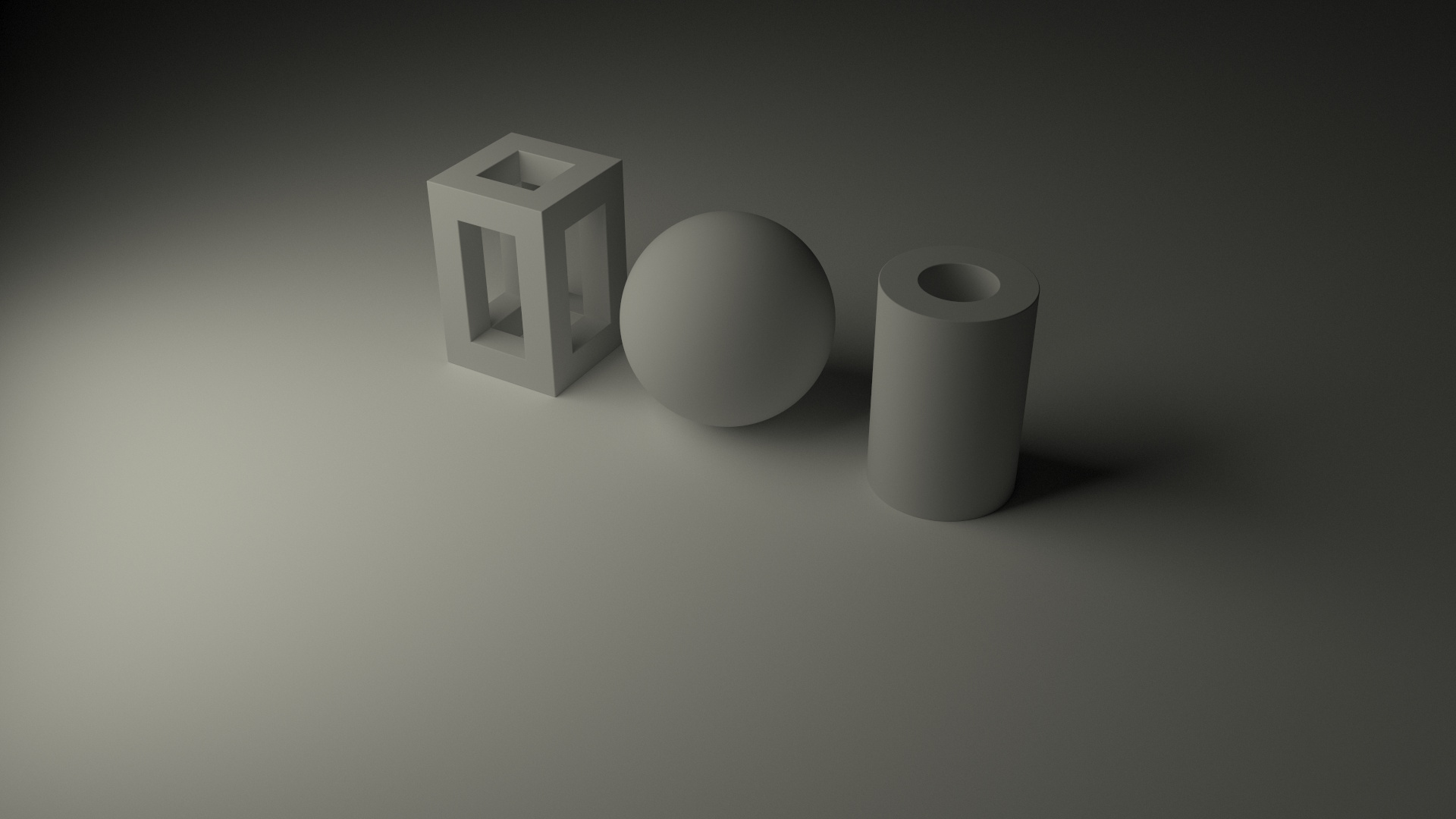
A circular area light produces soft shadows with size proportional to the light's diameter. Larger lights create softer shadows.
  "lights": [
    {
      "type": "disk",
      "size": 1,
      "position": [-0.5, 0.5, 0.5],
      "color": "oldlace",
      "brightness": 1
    }
  ],
The size property specifies the diameter of the disk light.
A spherical area light produces soft shadows with size proportional to the light's diameter. Larger lights create softer shadows.
  "lights": [
    {
      "type": "sphere",
      "size": 1,
      "position": [-0.5, 0.5, 0.5],
      "color": "oldlace",
      "brightness": 1
    }
  ],
The size property specifies the diameter of the sphere light.
Direct lights emit light from a point or along a direction. The light source is not directly visible to the camera
(you see its effect but not the light itself). They are supported in color render mode and in
raytrace render mode when using diffuse materials (since they do not support specular
reflections or refractions). Direct lights produce hard shadows since they have no area.
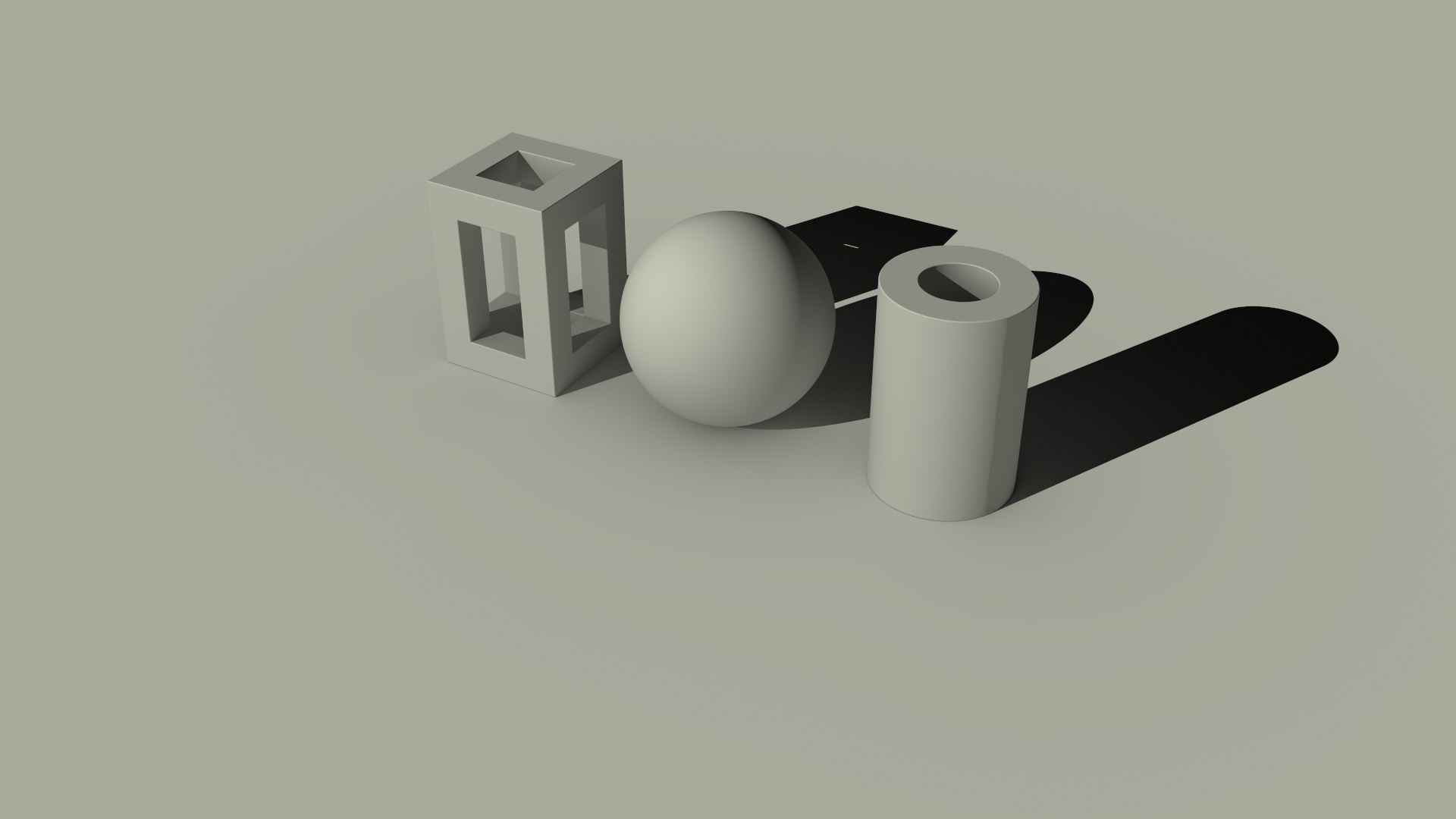
A directional light simulates a distant light source (like the sun) where all rays are parallel. Only
direction matters — position is ignored.
  "lights": [
    {
      "type": "directional",
      "direction": [0.408, -0.408, -0.816],
      "color": "oldlace",
      "brightness": 1
    }
  ],
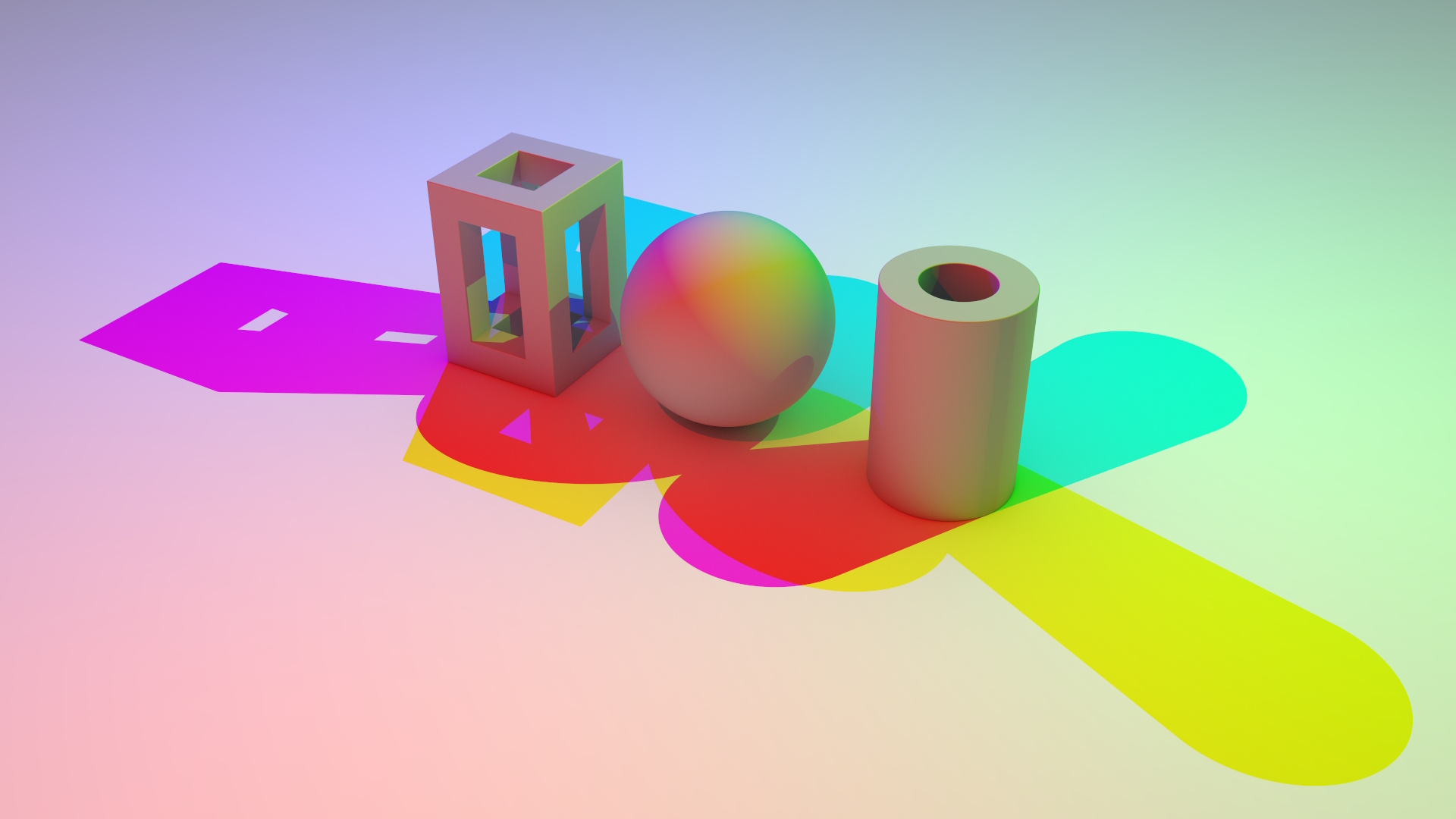
A point light is an infinitely small point source that emits light in all directions (omnidirectional).
  "lights": [
    {
      "type": "point",
      "distance": 1,
      "altitude": 45,
      "azimuth": 0,
      "color": "red",
      "brightness": 1
    },
    {
      "type": "point",
      "distance": 1,
      "altitude": 45,
      "azimuth": 120,
      "color": "lime",
      "brightness": 1
    },
    {
      "type": "point",
      "distance": 1,
      "altitude": 45,
      "azimuth": 240,
      "color": "blue",
      "brightness": 1
    }
  ],
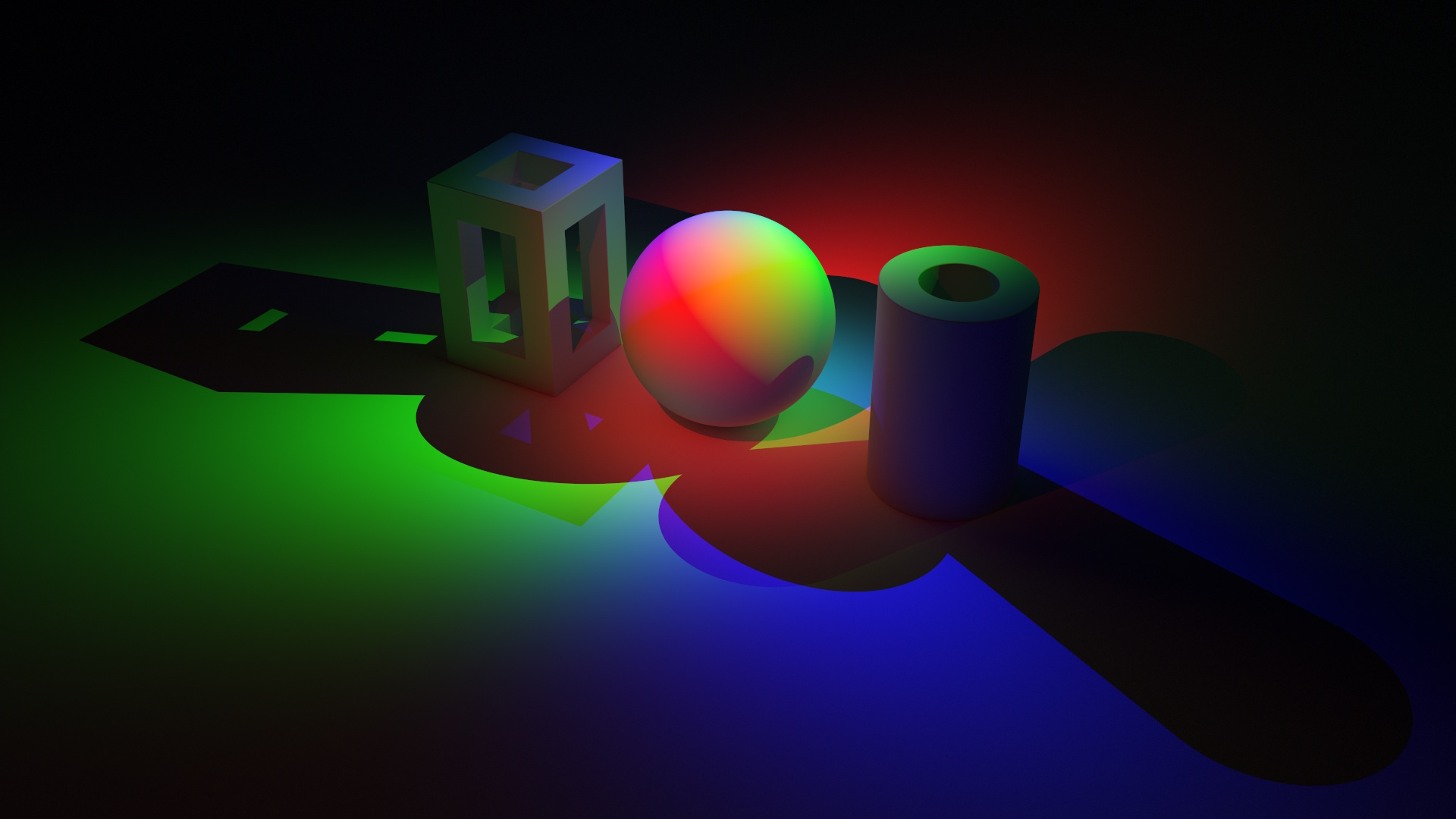
A spot light is a cone-shaped light with configurable angle and falloff. Useful for focused illumination, stage lighting, or highlighting specific areas of a scene.
  "lights": [
    {
      "type": "spot",
      "distance": 1,
      "altitude": 45,
      "azimuth": 0,
      "angle": 90,
      "falloff": 20,
      "color": "red",
      "brightness": 2
    },
    {
      "type": "spot",
      "distance": 1,
      "altitude": 45,
      "azimuth": 120,
      "angle": 90,
      "falloff": 20,
      "color": "lime",
      "brightness": 2
    },
    {
      "type": "spot",
      "distance": 1,
      "altitude": 45,
      "azimuth": 240,
      "angle": 90,
      "falloff": 20,
      "color": "blue",
      "brightness": 2
    }
],| Property | Type | Default | Description |
|---|---|---|---|
angle |
degrees | 30° | Cone angle (full width) |
falloff |
number | 1 | Falloff exponent (higher = sharper edge) |
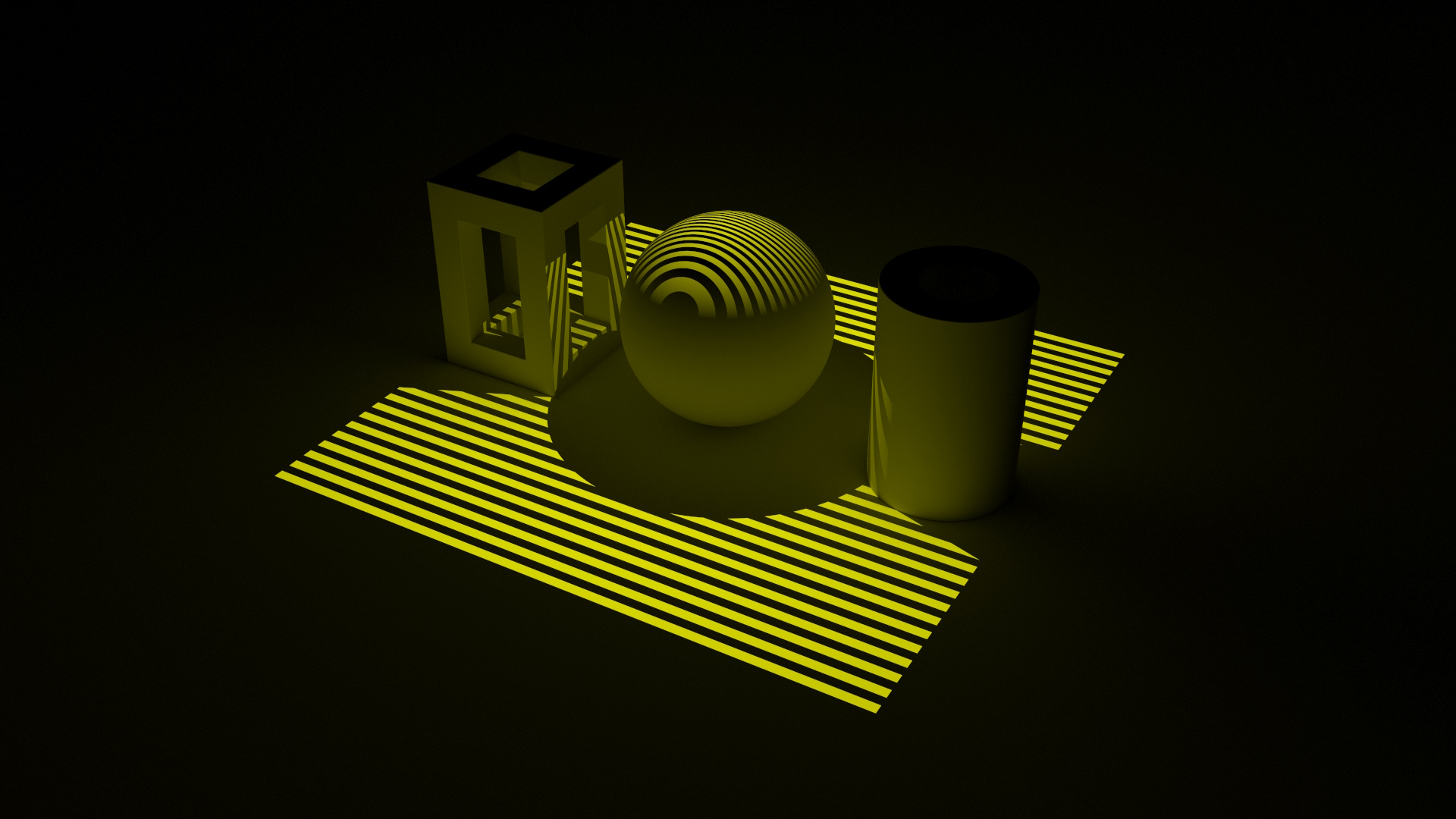
A projector light projects a texture onto the scene, like a slide projector. The texture can be a checkerboard pattern or an image texture.
  "lights": [
    {
      "type": "projector",
      "aspect": 1,
      "worldPosition": [320, 270, 180],
      "direction": [0, -1, 0],
      "angle": 90,
      "brightness": 2,
      "texture": {
        "checker": {
          "color1": "yellow",
          "color2": "black"
        },
        "texScale": {"x": 0.5, "y": 32},
        "texOffset": {"x": 0.25, "y": 0}
      }
    }
],| Property | Type | Default | Description |
|---|---|---|---|
angle |
degrees | 30 |
Vertical field of view |
aspect |
number | 1 |
Width / height ratio of the projection |
nearPlane |
number | 0.1 |
Distance from light center along direction to near clipping plane for intersection tests and uv mapping |
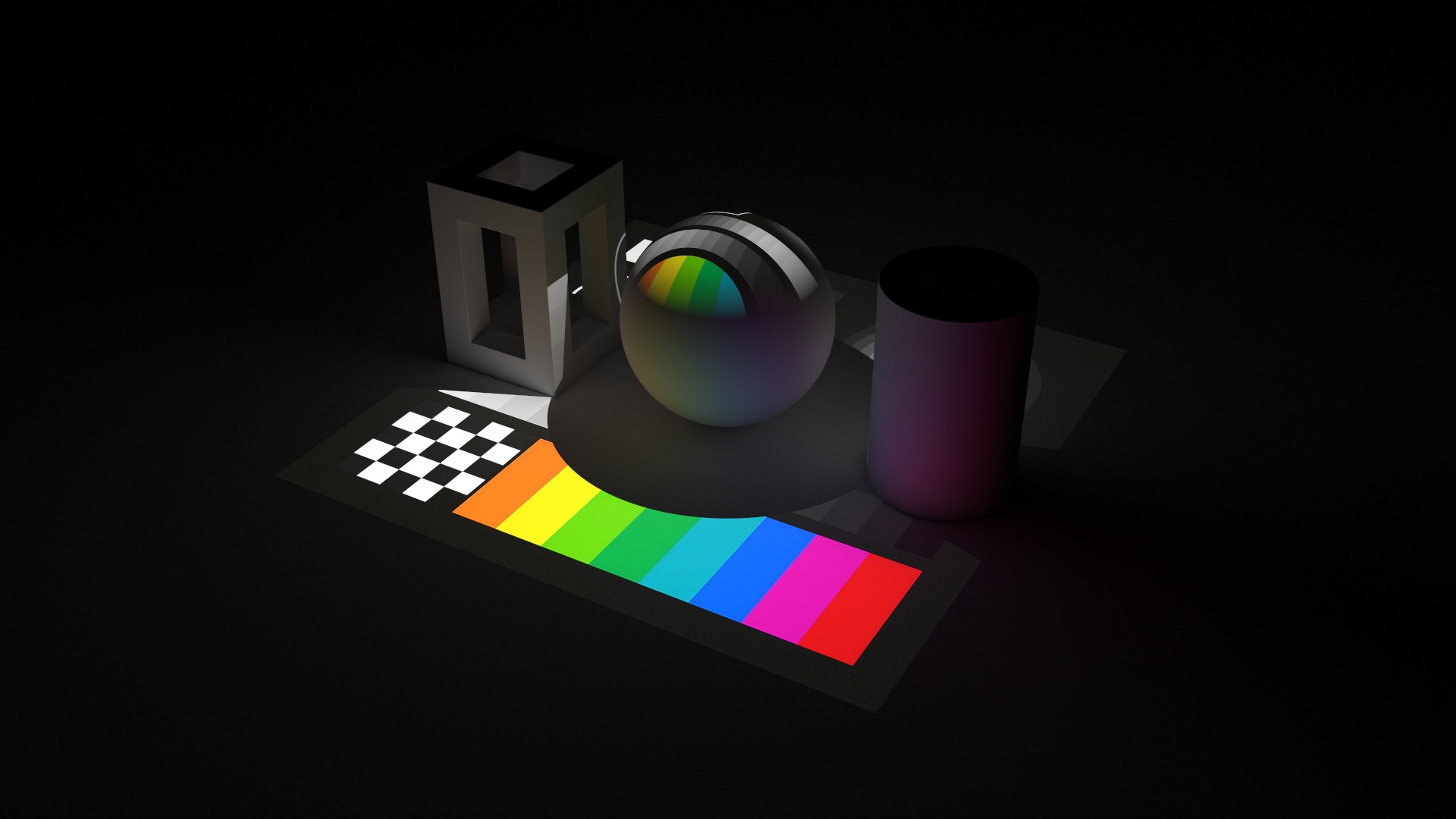
  "lights": [
    {
      "type": "projector",
      "aspect": 1,
      "worldPosition": [320, 270, 180],
      "direction": [0, -1, 0],
      "angle": 90,
      "brightness": 2,
      "texture": {
        "image": "texture",
        "texScale": {"y": -1}
      }
    }
  ],
In addition to the light types above, any mark can act as an area light by setting its material to
light. The mark becomes a light-emitting surface, illuminating nearby objects. Emissive marks are
supported in raytrace mode, and enable data-driven area lights.
  "marks": [
    {
      "type": "rect",
      "geometry": "sphere",
      "material": "light",
      "encode": {
        "enter": {
          "xc": {"value": 320},
          "yc": {"value": 90},
          "zc": {"value": 180},
          "width": {"value": 180},
          "fill": {"value": "yellowgreen"},
          "emission": {"value": 5}
        }
      }
    }
  ]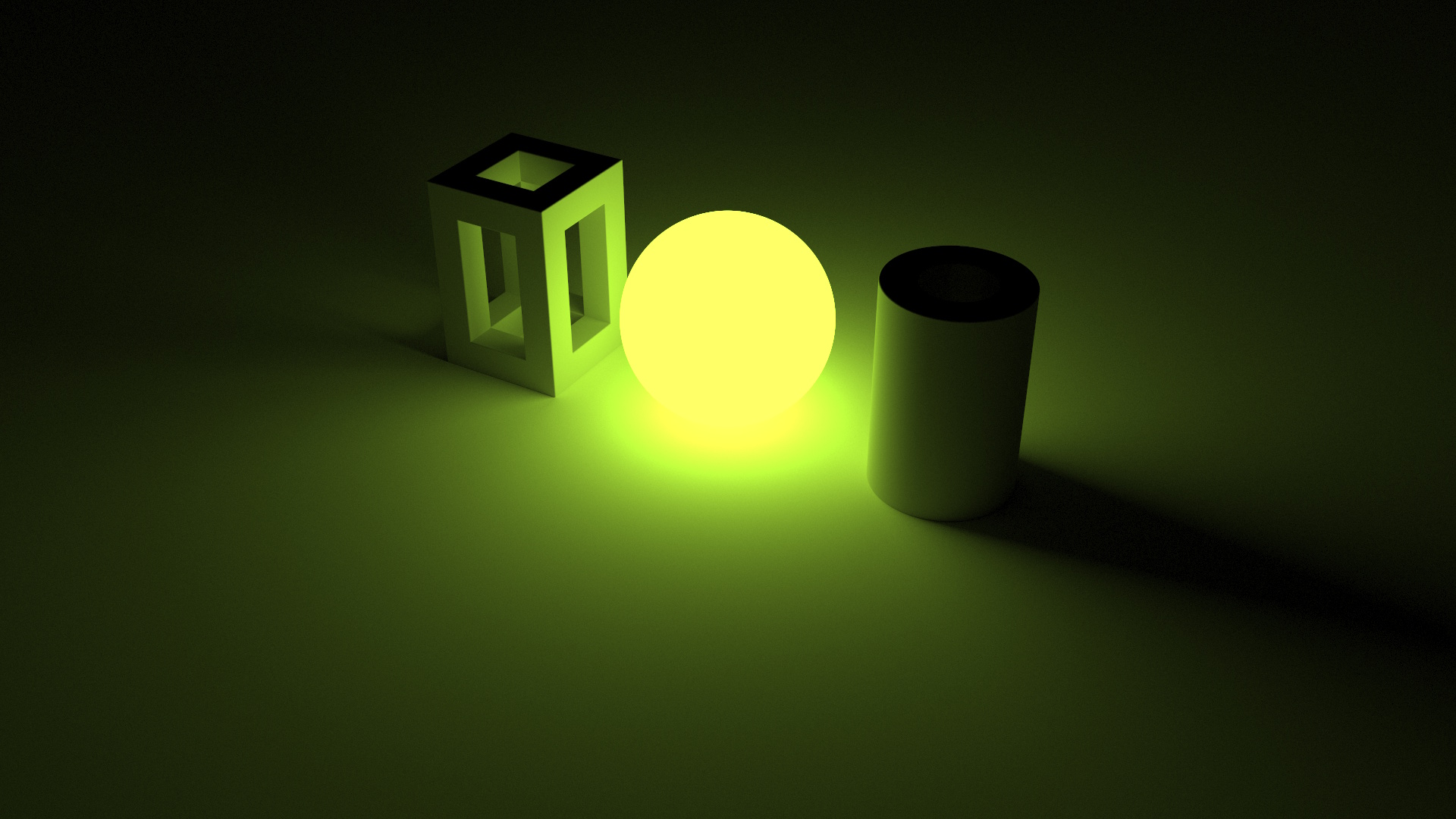
Since emissive marks are regular marks, they support data binding — you can create arrays of lights driven
by data, positioned and colored through scales. The mark's fill color, emission, and size determine the
light's color and intensity.
Standard lighting setups are arrangements of lights that can be easily applied to a scene. For example, three-point lighting consists of a key light, fill light, and back light arranged in a specific configuration to create balanced and visually appealing illumination.
  "lights": [
    {
      "type": "rect",
      "size": 0.5,
      "distance": 1,
      "altitude": 45,
      "azimuth": -45,
      "color": "oldlace",
      "brightness": 8
    },
    {
      "type": "rect",
      "size": 0.5,
      "distance": 1,
      "altitude": 45,
      "azimuth": 45,
      "color": "oldlace",
      "brightness": 2
    },
    {
      "type": "rect",
      "size": 0.5,
      "distance": 1,
      "altitude": 45,
      "azimuth": -135,
      "color": "oldlace",
      "brightness": 2
    }
  ],