Celebrity Quote Analysis with The Azure AI Services
from synapse.ml.services import *
from pyspark.ml import PipelineModel
from pyspark.sql.functions import col, udf
from pyspark.ml.feature import SQLTransformer
from synapse.ml.core.platform import find_secret

# put your service keys here
ai_service_key = find_secret(
    secret_name="ai-services-api-key", keyvault="mmlspark-build-keys"
)
ai_service_location = "eastus"
Setting up celebrity quote images
Here we set up a static list of celebrity image URLs for analysis.
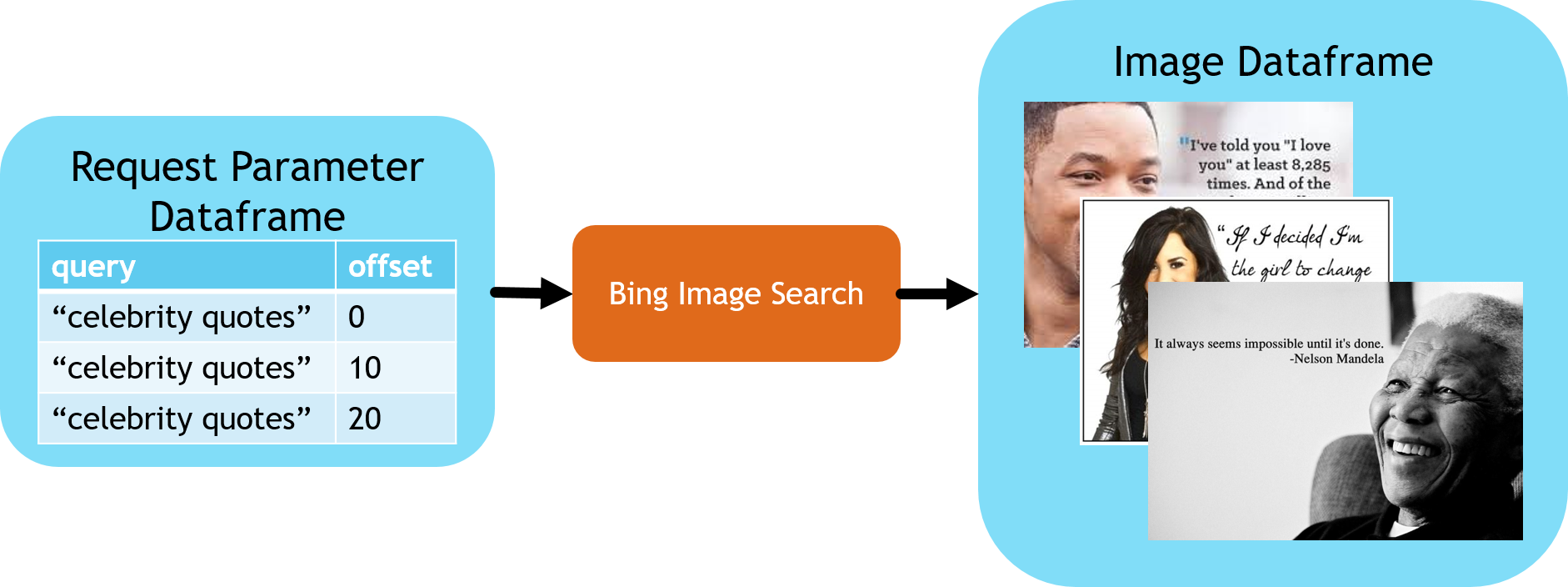
# Static list of celebrity quote image URLs
celebrity_image_urls = [
    "https://mmlspark.blob.core.windows.net/datasets/DSIR/test2.jpg",
    "https://mmlspark.blob.core.windows.net/datasets/DSIR/test1.jpg",
]

urlDF = spark.createDataFrame([(url,) for url in celebrity_image_urls], ["url"])
Recognizing Images of Celebrities
This block identifies the name of the celebrities for each of the images.
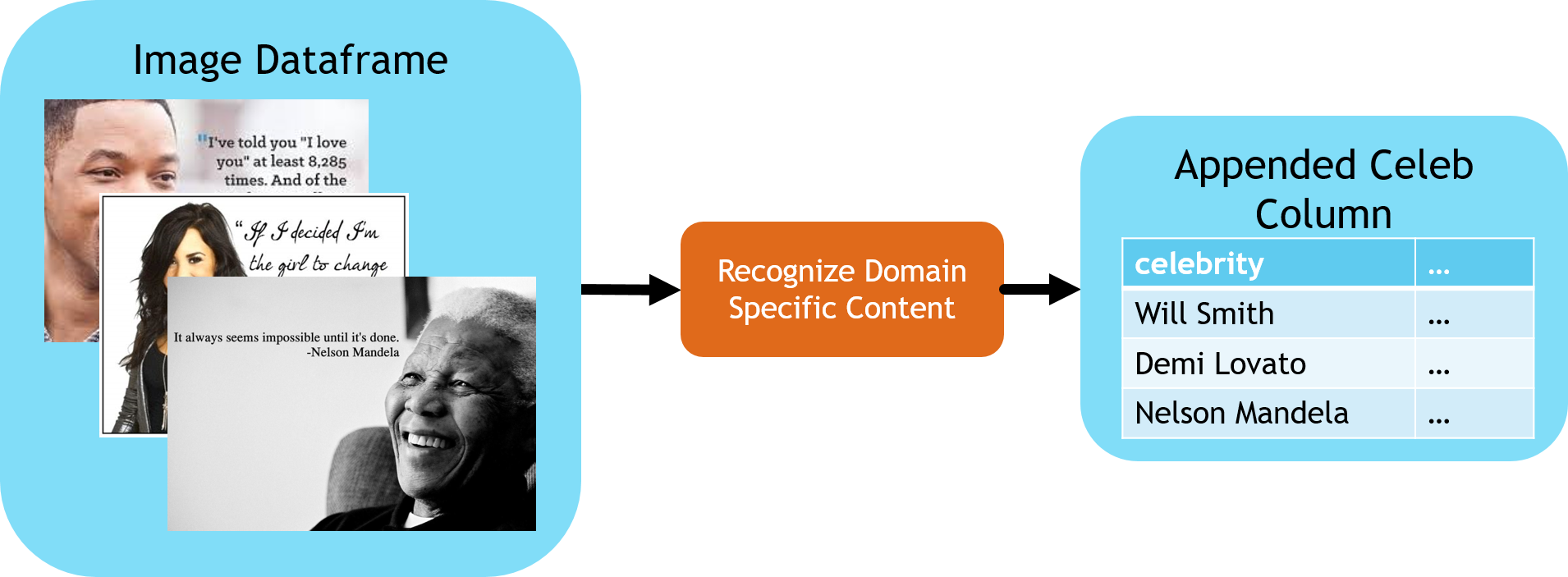
celebs = (
    RecognizeDomainSpecificContent()
    .setSubscriptionKey(ai_service_key)
    .setLocation(ai_service_location)
    .setModel("celebrities")
    .setImageUrlCol("url")
    .setOutputCol("celebs")
    .setErrorCol("celebsError")
)

# Extract the first celebrity we see from the structured response
firstCeleb = SQLTransformer(
    statement="SELECT *, celebs.result.celebrities[0].name as firstCeleb FROM __THIS__"
)
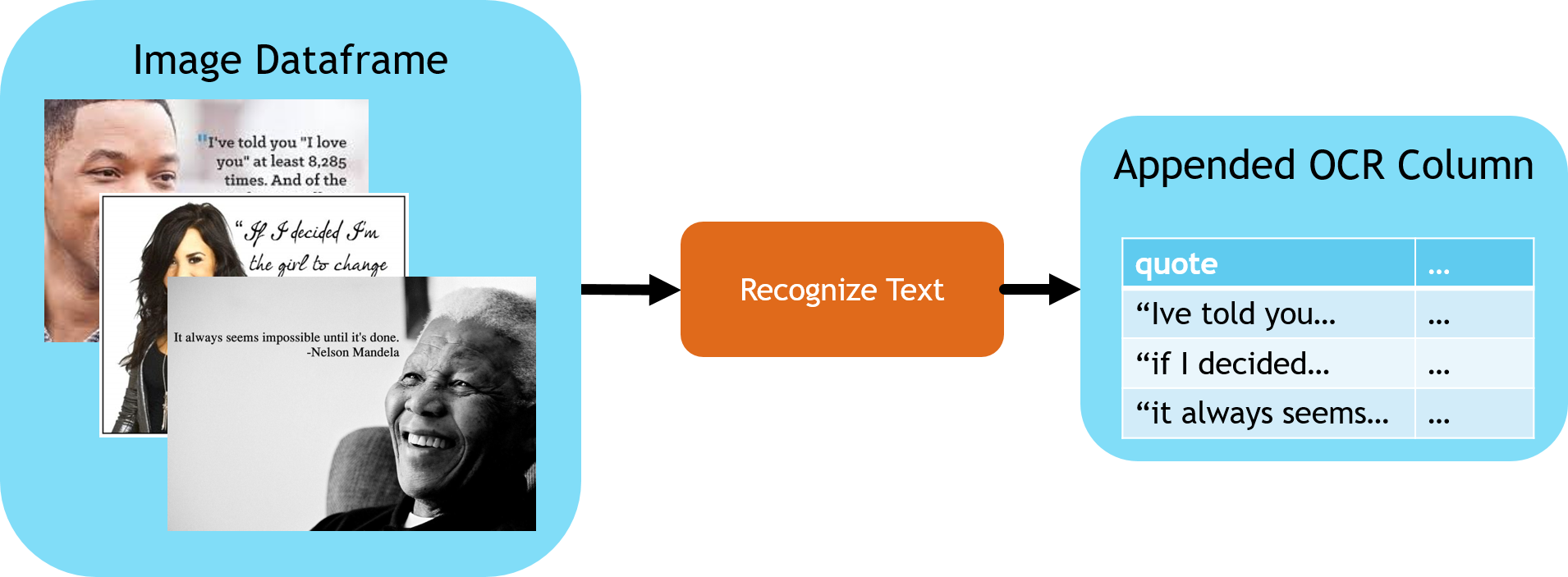
Reading the quote from the image.
This stage uses ReadImage with Read v3.2 to extract quote text from analyzeResult.readResults. Check ocrStatus for the operation result and ocrError for HTTP failures. A Read operation can finish with status failed even when HTTP polling succeeds.
from synapse.ml.stages import UDFTransformer

readImage = (
    ReadImage()
    .setSubscriptionKey(ai_service_key)
    .setLocation(ai_service_location)
    .setImageUrlCol("url")
    .setOutputCol("ocr")
    .setErrorCol("ocrError")
    .setConcurrency(5)
)


def getTextFunction(ocrRow):
    result = ocrRow.analyzeResult if ocrRow is not None else None
    if result is None or result.readResults is None:
        return None
    return "\n".join(line.text for page in result.readResults for line in page.lines)


# Extract quote text from all pages of the Read response
getText = (
    UDFTransformer()
    .setUDF(udf(getTextFunction))
    .setInputCol("ocr")
    .setOutputCol("text")
)

getReadStatus = SQLTransformer(
    statement="SELECT *, ocr.status as ocrStatus FROM __THIS__"
)
Understanding the Sentiment of the Quote
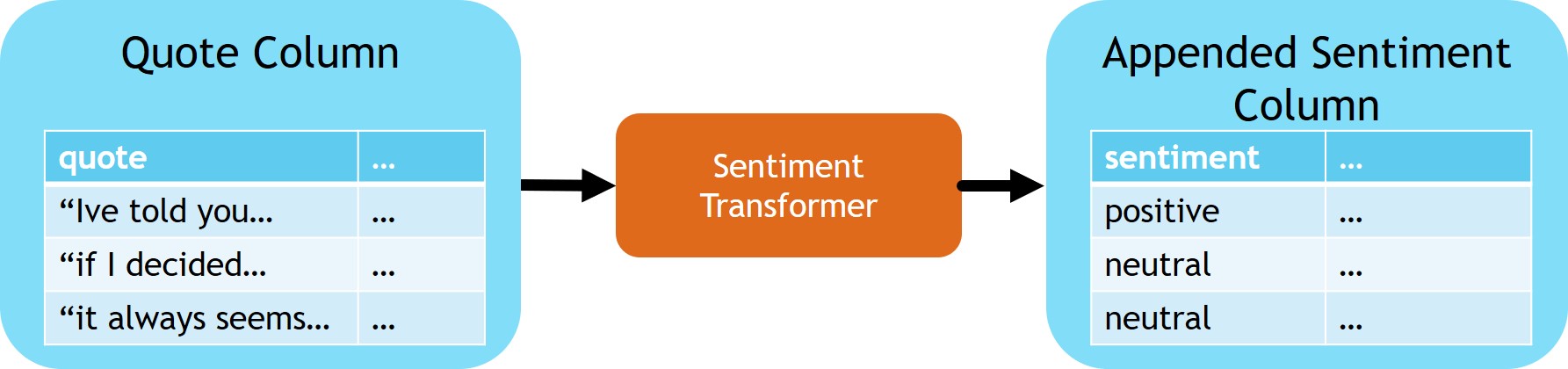
sentimentTransformer = (
    TextSentiment()
    .setLocation(ai_service_location)
    .setSubscriptionKey(ai_service_key)
    .setTextCol("text")
    .setOutputCol("sentiment")
    .setErrorCol("sentimentError")
)

# Extract the sentiment score from the API response body
getSentiment = SQLTransformer(
    statement="SELECT *, sentiment.document.sentiment as sentimentLabel FROM __THIS__"
)
Tying it all together
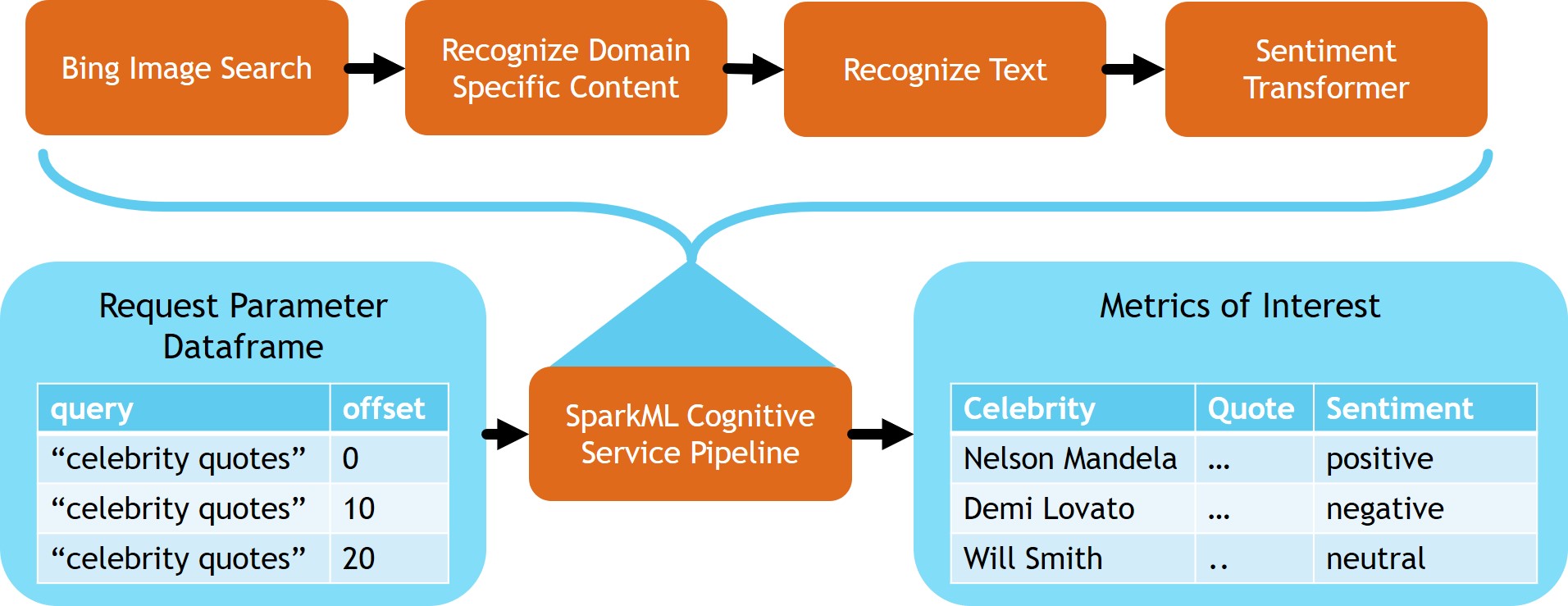
Now that we have built the stages of our pipeline it's time to chain them together into a single model that can be used to process batches of incoming data. Keep the service error columns and Read status in the final output so a failed request or operation is not mistaken for an image without quote text or sentiment.
from synapse.ml.stages import SelectColumns

# Select the final columns
cleanupColumns = SelectColumns().setCols(
    [
        "url",
        "firstCeleb",
        "text",
        "ocrStatus",
        "sentimentLabel",
        "celebsError",
        "ocrError",
        "sentimentError",
    ]
)

celebrityQuoteAnalysis = PipelineModel(
    stages=[
        celebs,
        firstCeleb,
        readImage,
        getReadStatus,
        getText,
        sentimentTransformer,
        getSentiment,
        cleanupColumns,
    ]
)

celebrityQuoteAnalysis.transform(urlDF).show(5, truncate=False)