One business signal.
Many ways to act.
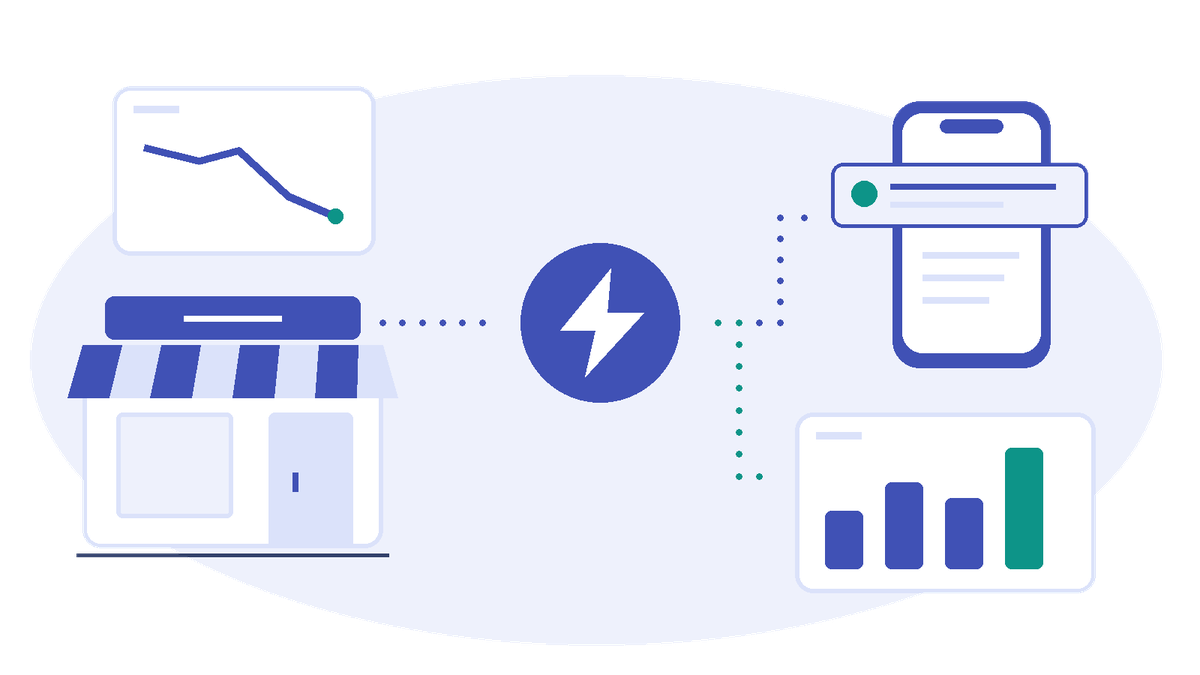
A sales dip. A newly placed order. Recognize what matters and share the facts teams need to act or analyze.
Your workloads already detect important business situations. Business Events represent those signals through a shared, schema-defined contract, so teams and applications can reuse the same business meaning and respond independently.
Find a moment
worth acting on.
Alert the team.
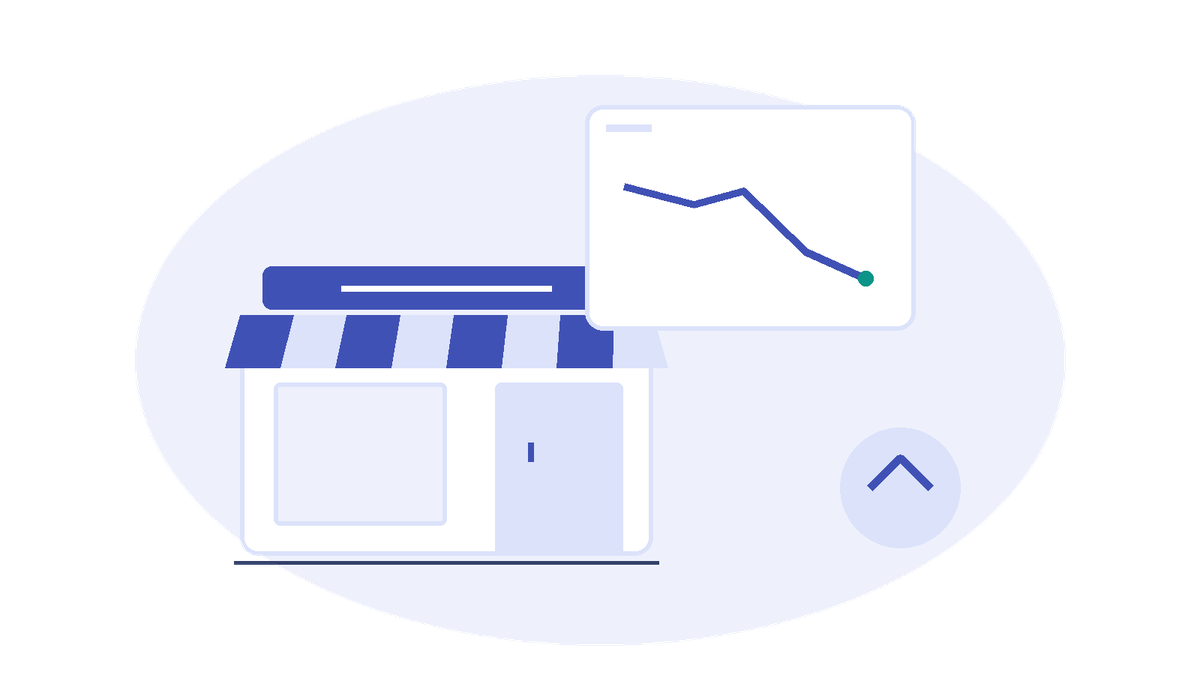
A Notebook detects a sales dip and publishes a Business Event. Activator sends a Teams alert; other consumers can reuse the same signal without changing the Notebook.
Build a sales volume alert →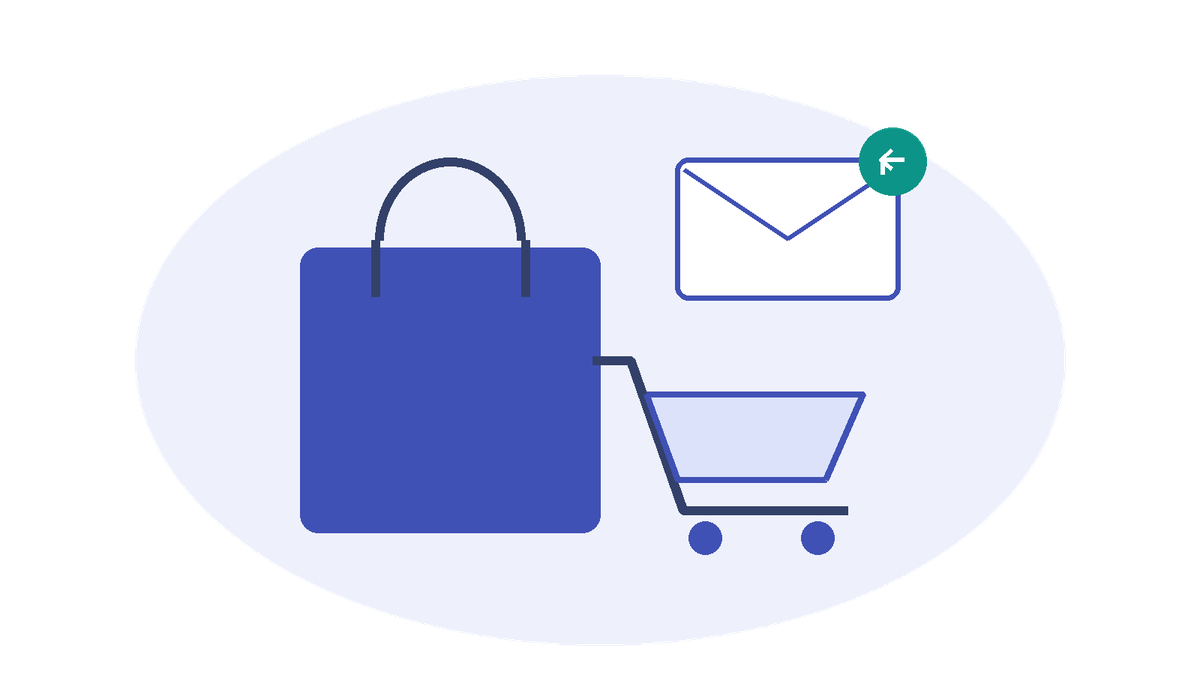
Bring a customer back.
Share one cart abandonment signal with independent consumers for recovery actions and conversion analytics, instead of integrating each response into the publisher.
Explore cart recovery →
Understand the activity.
Publish six synthetic orders from a Notebook, retain their Business Events in Eventhouse and compare order volume and value across two stores with KQL.
Explore order history analysis →Three pillars.
One event-driven toolkit.
Business Events
Shared, schema-defined representations of business signals that teams and applications can reuse without replacing existing detection logic.
Fabric Events
Platform signals, such as item creation and workspace changes.
Site coverage coming soon.
Azure Events
Cloud signals that connect Azure systems and Fabric workloads.
Site coverage coming soon.
Go from an idea
to a working solution.
Choose your next step, whether you are exploring Business Events or building your own integration.
Build your first solution.
Follow a complete scenario, from the event schema and publisher to consumer setup and an end-to-end test.
Start with a sales alert →Implement a specific task.
Use focused recipes to publish events in batches or chain two Business Events into a connected workflow.
Find a recipe →Design for what comes next.
Explore payload design, schema versioning, retry behavior, and patterns for multiple independent consumers.
Explore design guides →Need the platform reference? Read the official documentation.
What are you building?
Ask a question, share your scenario, or help shape the next developer guide.
Join the conversation on Reddit →