
Chapter 2 of 6
Architecture at a glance#
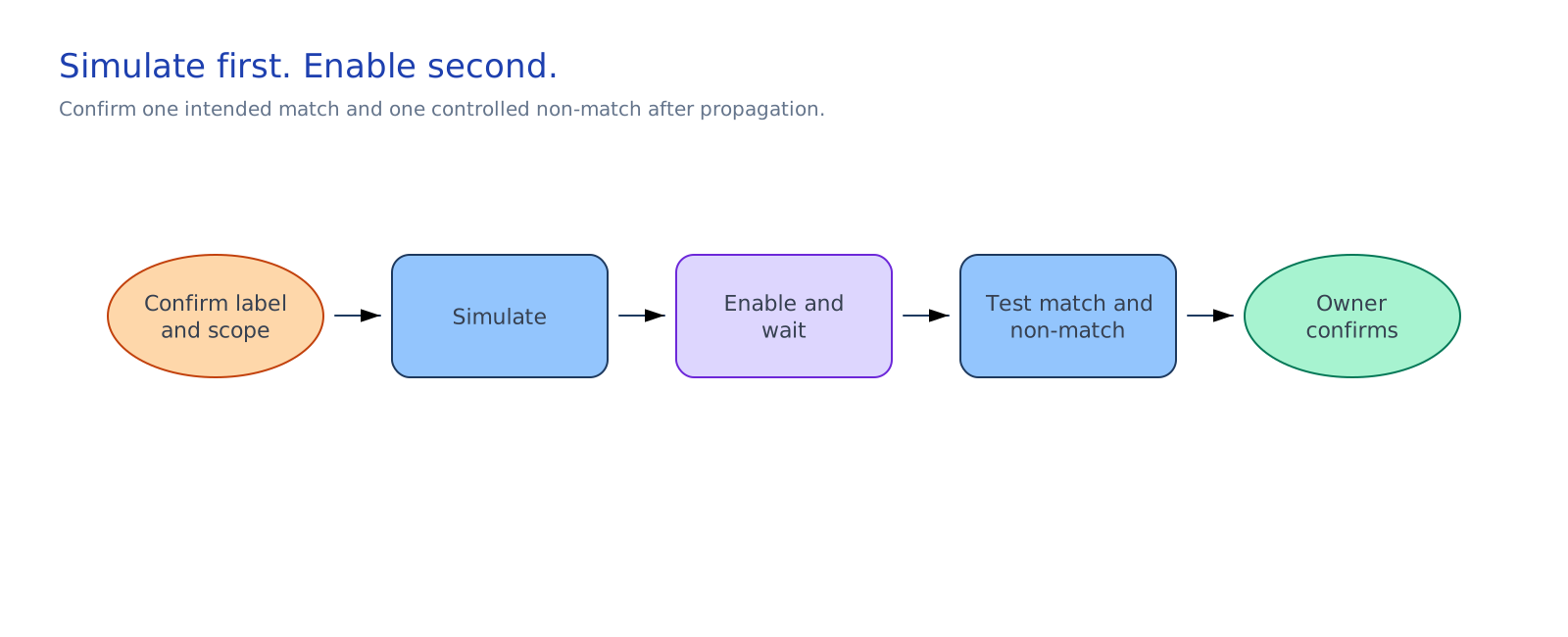
The source-platform owner publishes the supported agent. The Microsoft 365 administrator confirms its Available Agent Registry entry and completes agent-deployment.json, including the Agent 365 instance ID that DLP and audit use. The Purview operator creates and simulates the policy from the approved change. After propagation, the delivery owner updates the DLP gate in the contract to permit scoped installation. The audit owner queries current Agent 365 operations without exporting content.
coverage-handoff.md assigns the product-boundary owners. Keep the policy, labels, audit events, simulation result, and propagation decision in Purview and the approved change system.
Design choices and tradeoffs#
| Decision | Chosen approach | Benefits | Costs and limitations |
|---|---|---|---|
| Source agent | A published Foundry, Copilot Studio, or Agent Builder agent | Uses a supported Agent 365 entry path | The source platform still governs its runtime |
| Rollout scope | One nonproduction Agent Registry agent and Entra group | Limits access while the control is checked | A broader pilot needs another change |
| DLP action | The approved Block or Audit choice | Follows the data owner's decision | Audit records activity but allows it; Block can interrupt work |
| Installation gate | Recorded EnabledAndPropagated state before group installation | Makes the handoff explicit | The operator must inspect Purview and the change record first |
| Audit output | Five metadata fields, with no export | Supports a quick check | Investigation detail stays in Purview |