ColorBar Display Device States
Overview
Color Bars are used to show current device state for quick reference of the system firmware. The Color Bars supported by Q35 are listed below.
Color Bar Legend
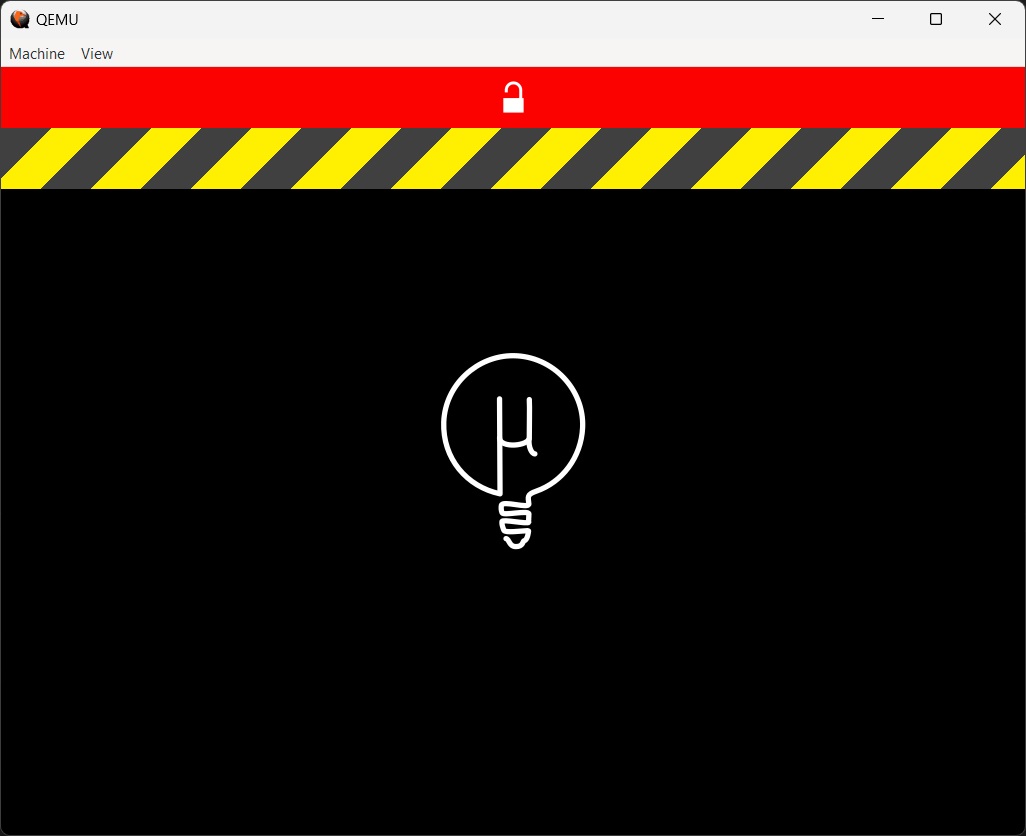
| Color | Description | Location where Device State is set |
|---|---|---|
| Red | Secure Boot Disabled | MU_OEM_SAMPLE\OemPkg\DeviceStatePei\DeviceStatePei.c |
| Yellow and Grey Caution | Unit Test Mode (Unit Tests Compiled into Firmware) | Platforms\QemuQ35Pkg\QemuQ35Pkg.dsc |