Zero Trust Workshop Plan
Learn how to run the Microsoft Zero Trust workshop, including step-by-step instructions and best practices.

Step 1: Prepare for the Zero Trust workshop
- Identify and notify the right stakeholders from your organization and your deployment partners for each zero trust pillar
- Review the delivery guide
- Run the Zero Trust Assessment to make sure you are starting with a healthy configuration
Step 2: Run the Zero Trust strategy workshop
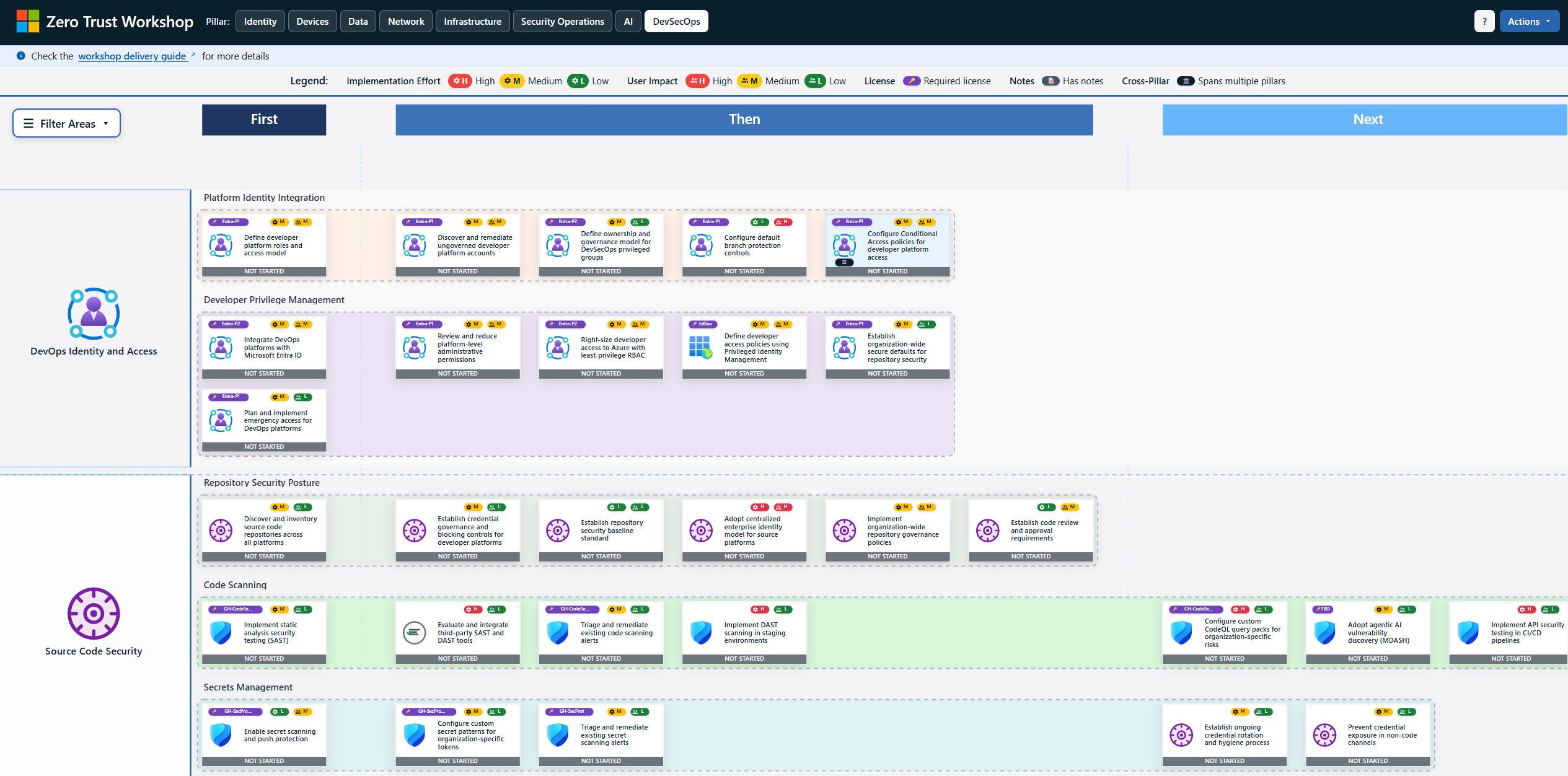
- Open the workshop tool
- Deliver the workshop for each Zero Trust pillar with the right stakeholders. You can run them in the proposed order or choose the right pillar for the area you are focused on:
Step 3: Document results and create a plan
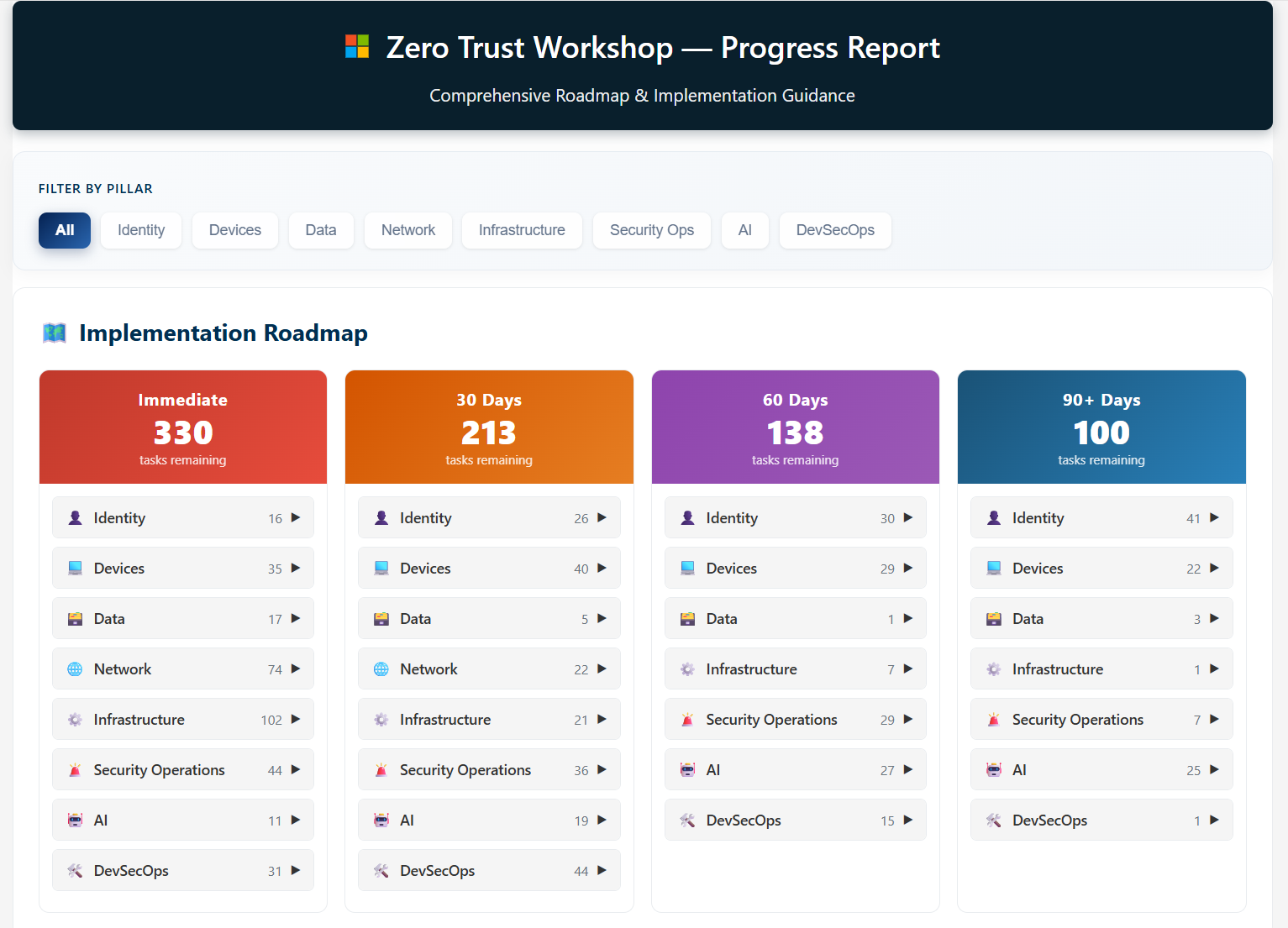
- Analyze the report generated by the Workshop tool
- Identify areas that need improvement and adjust your security plan accordingly
- Establish a baseline and track your progress with regular assessments every 6 months
- Export workshop and assessment results to your project management tool (e.g., ADO, JIRA)
Share your feedback
- Have feedback from running the workshop? Share it with us in this form.
- Are you a Microsoft Partner? Report your workshop deliveries with our Partner Delivery Survey.
- Found any bugs or have enhancement suggestions? Contribute to our GitHub repository.