CAT
Copilot Studio CAT Feature Guide

Enhanced Task
Completion

This guide helps you get started with Enhanced Task Completion, a new experimental orchestration mode that lets agents reason dynamically, chain tools, delegate to other agents, and recover from failures. Explore the scenarios below, then try the deployable sample.

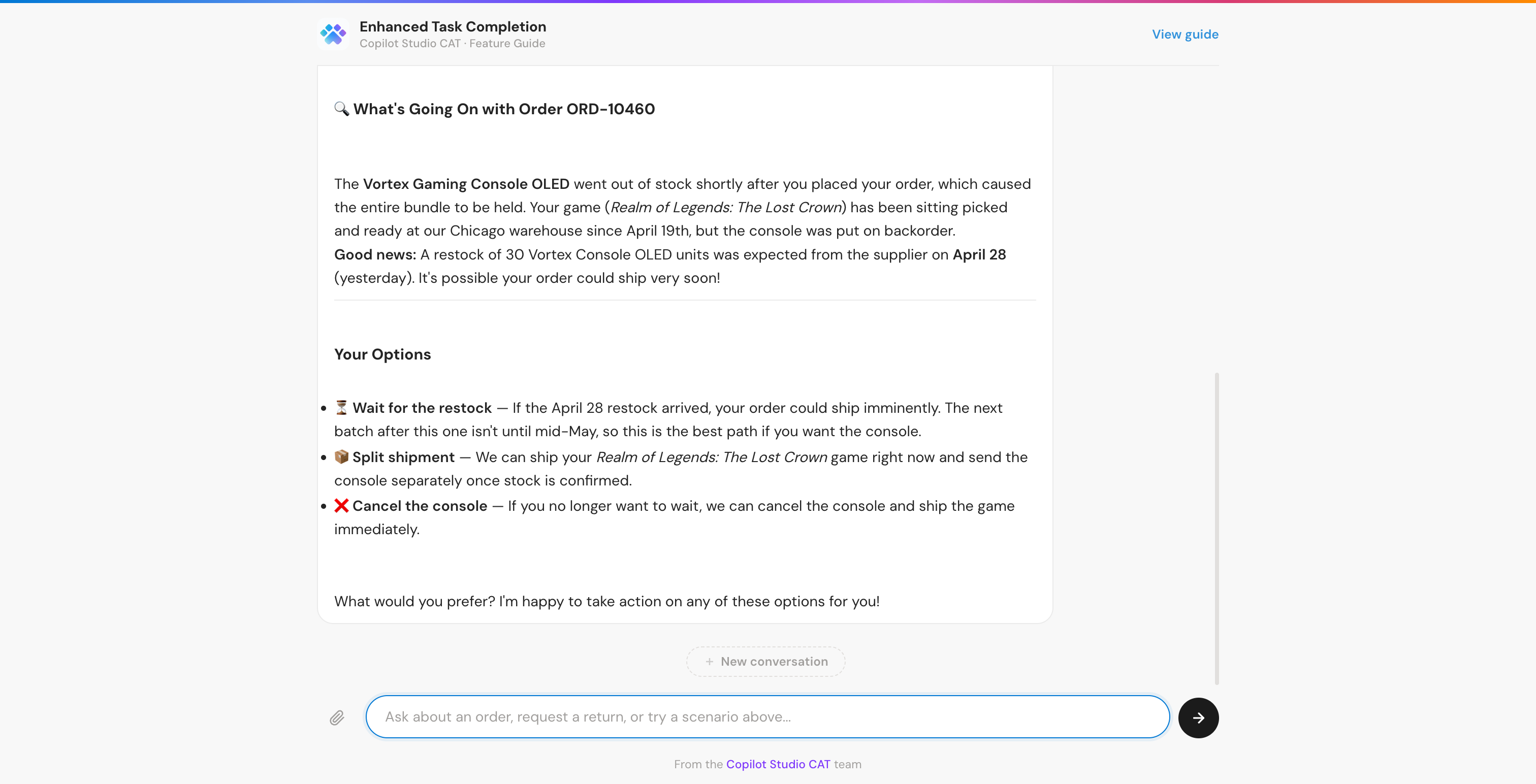
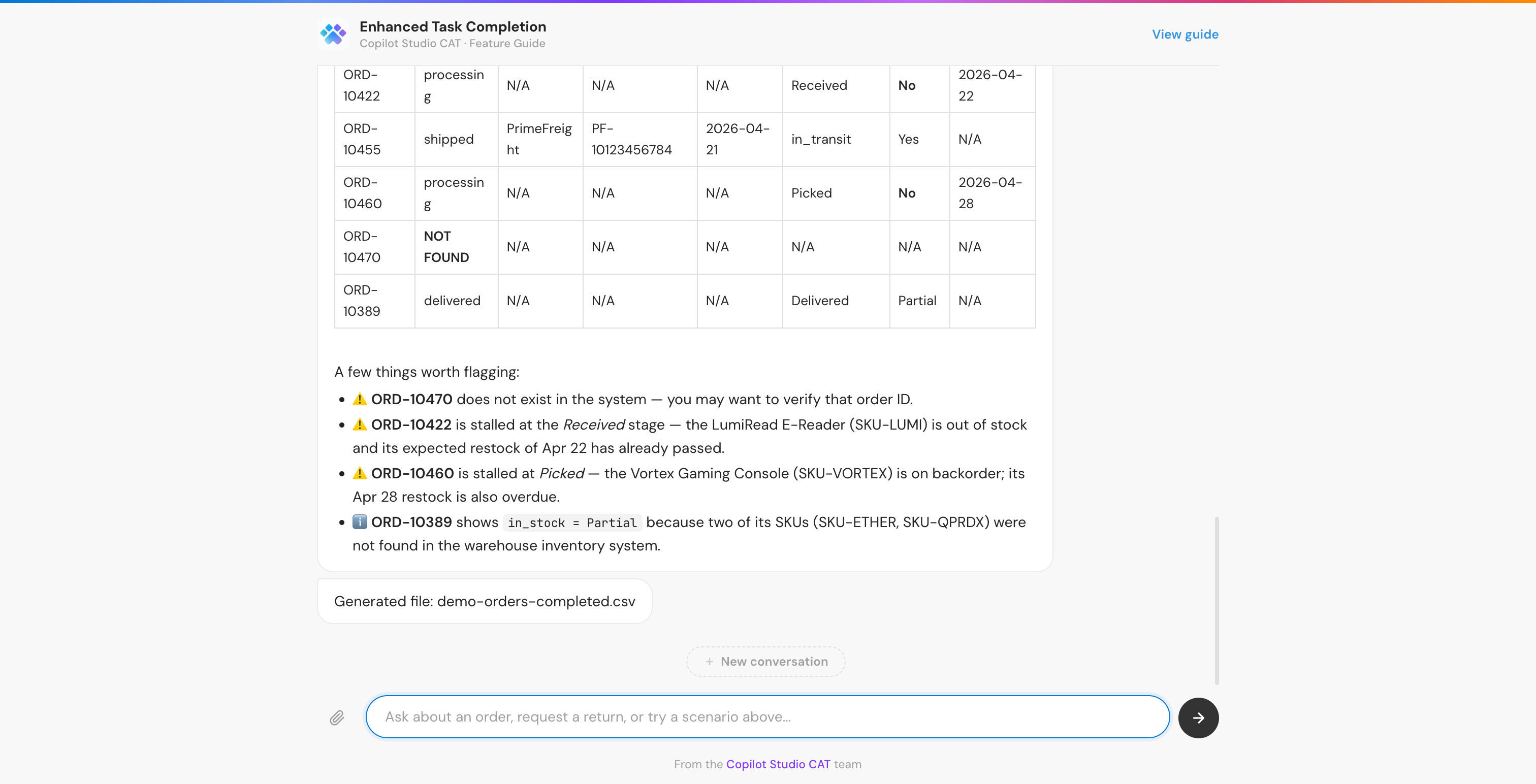
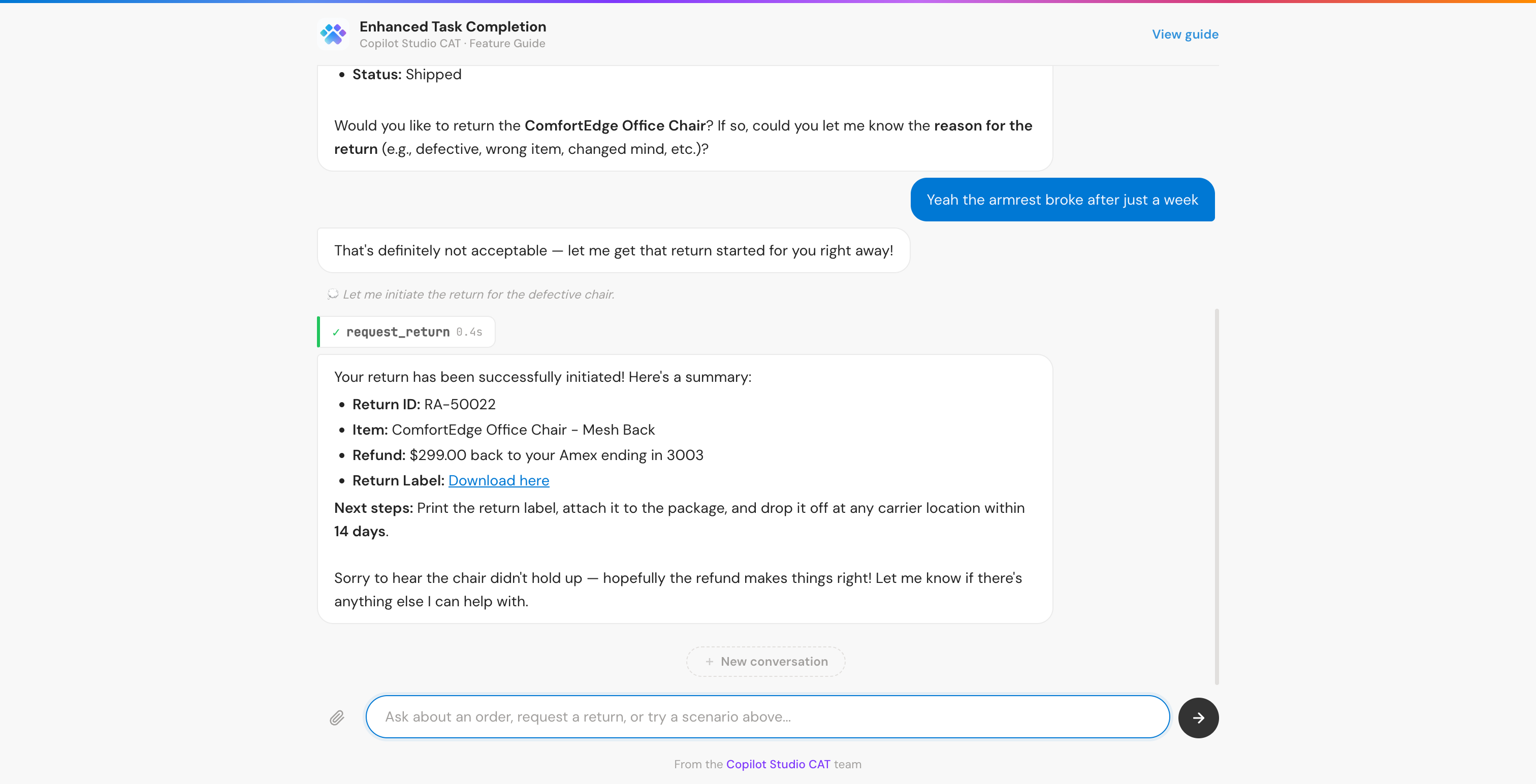
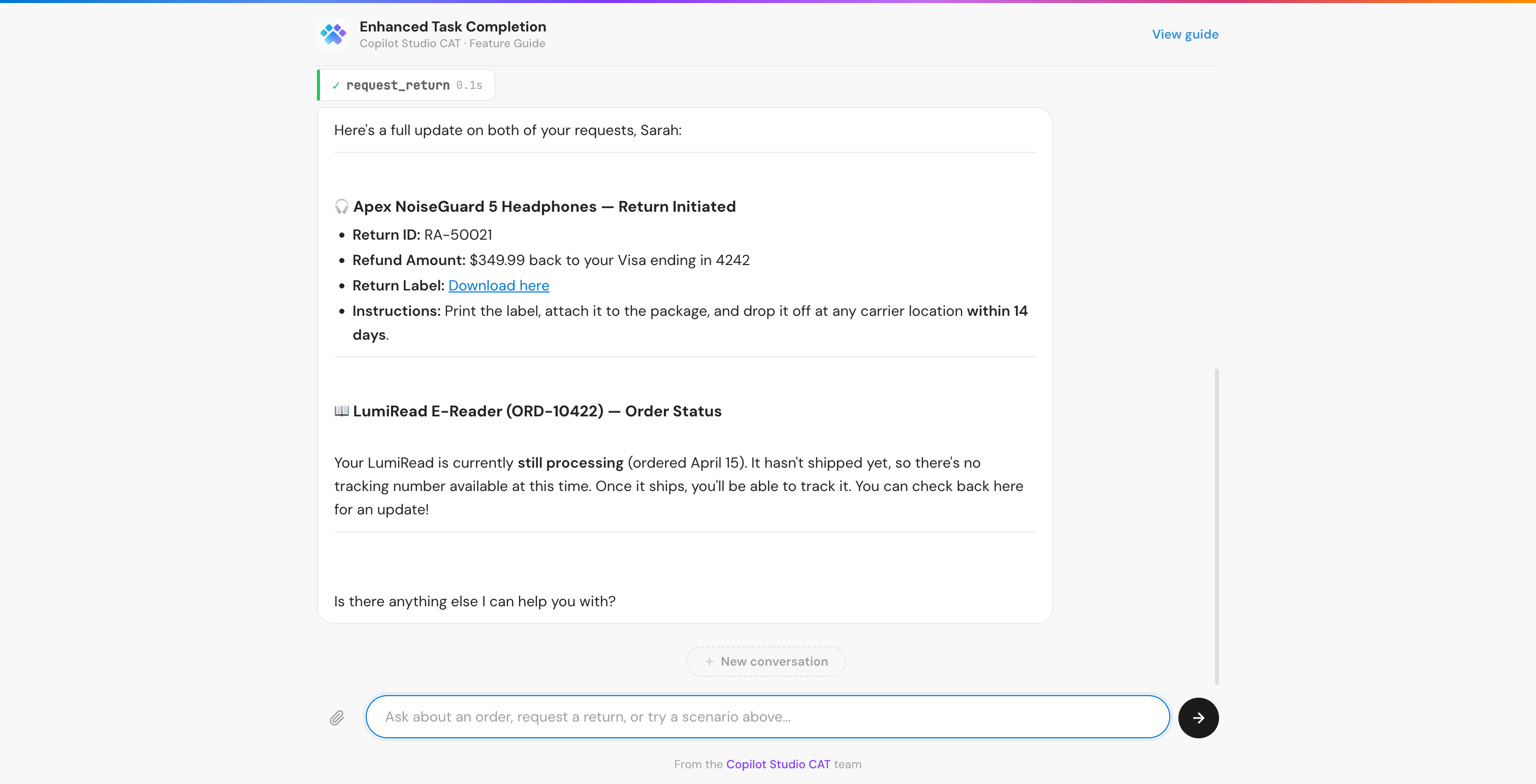
I'm Sarah Mitchell. I'd like to return my Apex headphones, they have a crackling sound. Also, where's my LumiRead order?
Let me look up your orders!
🔍 search_orders
Found 3 orders. Pulling details...
📦 get_order ×2
🔄 request_return
🚚 get_shipment
Return initiated! RA-50022 – your $349.99 refund is on the way.
What your agent can do with ETC

With Enhanced Task Completion enabled, your agent gains new capabilities that let it handle complex, multi-step tasks autonomously.

🧠

Ask clarifying questions

Instead of guessing, the agent asks targeted follow-up questions to gather the information it needs before taking action.

🔗

Chain tools intelligently

Recognizes when one tool's output feeds into another, sequences dependent calls, and parallelizes independent ones.

🔄

Adapt its plan

Adjusts its approach mid-conversation based on what it learns from tool results, user responses, and changing context.

💬

Natural conversation

Interleaves questions, tool calls, and responses fluidly across multiple turns. Keeps the user informed at every step.

Follow instructions closely

Adheres to the instructions you provide, resulting in more consistent and predictable behavior.

🛡️

Recover from errors

When a tool call fails, the agent retries with corrected parameters or finds an alternative approach rather than giving up.

See it in action

Each scenario demonstrates a different Enhanced Task Completion capability through a realistic e-commerce customer service example with 9 tools across two MCP servers.

Try it yourself

Import one solution zip, create connections, publish, and start testing. No servers or code needed, everything runs inside the Power Platform.

1
Import the solution

Upload the zip file in Power Apps

2
Create connections

Click Create for each MCP connector

3
Publish & test

Publish both agents, then try the prompts

4
Deploy the chat UI optional

A lightweight web app for demos to non-makers