Accelerate Your Zero Trust Journey
A comprehensive framework from Microsoft to help organizations adopt a Zero Trust strategy and deploy security solutions end-to-end — now with a new AI pillar for securing agents and AI resources.
Introducing the AI Pillar in Zero Trust
As organizations adopt AI agents and MCP servers, the Zero Trust framework now includes a dedicated AI Resources pillar with AI controls — ensuring your AI workloads are governed with the same rigor as every other part of your environment.
Now featuring auto-generated summaries and expanded data & network posture checks.
Two Tools, One Mission
Whether you're planning your Zero Trust roadmap or measuring your current posture, we have you covered.
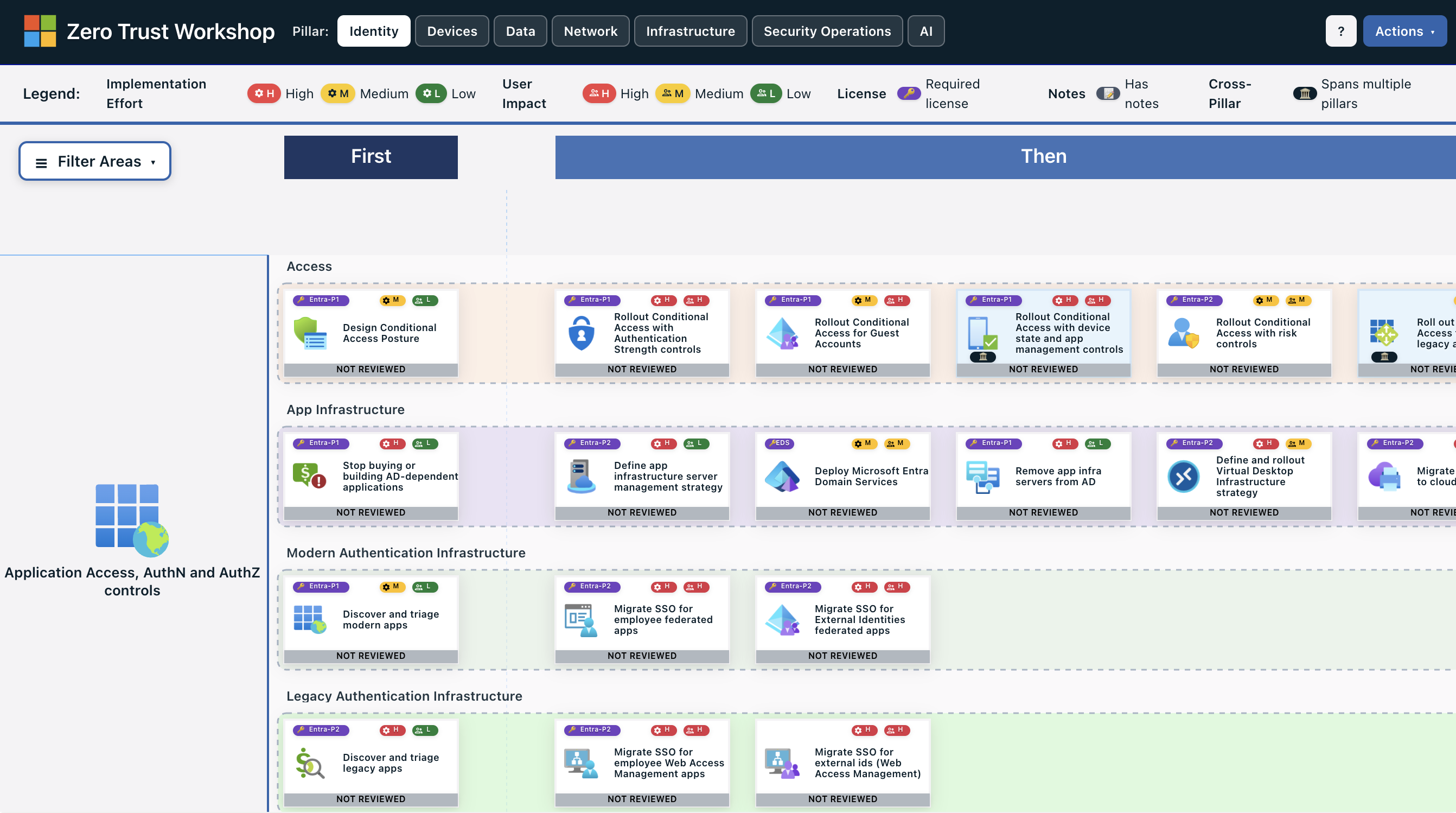
Zero Trust Workshop
A new web application to plan your Zero Trust deployment across all seven pillars — Identity, Devices, Data, Network, Infrastructure, Security Operations, and AI. Prioritize tasks in a First-Then structure and generate automated summaries and implementation plans.
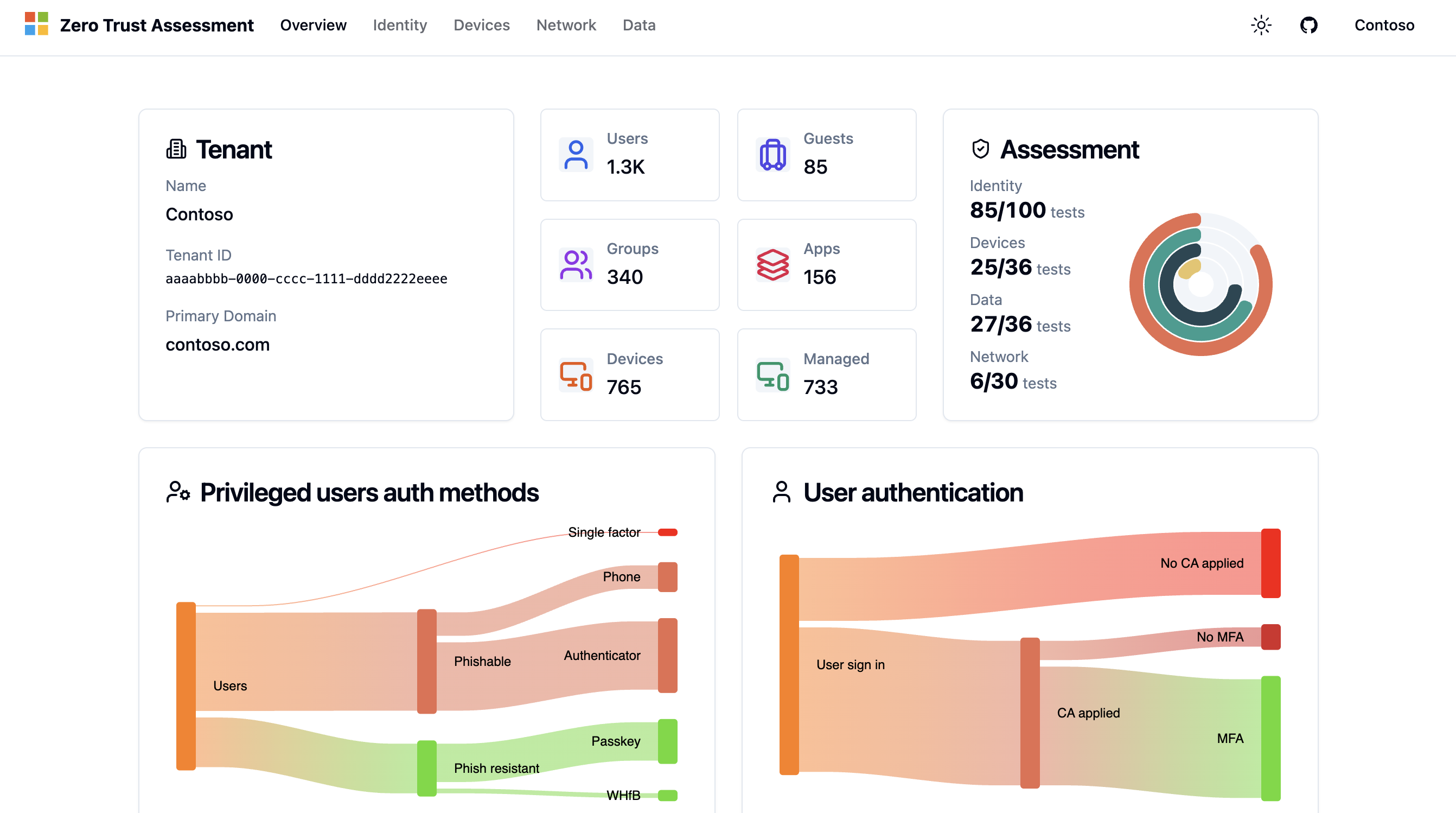
Zero Trust Assessment
Connect to your Microsoft Entra tenant and get an automated assessment of your Zero Trust posture. Analyze configurations across Identity, Devices, Data, and Network pillars with actionable insights and visual dashboards.
How It Works
Three steps to improve your organization's security posture.
Learn
Understand Zero Trust principles — Verify Explicitly, Least Privilege Access, and Assume Compromise — and how they apply to your environment.
Explore Microsoft Zero Trust →Plan
Use the Workshop to build a concrete Zero Trust roadmap across all pillars. Prioritize tasks and generate implementation plans tailored to your organization.
Open Workshop →Assess
Run the Assessment against your Microsoft Entra tenant to measure your current posture, identify gaps, and track progress over time.
Run Assessment →Ready to Get Started?
Follow our step-by-step plan to deliver a Zero Trust strategy session. Whether you're a Microsoft partner or running an internal workshop, the guide walks you through preparation, delivery, and follow-up.
View Step-by-Step Plan →