Accelerate Your Zero Trust Journey
A comprehensive framework from Microsoft to help organizations adopt a Zero Trust strategy and deploy security solutions end-to-end.
More ways to plan and assess your Zero Trust journey
The latest Workshop and Assessment releases expand pillar coverage and make it easier to understand your current security posture.
Plan with the new DevSecOps pillar
Bring application security and development practices into your Zero Trust roadmap with dedicated DevSecOps guidance.
DevSecOpsExpanded assessment coverage
Assess three additional pillars and explore your results in a newly revamped Overview page.
Two Tools, One Mission
Whether you're planning your Zero Trust roadmap or measuring your current posture, we have you covered.
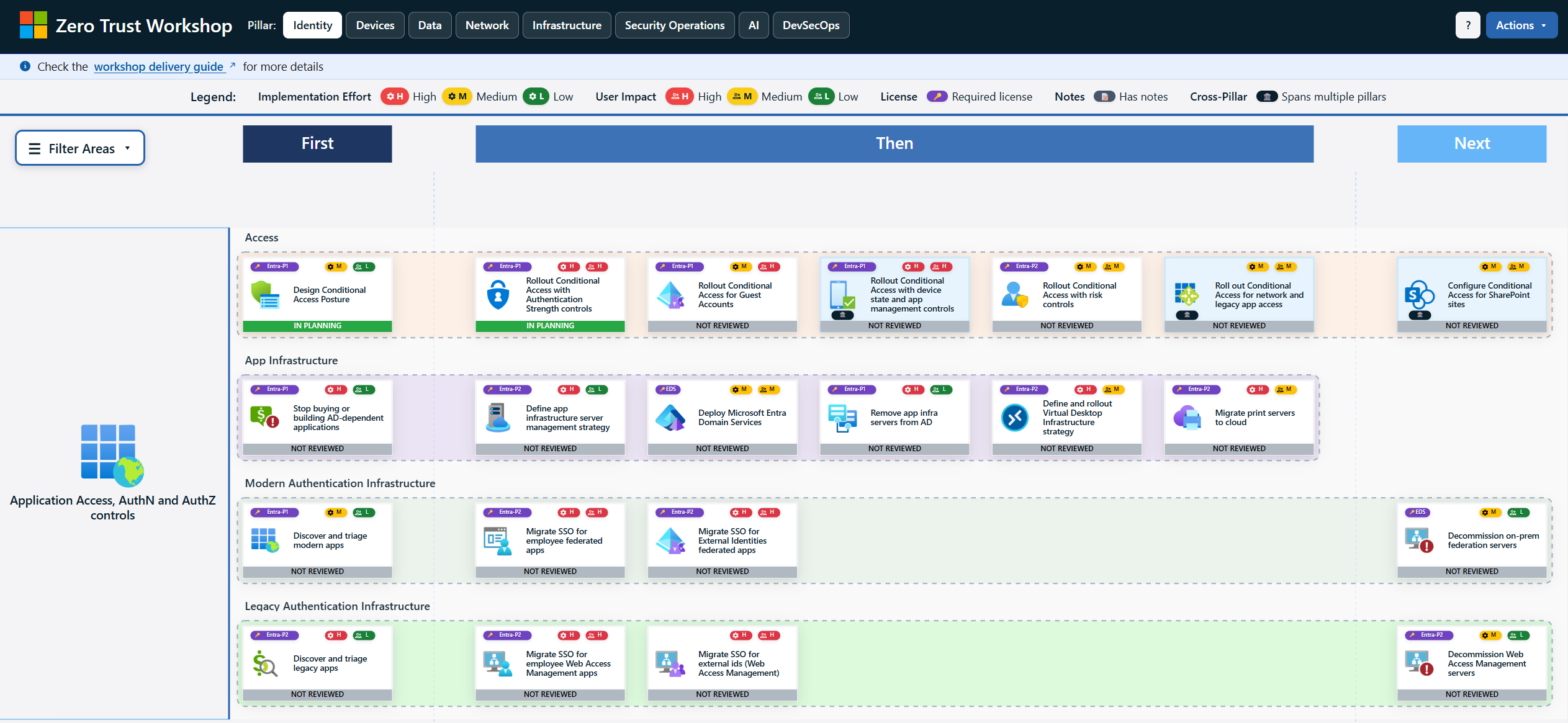
Zero Trust Workshop
Plan your Zero Trust deployment across eight pillars, now including DevSecOps. Prioritize tasks in a First-Then-Next structure and generate automated summaries and implementation plans.
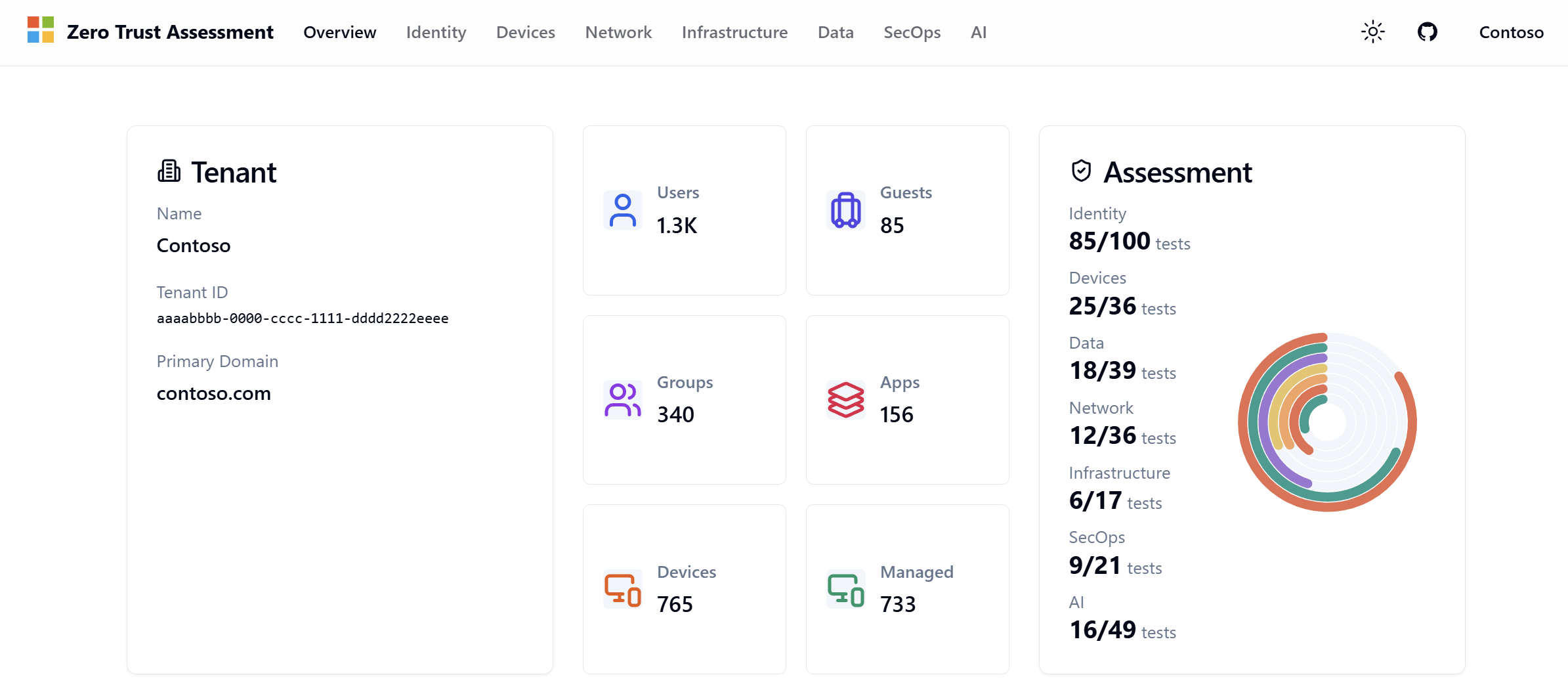
Zero Trust Assessment
Connect to your Microsoft Entra tenant and get an automated assessment across seven Zero Trust pillars, now including Infrastructure, Security Operations, and AI. See actionable insights in the newly revamped Overview page.
How It Works
Three steps to improve your organization's security posture.
Learn
Understand Zero Trust principles — Verify Explicitly, Least Privilege Access, and Assume Compromise — and how they apply to your environment.
Explore Microsoft Zero Trust →Plan
Use the Workshop to build a concrete Zero Trust roadmap across all pillars. Prioritize tasks and generate implementation plans tailored to your organization.
Open Workshop →Assess
Run the Assessment against your Microsoft Entra tenant to measure your current posture, identify gaps, and track progress over time.
Run Assessment →Ready to Get Started?
Follow our step-by-step plan to deliver a Zero Trust strategy session. Whether you're a Microsoft partner or running an internal workshop, the guide walks you through preparation, delivery, and follow-up.
View Step-by-Step Plan →