Logging
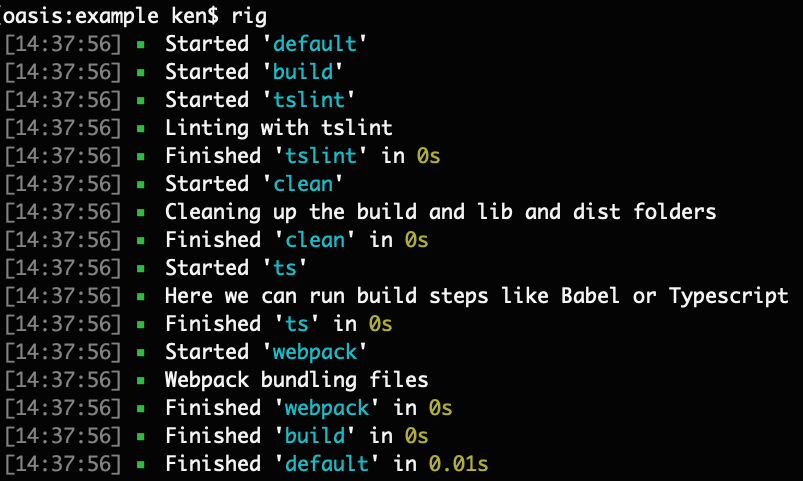
just-task is simple, but it is opinionated. One of the built-in capabilities of just-task is logging. We feel that this is an important enough of a feature to be available by the library.
Typically, logging tasks look like the following:
Usage
To log within the task, simply use the info() function off of the logger object inside a task function.
const { task, logger } = require('just-task');

task('needsLogging', function () {
  logger.info('log something');
});
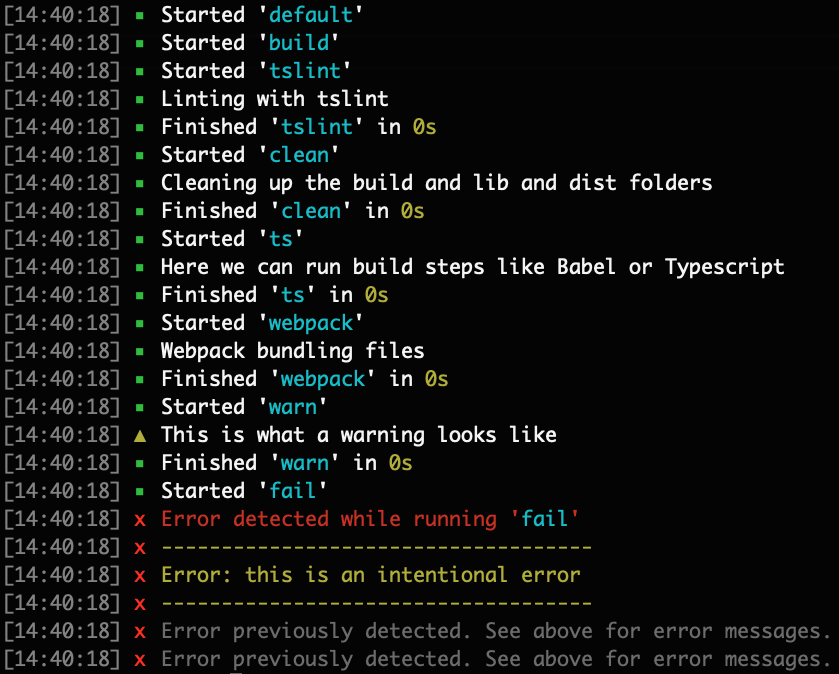
If you want to log an error or warning do it with the logger object's warn() and error() functions. It looks like this following:
const { task, logger } = require('just-task');

task('needsLogging', function () {
  logger.warn('a warning');
  logger.error('an error');
});
If your error is meant to stop the tasks, simply throw an Error:
const { task, logger } = require('just-task');

task('needsLogging', function () {
  throw new Error('an error');
});