Sending Messages
Sending messages is a core part of an agent's functionality. With all activity handlers, a send method is provided which allows your handlers to send a message back to the user to the relevant conversation.
app.on('message', async ({ activity, send }) => {
  await send(`You said: ${activity.text}`);
});
In the above example, the handler gets a message activity, and uses the send method to send a reply to the user.
app.on('signin.verify-state', async ({ send }) => {
  await send('You have successfully signed in!');
});
You are not restricted to only replying to message activities. In the above example, the handler is listening to signin.verify-state events, which are sent when a user successfully signs in.
This shows an example of sending a text message. Additionally, you are able to send back things like adaptive cards by using the same send method. Look at the adaptive card section for more details.
Streaming
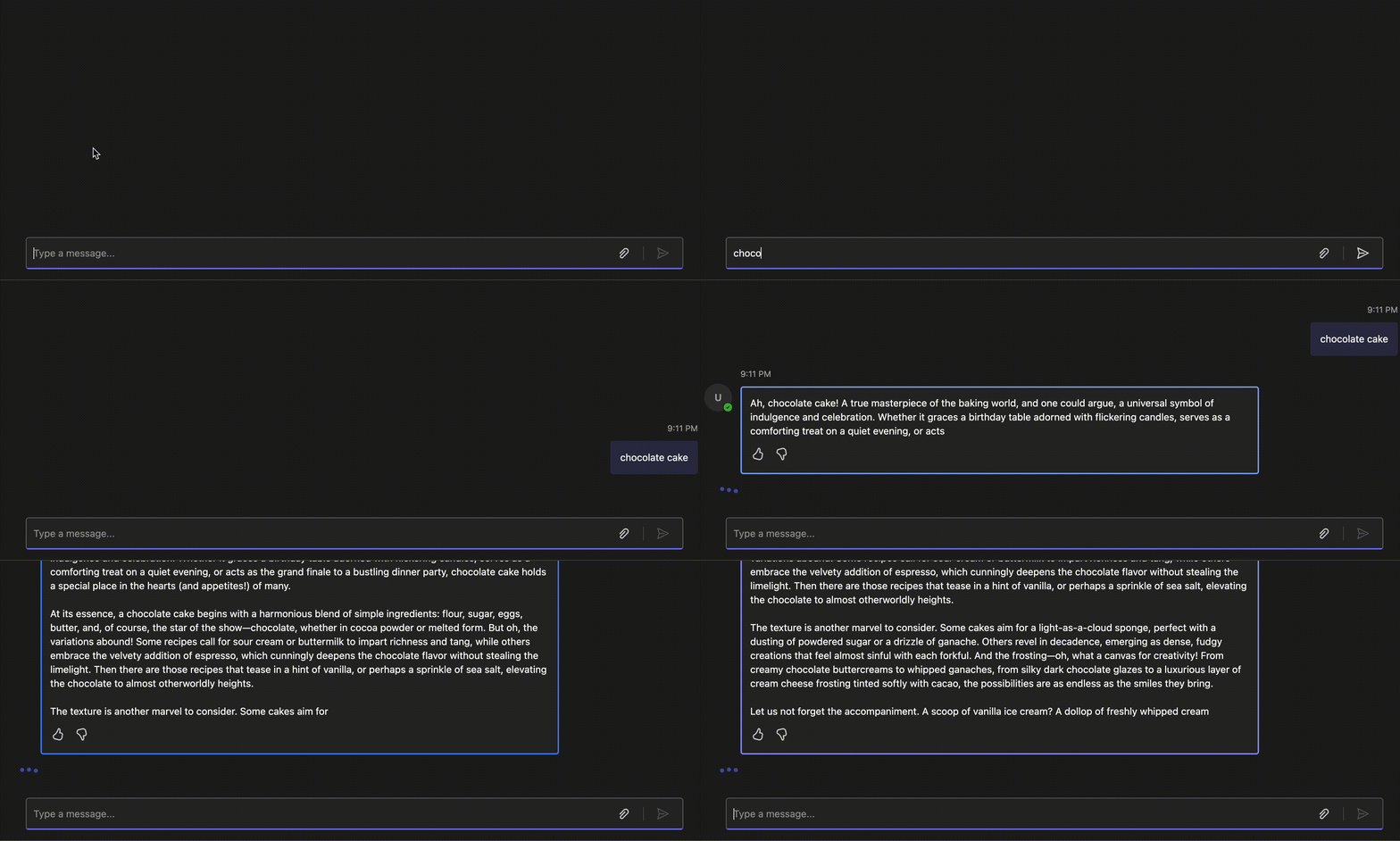
You may also stream messages to the user which can be useful for long messages, or AI generated messages. The SDK makes this simple for you by providing a stream function which you can use to send messages in chunks.
app.on('message', async ({ activity, stream }) => {
  stream.emit('hello');
  stream.emit(', ');
  stream.emit('world!');

  // result message: "hello, world!"
});
Streaming is currently only supported in 1:1 conversations, not group chats or channels
@Mention
Sending a message at @mentions a user is as simple including the details of the user using the addMention method
app.on('message', async ({ send, activity }) => {
  await send(new MessageActivity('hi!').addMention(activity.from));
});
Targeted Messages
Targeted messages are currently in preview.
Targeted messages, also known as ephemeral messages, are delivered to a specific user in a shared conversation. From a single user's perspective, they appear as regular inline messages in a conversation. Other participants won't see these messages, making them useful for authentication flows, help or error responses, personal reminders, or sharing contextual information without cluttering the group conversation.
To send a targeted message when responding to an incoming activity, use the withRecipient method with the recipient account and set the targeting flag to true.
import { MessageActivity } from '@microsoft/teams.api';

app.on('message', async ({ send, activity }) => {
  // Using withRecipient with isTargeted=true explicitly targets the specified recipient
  await send(
    new MessageActivity('This message is only visible to you!')
      .withRecipient(activity.from, true)
  );
});
Targeted messages in preview
Reactions
Reactions are currently in preview.
Reactions allow your agent to add or remove emoji reactions on messages in a conversation. The reactions client is available via the API client.