🎮 Microsoft 365 Agents Playground
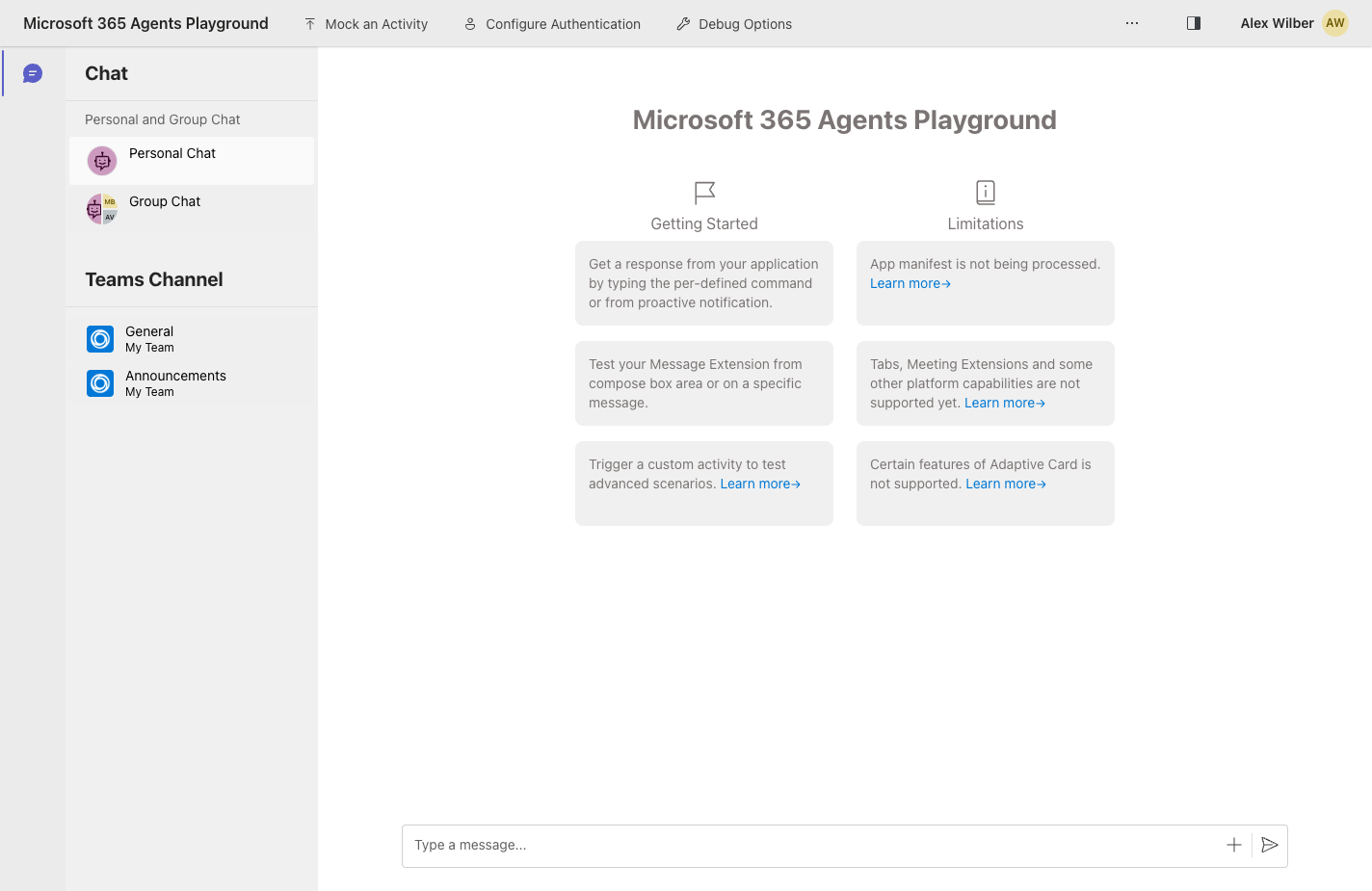
The Microsoft 365 Agents Playground is a local testing tool for agents built with the Teams SDK. It lets you chat with your agent, mock activities, and inspect requests and responses without sideloading into Teams.
Install
Option 1: npm (recommended)
npm install -g @microsoft/m365agentsplayground
Option 2: Standalone binary
winget install agentsplayground
For other platforms and full install options, see the Microsoft Learn guide.
Migrating from DevTools
If your agent previously used DevtoolsPlugin from @microsoft/teams.dev, remove it from your App configuration. The Playground is a separate CLI tool and does not need a plugin in your code.
You can also remove @microsoft/teams.dev from your package.json after deleting DevtoolsPlugin. The Playground is installed separately as a CLI tool, not as a project dependency.
The Playground sends requests without a Bot Framework JWT, so your agent needs to accept unauthenticated requests on /api/messages.
By default the SDK rejects unauthenticated requests, so a freshly scaffolded agent rejects every request the Playground sends and logs:
No credentials configured and dangerouslyAllowUnauthenticatedRequests is not enabled. All incoming requests will be rejected. Configure client authentication to securely receive messages, or set dangerouslyAllowUnauthenticatedRequests: true for local development.
To accept the Playground's requests during local development, enable unauthenticated requests on your app:
- TypeScript
- C#
- Python
const app = new App({ dangerouslyAllowUnauthenticatedRequests: true });
{
  "profiles": {
    "YourBot": {
      "commandName": "Project",
      "environmentVariables": {
        "AzureAd__DangerouslyAllowUnauthenticatedRequests": "true"
      }
    }
  }
}
app = App(dangerously_allow_unauthenticated_requests=True)
Only enable unauthenticated requests for local development — never in production, as it disables inbound request authentication.
Why this is needed
DevtoolsPlugin previously bypassed JWT validation implicitly because it ran in-process and never went through /api/messages over HTTP. The Playground sends real HTTP requests, so the bot's JWT validator runs unless unauthenticated requests are explicitly enabled.
Launch
Start your agent locally (default port 3978), then run:
agentsplayground -e http://localhost:3978/api/messages -c msteams
The playground opens at http://localhost:56150.
Common flags
-e, --app-endpoint— your agent's endpoint, e.g.http://localhost:3978/api/messages-c, --channel-id—emulator,webchat,msteams,directline, oragents--client-id,--client-secret,--tenant-id— credentials when your agent requires authentication-p, --port— port for the playground UI (default56150)
Run agentsplayground --help for the full list.
Test your agent
Type a message in the compose box and send it. Your agent's reply renders inline.
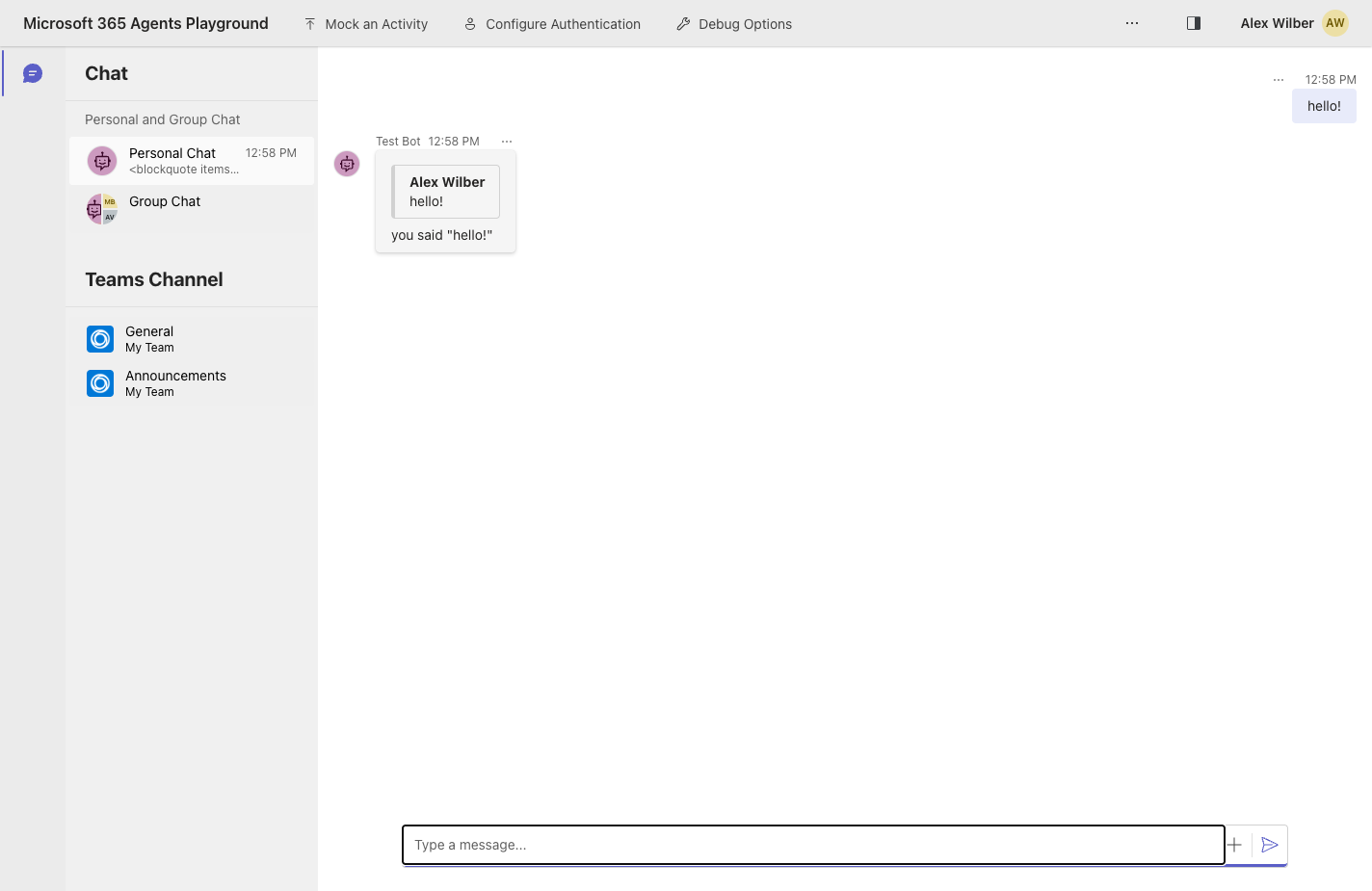
Use the Mock an Activity menu to send custom activity types (membership changes, invokes, message reactions, and more). Use the Debug Options menu to control delivery mode and logging. The Log Panel (toggle from the top right) shows the HTTP exchange between the playground and your agent.
Learn more
- Test your agent locally in Microsoft 365 Agents Playground — full Microsoft Learn guide
- Microsoft 365 Agents SDK