Exercise 01: Set up resources for the lab
Introduction
In this exercise, you’ll configure apps and resources to support the lab. After you complete this exercise, you will be able to:
- Configure Microsoft Teams for first use
Duration
Estimated time to complete this exercise: 3 minutes
Task 01: Configure Microsoft Teams
Introduction
SAP is a complex tool. In this lab, you will deploy an agent to Microsoft Teams. The agent will allow business users to ask questions about SAP data without needing to work in SAP.
Description
In this task, you configure Microsoft Teams so that it is ready later in the lab when you deploy a Copilot agent to Teams.
Success criteria
- You have succesfully signed into Teams
Key steps
01: Sign in to the lab VM and open Teams
-
Sign in to Microsoft Teams by using your credentials.
-
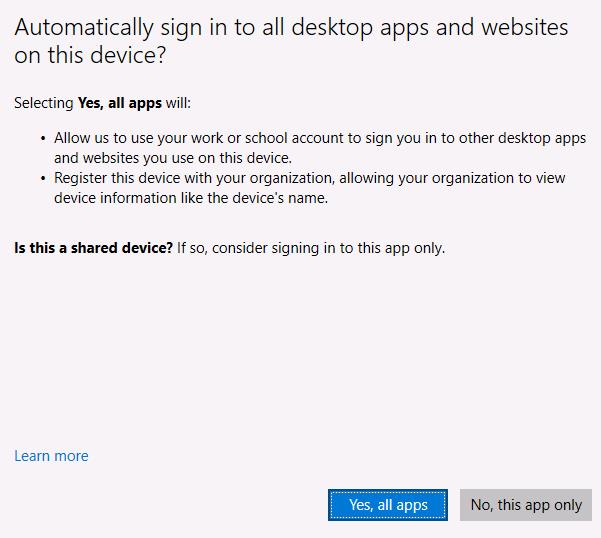
On the Automatically sign in to all desktop apps… page, select Yes, all apps.
-
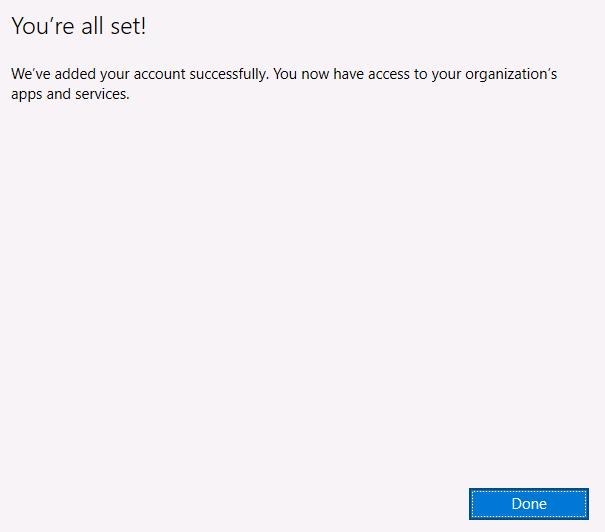
On the You’re all set! page, select Done.
-
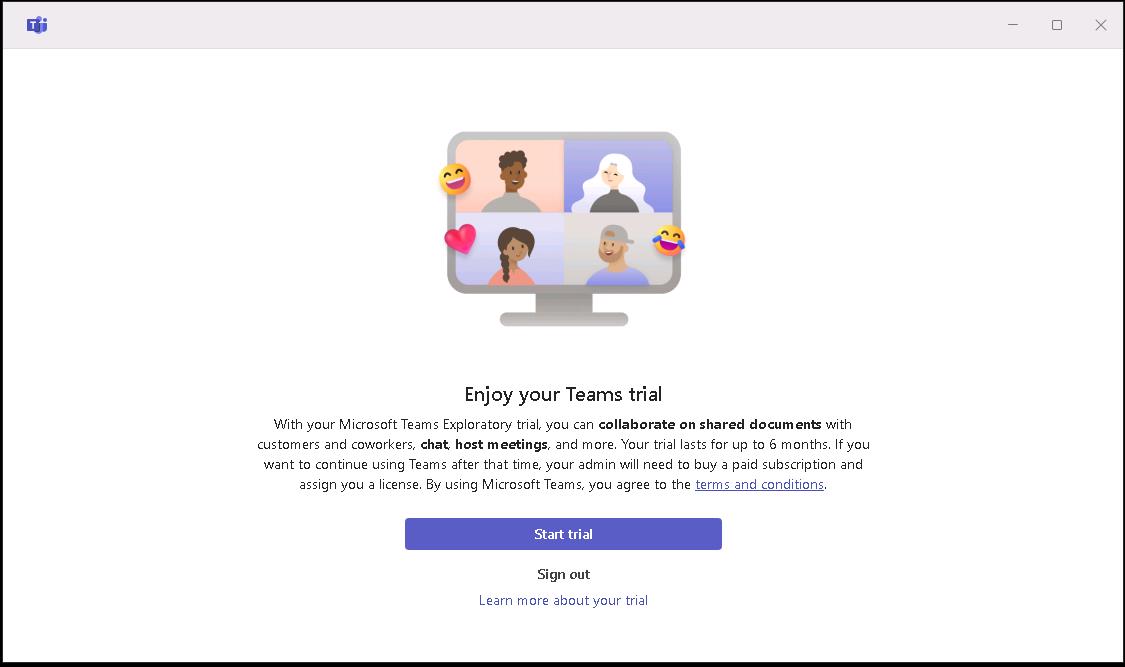
On the Enjoy your Teams trial page, select Start trial.
-
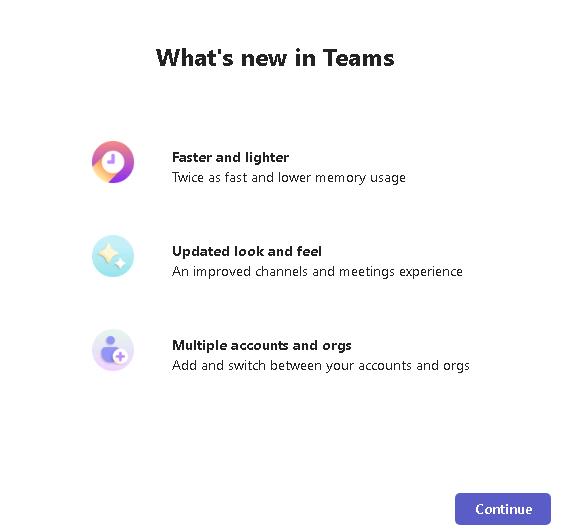
On the What’s new in Teams page, select Continue.
-
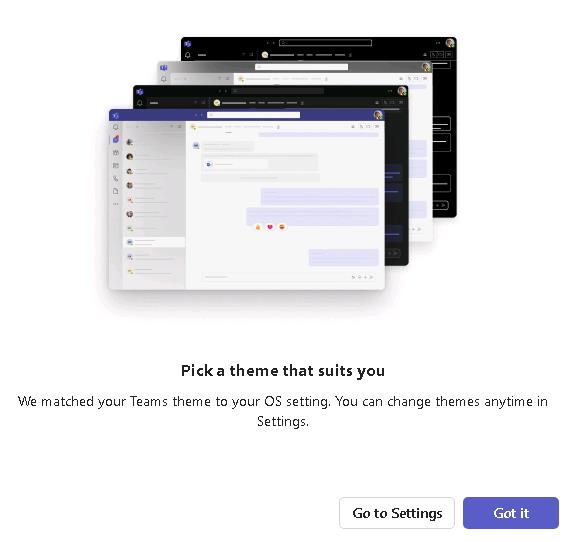
On the Pick a theme that suits you page, select Got it.
-
Leave the Microsoft Teams app open. You can minimize the app to keep it out of the way until you need the app later in the lab.