Running the Application
Manual setup reference for running the application.
Running the Application
-
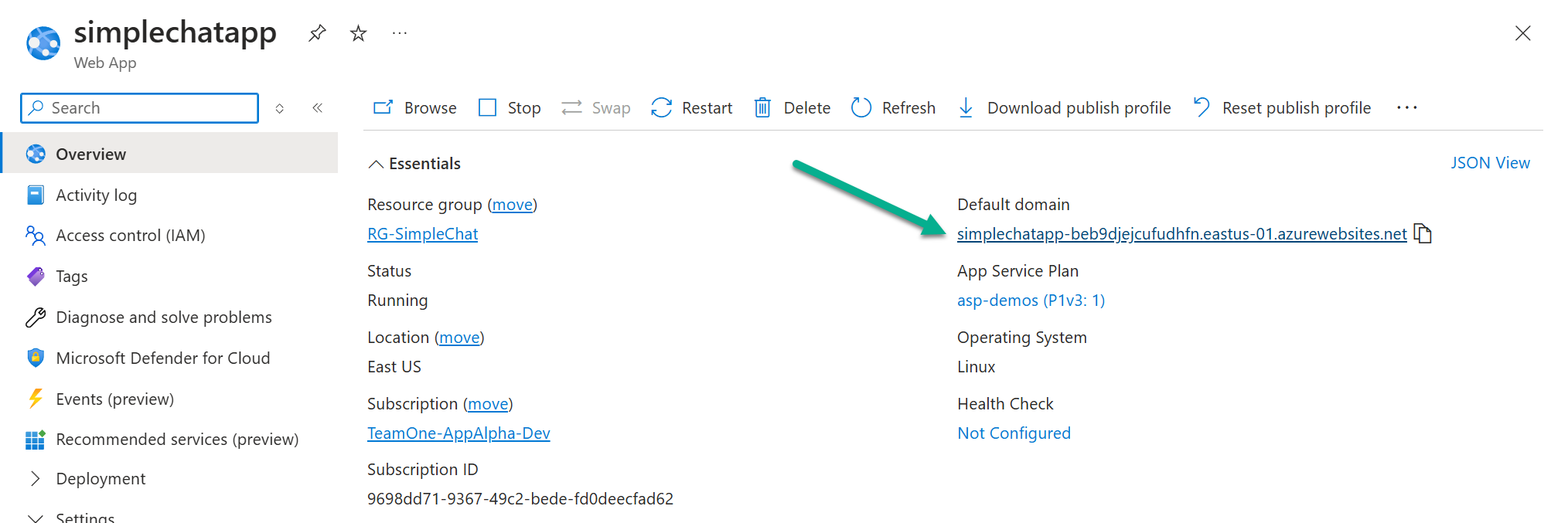
Navigate to your App Service in the Azure Portal.
-
On the Overview blade, find the Default domain URL (e.g., https://my-simplechat-app.azurewebsites.net).
-
Click the URL to open the application in your browser.
-
You should be redirected to the Microsoft login page to authenticate via Azure AD. Log in with a user account that has been assigned a role in the Enterprise Application.