Task 01: Configure Azure
Description
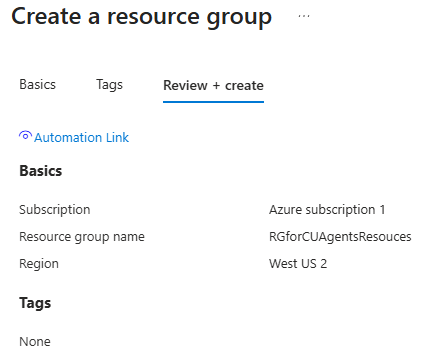
You’ll verify that your Azure subscription is active and that your account has the Owner or Contributor role, which are both required to support computer-using agents. You’ll then create a resource group named RGforCUAgentsResouces in a United States region to contain the Azure-based resources used throughout this lab.
Success criteria
- You confirmed your Azure subscription status is Active and your role is Owner or Contributor.
- You created a resource group named RGforCUAgentsResouces in a United States region.
01: Check your Azure subscription properties
You’ll need an Azure subscription to bill against. In this task, you’ll check the configuration for the billing subscription.
-
Open an InPrivate browser session in Microsoft Edge and go to
https://portal.azure.com/. -
Sign in with your tenant administrative credentials.
-
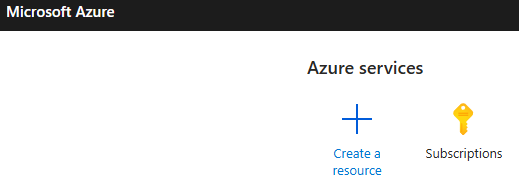
On the Home page, select Subscriptions.
-
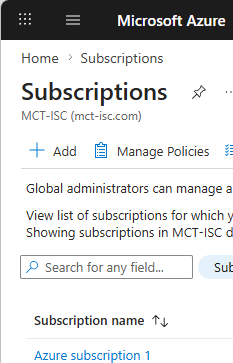
Select your subscription from the list.
-
On the Overview page, confirm that: - Status is set to Active - Your role is Owner or Contributor

02: Create a resource group
-
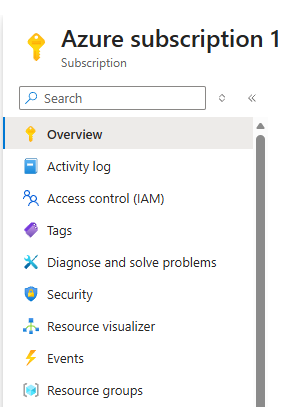
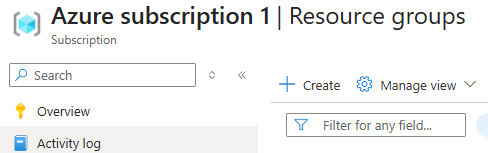
In the navigation pane, select Resource groups.
-
On the command bar, select + Create.
-
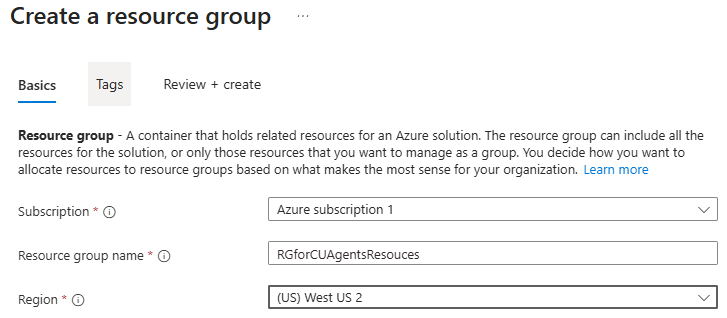
In Resource group name, enter
RGforCUAgentsResouces. -
In Region, select a United States region.
-
Select Review + create.

-
Select Create.