Video Demo: Upgrading a Classic Agent to Modern Orchestration
GHCP harness
Watch GitHub Copilot CLI upgrade a classic Copilot Studio travel agent to modern orchestration with our newly released plugin, then explore how its capabilities become Skills and tools.
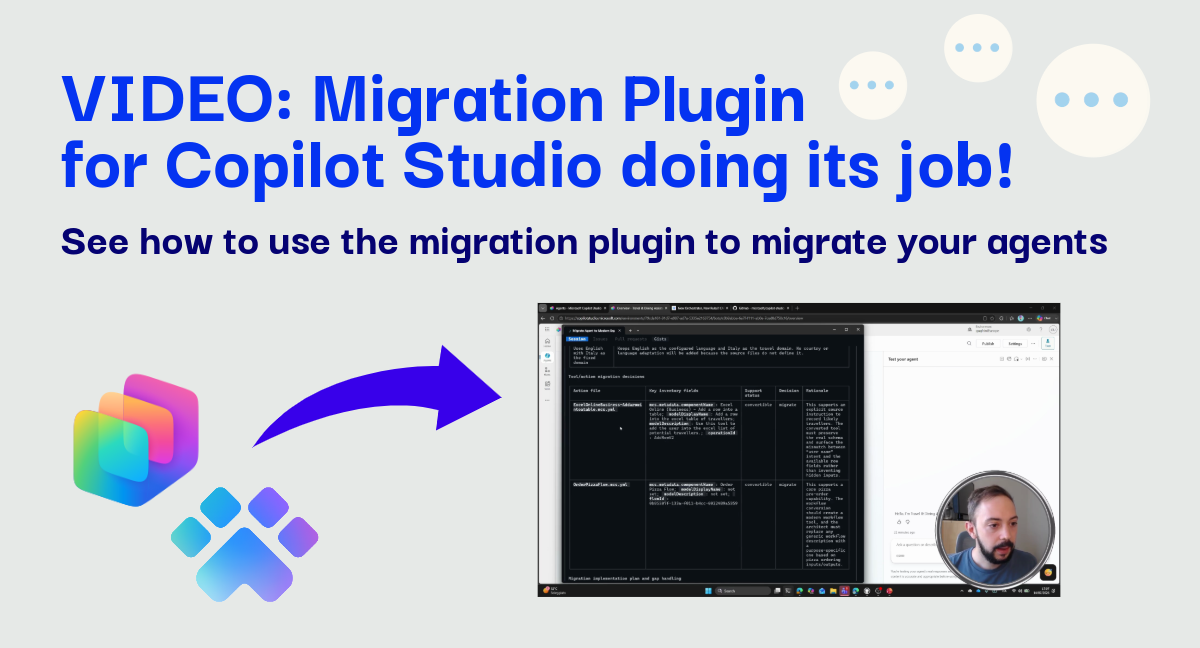
Heads up: This is a video-first post. The recording starts with the plugin already installed, then shows the complete upgrade and reviews the resulting modern agent.
Upgrading a classic agent is not a matter of copying every component into a new format. Modern orchestration introduces a different component model, so the real challenge is preserving each capability while choosing the right modern architecture for it.
Our new orchestrator resources post introduced the upgrade capability in the Copilot Studio plugin. This companion video shows that capability working end to end with GitHub Copilot CLI.
What the demo covers
The recording runs for roughly 10–20 minutes and follows one fictional travel agency scenario:
- Tour the classic agent. It has a child agent that advises customers about Italian cities and travel destinations, plus capabilities for ordering pizza and requesting a refund when an order is incorrect or missing.
- Run the full upgrade. I invoke the migrate command and comment on every step as the plugin retrieves the classic agent, analyzes its capabilities, proposes a modern design, and generates the upgraded agent.
- Inspect the result. I open the modern agent and review the ported Skills and tools to see where each original capability landed.
If you saw my earlier video about authoring an agent with the plugin, this is the next step: instead of starting from an empty agent, we begin with an existing classic implementation and redesign it for modern orchestration.
Watch the upgrade
Video: Upgrading a Classic Copilot Studio Agent to Modern Orchestration
The important architectural choice
In this migration, the classic travel-advice child agent becomes a Skill in the modern agent. That is the best fit the plugin selected for this specific capability, not a universal rule that every child agent should become a Skill.
The plugin upgrades the agent by focusing on capabilities and outcomes, not components one for one. It examines what a capability does and proposes where that responsibility belongs in the modern model. Depending on the scenario, a different child agent could require a different design.
That distinction matters. A literal conversion can preserve yesterday’s structure without taking advantage of the new orchestration model. A capability-led upgrade creates space to simplify the design and assign each responsibility to the most suitable component.
Try it yourself
The demo starts after setup. To follow along, install Power Platform CLI newer than version 2.9.3, then add the current plugin to your AI coding assistant:
1
2

/plugin marketplace add microsoft/copilot-studio-plugin
/plugin install mcs-assistant@copilot-studio-plugin
Use a capable AI model and invoke the migration with placeholders for your own environment, agent, and tenant IDs:
1

/mcs-assistant:migrate Upgrade this agent to modern orchestration: https://copilotstudio.microsoft.com/environments/<ENV_ID>/bots/<BOT_ID> from tenant <TENANT_ID>
For background on how this terminal-based approach began, see Skills for Copilot Studio. For current commands and prerequisites, always check the plugin README.
Inspect, test, and validate
The plugin is an experimental research project, not an officially supported Microsoft product. The upgrade generated by the plugin worked without manual correction in this demo, but that result is not a guarantee. Always check your artifacts before blindly trusting the result, and make adjustments if necessary
Upgrade output should be treated as a strong first draft. Compare the modern agent’s behavior with the classic agent, review every generated Skill and tool, test expected and unexpected inputs, and confirm that actions have the right safeguards.
Why this matters
The hardest part of an upgrade is deciding what the modern agent should become. The plugin can accelerate the mechanical work and propose a coherent starting architecture, while keeping the design visible for human review. That gives makers more time to focus on behavior, quality, and validation instead of rebuilding every capability by hand.
Which capability in your classic agents would you be most interested to see redesigned for modern orchestration?