

Group And Public Workspace Custom Hero Colors
Group And Public Workspace Custom Hero Colors
Fixed/Implemented in version: 0.241.176
Related config.py version update: application/single_app/config.py is 0.241.176 for this implementation.
Overview
Group and public workspace owners can brand workspace hero cards with either the existing preset swatches or a custom color swatch. The custom swatch uses the browser color picker and updates the live hero preview before saving.
Dependencies
- Group workspaces or public workspaces enabled in Admin Settings
- Owner or administrator permissions on the target workspace
- Existing workspace branding manage pages
Screenshots
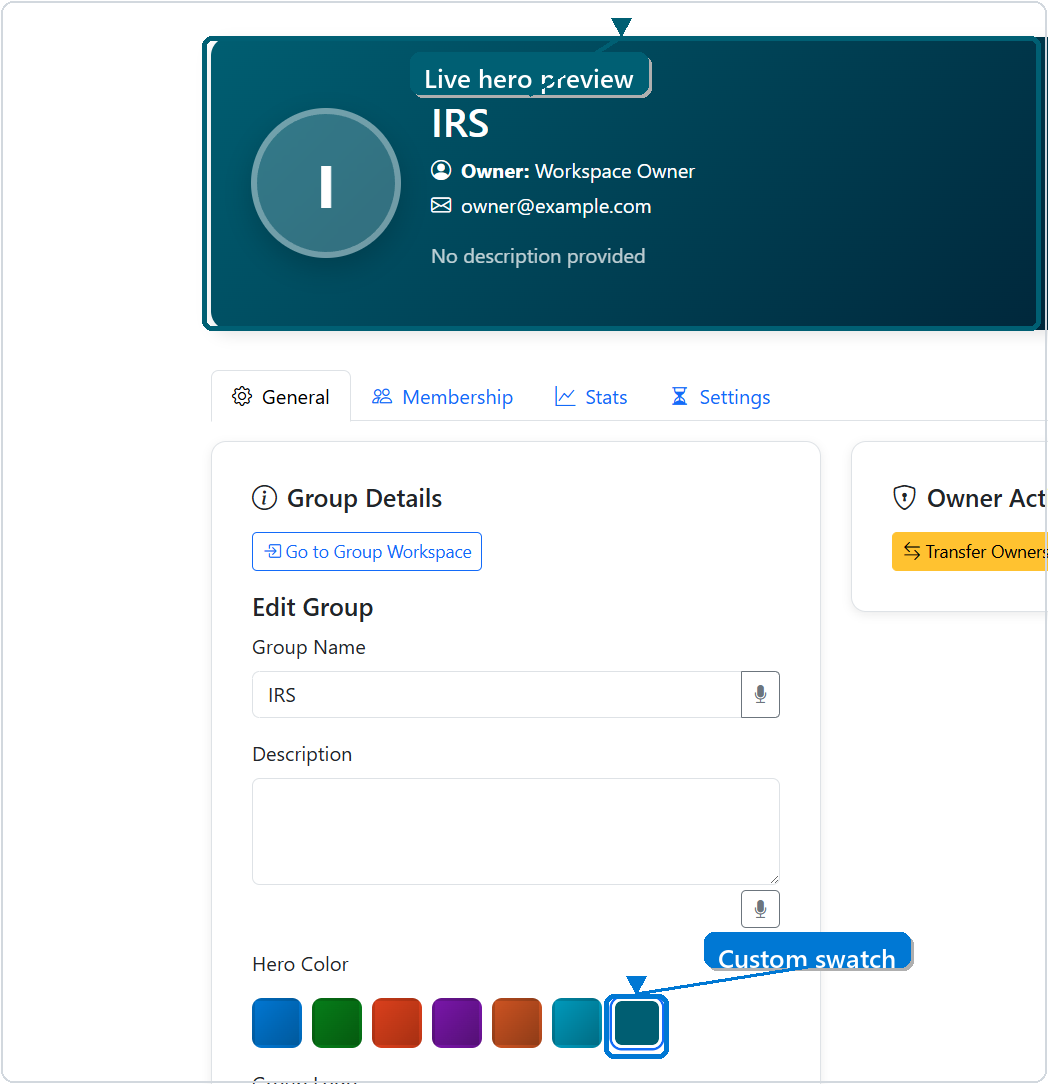
Group Workspace Custom Color
The group manage page shows the custom swatch next to the preset colors and updates the hero preview immediately.
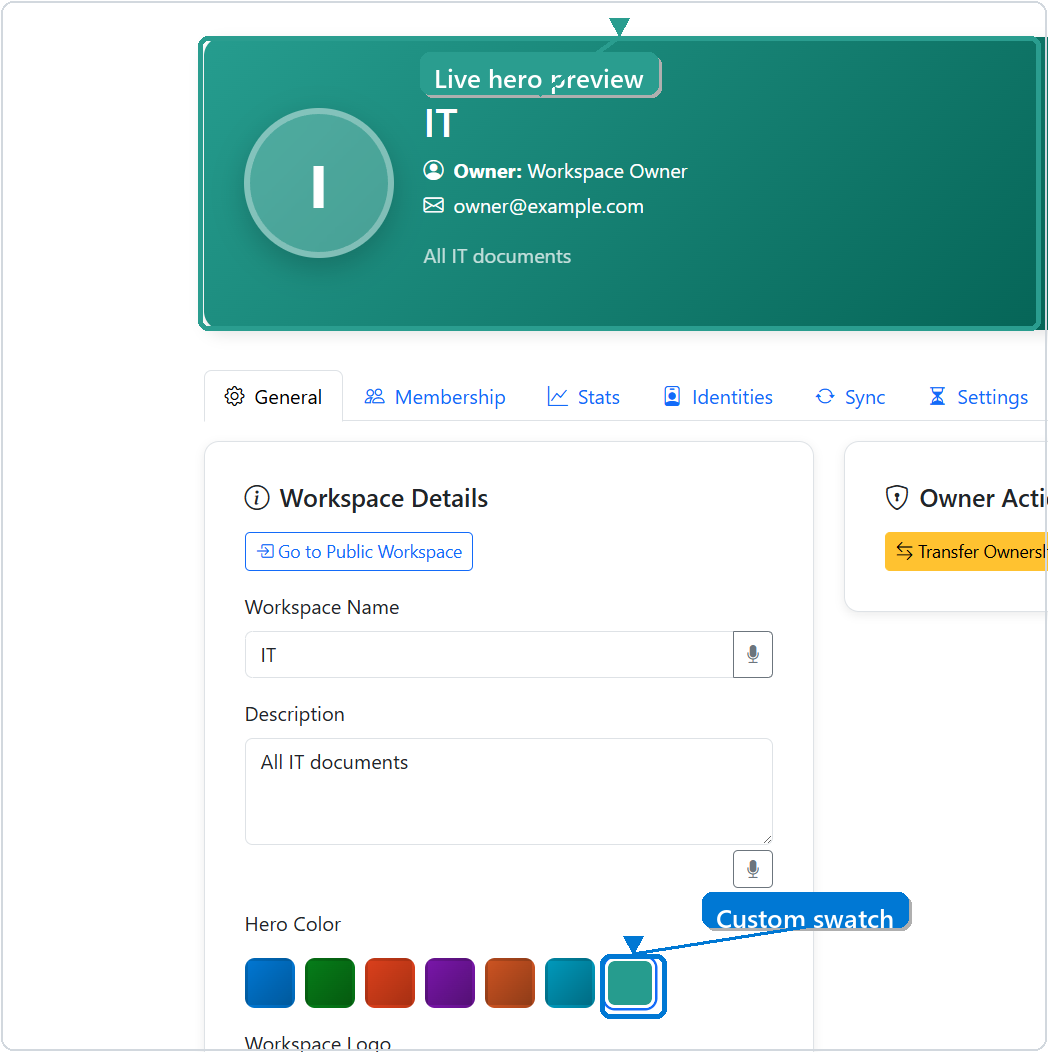
Public Workspace Custom Color
The public workspace manage page uses the same custom swatch behavior for public workspace branding.
Technical Specifications
Architecture overview:
- Group and public workspace records continue to store a normalized
heroColorvalue as a#RRGGBBstring. - Existing logo upload flows remain unchanged and continue to store resized workspace logos as PNG data.
- Manage pages expose a custom color input beside the preset swatches.
- Client-side picker logic selects the custom swatch when a saved color does not match a preset.
- Backend routes continue to validate custom colors through
normalize_workspace_hero_color().
Files modified:
application/single_app/templates/manage_group.htmlapplication/single_app/templates/manage_public_workspace.htmlapplication/single_app/static/js/group/manage_group.jsapplication/single_app/static/js/public/manage_public_workspace.jsfunctional_tests/test_workspace_branding_hero_and_logo.pyui_tests/test_manage_group_page_branding.pyui_tests/test_manage_public_workspace_page_load.py
Usage Instructions
Open a group or public workspace manage page as the owner. In the General tab, choose a preset hero color or use the custom swatch to pick any valid color. The hero preview updates immediately, and saving persists the chosen color with the rest of the workspace details.
Testing and Validation
Test coverage:
- Functional coverage verifies group and public manage pages include the custom swatch hooks and picker logic.
- UI coverage verifies custom colors update the saved payload field and hero preview for group and public manage pages.
Known limitations:
- Custom colors are stored as solid hero base colors. The darker gradient stop is generated client-side from the selected color.