Task 02: Add data and create a search index
Introduction
To enable personalized AI interactions, Adatum needs to integrate structured data that enhances chatbot responses. By indexing this data, the AI model can retrieve and process relevant customer and product information efficiently.
Description
In this task, you’ll add data to your project and index it for retrieval. This allows the chatbot to access relevant product details and improve customer interaction quality.
Success Criteria
- products.xlsx has been created.
- products.xlsx has been indexed successfully.
Learning Resources
Key tasks
01. Download products.xlsx file for use in Playground
Expand this section to view the solution
-
Download the products.xlsx file HERE.
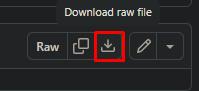
02. Create vector index for gpt-4o-mini model
Expand this section to view the solution
-
Return to your browser tab with Azure AI Foundry. From the Management center for project1, select Go to project at the bottom of the left menu.

-
From the left menu of the project1 page, select Playgrounds.
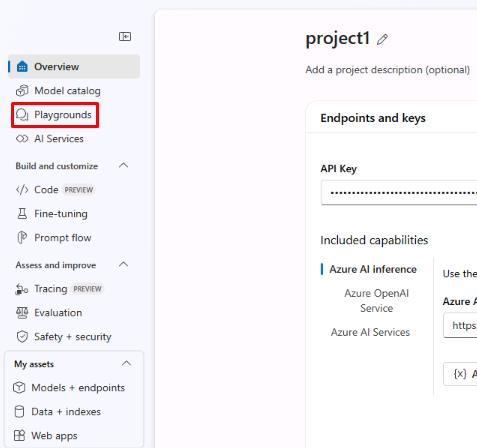
-
At the top of the page, select Try the Chat playground.
-
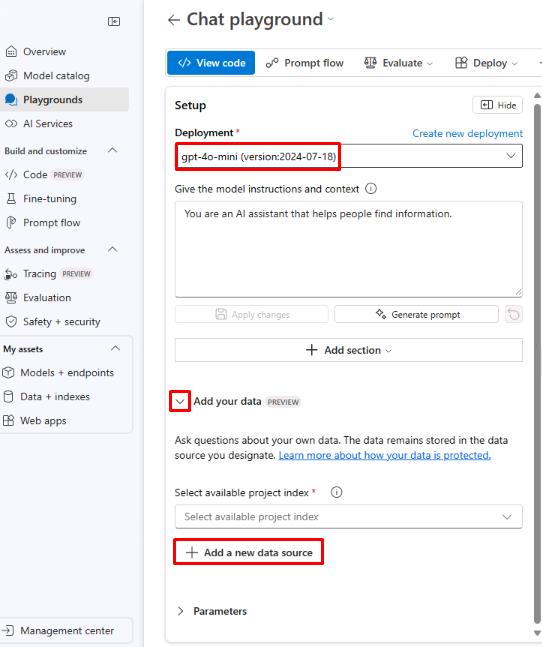
From the Chat playground page, ensure the Deployment is set to the gpt-4o-mini model, then select + Add a new data source under the Add your data dropdown menu.
-
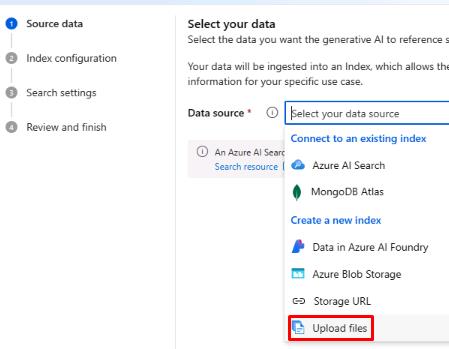
From the Source data tab on the Add your data page, select the Data source dropdown menu, then select Upload files.
-
Select the Upload dropdown menu, then select Upload files.
-
Select the products.xlsx file,then select Open. Select Next once it has been uploaded.
-
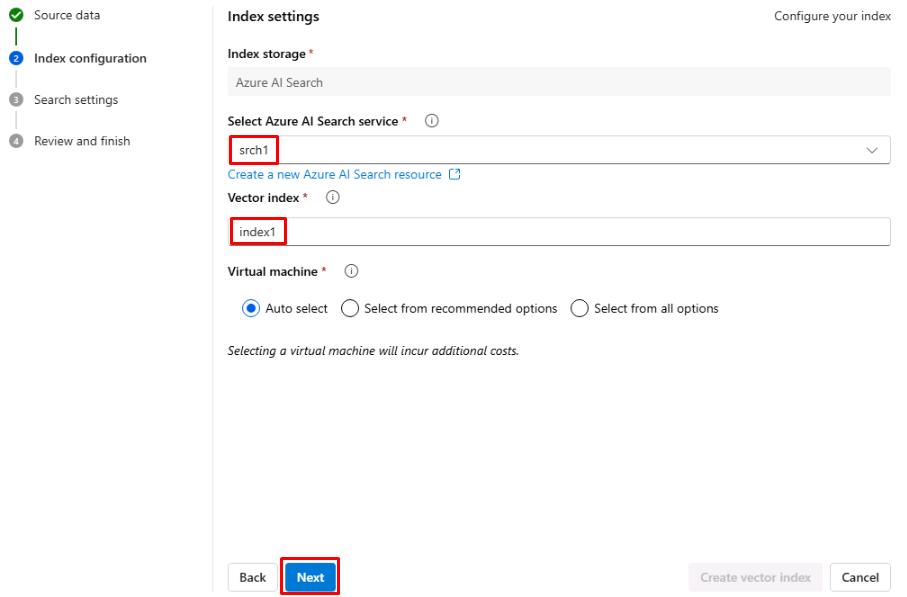
From the Index configuration tab, select the Select Azure AI Search service dropdown menu ,then select srch1.
-
Enter index1 for the Vector index name, then select Next.
-
From the Search settings tab, leave the default settings, then select Next.
-
From the Review and finish tab, select Create vector index.
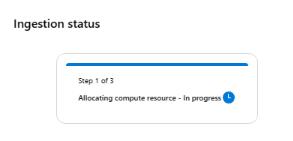
Wait for the index to be created. This should take about 3-5 minutes. The Ingestion status will show you the progress.
You’ve successfully completed this task.