Task 01 - Create an infrastructure issue in GitHub
Introduction
You will be deploying the Zava Storefront solution to Azure as part of this training lab. To prepare the infrastructure you will begin by creating issues and generating code from those issues to create the necessary resources.
Description
During this task you will create a GitHub issue using Chat with Copilot. This issue will be later used to generate a Bicep script to produce the necessary Azure resources for this training lab.
Success Criteria
- You have generated an issue with GitHub Copilot
Learning Resources
Key Tasks
01: Verify issues are enabled
Ensure the Issues feature is enabled in your forked repository so you can create GitHub issues.
Expand this section for detailed steps
-
Navigate to your forked repository and select the Settings tab.
-
Check that the Issues feature is selected, and if not, select it.
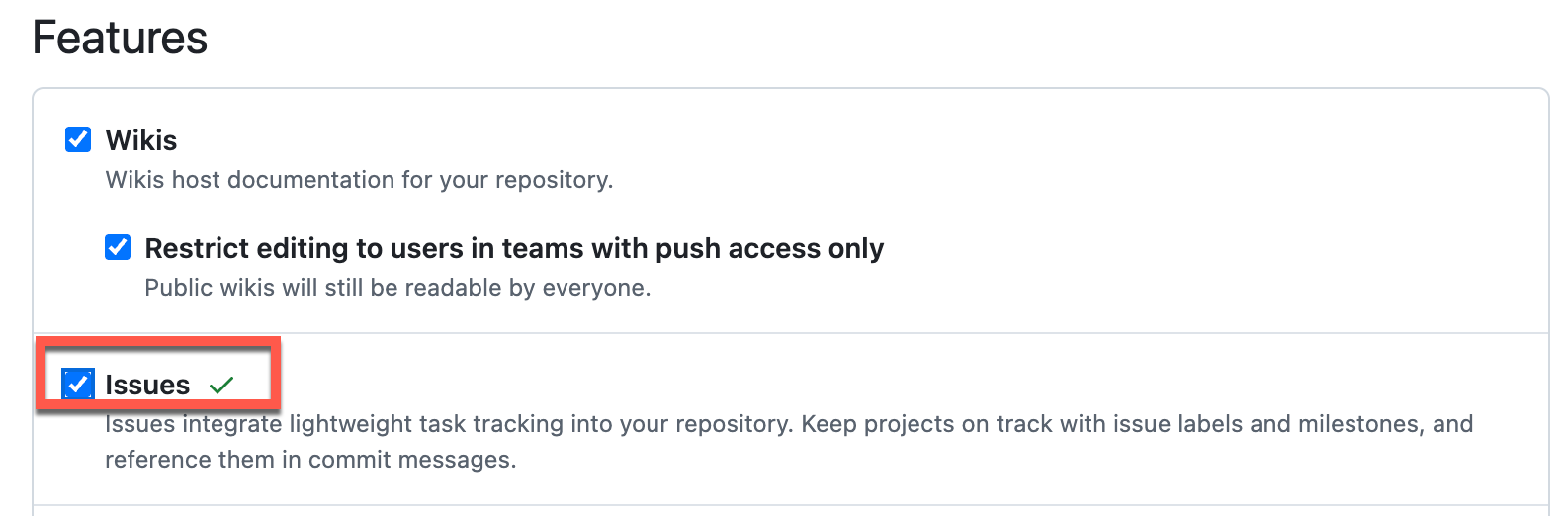
02: Open Chat with Copilot
Open GitHub Copilot Chat from your repository to begin creating the infrastructure issue.
Expand this section for detailed steps
-
Navigate to your forked repository for this lab at GitHub and select Chat with Copilot from the top menu:

-
Confirm that you have the correct repository context. If you started from the repository from Chat, you should see it selected:
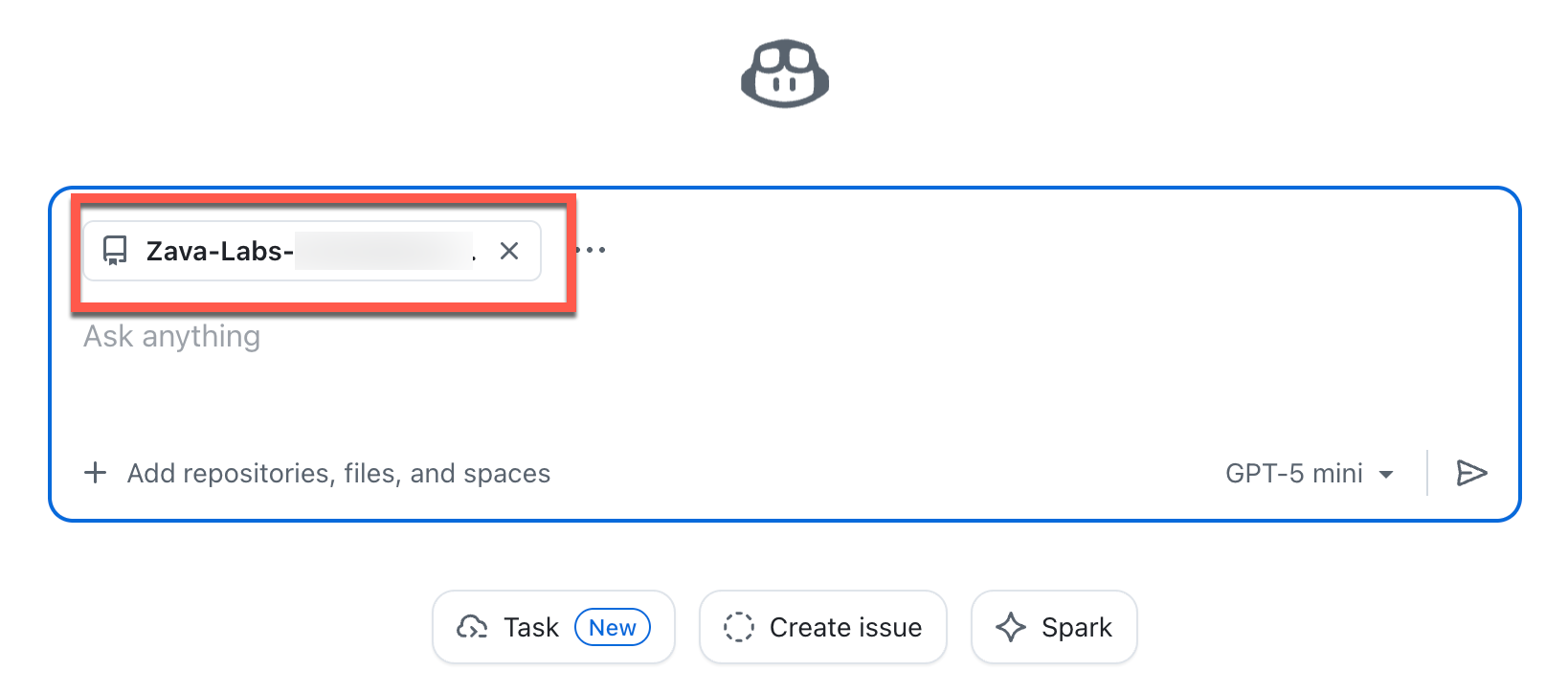
03: Create the issue
Create a GitHub issue using Copilot Chat that describes the infrastructure requirements for deploying the ZavaStorefront web application, including a Linux App Service, Azure Container Registry, Application Insights, and Microsoft Foundry.
Expand this section for detailed steps
-
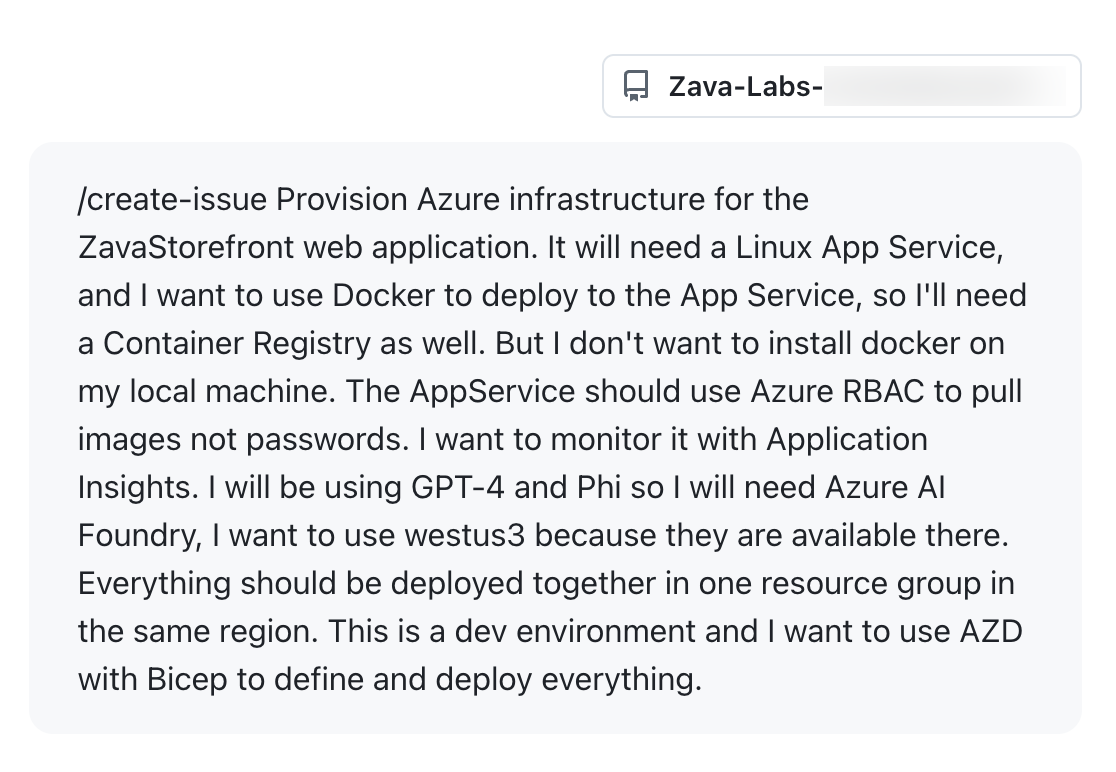
From Chat with Copilot enter the following prompt to create an issue:
/create-issue Provision Azure infrastructure for the ZavaStorefront web application. It will need a Linux App Service, and I want to use Docker to deploy to the App Service, so I'll need a Container Registry as well. But I don't want to install docker on my local machine. The AppService should use Azure RBAC to pull images not passwords. I want to monitor it with Application Insights. I will be using GPT-4 and Phi so I will need Microsoft Foundry, I want to use westus3 because they are available there. Everything should be deployed together in one resource group in the same region. This is a dev environment and I want to use AZD with Bicep to define and deploy everything. -
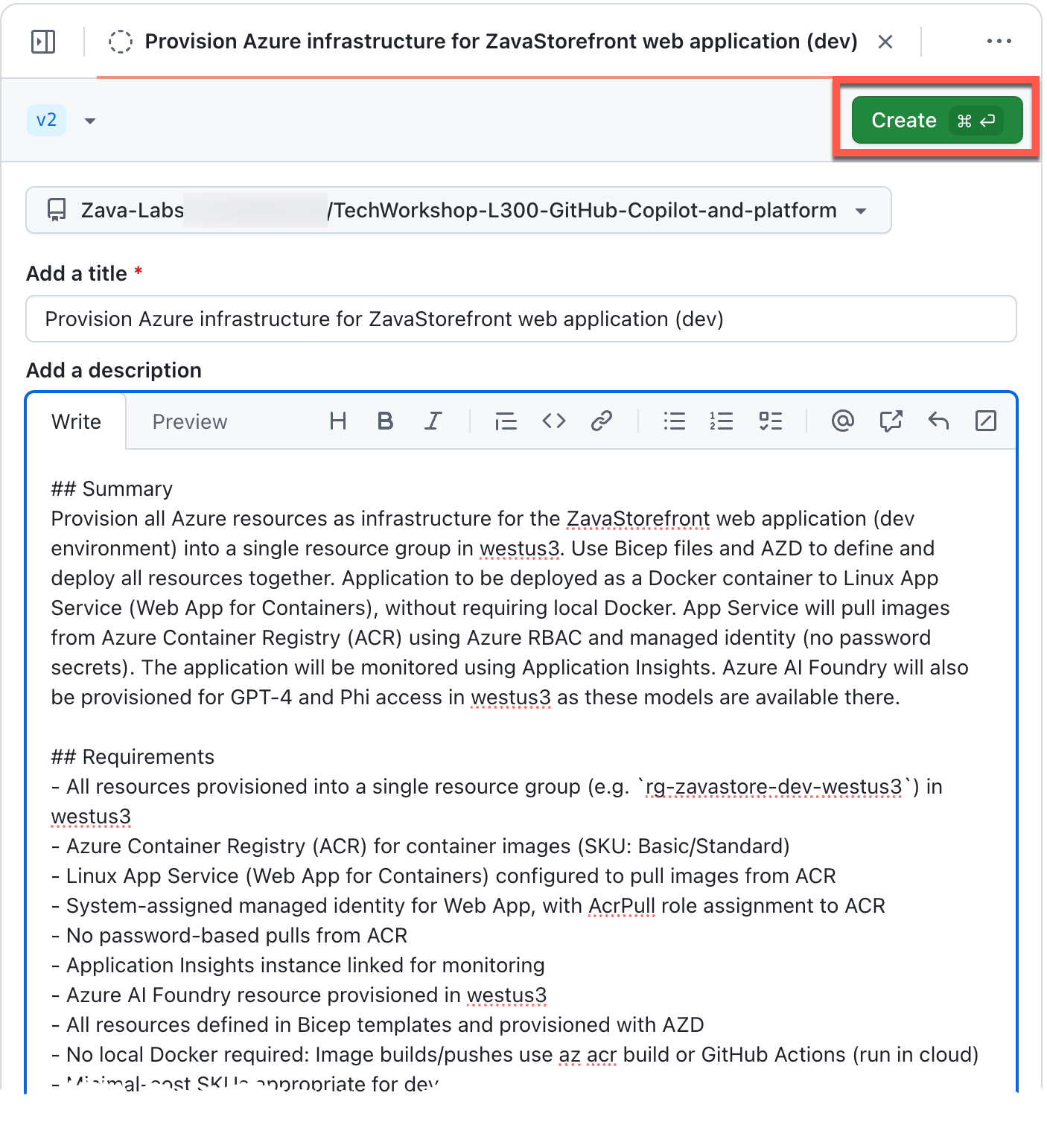
The end result should be that GitHub Copilot creates an issue that looks similar to the following:
-
Click Create to create the issue.
-
Navigate to your repository and select the Issues tab to view the issue is created.
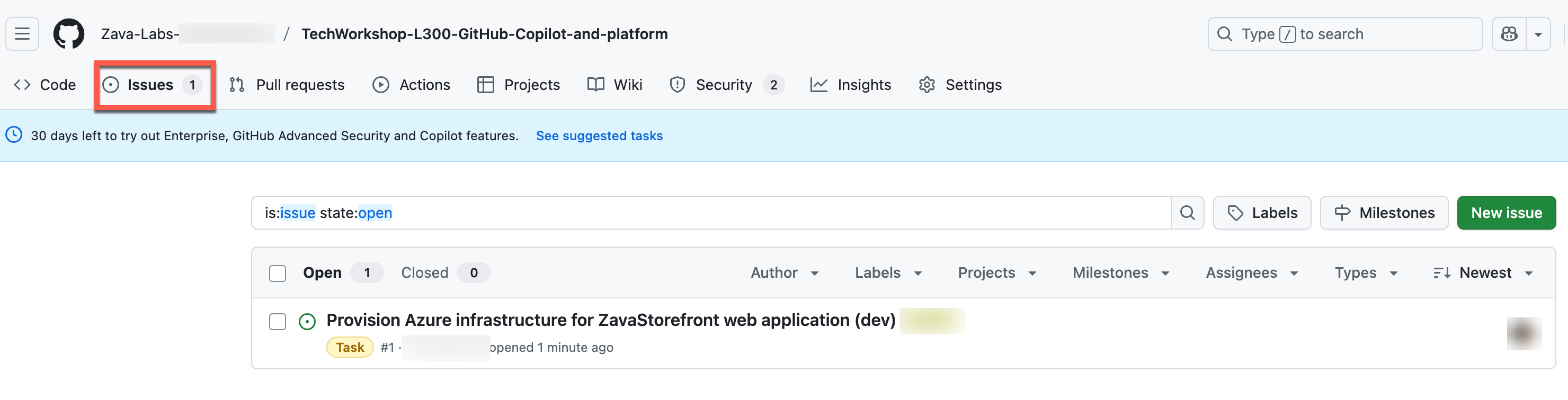
Expand this section for a complete Issue text
If you are not having success with completing lab steps for this issue, try copying this completed text into your issue in order to proceed with the training lab.
## Summary
Provision all Azure resources as infrastructure for the ZavaStorefront web
application (dev environment) into a single resource group in westus3. Use
Bicep files and AZD to define and deploy all resources together. Application to
be deployed as a Docker container to Linux App Service (Web App for
Containers), without requiring local Docker. App Service will pull images from
Azure Container Registry (ACR) using Azure RBAC and managed identity (no
password secrets). The application will be monitored using Application
Insights. Microsoft Foundry will also be provisioned for GPT-4 and Phi access in
westus3 as these models are available there.

## Requirements
- All resources provisioned into a single resource group (e.g. `rg-zavastore-dev-westus3`) in westus3
- Azure Container Registry (ACR) for container images (SKU: Basic/Standard)
- Linux App Service (Web App for Containers) configured to pull images from ACR
- System-assigned managed identity for Web App, with AcrPull role assignment to ACR
- No password-based pulls from ACR
- Application Insights instance linked for monitoring
- Microsoft Foundry resource provisioned in westus3
- All resources defined in Bicep templates and provisioned with AZD
- No local Docker required: Image builds/pushes use az acr build or GitHub Actions (run in cloud)
- Minimal-cost SKUs appropriate for dev

## Implementation Guidance
- Use modular Bicep structure (`infra/` folder with modules for ACR, App Service Plan, Web App, App Insights, Microsoft Foundry, and role assignments)
- Parameterize resource names, region, environment, SKUs in Bicep
- `azd.yaml` and README should document full deployment/dev workflow
- CI workflow examples for image build/push without local Docker (cloud builds)
- Role assignment in Bicep: Assign `AcrPull` on ACR to App Service managed identity
- Application Insights: Connect via instrumentation key/app settings
- Microsoft Foundry: Use dev-appropriate SKUs; ensure region supports requested models

## Checklist
- [ ] Confirm region and subscription quotas for Microsoft Foundry in westus3
- [ ] Bicep modules for ACR, App Service, App Insights, Role Assignment, Microsoft Foundry
- [ ] Main Bicep template (calls modules)
- [ ] azd.yaml script (maps provision/deploy workflow)
- [ ] GitHub Actions workflow for ACR build (cloud-side or hosted runner)
- [ ] AcrPull role assignment (managed identity)
- [ ] App Insights wiring
- [ ] Microsoft Foundry deployment and configuration
- [ ] README.md with workflow/cost notes
- [ ] Smoke test: app deploy/monitoring/AI access

---
If you need code/starter templates for Bicep or CI workflow, request below.
Summary
You’ve completed this task. You have generated an issue with GitHub Copilot that describes the infrastructure requirements for deploying the Zava Storefront solution.