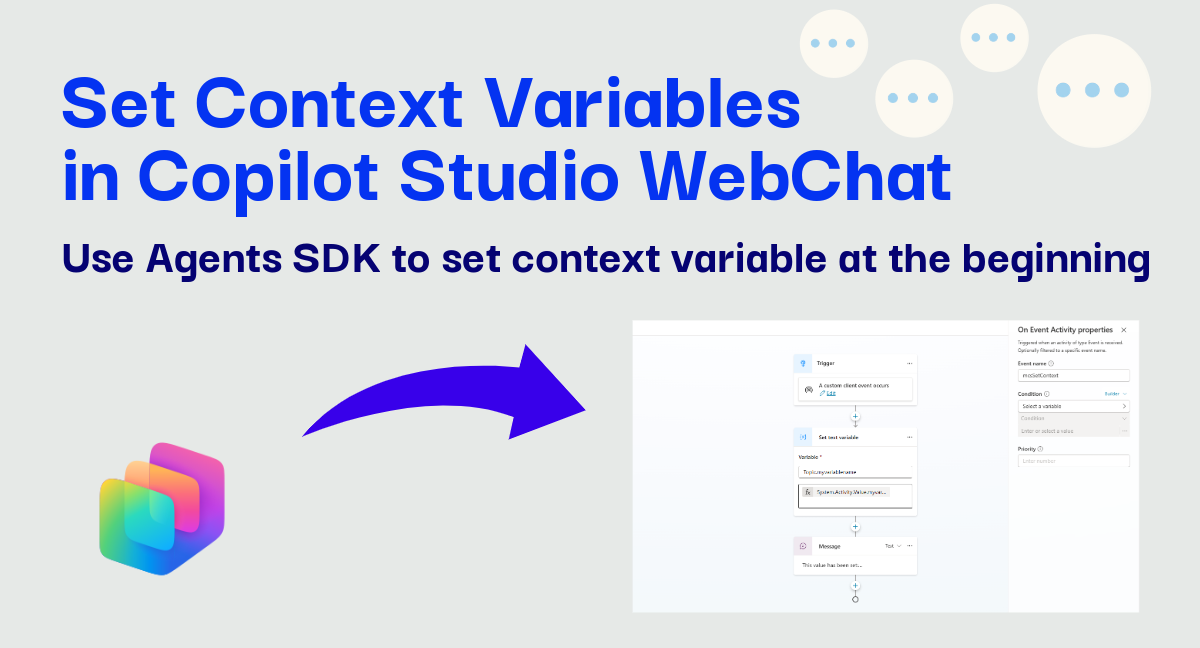
How to Set Context Variables to Copilot Studio Agents Using WebChat
Learn how to reliably pass context variables to Copilot Studio agents via WebChat using a Redux middleware that works on both Direct Line and the M365 Agents SDK.

Learn how to reliably pass context variables to Copilot Studio agents via WebChat using a Redux middleware that works on both Direct Line and the M365 Agents SDK.

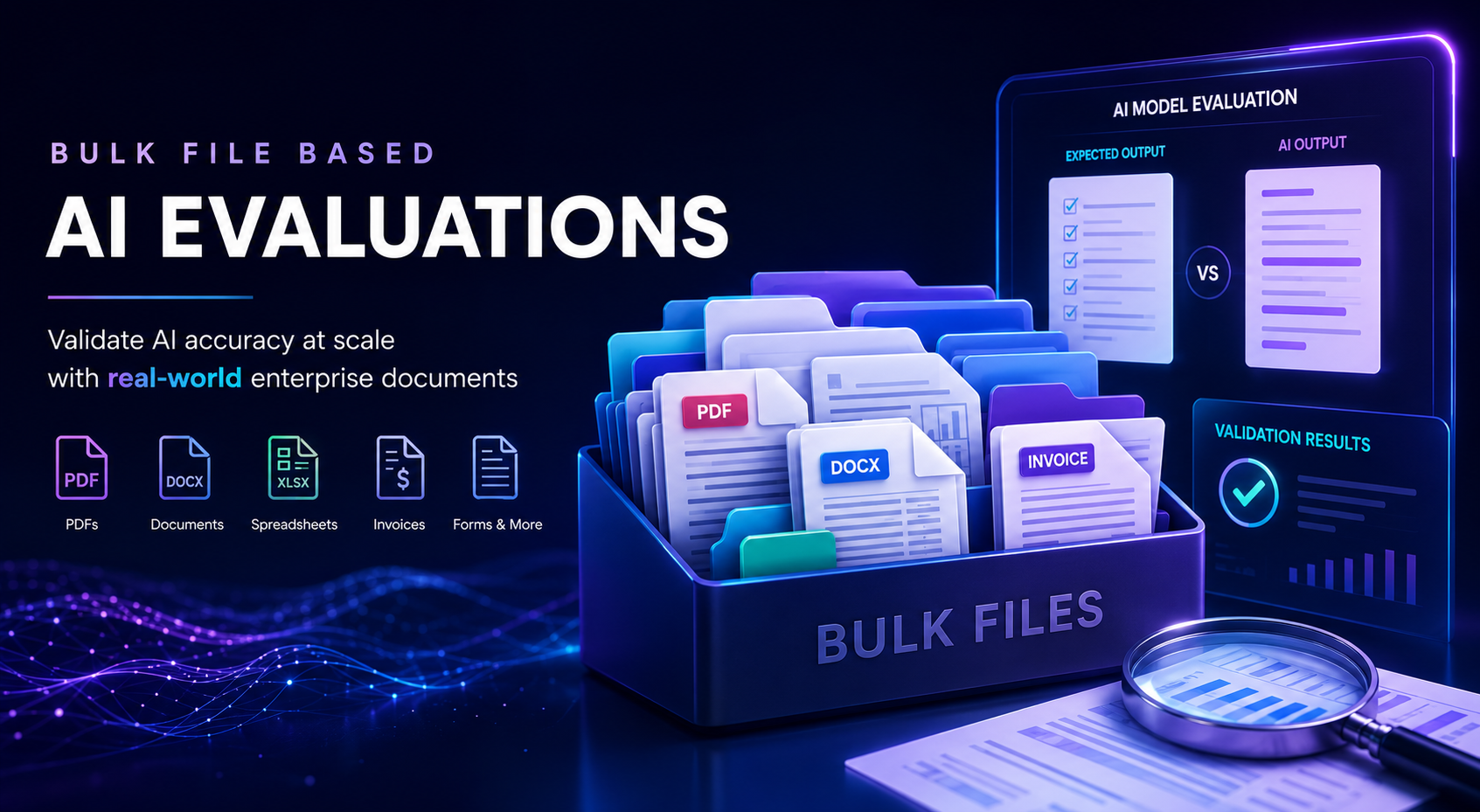
How to use the Copilot Studio Evaluation API to build automated quality gates in Azure DevOps pipelines, blocking PR merges when agent quality drops below threshold.

Microsoft 365 Copilot isn't just for licensed Copilot users. Learn how to deploy Copilot Studio agents to Copilot Chat users, how declarative agents are evolving, and why you no longer need an Azure subscription for prepaid capacity.

The built-in Copilot control for Canvas Apps is deprecated. Use this PCF control to embed your Copilot Studio agent with custom styling and two-way communication.

Best practices and common issues when deploying solutions that combine agent flows with agents in Copilot Studio — timeouts, credentials, schema mismatches, collaboration, and more.

A technical deep-dive into connecting legacy desktop applications to Microsoft Copilot Studio agents - exploring how a Separation of Concerns pattern lets you reuse your existing RPA stack today, and how Computer Use Agents (CUA) enable a fully agentic alternative.

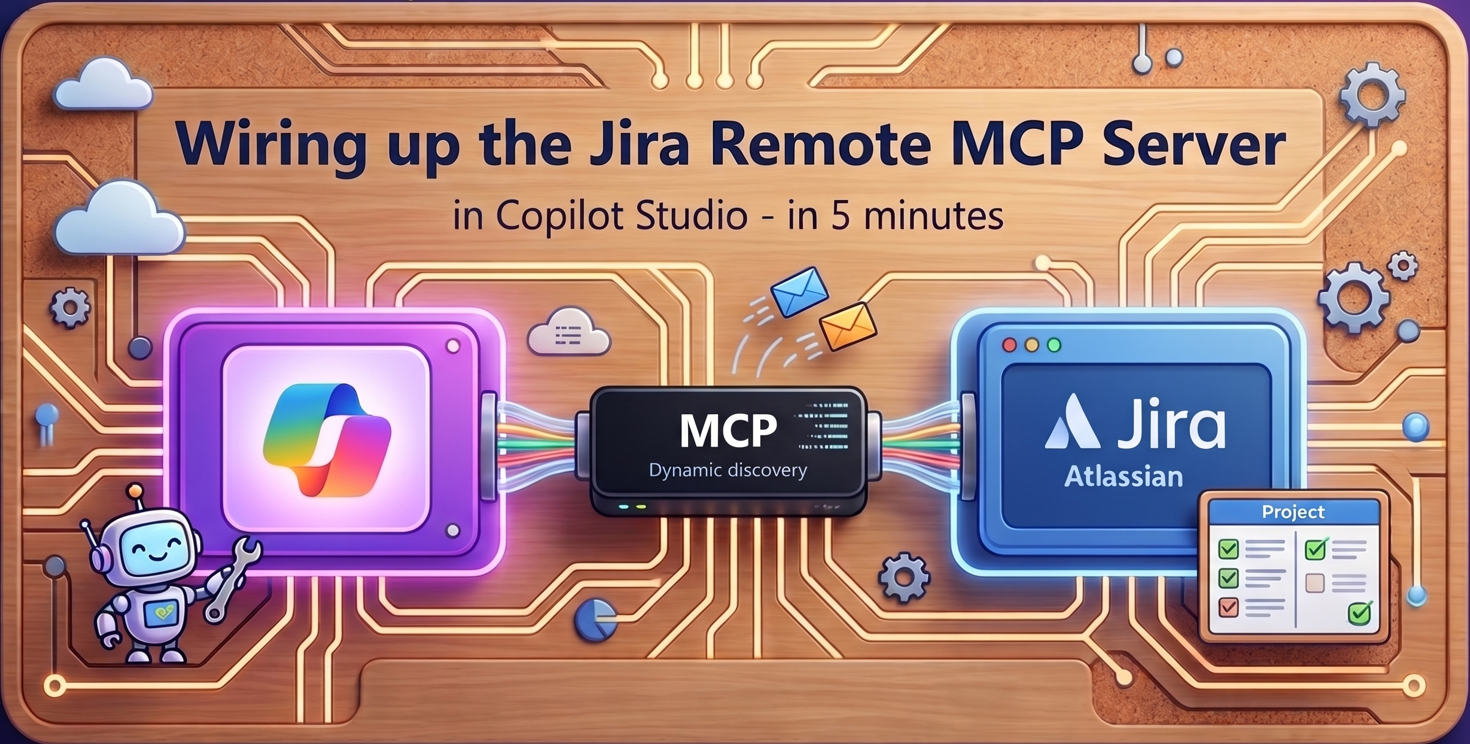
Create your first MCP connector in Copilot Studio in five minutes, then understand what was created behind the scenes: custom connectors, connection references, and solution structure.

Five ways to retrieve Dataverse data from Copilot Studio agents — Knowledge, List Rows, MCP Server, Search Query, and Prompt Tool. A decision guide with setup steps and trade-offs, flow charts and a handy interactive widget to help you pick the right method.

Master the three deployment paths for Copilot Studio agents in Teams and Microsoft 365 Copilot. Learn how to customize manifests for DEV/TEST environments, leverage Setup Policies for auto-install and pinning, and deploy to M365 Copilot through the Admin Center.

Eight production patterns for designing Copilot Studio agents that work well in Teams and Microsoft 365 Copilot - handling reinstalls, context management, error handling, and self-service troubleshooting with diagnostic cards.