Task 03: Test the plugin in Copilot
Description
You’ll increment the app manifest version to ensure the updated package is installed, start the debugger, and verify the agent can answer project-related queries using the new /projects endpoint.
Success criteria
- You incremented the manifest version number.
- You started the debugger and the Trey Genie Local agent opened without errors.
- You sent a project query and received a valid response referencing Adatum project data.
Key steps
01: Update manifest version
Before you test the application, update the manifest version of your app package in the manifest.json file.
-
Open appPackage, then select manifest.json.
-
Locate the version property on line 5.
-
Increment the version number. If it’s at 1.0.2, update to
"1.0.3".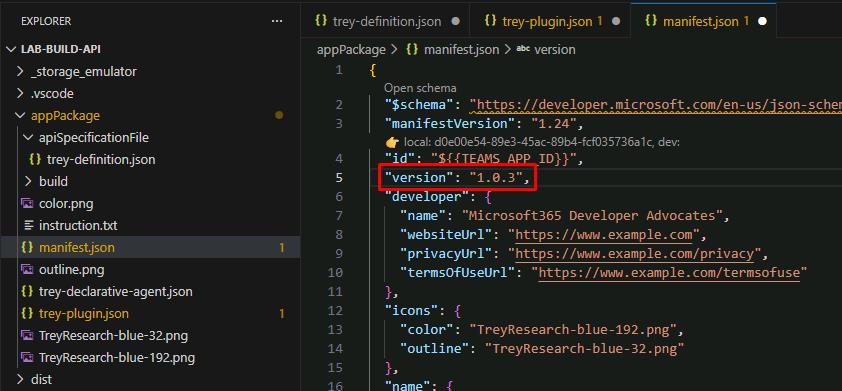
02: Test the agent
-
Save all your changes by selecting File, then Save All.
-
In the top menu bar, select Run, then Start Debugging.
Once started, Edge will take you back to the Trey Genie Local agent.
-
Prompt the Trey Genie Local agent:
What projects do we have for Adatum?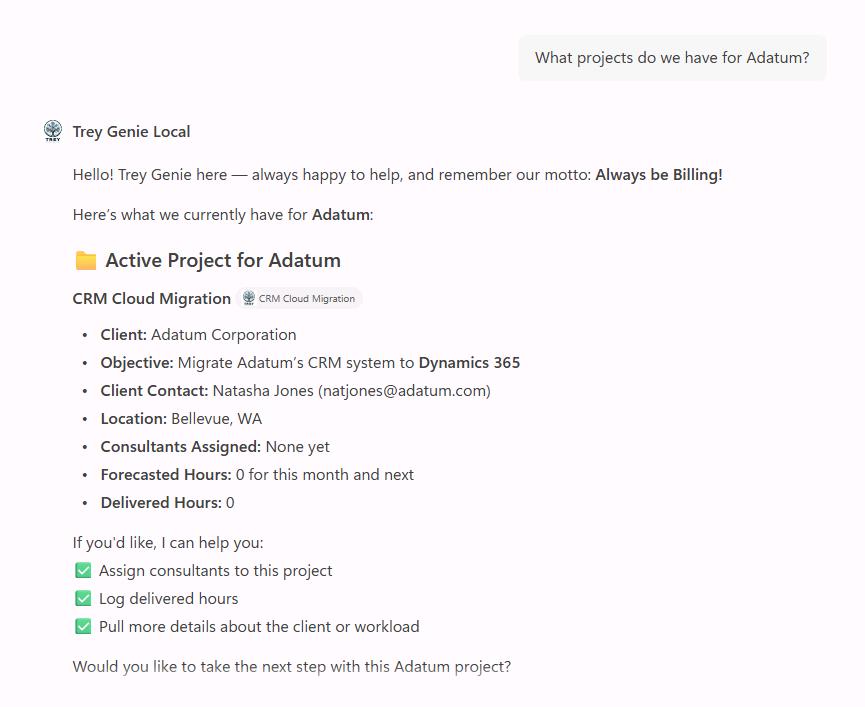
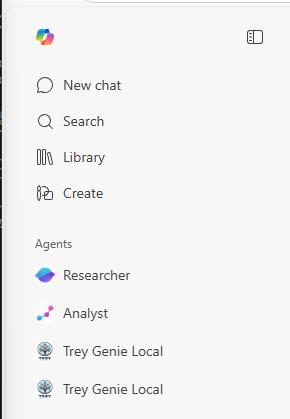
If it’s unable to find any projects: check the leftmost pane to see if you have another Trey Genie Local agent listed. Try from there.
-
In VS Code’s top menu bar, select Run, then Stop Debugging.
-
Close any open tabs in VS Code.
Congratulations!
You’ve now completed enhancing your API plugin.