Task 03: Provision and configure a CSV‑based evaluation framework for test execution
Introduction
To certify agents at scale, Zava’s COE needs curated, stakeholder-aligned test suites that are repeatable across versions and environments. A CSV-based framework provides a portable baseline that can be executed consistently as agents evolve.
Description
In this task, you’ll import a curated CSV test set, validate its structure, and configure evaluation methods for high-value business questions. This establishes a repeatable evaluation baseline that can be re-run for regression testing and lifecycle approvals.
Success criteria
- The curated CSV test set is imported, configured with appropriate test methods, and executed as a repeatable evaluation baseline.
Key steps
01: Create an evaluation test set using AI and add a record manually.
-
Open Marketing-HR-Domain-Router parent agent and select Evaluation.

-
Select New evaluation.

-
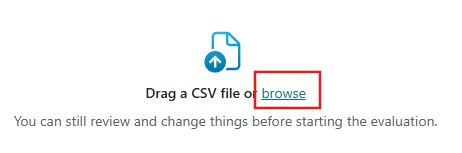
Select browse.
-
Go to
C:\zava\Eval-Test-Sets, select zava_eval_template.csv file, and then select Open.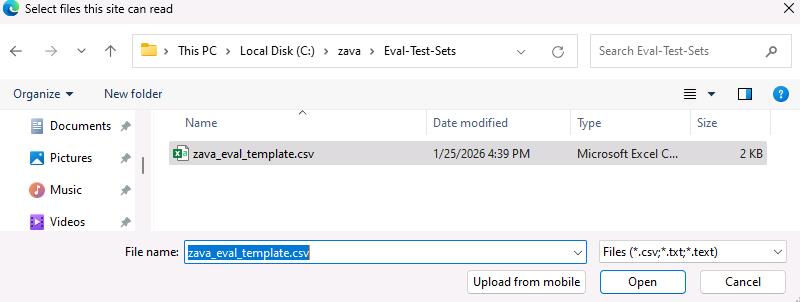
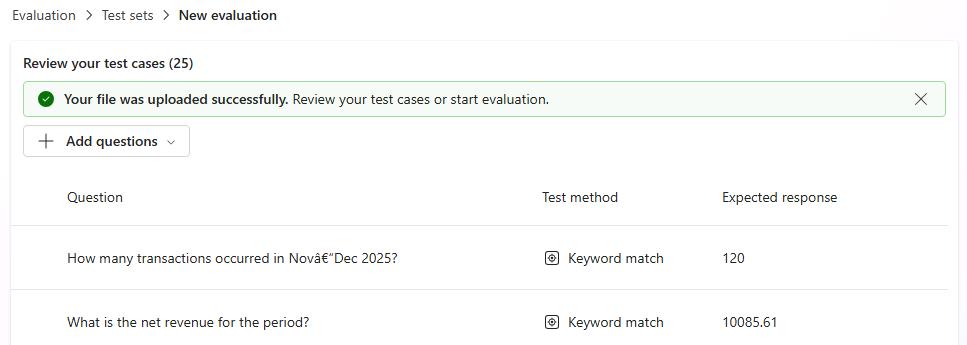
Once the import is complete, you should see a screen similar to the one below.
-
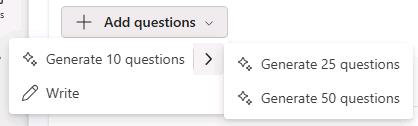
Review the test sets. You can still use AI to generate additional questions or add new test sets manually.
-
Search and select
Whose email is alice.johnson@example.com?. Select Text match, select Keyword match, and then select Apply.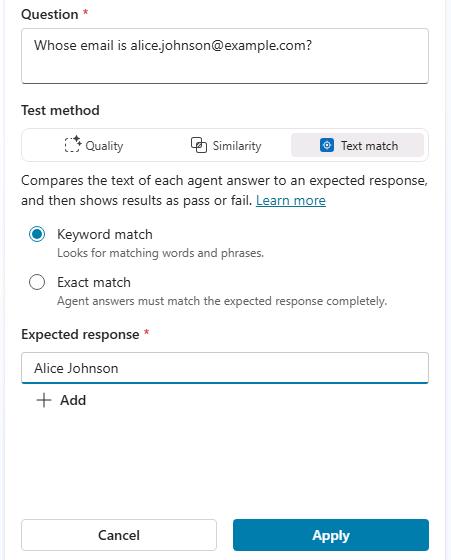
-
Repeat the same process for the following questions:
Which promotion had the highest average discount per order?Who is the HR Director?Who is the HR Manager?Which employee handles Compensation and Benefits?Which employee focuses on Diversity and Inclusion?Who speaks French?Which employee can support Italian-speaking candidates?
-
In the Configure test set dialog, in the Name field, enter
bot-eval-curated-business-expectation-v1.csvand then select Evaluate. Wait for the process to complete.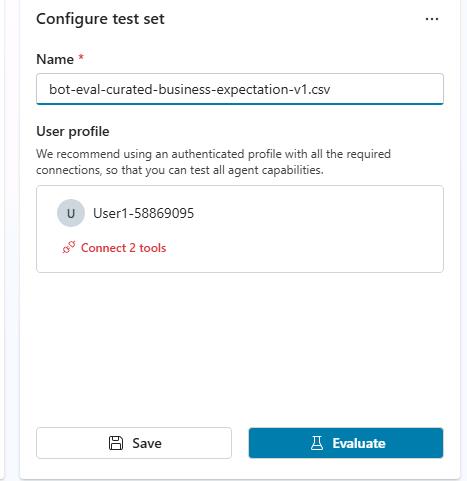
It may take more than 20 minutes for the process to complete.