Task 01: Initialize Azure DevOps repository branch
-
Open Microsoft Edge, then go to:
https://aex.dev.azure.com/me -
Sign in with your lab credentials.
-
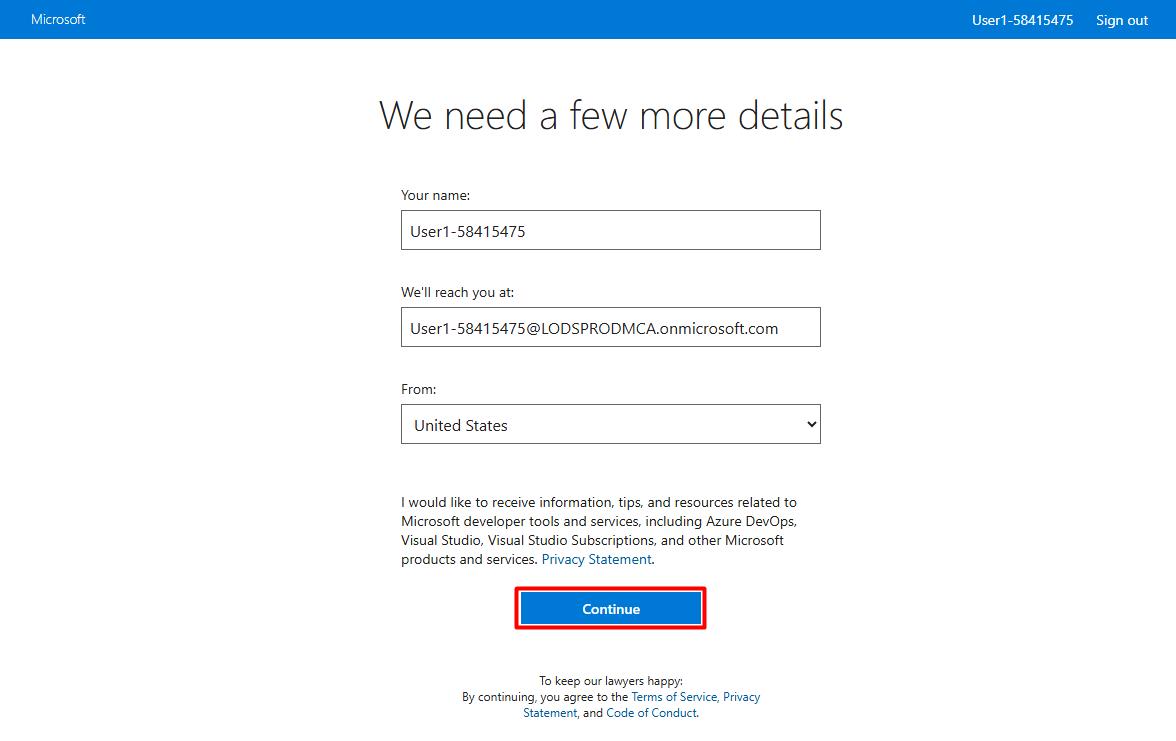
Select Continue.
-
Under Projects, select Zava-@lab.LabInstance.Id.
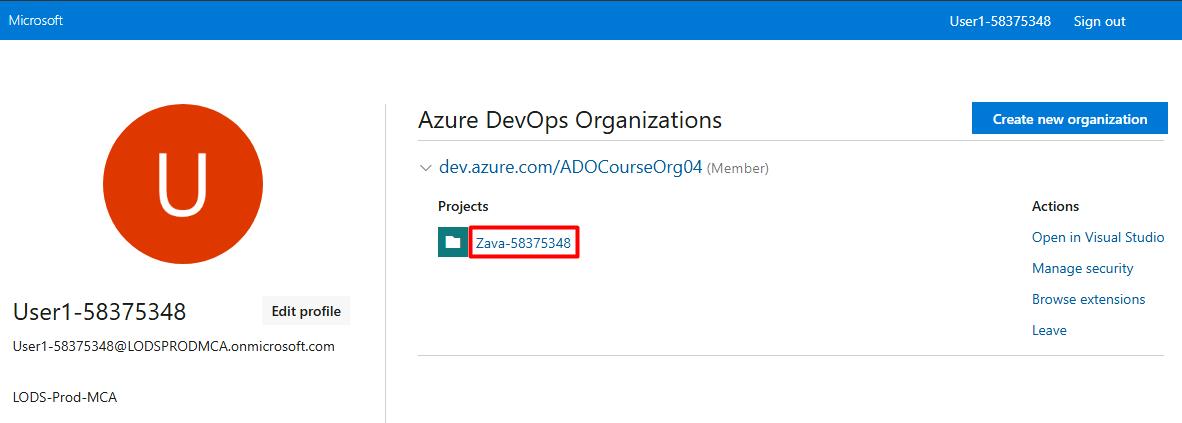
Your project name will differ from the screenshot.
-
Close the other My Information tab.
-
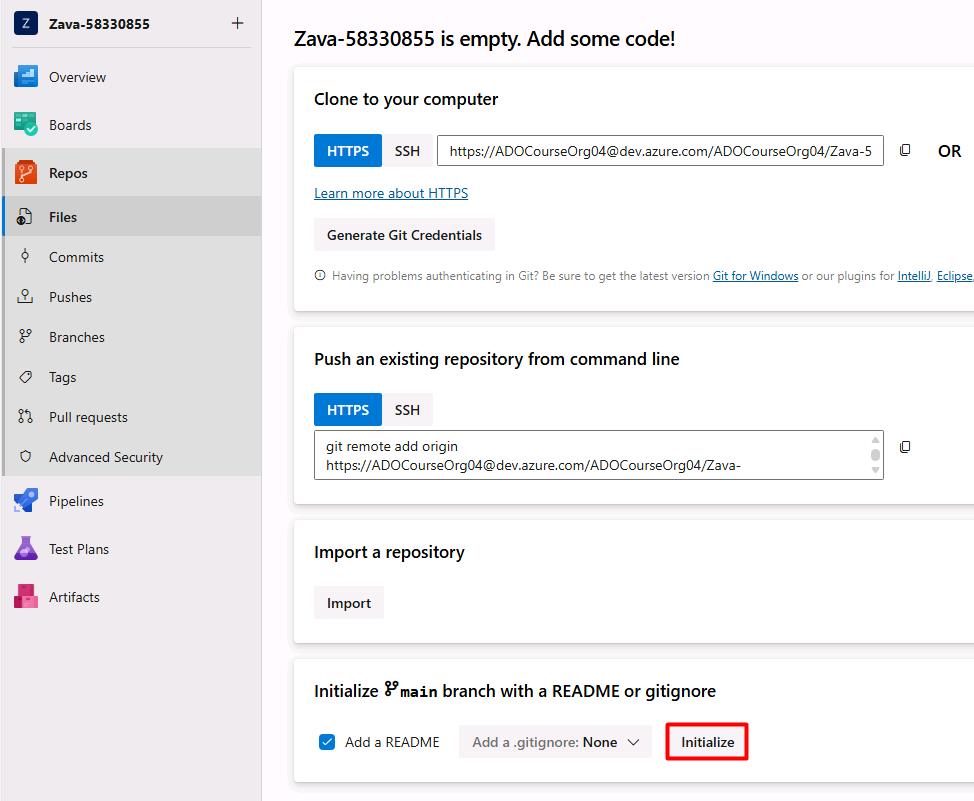
In the leftmost pane, select Repos.
-
Under Initialize main branch with a README or gitignore, select Initialize.