Task 02: Use environment routing for both apps and Copilot Studio agents
All of the following tasks require tenant-level admin permissions, which the platform cannot provide. You may either:
- Observe the following steps, or
- Follow along from a personal tenant
You can later use the GitHub-hosted instructions to run through the steps on your own, as well.
-
Go back to your Power Platform tab, or go to the Power Platform admin center.
-
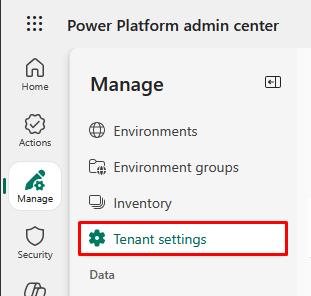
In the leftmost pane, go to Manage.
-
In the Manage menu, select Tenant settings.
-
Select Environment routing: Personal development.
-
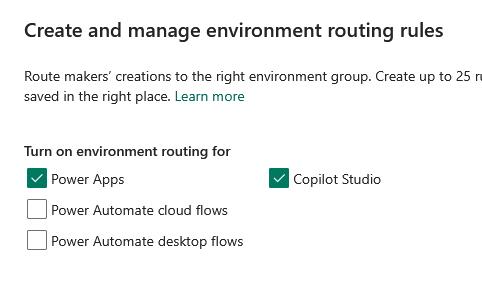
In the flyout pane, turn on environment routing for Power Apps and Copilot Studio.
-
Select Save and create rules.
-
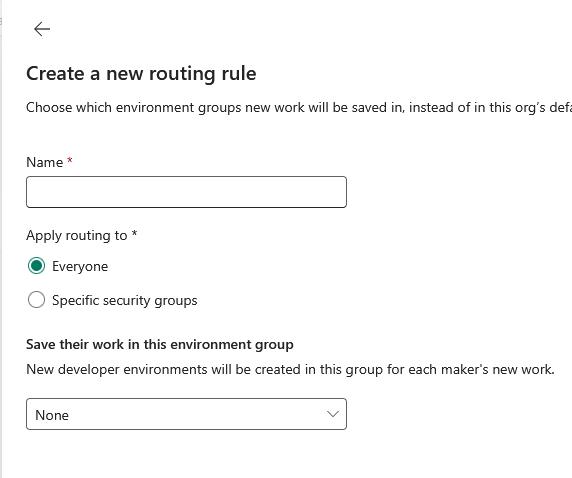
You can name it, apply routing to all users or specific security groups, and set the environment to save a maker’s new work to.