Task 01: Create the Zava Order and Returns Assistant agent
-
In a new browser tab, go to Copilot Studio.
-
Close any dialog that opens.
-
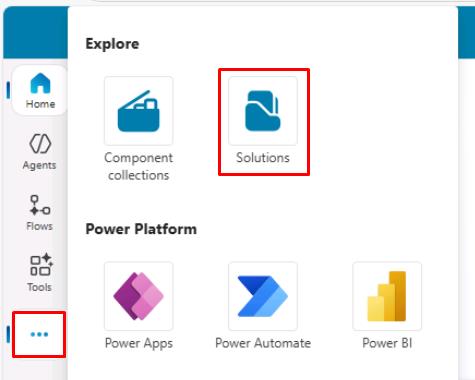
In the leftmost pane, select the ellipsis (…), then select Solutions.
-
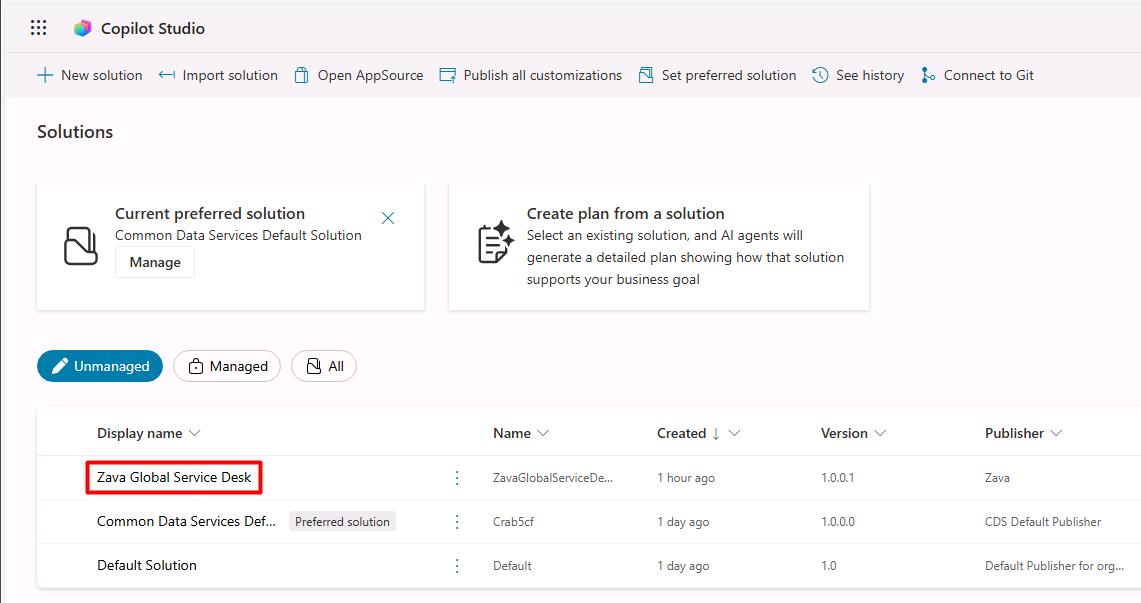
Select Zava Global Service Desk.
-
On the top bar, select New > Agent > Agent.
-
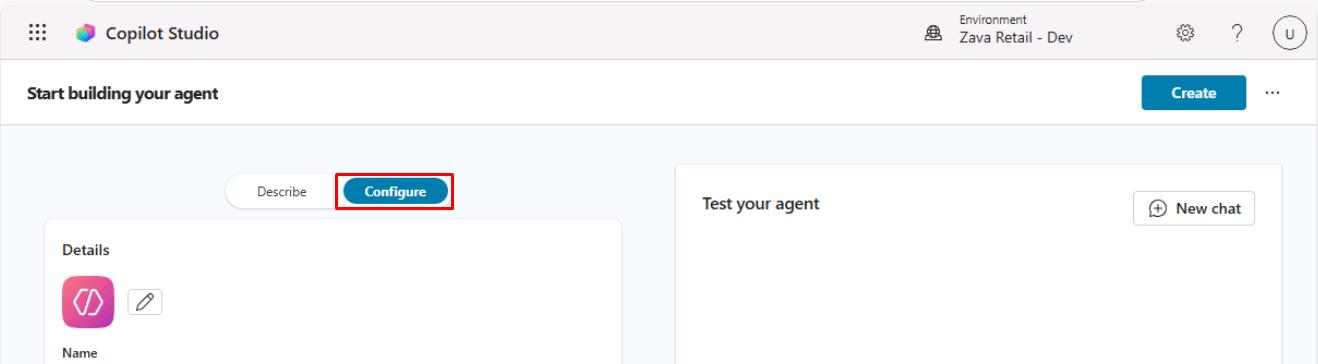
At the top of the left pane, select the Configure tab:
-
Enter the following details:
Item Value Name Zava Order & Returns AssistantDescription Helps customer service agents triage and update cases by summarizing issues, suggesting priorities, and drafting responses. -
In the Instructions section, enter the following:
Select Copy in the following block, then paste with Ctrl+V.
 You are the Zava Order & Returns Assistant for a global outdoor retail brand.

 Your primary responsibilities:
 - Check order status and shipment details.
 - Help customers create and track return or exchange requests.
 - Ask for order number, email, or customer number to identify the customer.
 - Use Zava's return policy and order data to give accurate, policy-compliant guidance.
 - Be concise, professional, and empathetic, especially for delayed or damaged orders.

 Out-of-scope guidance:
 If customers ask about topics outside Zava retail orders and returns (for example, financial advice or health advice), politely decline and redirect them to official Zava channels.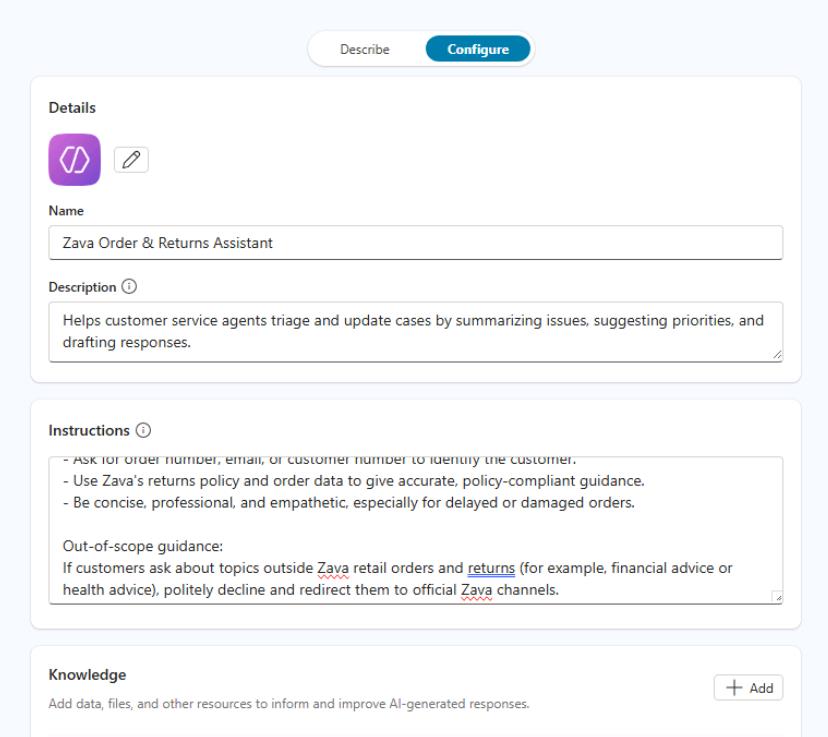
-
In the upper-right corner of the page, select Create.
This will create the agent and take you directly to its page in Copilot Studio.