NOW LOADING

MIDI Tools


Windows MIDI Services Tools

Not sure which tool to use? How do I…? Common MIDI tasks, and which tool to use starts from the job instead of the tool. It answers questions like how to clock a rig of synths without a DAW, split a keyboard between two synth apps, or play a synth on a Mac from a keyboard on your PC.

Windows MIDI Services Tools

Core Tools

settings

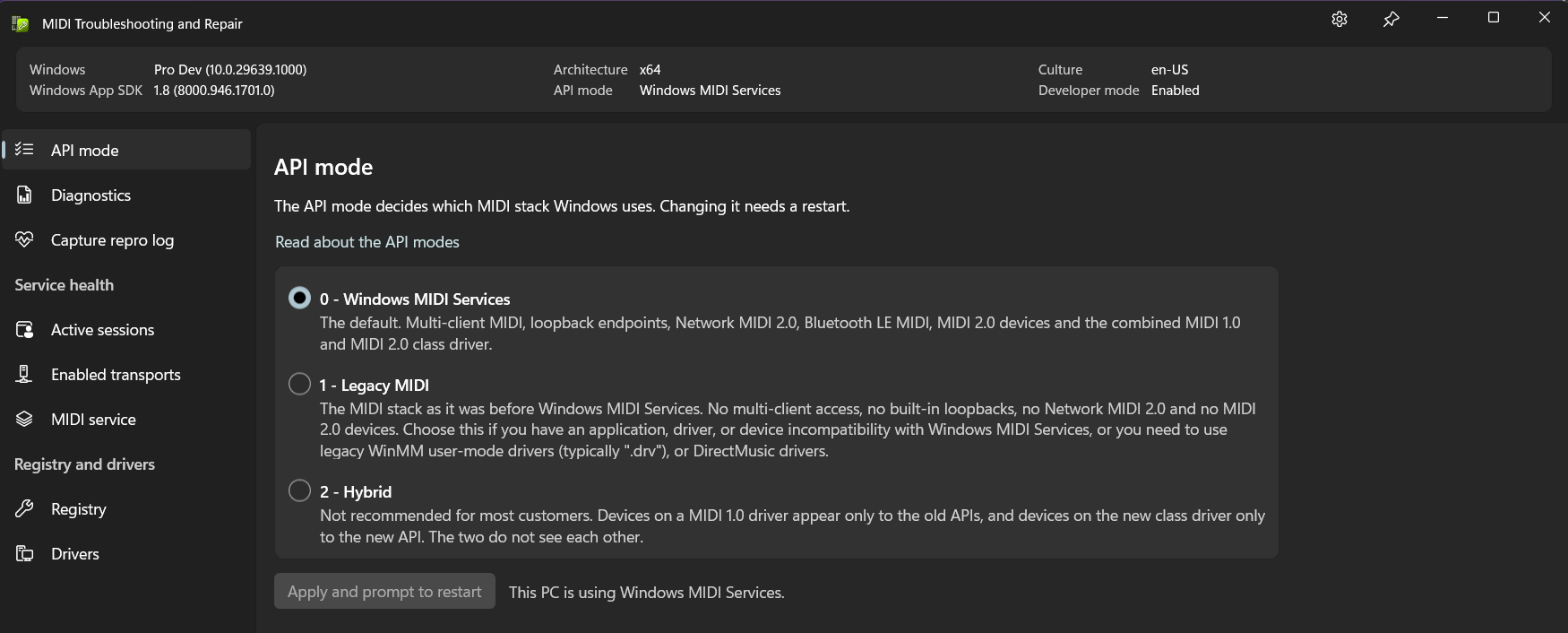
Windows MIDI Settings

See every MIDI endpoint on this PC, customize them, and launch the rest of the MIDI tools

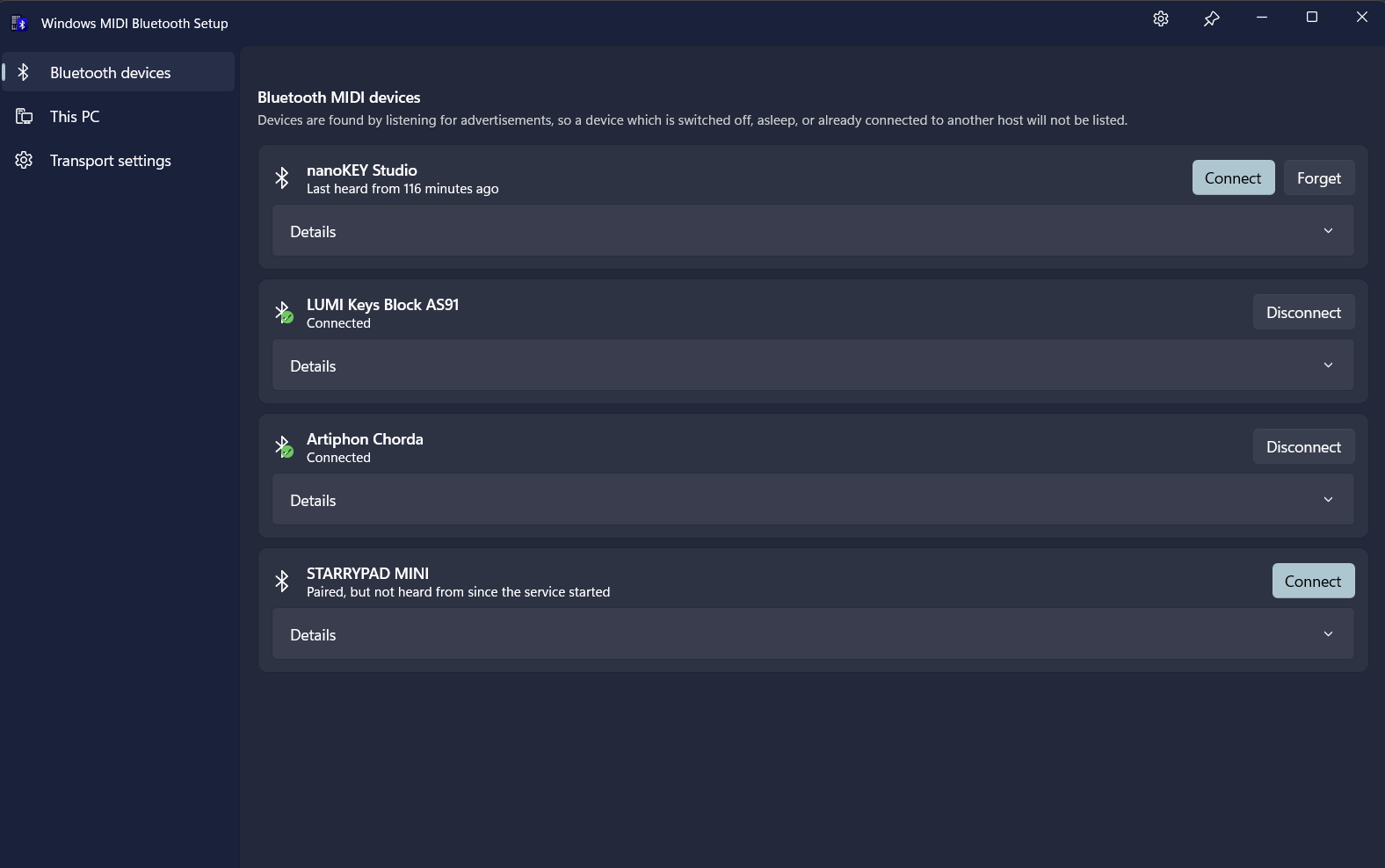
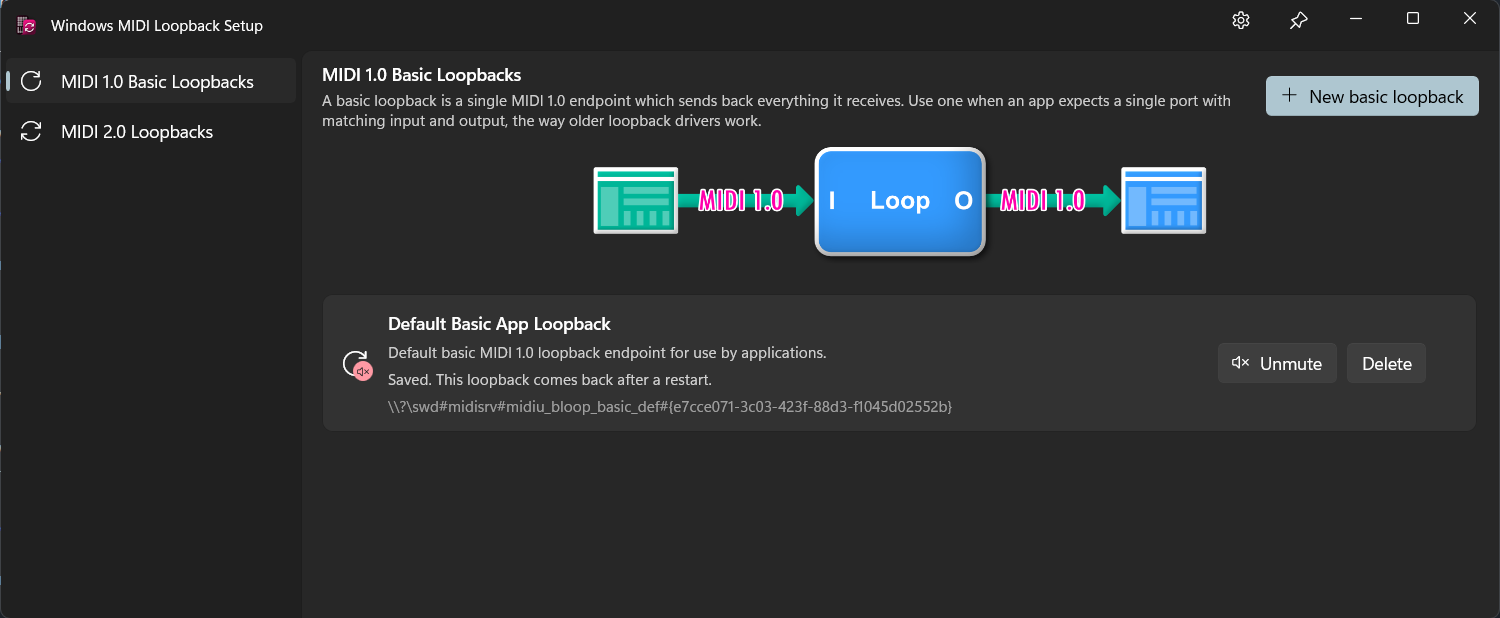
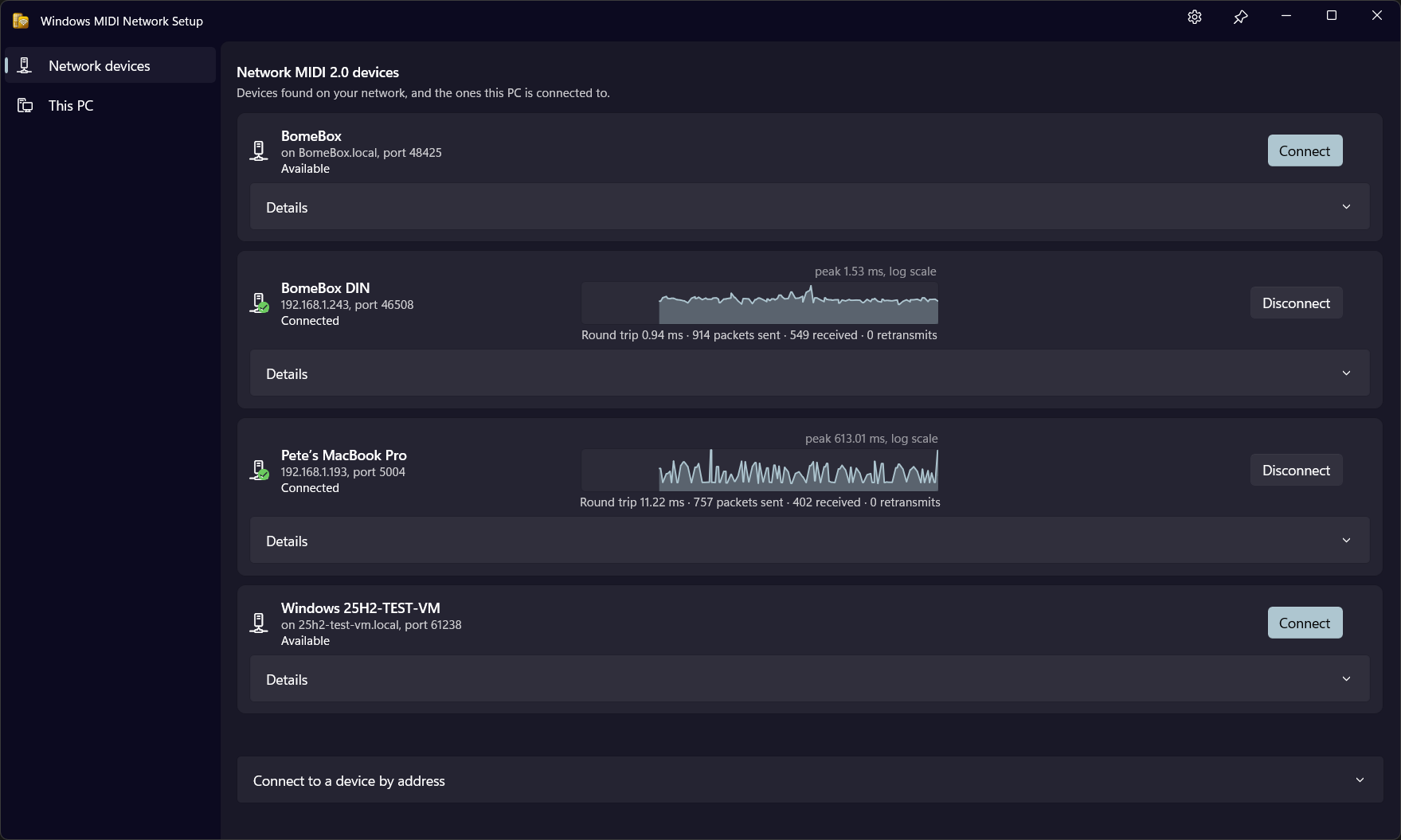
Device/Transport Configuration Tools

General Purpose MIDI Tools

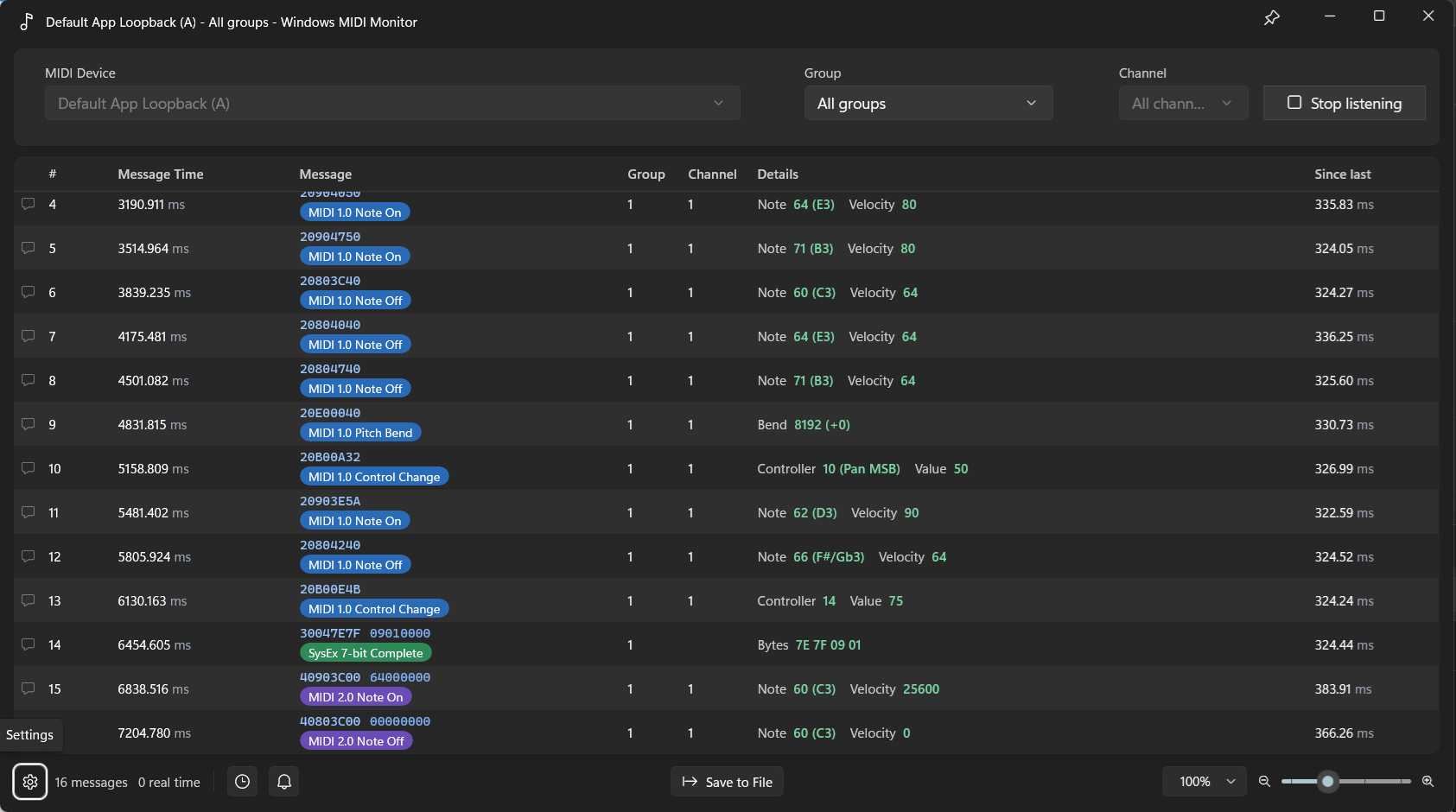
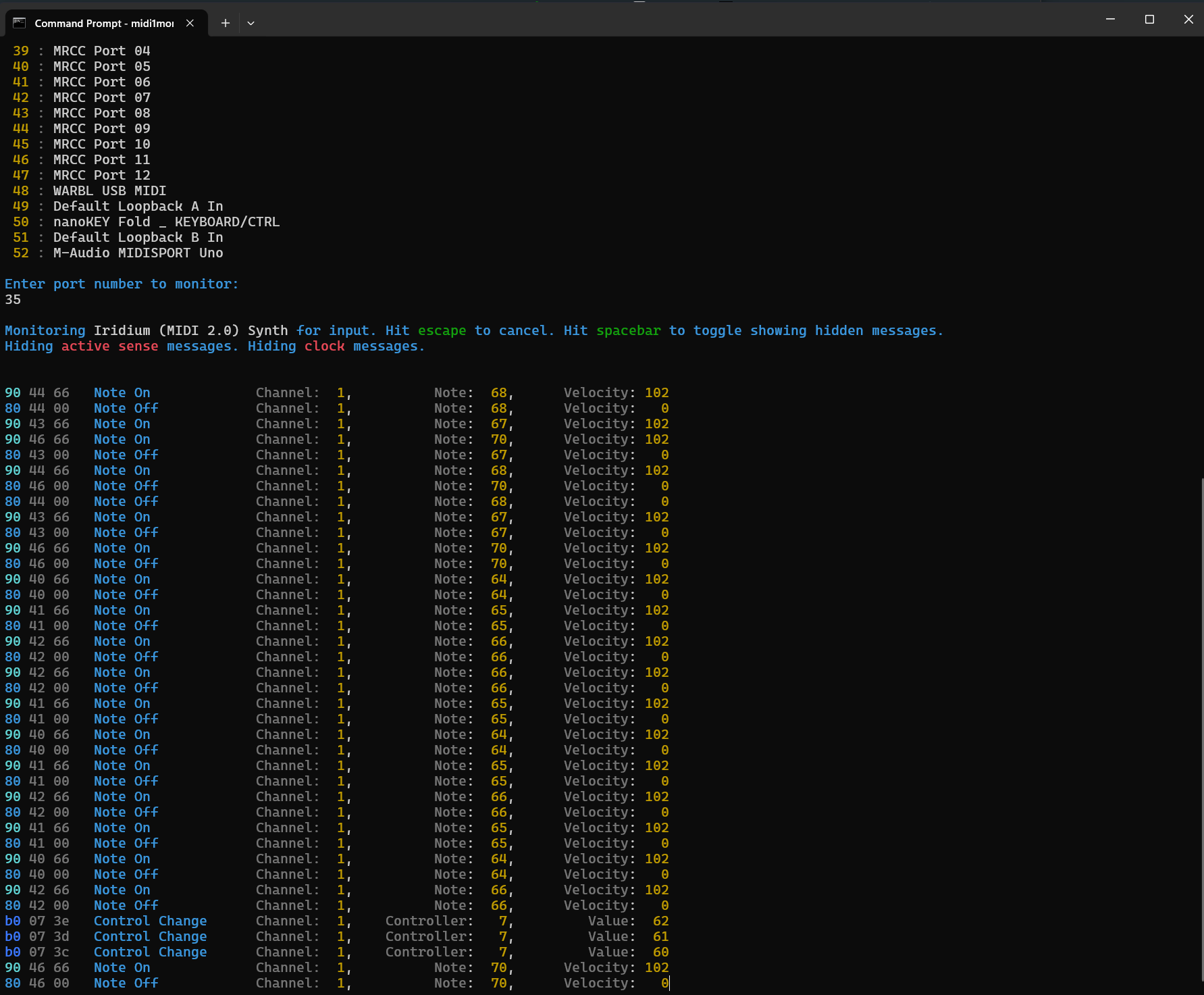
midi2monitor

Windows MIDI Monitor

Watch the MIDI messages coming from your instruments and controllers
midiclock

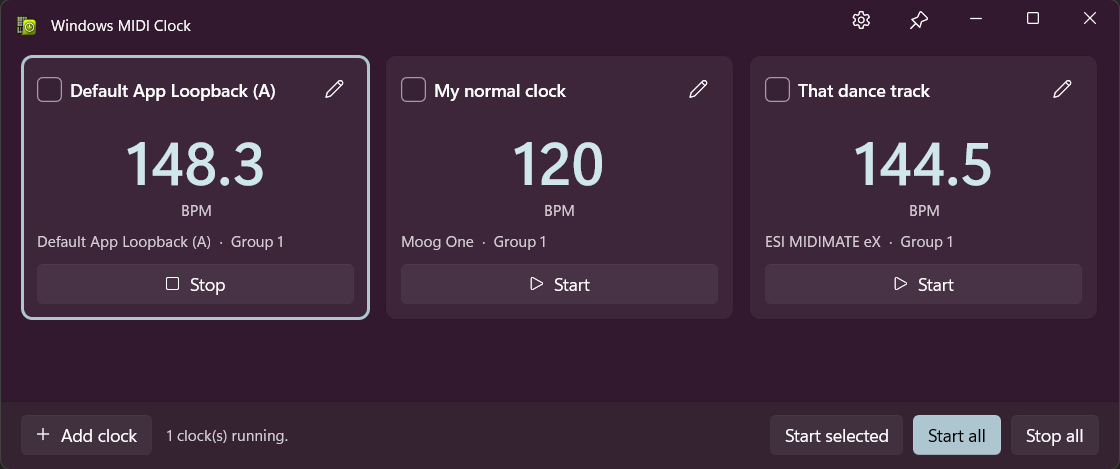
Windows MIDI Clock

Send MIDI beat clock to your instruments at a tempo you choose
midiglass

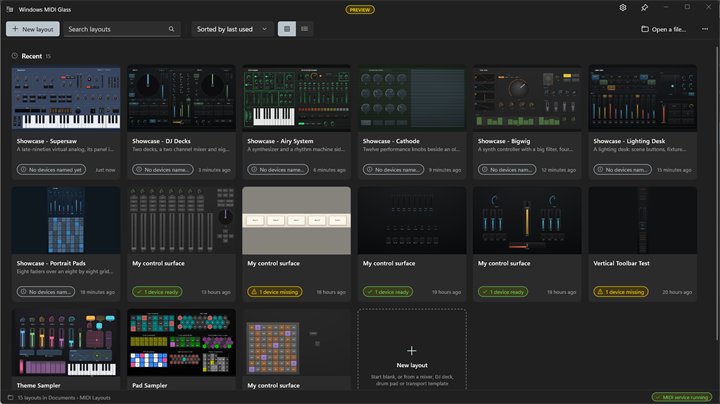
Windows MIDI Glass

Build your own on-screen MIDI controller with faders, knobs, pads and keys, and play it with touch, a pen or a mouse
midikeyboard

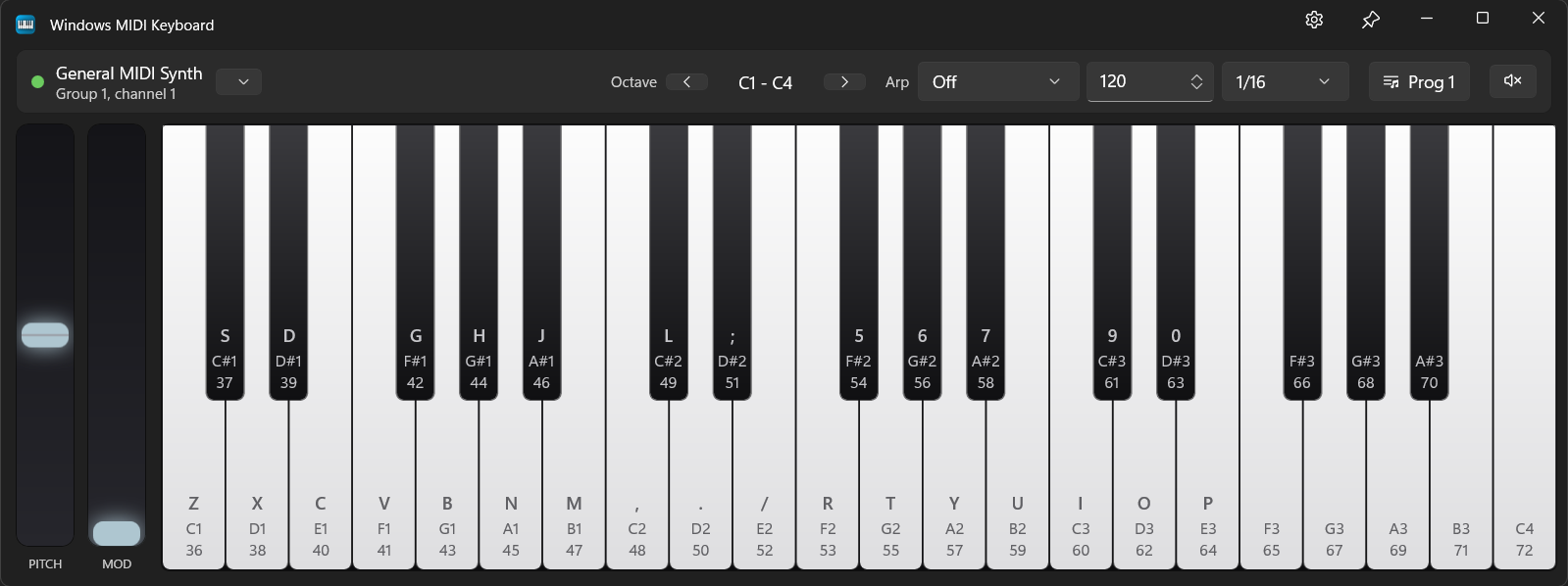
Windows MIDI Keyboard

An on-screen MIDI keyboard for playing and testing instruments without plugging anything in
midiplayer

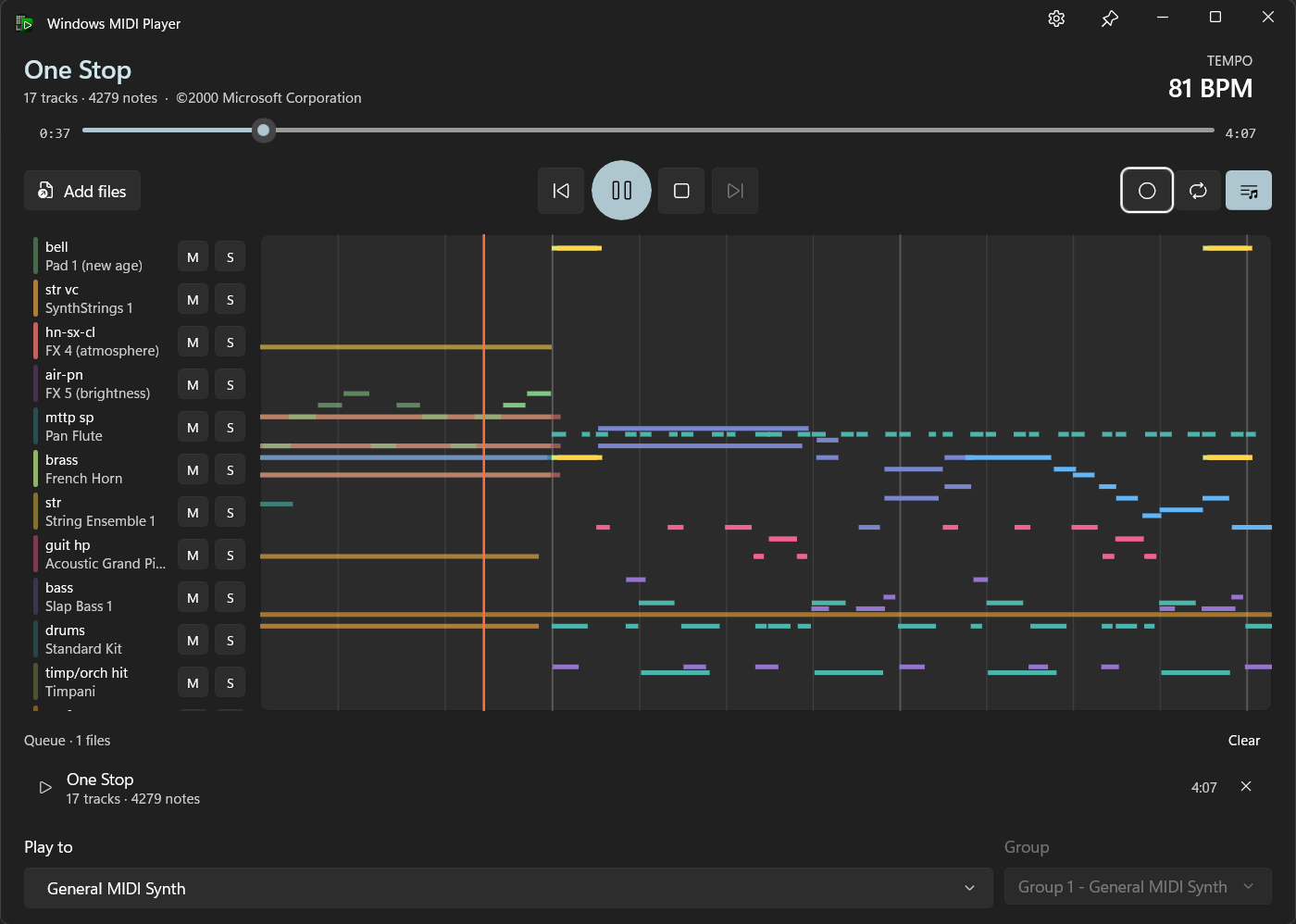
Windows MIDI Player

Play standard MIDI files to any MIDI device on your PC, and watch the notes as they play
midisequencer

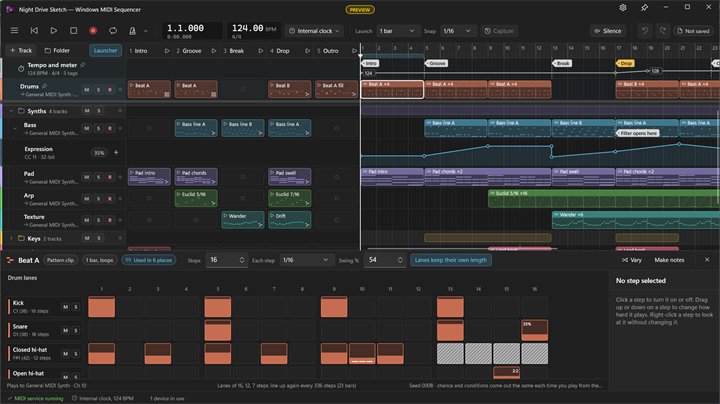
Windows MIDI Sequencer

Arrange, record and play MIDI 2.0 music on a timeline, with a clip launcher for playing live

Diagnostic Tools

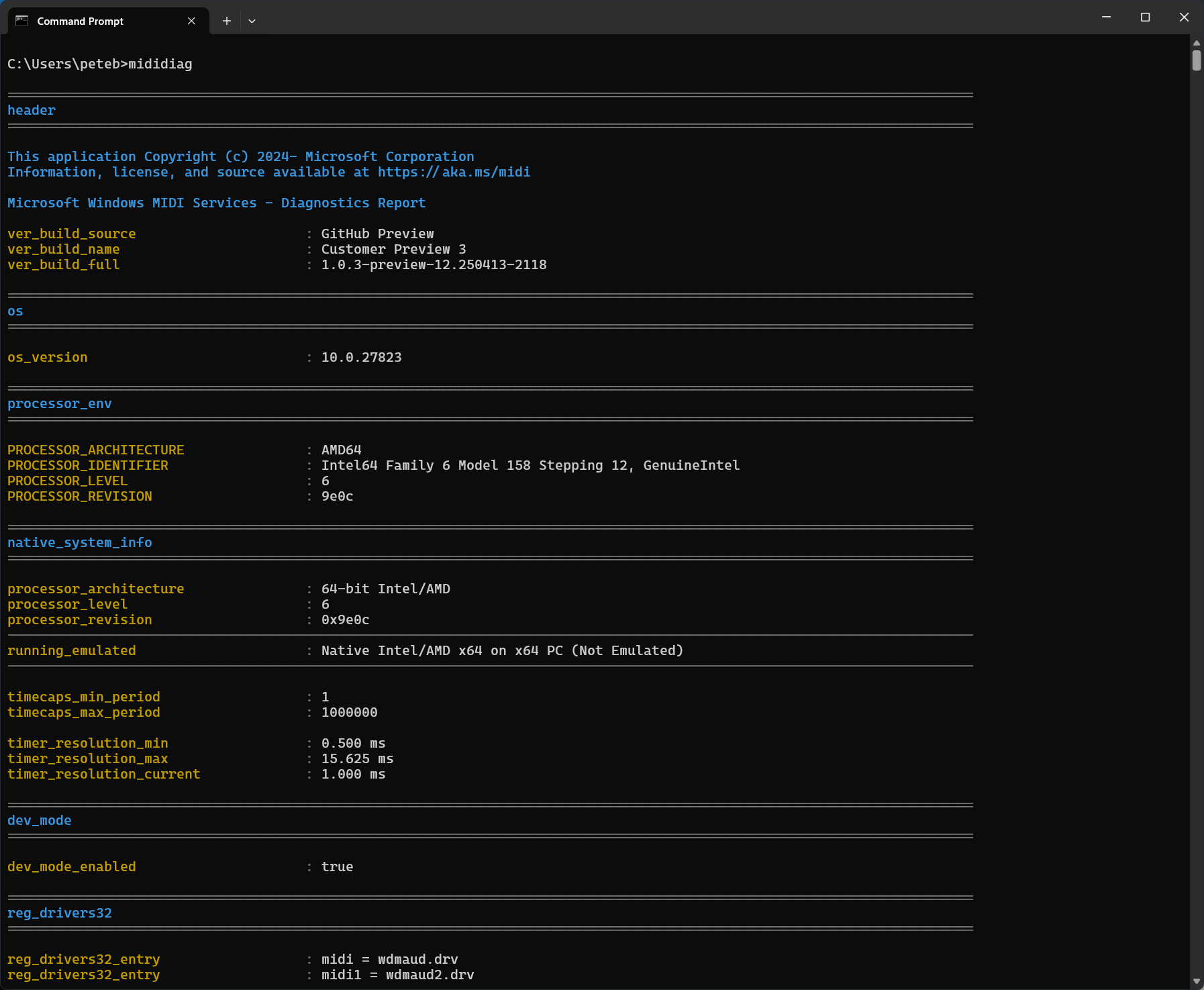
mididiag

MIDI Diagnostics Report

All about the mididiag tool - a reporting tool for troubleshooting and for technical support.

Developer and Technical User Tools

console

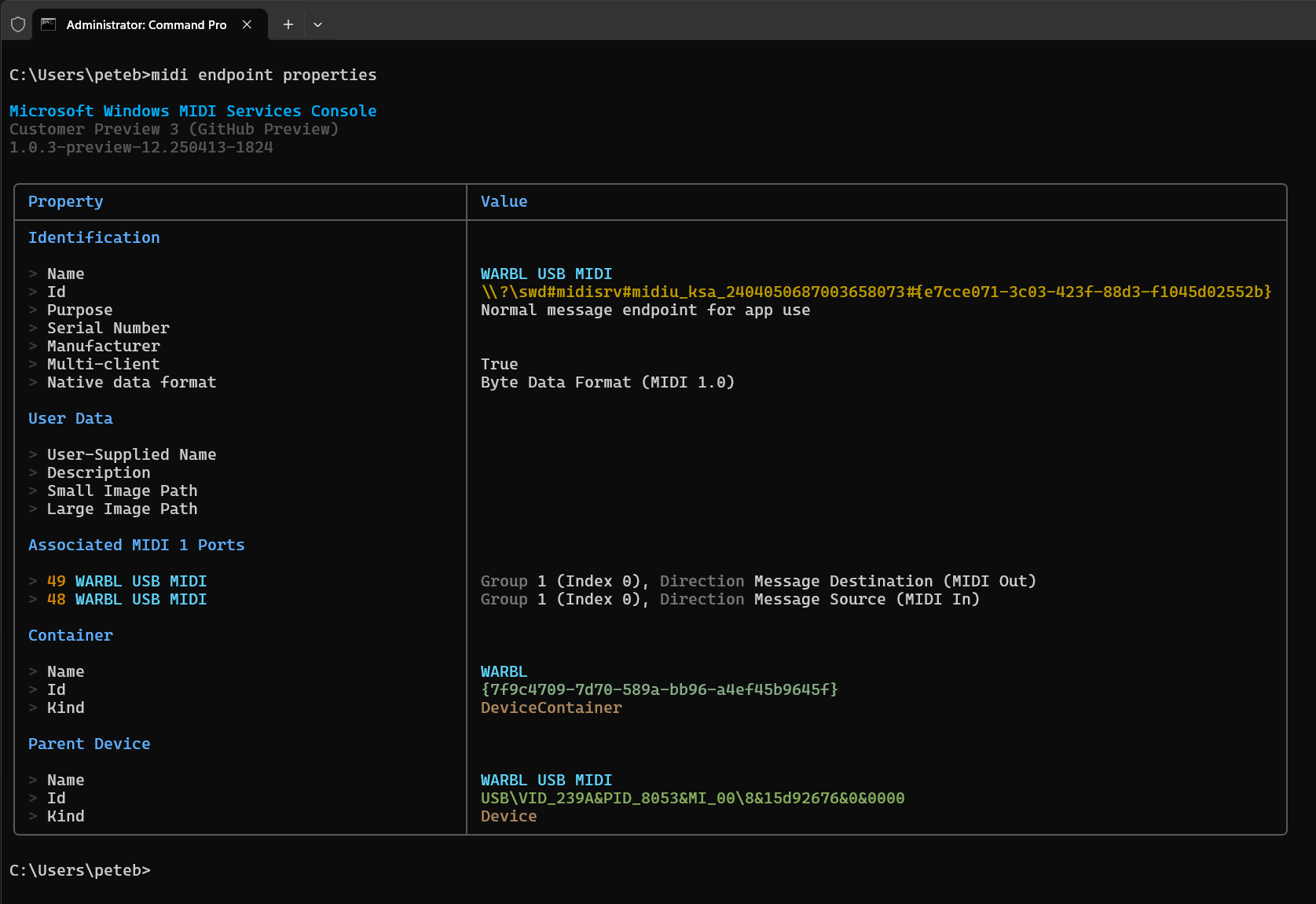
MIDI Console

Complete command and option reference for the Windows MIDI Services Console

Didn't find what you were looking for?

Windows MIDI Services is an open source project with all source available on GitHub. We have a great community on Discord as well. Between GitHub and Discord, you should find the information you are looking for.