Task 02: Verify and explore PetClinic locally
What you’ll do: Confirm that the locally deployed PetClinic application is running with PostgreSQL, and explore its main features.
What you’ll learn: How to verify a local Spring Boot application connected to a Docker-based PostgreSQL database and navigate its core functionality.
Verify the application
-
In VS Code, open a new terminal by pressing
Ctrl+`(backstick) or go to Terminal → New Terminal in the menu. -
In the new terminal, run the petclinic
mvn clean compile && mvn spring-boot:run \ -Dspring-boot.run.arguments="--spring.messages.basename=messages/messages --spring.datasource.url=jdbc:postgresql://localhost/petclinic --spring.sql.init.mode=always --spring.sql.init.schema-locations=classpath:db/postgres/schema.sql --spring.sql.init.data-locations=classpath:db/postgres/data.sql --spring.jpa.hibernate.ddl-auto=none" -
Open your browser and go to
http://localhost:8080to confirm the PetClinic application is running.
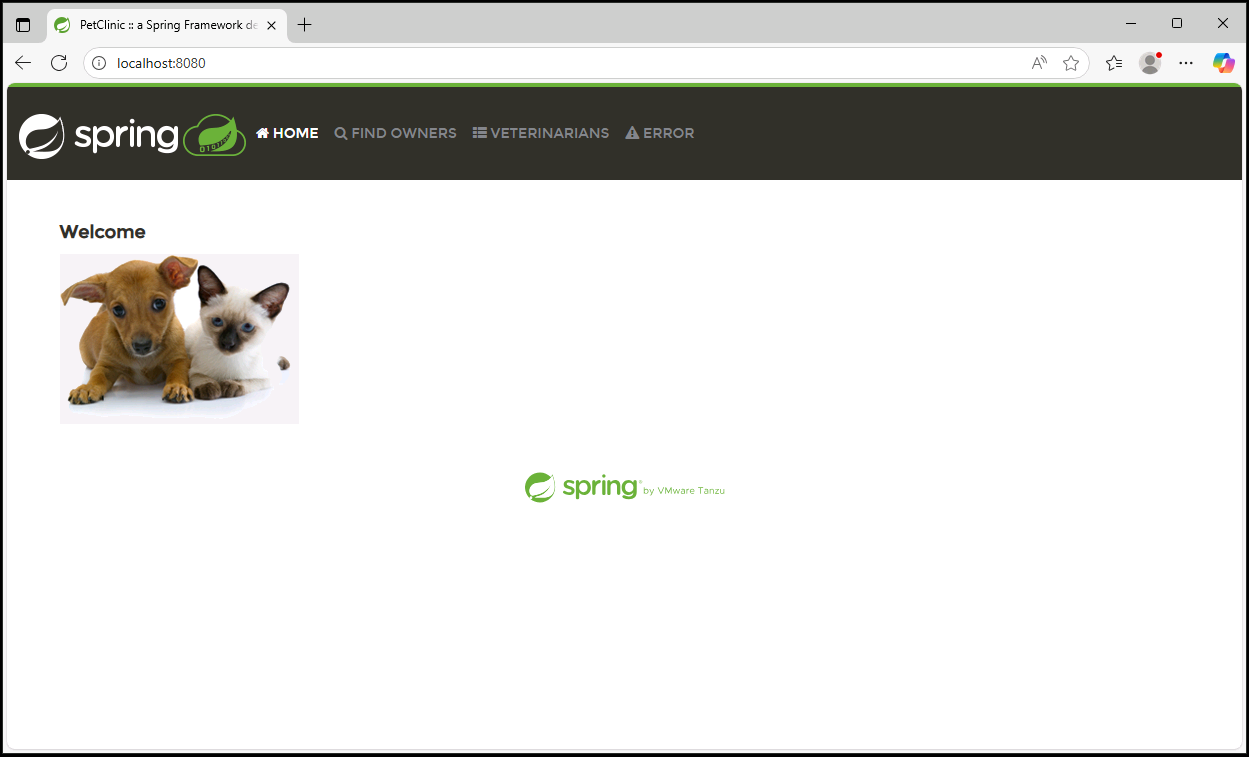
Explore the PetClinic application:
Once it’s running, try out the key features:
-
Find owners: Select “FIND OWNERS”, leave the Last Name field blank, and select “Find Owner” to list all 10 owners.
-
View owner details: Select an owner (e.g., Betty Davis) to see their information and pets.
-
Edit pet information: From an owner’s page, select “Edit Pet” to view or modify pet details.
-
Review veterinarians: Go to “VETERINARIANS” to see the 6 vets and their specialties (radiology, surgery, dentistry).
After exploring the PetClinic application, you can stop it by pressing CTRL+C.