Task 02: Establish Azure OpenAI and Fabric connections in Microsoft Foundry
Key tasks
-
Open a new Edge browser tab in your VM browser go to
https://portal.azure.com. -
If prompted, sign in by using the following credentials:
Setting Value Username @lab.CloudPortalCredential(User1).UsernameTemporary Access Pass (TAP) token @lab.CloudPortalCredential(User1).AccessToken -
In the Search field, enter
Resource Groups.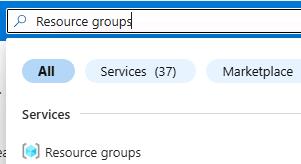
-
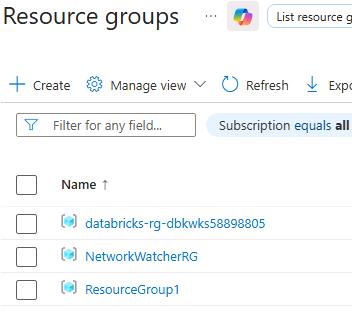
In the list of resource groups, select ResourceGroup1.
-
In the list of resources, select the firstproject project.

-
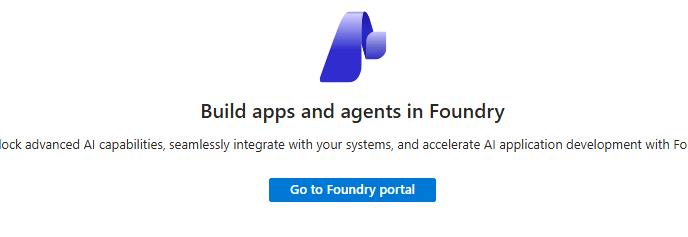
On the page for the project, select Go to Foundry portal to launch Microsoft Foundry.
-
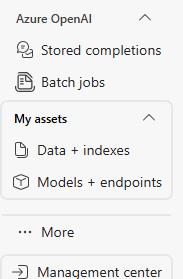
In Microsoft Foundry, in the left pane, move to the bottom of the list of resources and select Management center .
-
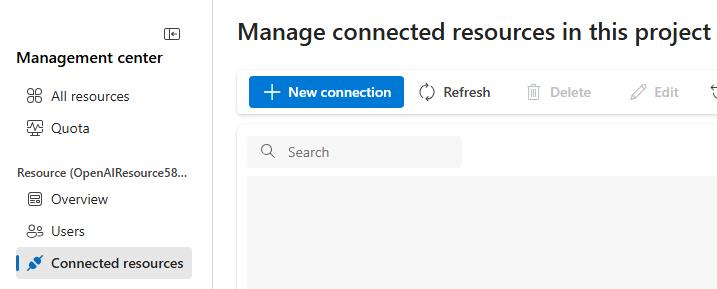
In Management center, in the left pane, select Connected resources and then select the + New connection button.
-
In the New connection pane, select Azure OpenAI from the list of connection types.
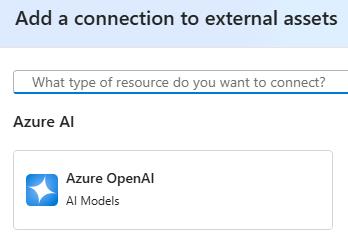
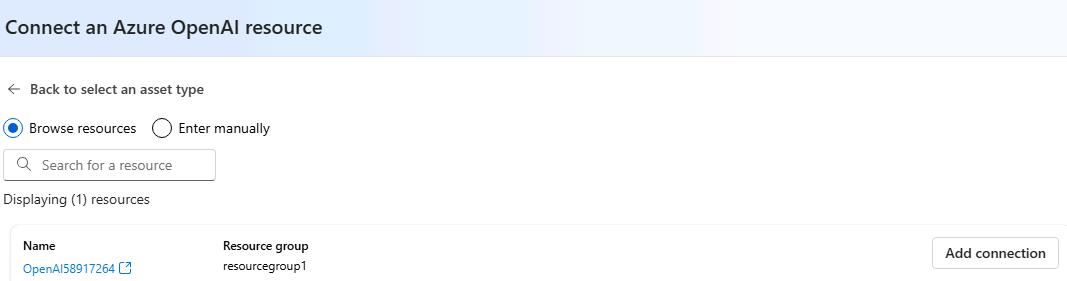
The dialog will show an OpenAI resource that was provisioned for you. One or more models have already been deployed.
-
Select Add connection.
-
Close the dialog.
-
Select + New connection.
-
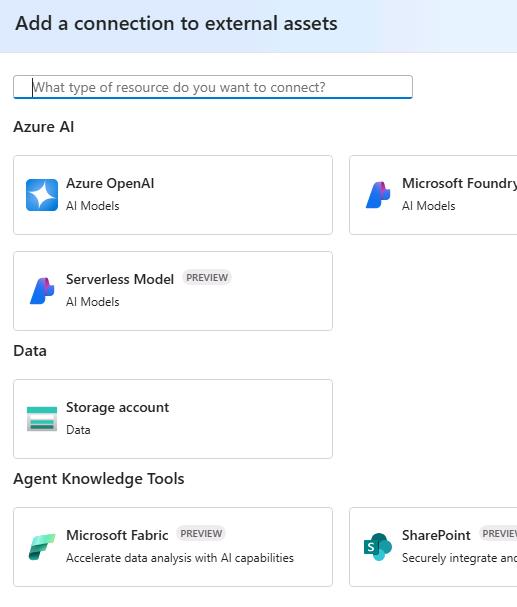
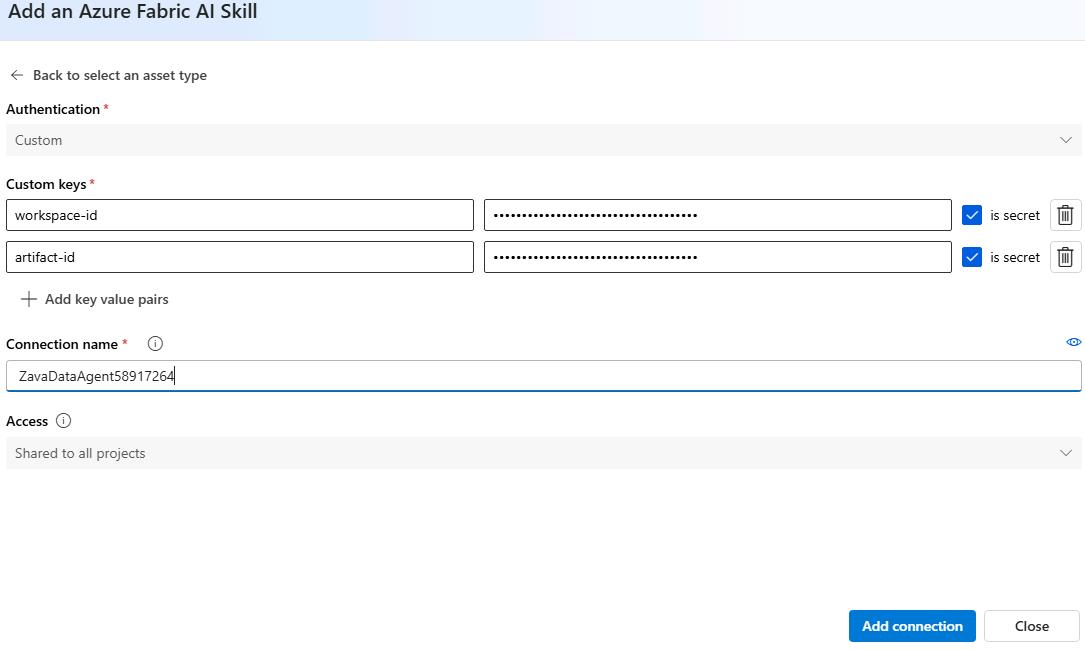
In the Add a connection to external assets dialog, in the Agent Knowledge Tools section, select Microsoft Fabric.
-
Configure the connection by using the following information:
Parameter Value workspace-id @lab.Variable(FabricDataAgentWorkspaceID)artifact-id @lab.Variable(FabricDataAgentArtifactID)Connection name ZavaDataAgent@lab.LabInstance.Id -
Select Add connection.
-
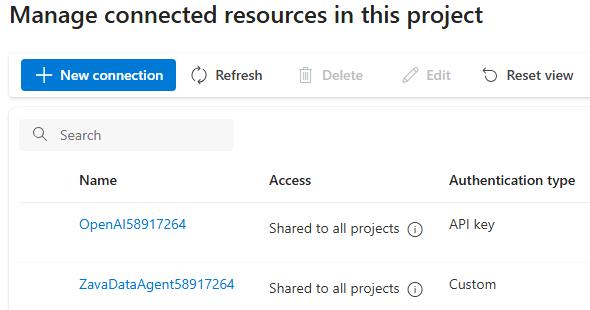
Wait until the service copnnects and then select Close. You will see both connections listed on the Connected resources tab.
-
Leave the Microsoft Foundry page open.