Task 01: Create an Azure Databricks AI/BI Genie assistant
Introduction
Azure Databricks Genie provides conversational analytics directly over curated datasets.
Description
In this task, you’ll create a Genie assistant and connect it to curated data.
Example scenario
Business users ask natural language questions to explore customer churn trends.
Success criteria
The Genie assistant returns valid responses and SQL queries.
Learning resources
- Databricks Genie overview
- Conversational analytics patterns
Key steps
01: Create the assistant
-
Open Edge and go to Microsoft Azure.
-
If prompted, sign in.
-
Search for and then select
Azure Databricks.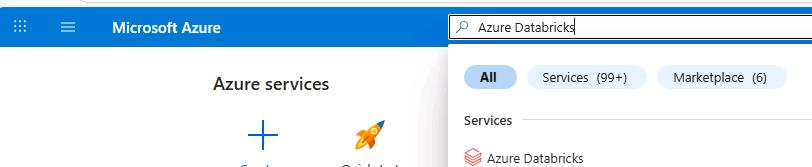
-
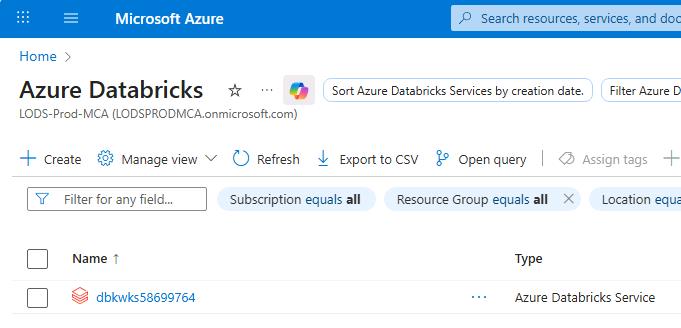
Select the Azure Databricks resource that was provisioned for you.
 .
. -
Select Launch workspace.
-
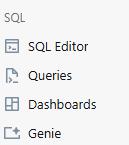
In the left pane, in the SQL section, select Genie.
-
Paste the numbers into a notepad file for later use.
-
On the command bar, select + New.

-
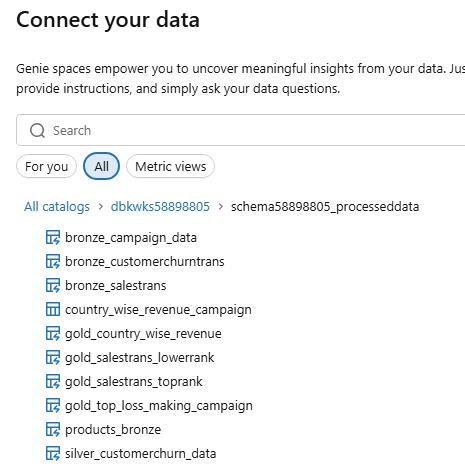
In the Connect your data dialog, select dbkwks@lab.LabInstance.Id, select schema@lab.LabInstance.Id_processeddata and then select silver_customerchurn_data.
-
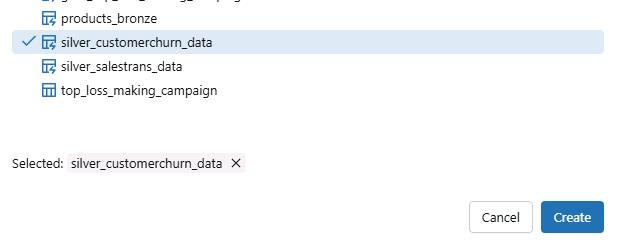
Select Create.
-
At the top of the page, in the New space field, enter
Litware_Genie.
-
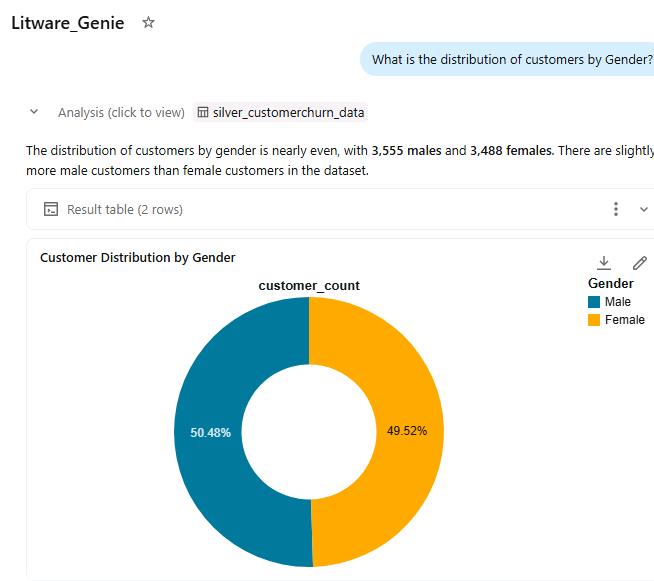
Submit the following prompt:
What is the distribution of customers by Gender? -
Review the response.
-
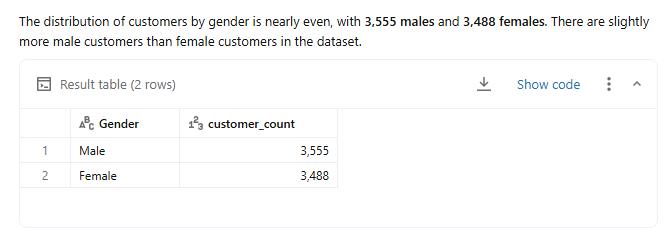
Select Show code.
-
Review the SQL query that was used to generate the results.
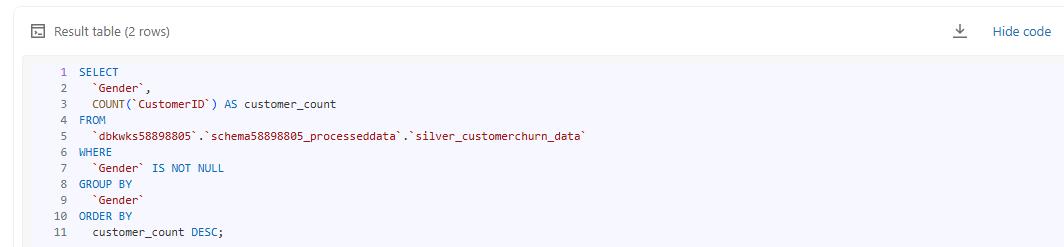
- At the top of the page, in the address bar, copy the GUID that appears after genie/rooms/ up to /chats. This is the Genie Space ID.
For the following sample URL, the ID is 01f102f3fd3214448577687e0fcdd25d.
https://adb-7405609606849453.13.azuredatabricks.net/genie/rooms/01f102f3fd3214448577687e0fcdd25d/chats/01f102f4405012fd80ac32887916f2ec
-
Paste the Genie Space ID into a notepad file for later use.
@lab.TextBox(GenieSpaceID)
02: Enable the Managed MCP servers preview
In this task, you’ll add your Genie MCP server as a tool within Microsoft Foundry.
-
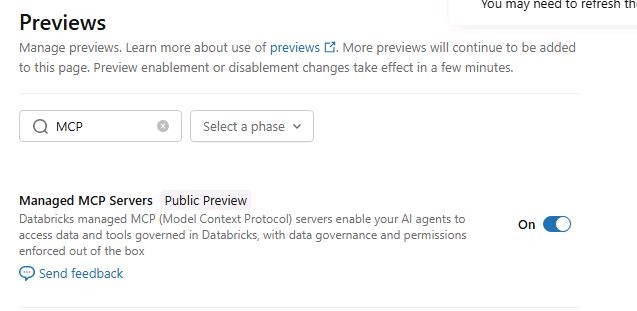
On the Azure Databricks page, select your username avatar and then select Previews.
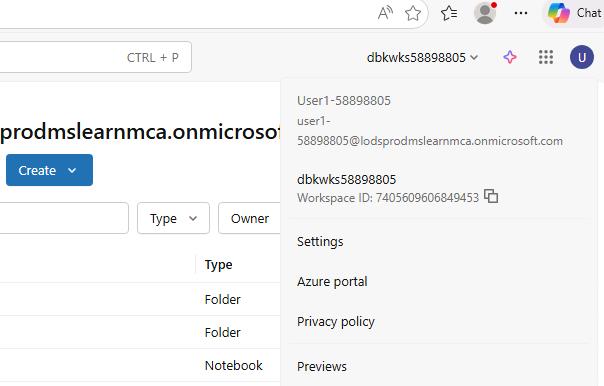
-
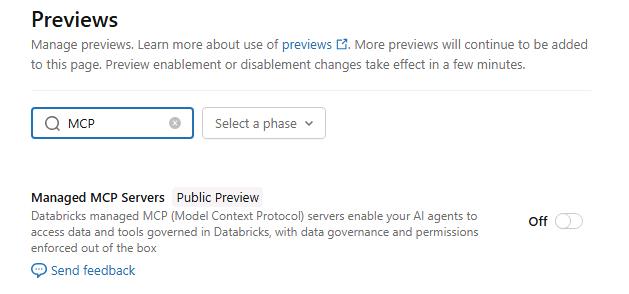
On the Previews pane, in the Filter previews field, enter
MCP.In newer deployments, the feature may be enabled by default.
-
Set Managed MCP Servers to On.