Task 03: Build a Microsoft Foundry agent grounded with Fabric data
Introduction
In this task, you help Reta create a Microsoft Foundry agent that uses the Fabric Data Agent you created. This agent will be able to answer questions about Zava’s customer and sales data by using natural language.
Key steps
01: Create the agent
-
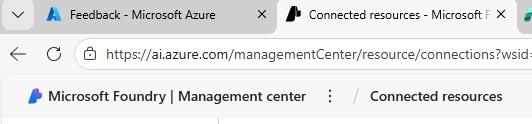
At the top left of the page, select Microsoft Foundry to return to the Foundry home page.
-
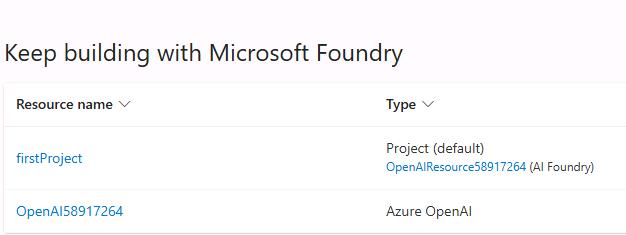
In the list of projects, select first project.
-
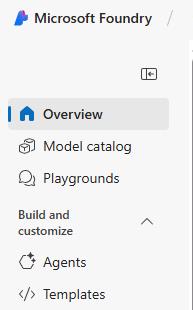
In the left pane, in the Build and customize section, select Agents.
-
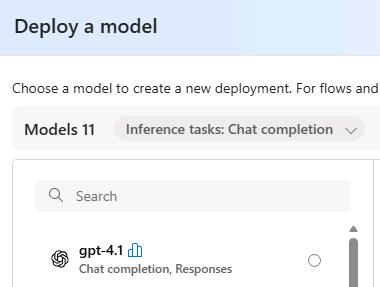
In the Deploy a model dialog, select gpt-4.1 and then select Confirm.
-
In the Deploy gpt-4.1 dialog, select Deploy.
-
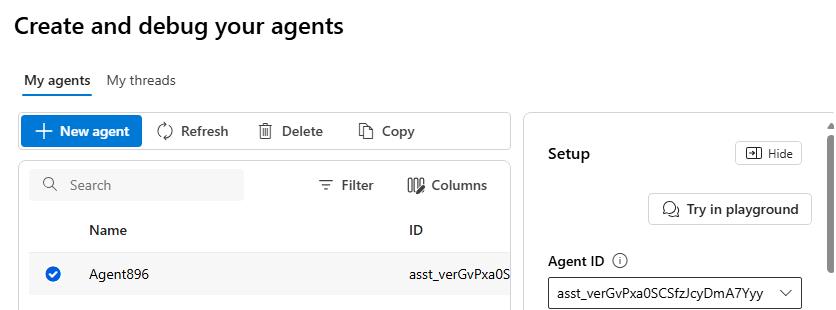
Select the newly created agent and then select Try in playground.
-
Configure the fields in the Setup pane by using the following information:
Field Value Agent name ZavaInsightsAgent@lab.LabInstance.IdInstructions You are an AI assistant that helps Zava to gain insights from customer churn and sales data. Use the Fabric Data Agent to answer questions about customer behavior and sales trends. Provide clear and concise answers with relevant details.Deployment gpt-4o 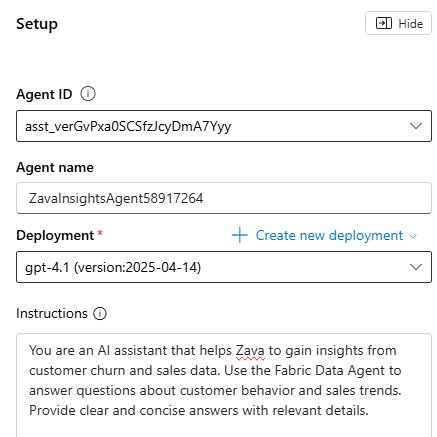
02: Ground the agent with data from Fabric
-
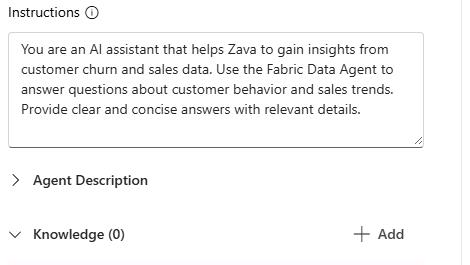
On the Setup pane, in the Knowledge (0) section, select + Add.
-
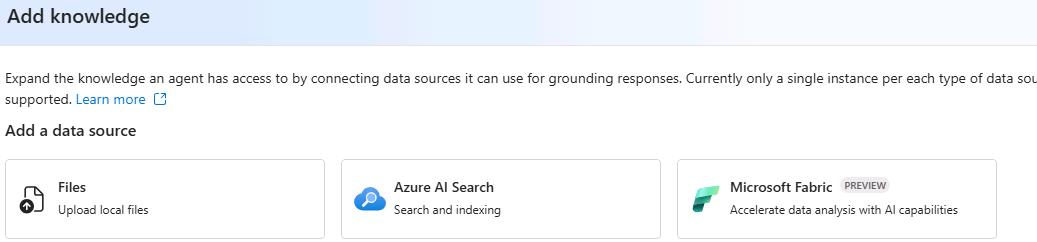
In the Add knowledge dialog, in the list of knowledge types, select Microsoft Fabric .
-
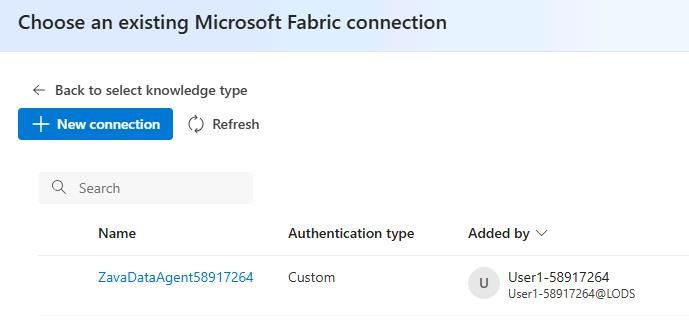
Select the ZavaDataAgent@lab.LabInstance.Id connection and then select Connect.
03: Configure tools
-
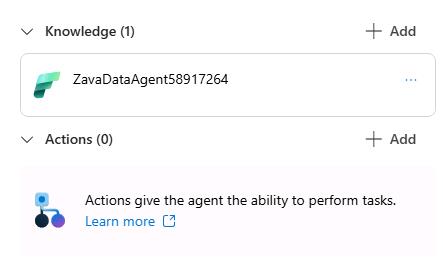
On the Setup pane, move down to the Actions (0) section and then select + Add.
-
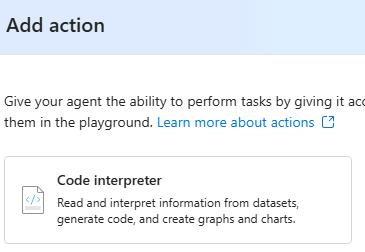
In the Add action dialog, select Code Interpreter.
-
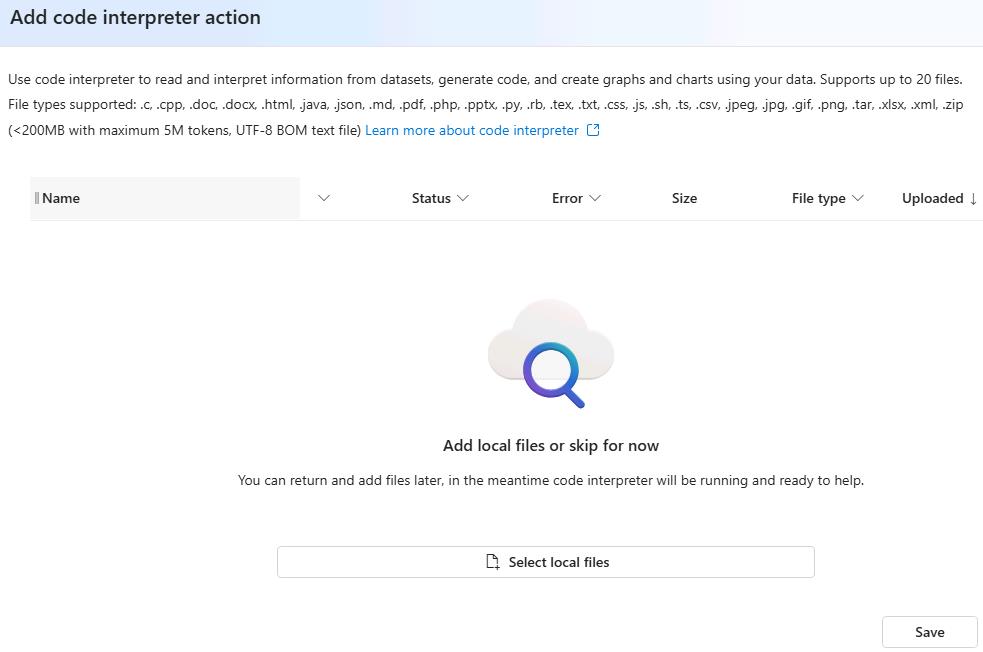
In the Add code interpreter action dialog, select Save.
-
Submit the following prompt. The agent will use the Fabric Data Agent to fetch the relevant data and provide an answer to your question.
What are the top 5 selling products by total revenue?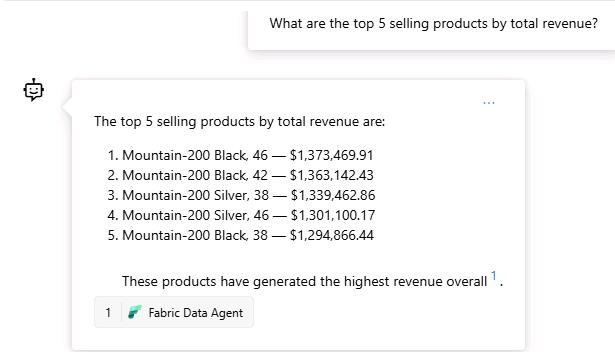
It may take the agent a few moments to respond as it fetches data from the Fabric data agent.
-
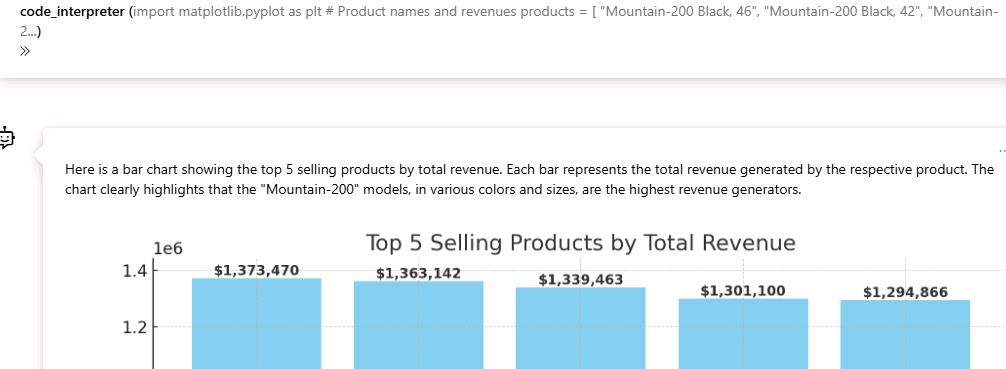
Submit the following prompt. The agent will use the Code Interpreter tool to generate a bar chart of the top five selling products by total revenue.
Can you show me a bar chart of the top 5 selling products by total revenue?