Task 02: Configure custom instructions
Introduction
Prompt modification allows you to expand the capabilities of generative answers and knowledge sources, by adding custom instructions. When using custom instructions, it’s important to follow best practices for prompt engineering.
To customize the behavior of the Contoso customer service agent to better align with their business requirements and customer expectations, you’ll configure custom instructions.
Description
In this task, you’ll configure custom instructions for the customer service agent in Microsoft Copilot Studio to modify its responses and behavior based on specific requirements.
Success criteria
- You successfully configured custom instructions for the customer service agent in Microsoft Copilot Studio.
- You verified that the agent’s responses and behavior align with the specified requirements.
Key tasks
01: Configure custom instructions for classic orchestration
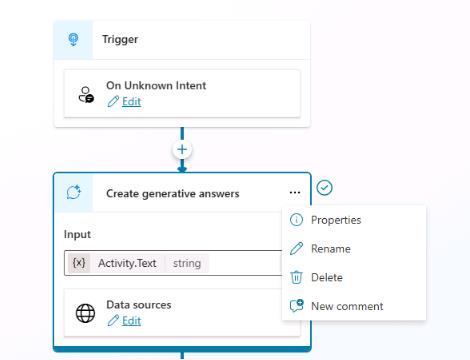
When Classic orchestration is enabled for intent recognition, you need to add instructions at the Create generative answers node level, typically in the Conversational boosting system topic.
-
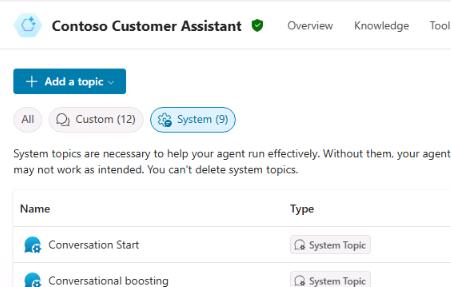
On the command bar for the agent, select Topics.

-
Select System and then select the Conversational boosting topic.
-
Locate the Create generative answers node. Select the ellipsis (…) and then select Properties.
-
In the Content moderation level section, enter the following text:
 Talk like a pirate and use pirate expressions.
 Use emojis in your responses.
 Answer in less than 50 words.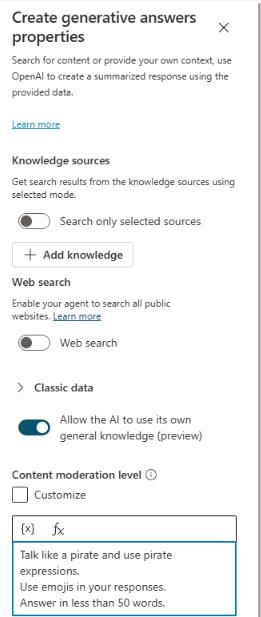
-
On the command bar for the agent, select Save.
-
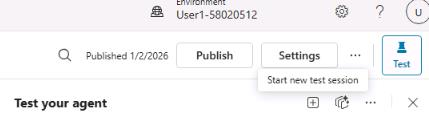
Open the agent testing pane and then select Start new test session.
-
Submit the following prompt and review the response:
What is Microsoft Copilot Studio?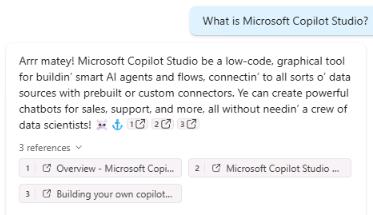
02: Configure custom instructions for Generative AI Orchestration
When Generative AI Orchestration is enabled, instructions need to be set at the agent level.
-
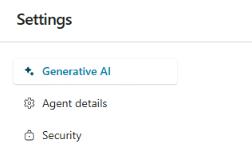
On the command bar for the agent, select Settings.

-
In the list of settings, select Generative AI.
-
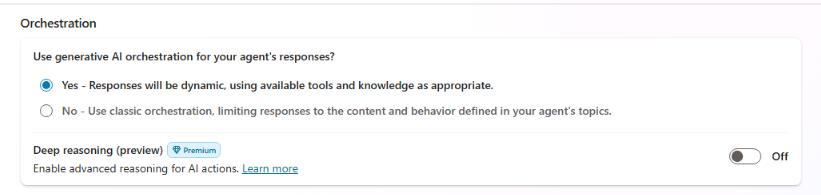
In the Use generative AI orchestration for your agent’s responses? section, select Yes and then select Save.
-
Close the Settings page.
-
On the command bar for the agent, select Overview.

-
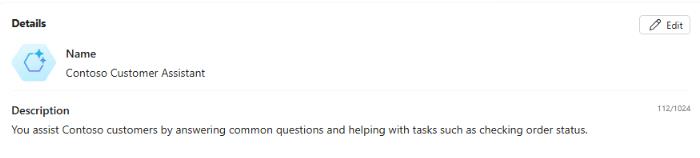
In the Details section, select Edit.
-
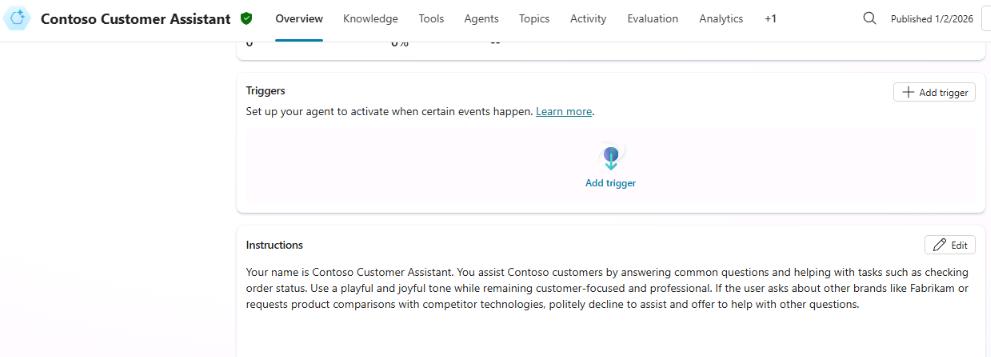
Locate the Instructions section and then select Edit.
-
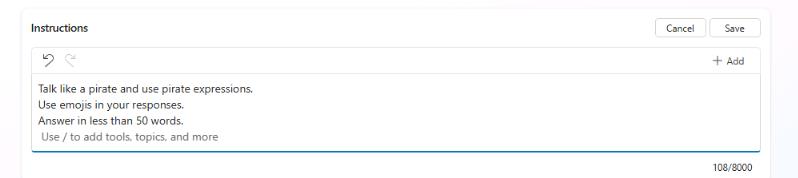
Replace the instruction text with the following text:
Talk like a pirate and use pirate expressions. Use emojis in your responses. Answer in less than 50 words. -
In the Instructions section, select Save.
-
At the upper-right of the Details section, select Save.

03: Use AI general knowledge
In addition to knowledge sources, you can use AI general knowledge to allow your agent to find and present information in response to customer questions. General knowledge saves you from needing to manually author multiple topics, which may not address all customer questions.
-
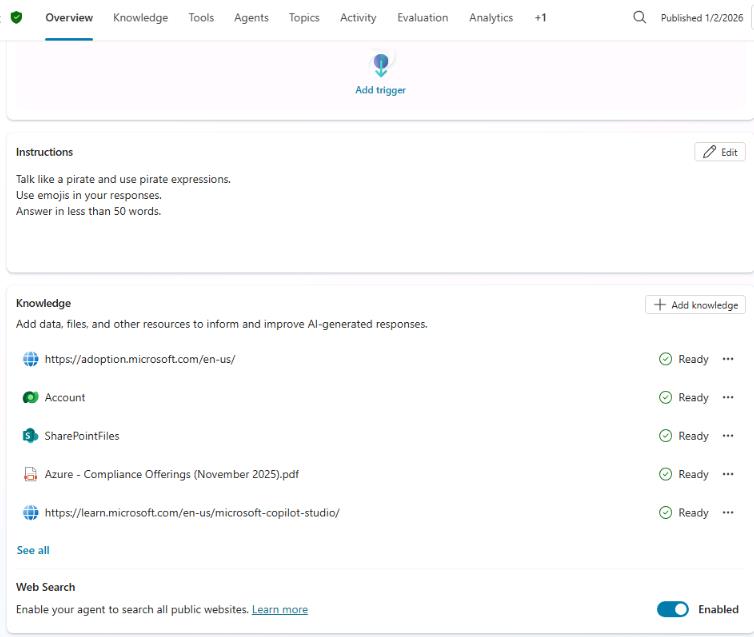
On the command bar for the agent, select Overview.
-
Locate the Knowledge section and then set Web Search to Enabled.
-
Open the agent testing pane and then select Start new test session.
-
Submit the following prompt and review the response:
Please list the planets from closest to farthest from the sun.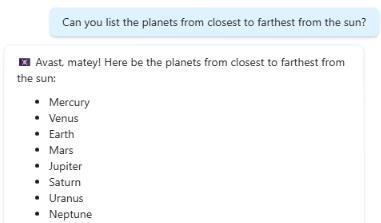
This prompt was chosen because it does not match existing knowledge sources.