Task 1.3: Register a Windows device with Microsoft Entra
-
Right-click Start and then select Settings.
-
In the Setting app, on the left navigation, select Accounts.
-
Under Accounts, select Access work or school.
-
Next to Add a work or school account, select Connect.

-
In the Microsoft account dialog box, sign in using the credentials for the account you’ve assigned the Copilot for Microsoft 365 license.
This will add the computer to your tenant’s devices. You can remove this device later after the lab.
-
When complete, select Done.
-
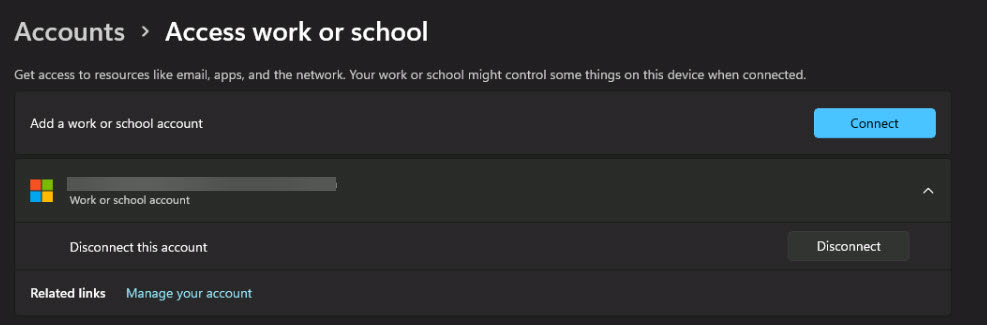
On the Access work or school page, verify that your account is listed.
-
Close the Settings window.