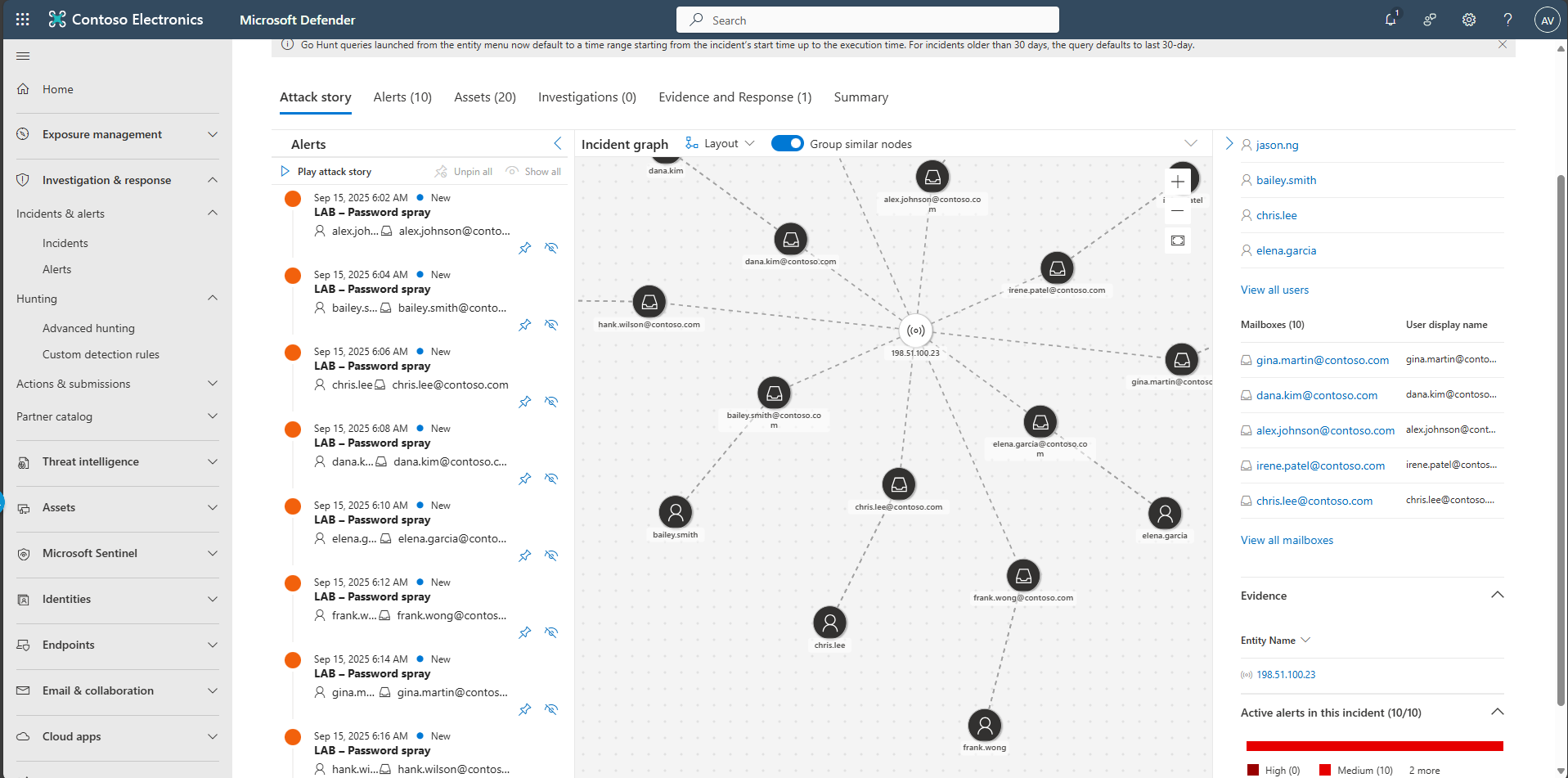
Task 05: Investigate the incident with Attack Story
-
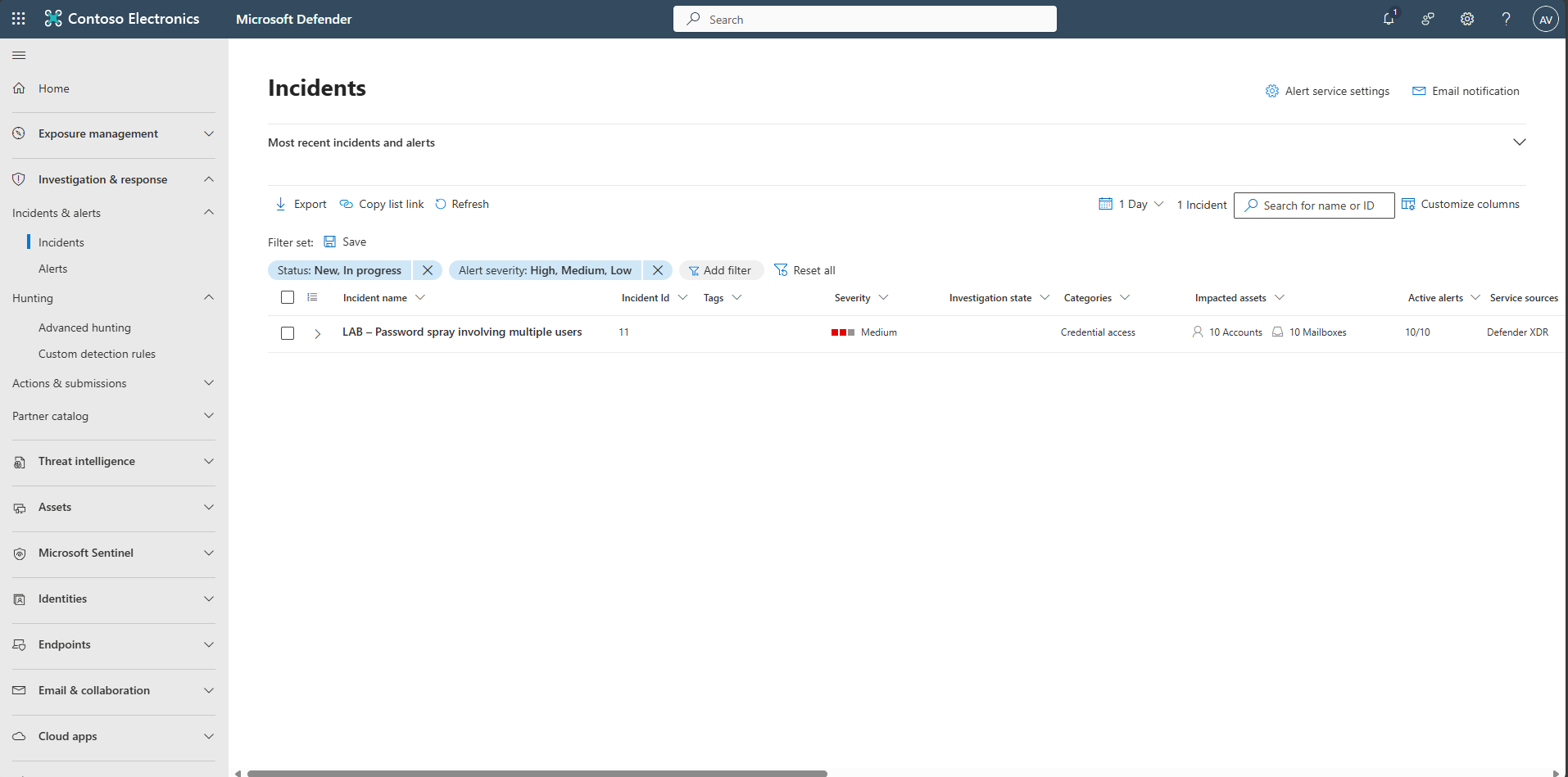
In the leftmost pane, select Investigation & response > Incidents & alerts > Incidents.
-
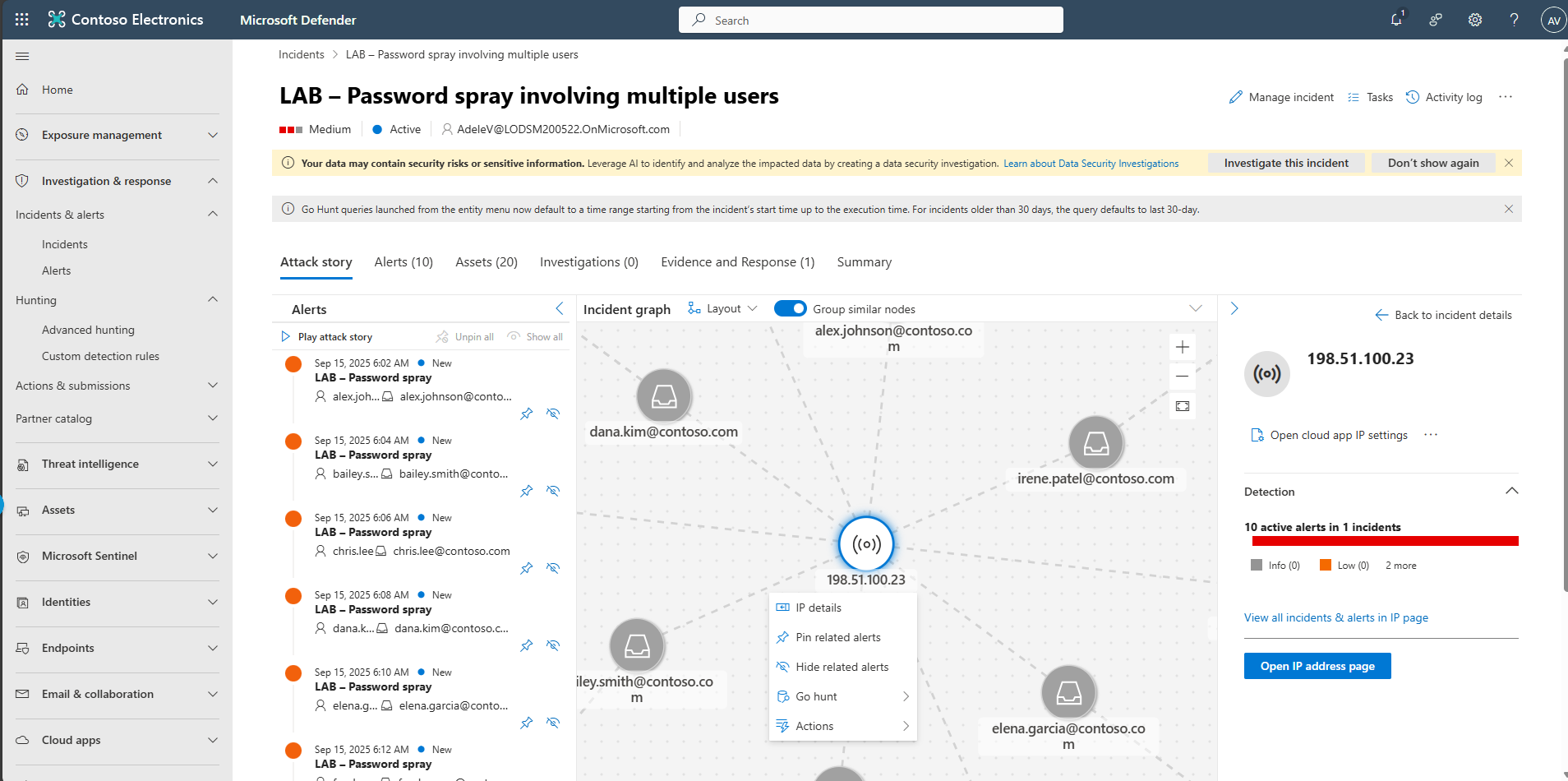
Select the incident: LAB - Password spray involving multiple users.
-
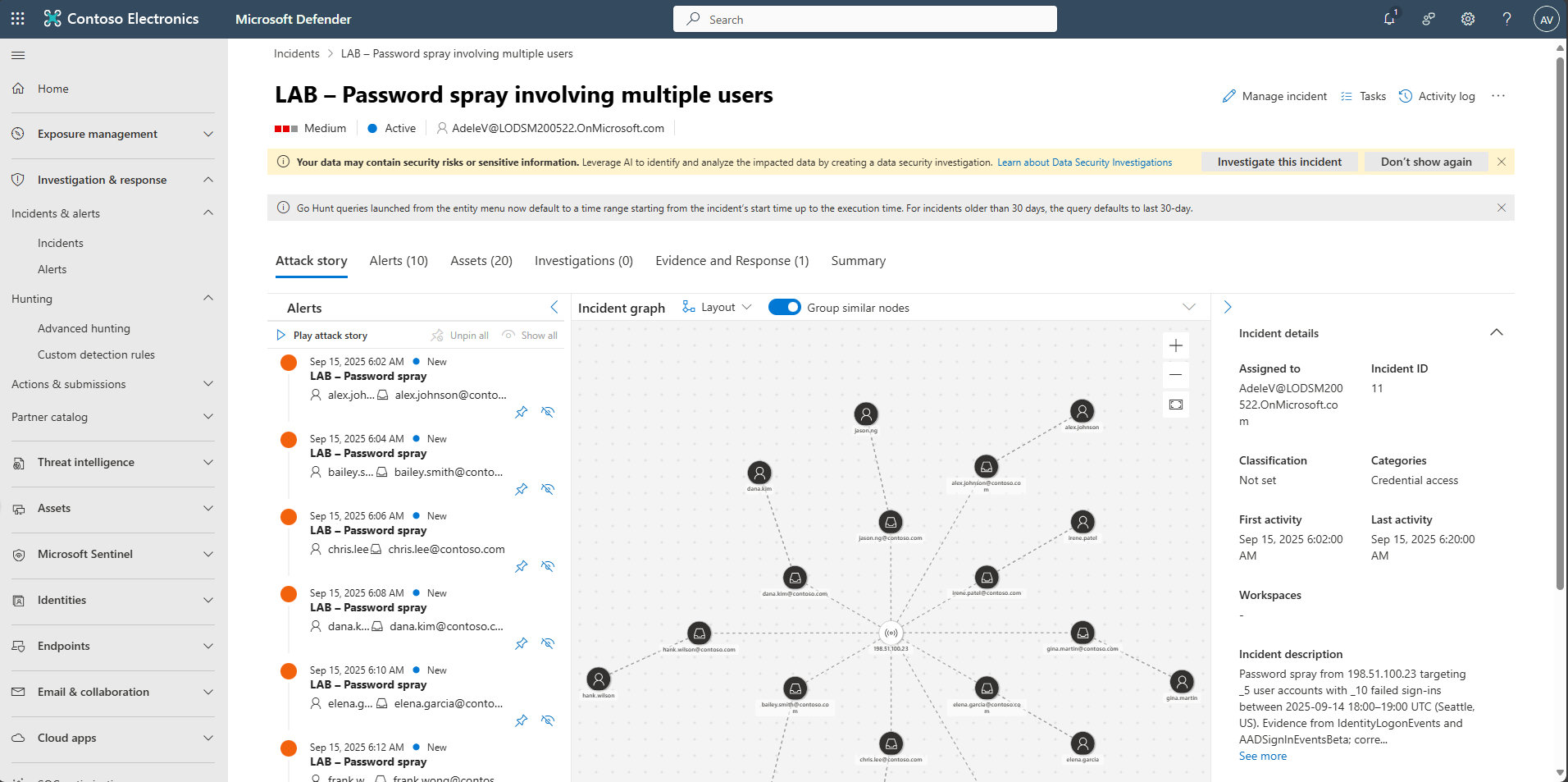
In the incident, select the Attack Story tab.
-
In the Incident graph, select the IP node and select IP details, review the information and then select Back to Incident details.
-
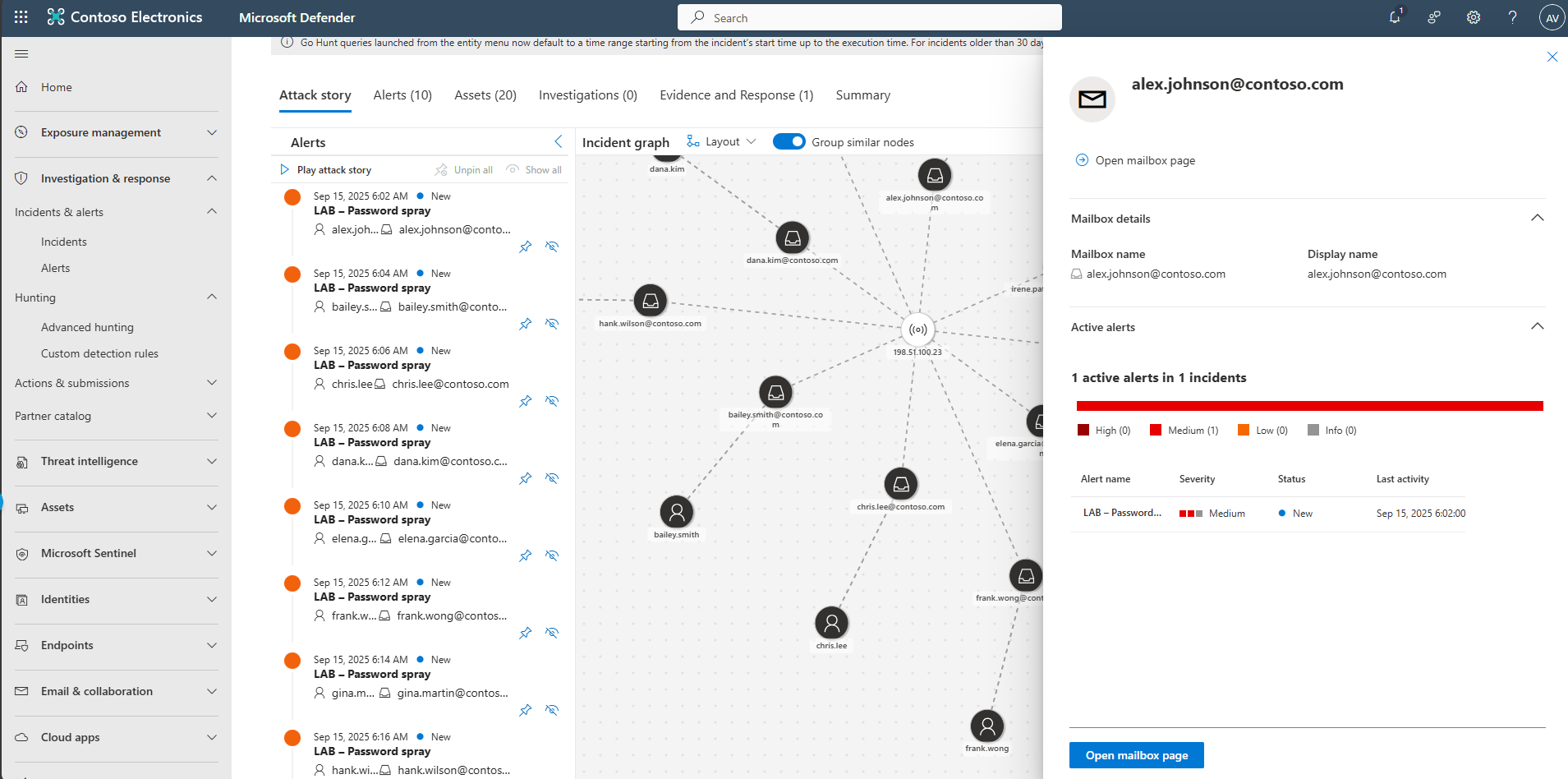
Scroll down to impacted mailboxes, select a user, and view alerts.