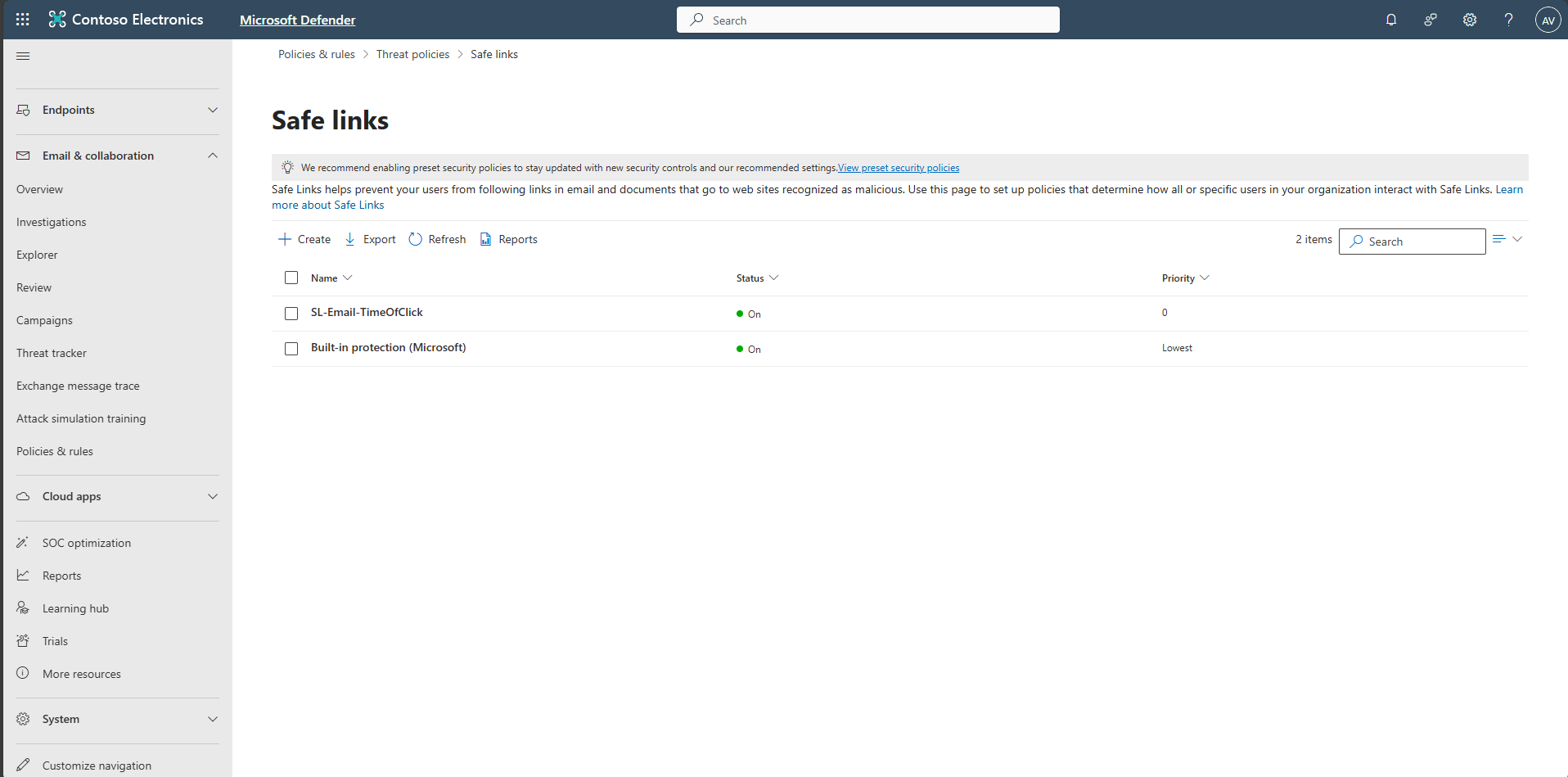
Task 04: Configure Safe Links policy
-
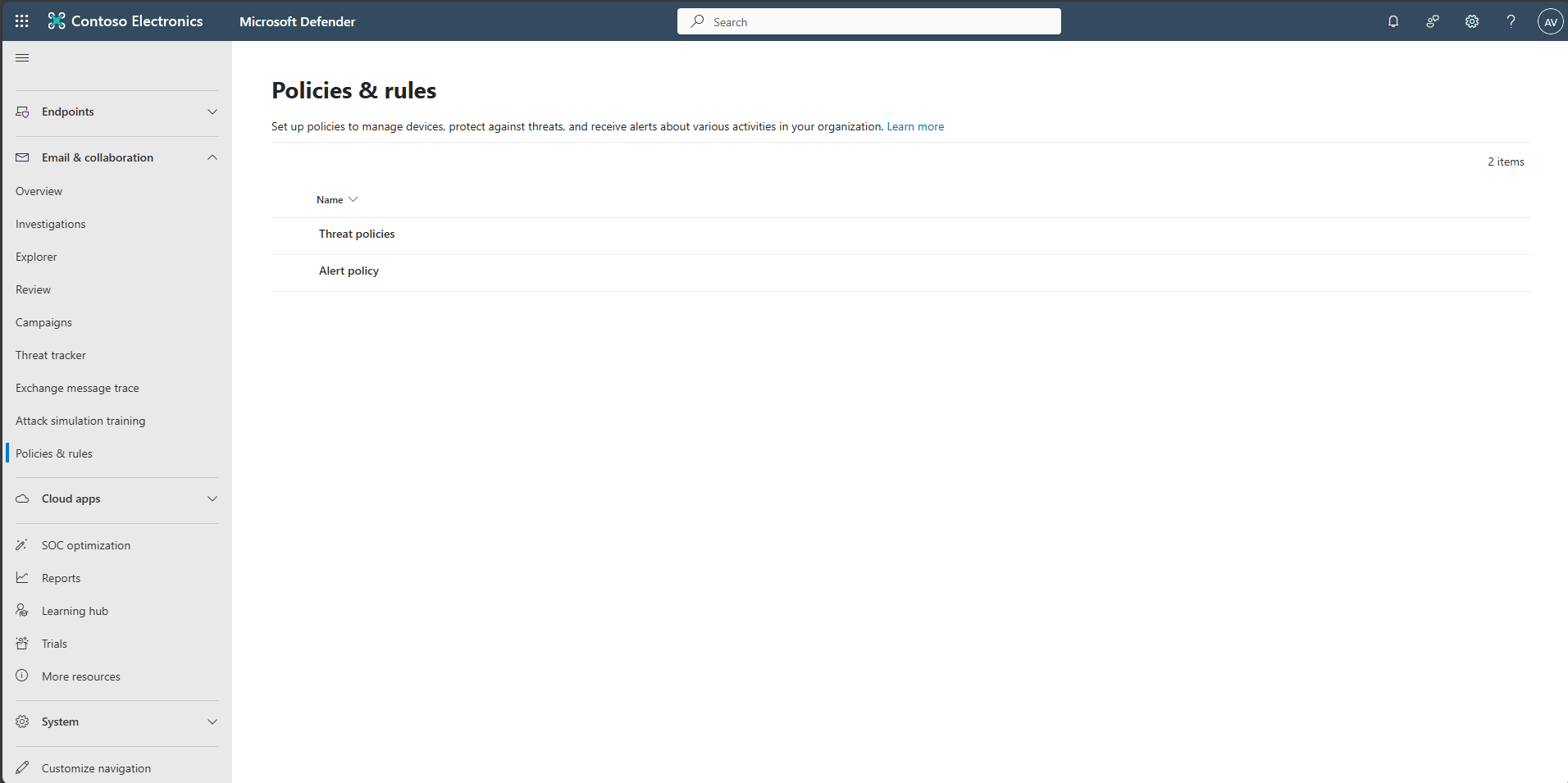
In the leftmost pane, select Email & collaboration > Policies & rules.
-
Select Threat policies.
-
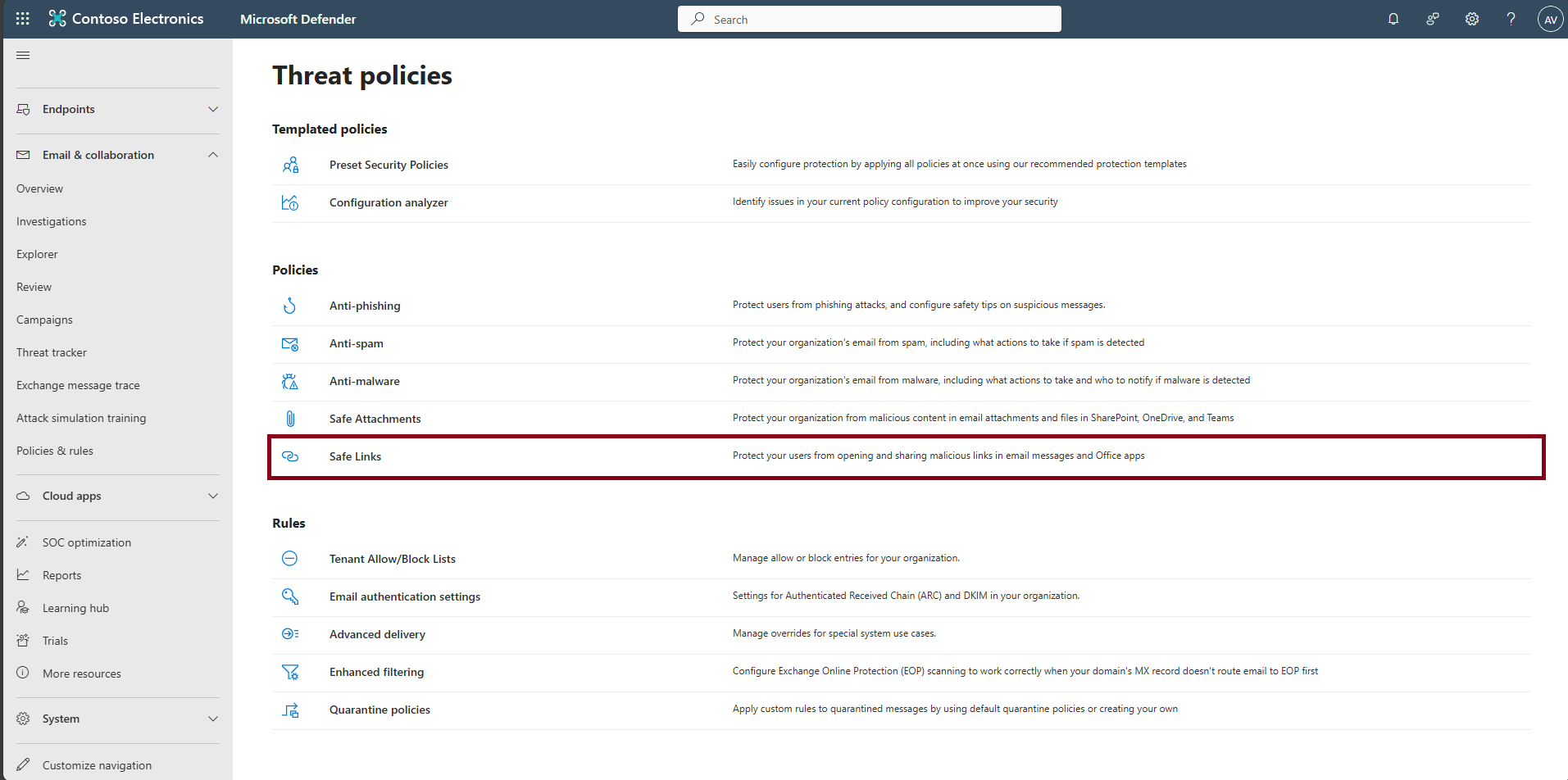
Under the Policies section, select Safe Links.
-
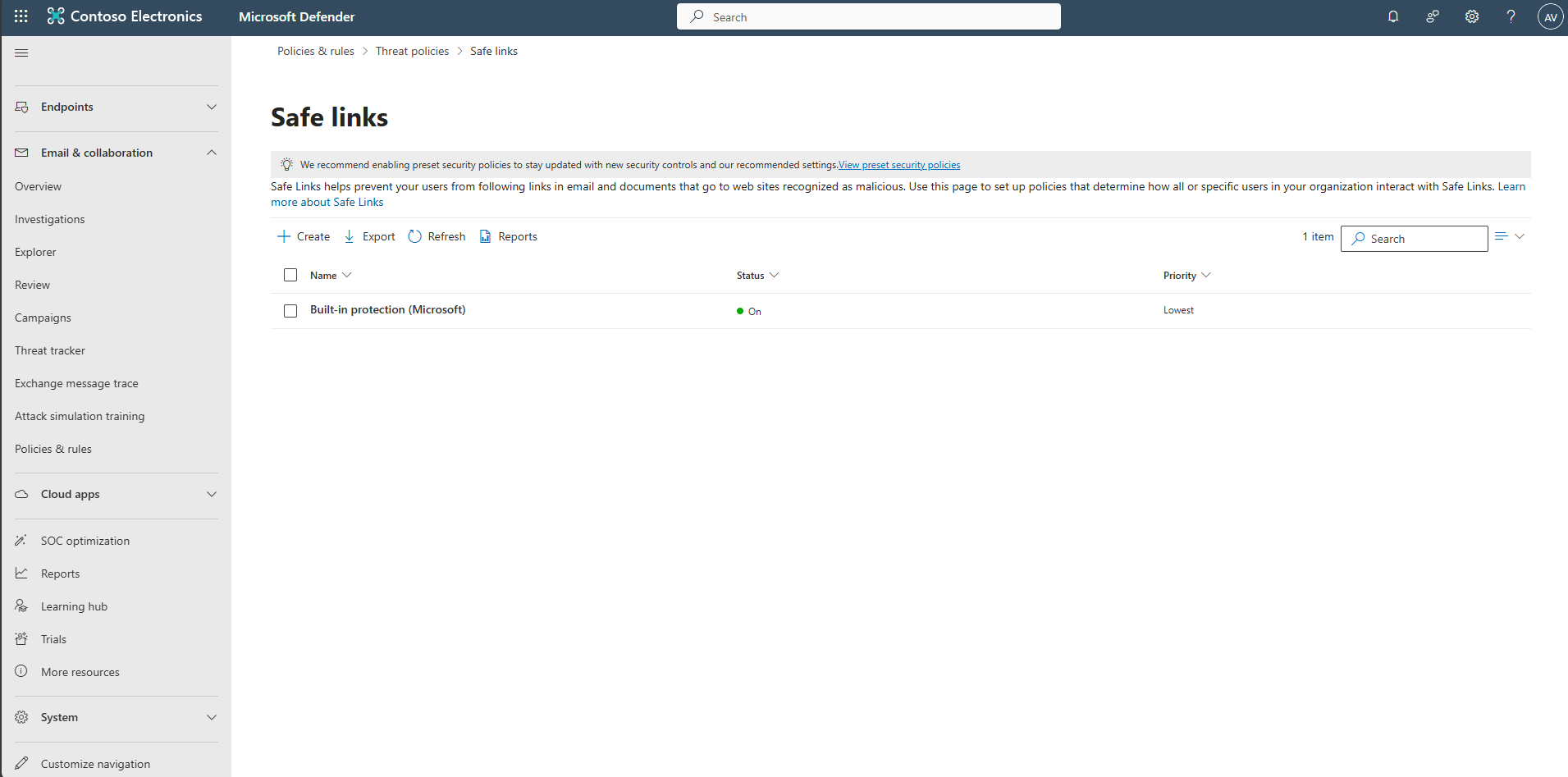
Select + Create.
-
Name the policy
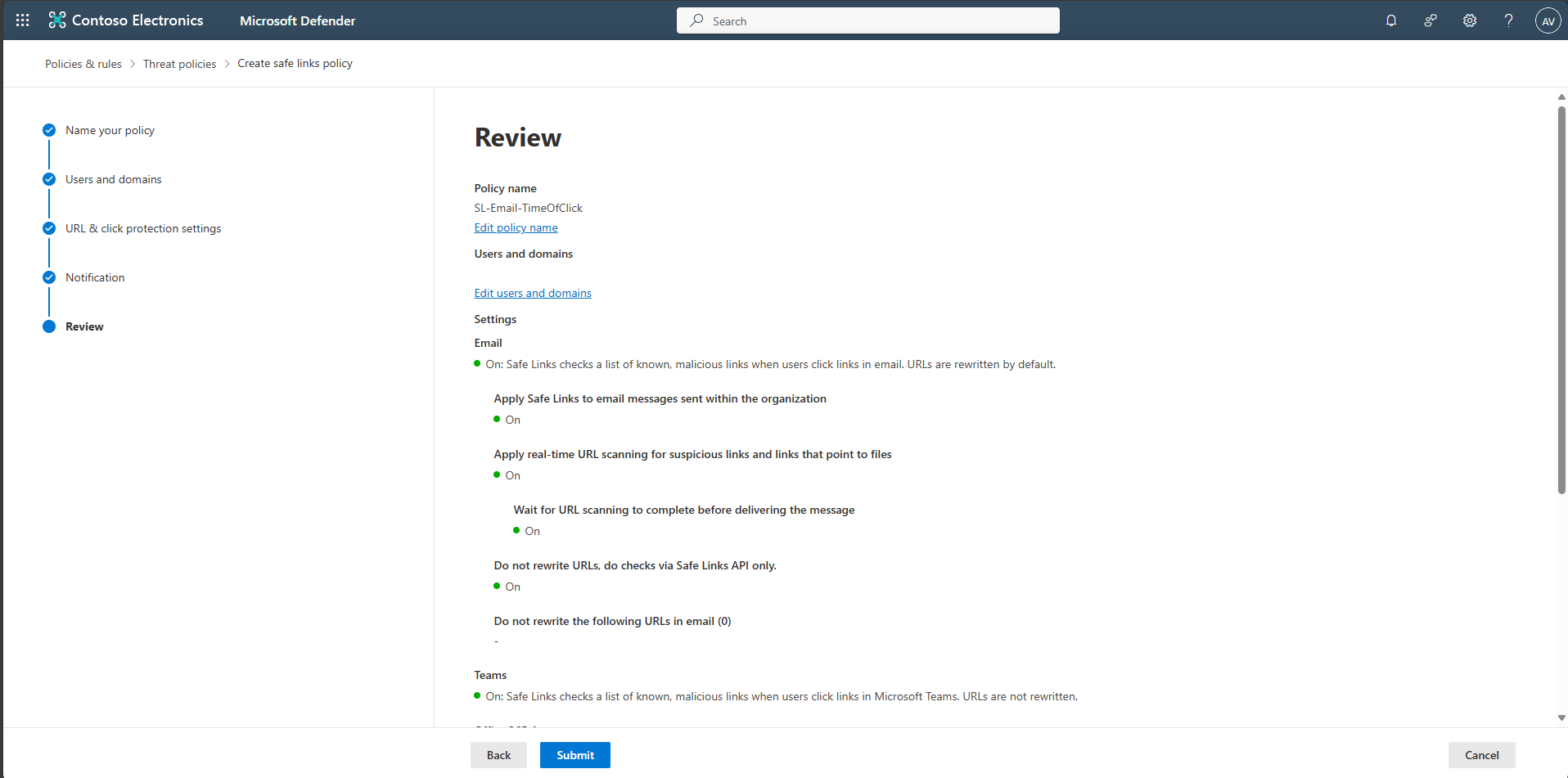
SL-Email-TimeOfClick, then select Next.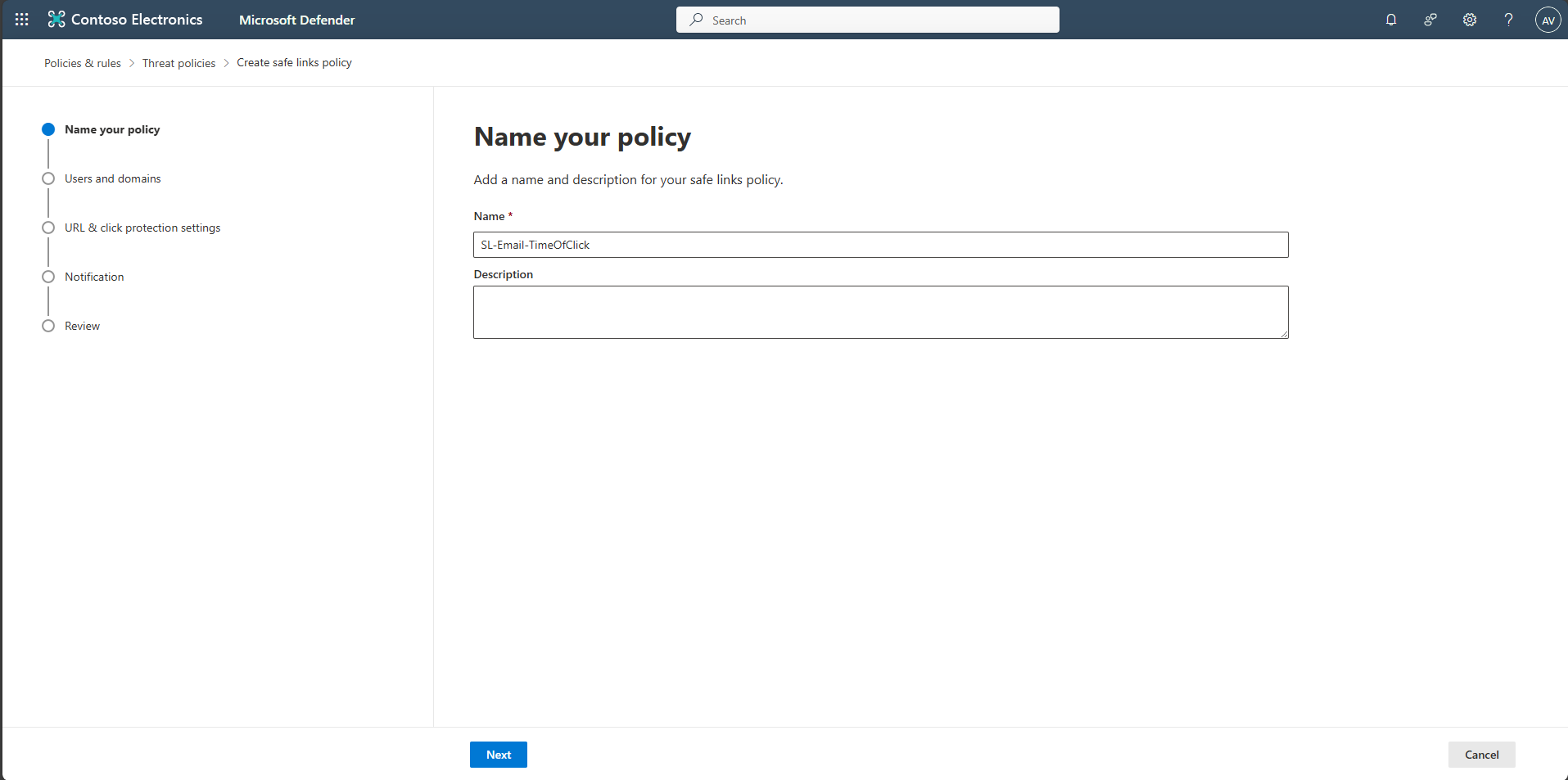
-
Leave Users, Groups, and Domains empty so it applies to all users, then select Next.
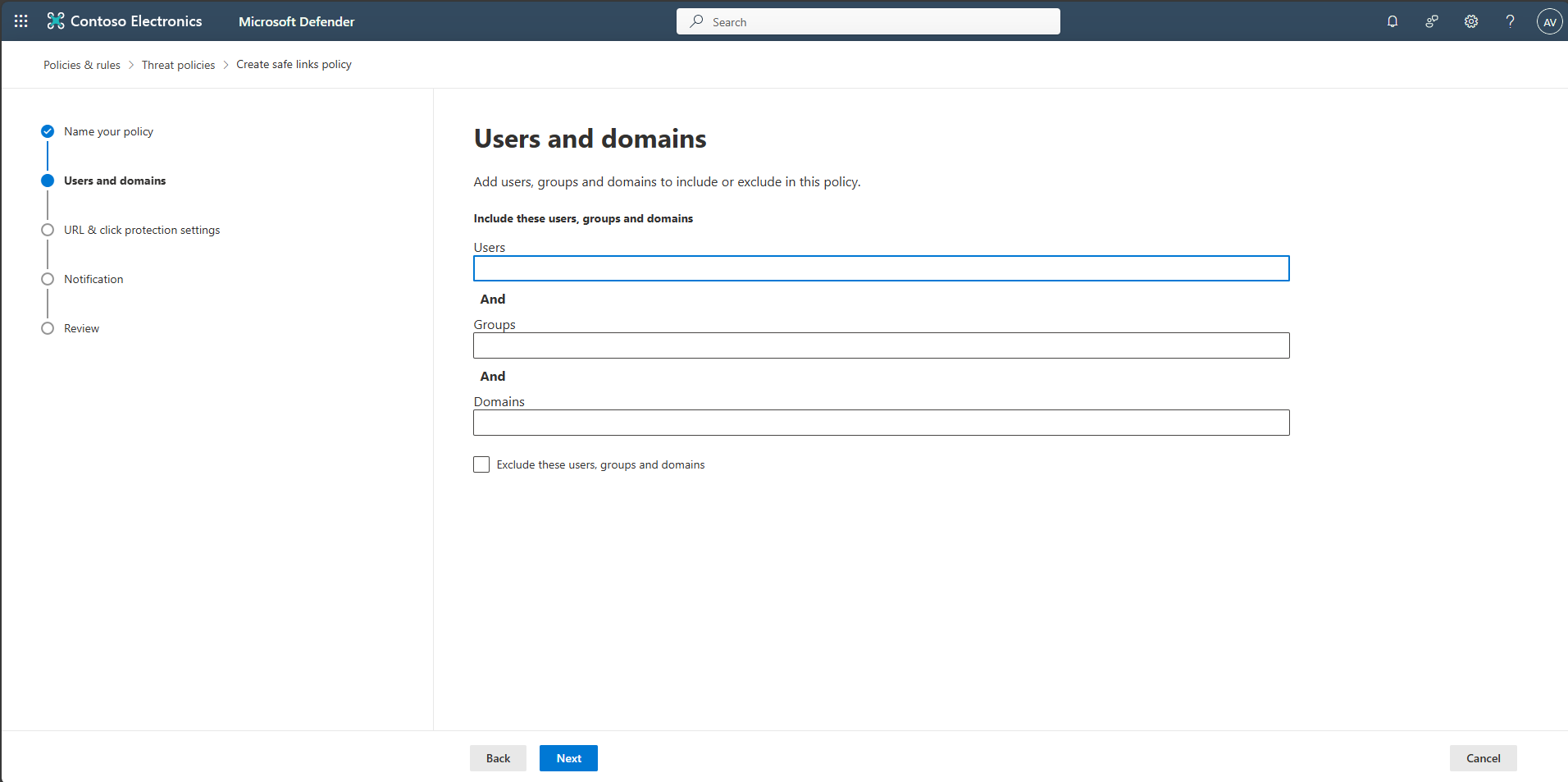
-
On URL & click protection settings, keep defaults, then select Next.
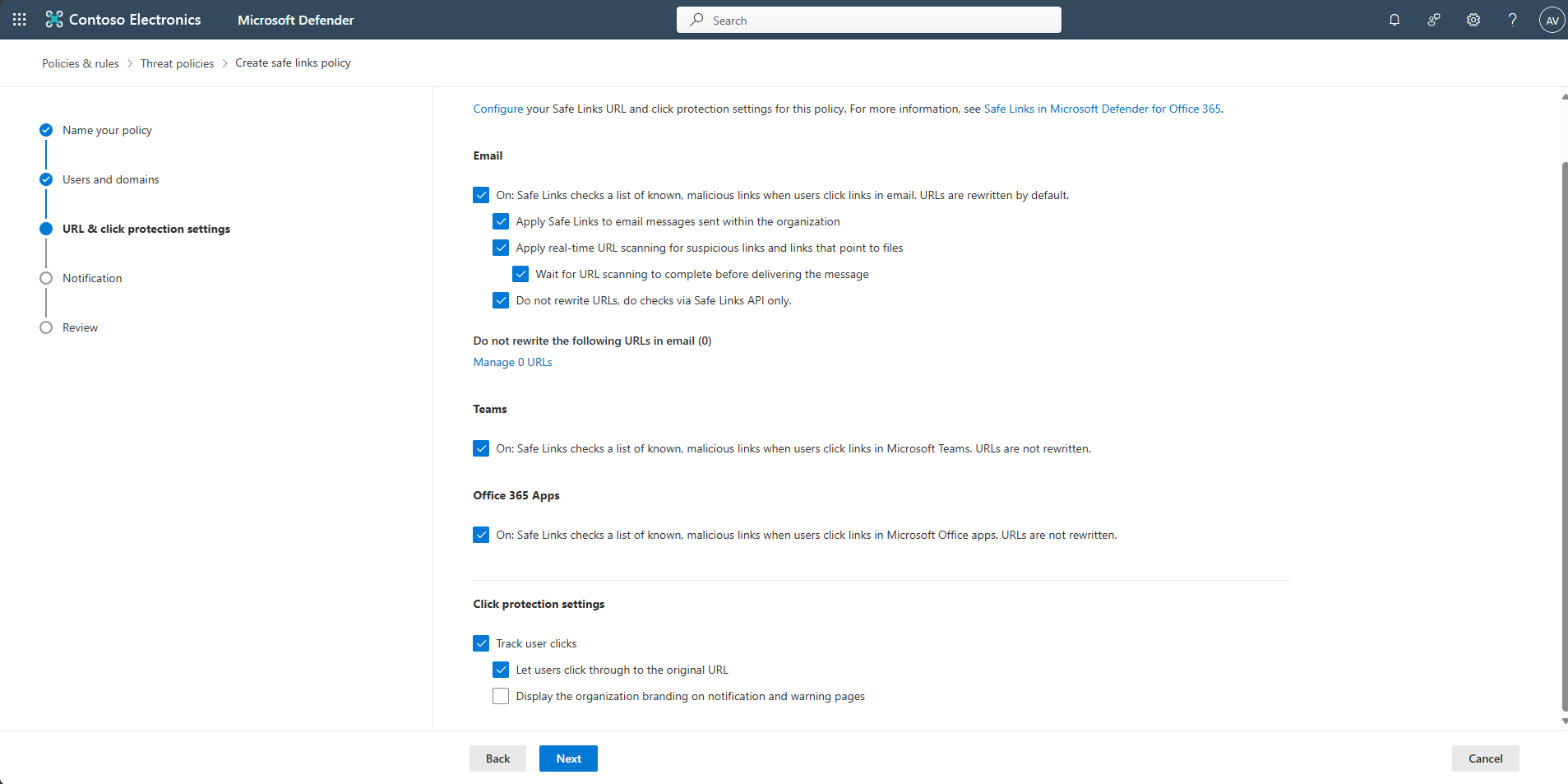
-
On Notification, keep defaults, then select Next.
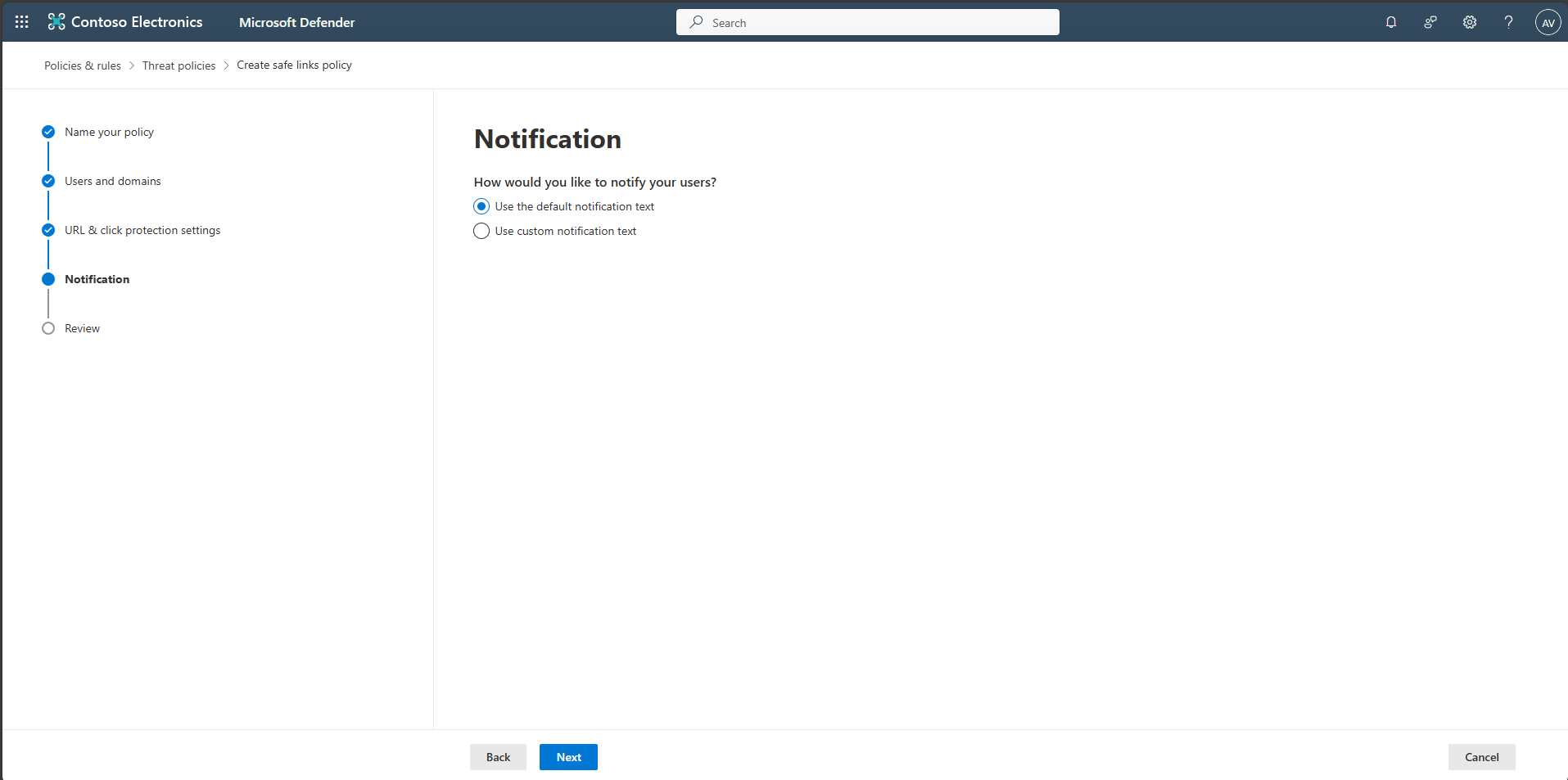
-
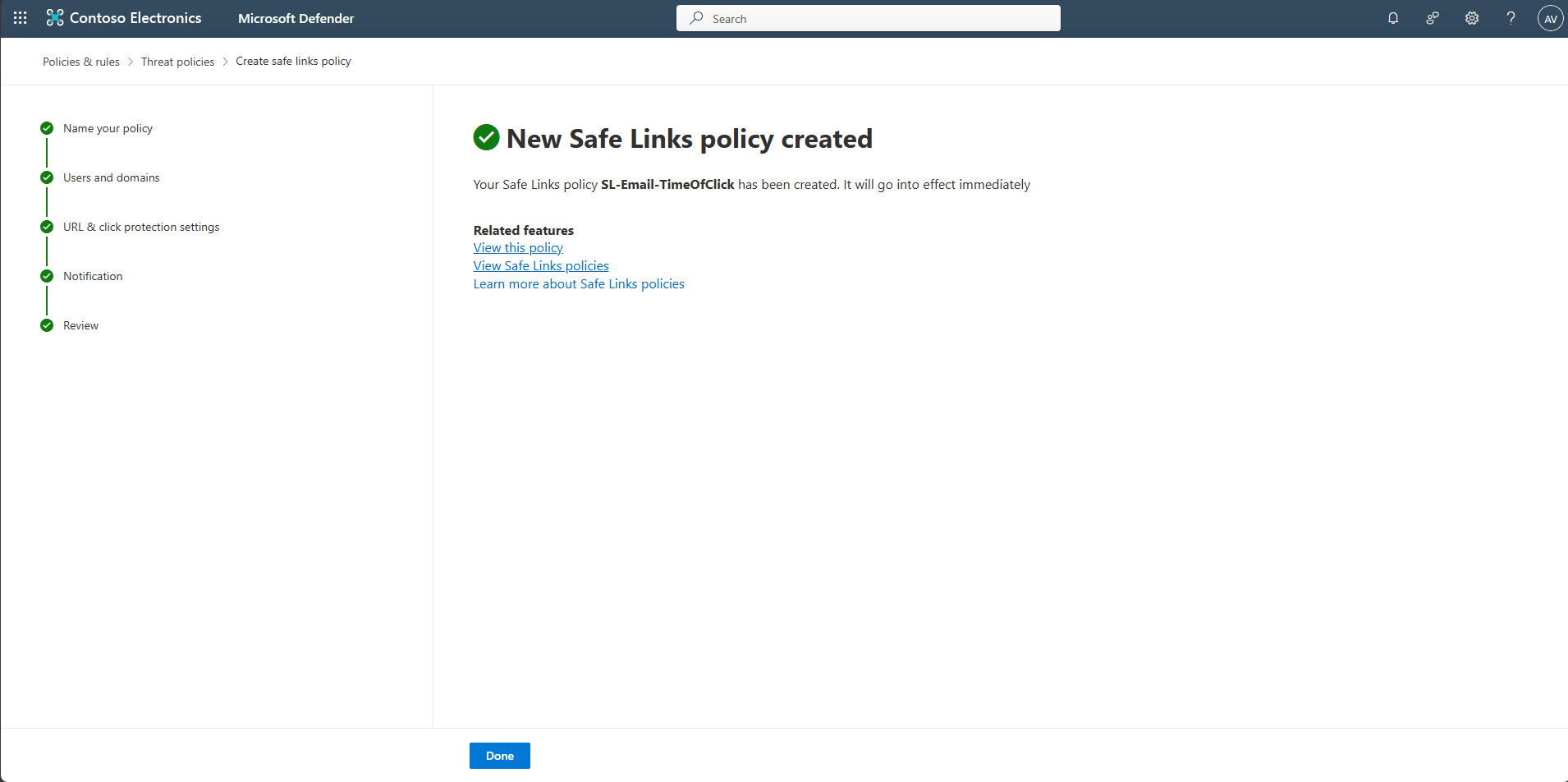
Select Submit, then Done.
-
(Optional) Adjust priority so this custom policy applies before others.