Task 02: Validate Defender for Identity health
-
In the leftmost pane, select Identities > Health issues.
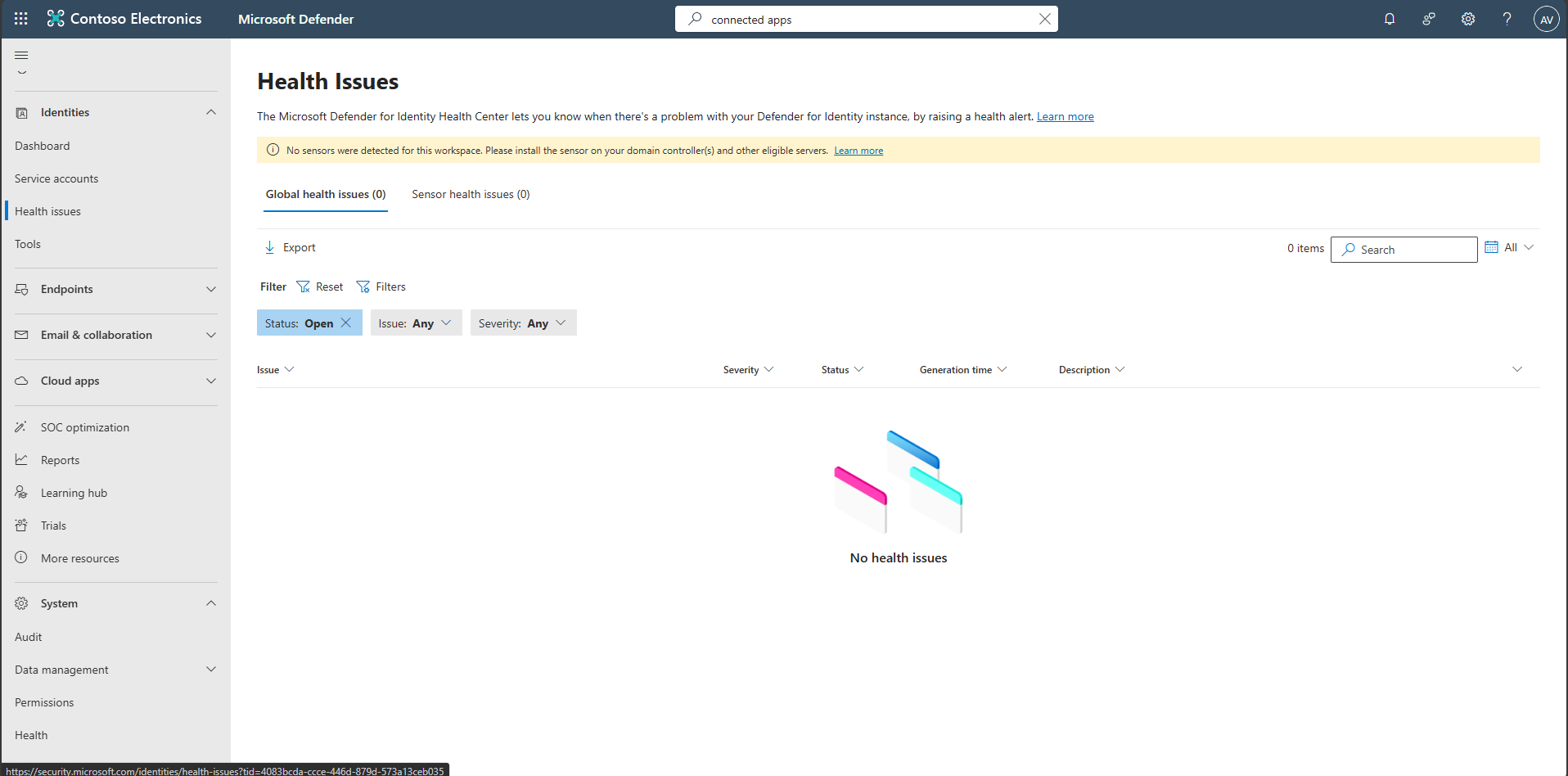
Review tenant and sensor health issues (misconfigurations, stopped services, outdated sensors).
-
In the leftmost pane, select Investigation & response > Hunting > Advanced hunting.
-
Copy the following KQL into the query window, select the entire query, then select Run query.
Expand here to copy the Ingestion-KQL-1.txt
Selecting the Copy option in the upper-right corner of the code block, and pasting with Ctrl+V, will be significantly faster than selecting Type!
 // IdentityLogonEvents ingestion heartbeat (tenant-wide)
 let window = 6h;  // adjust for your expected logon volume
 IdentityLogonEvents
 | summarize LastEvent = max(Timestamp), Events = count()
 | extend GapHours = datetime_diff("hour", now(), LastEvent)
 | extend IngestionHealthy = iff(LastEvent > ago(window), "Yes", "No")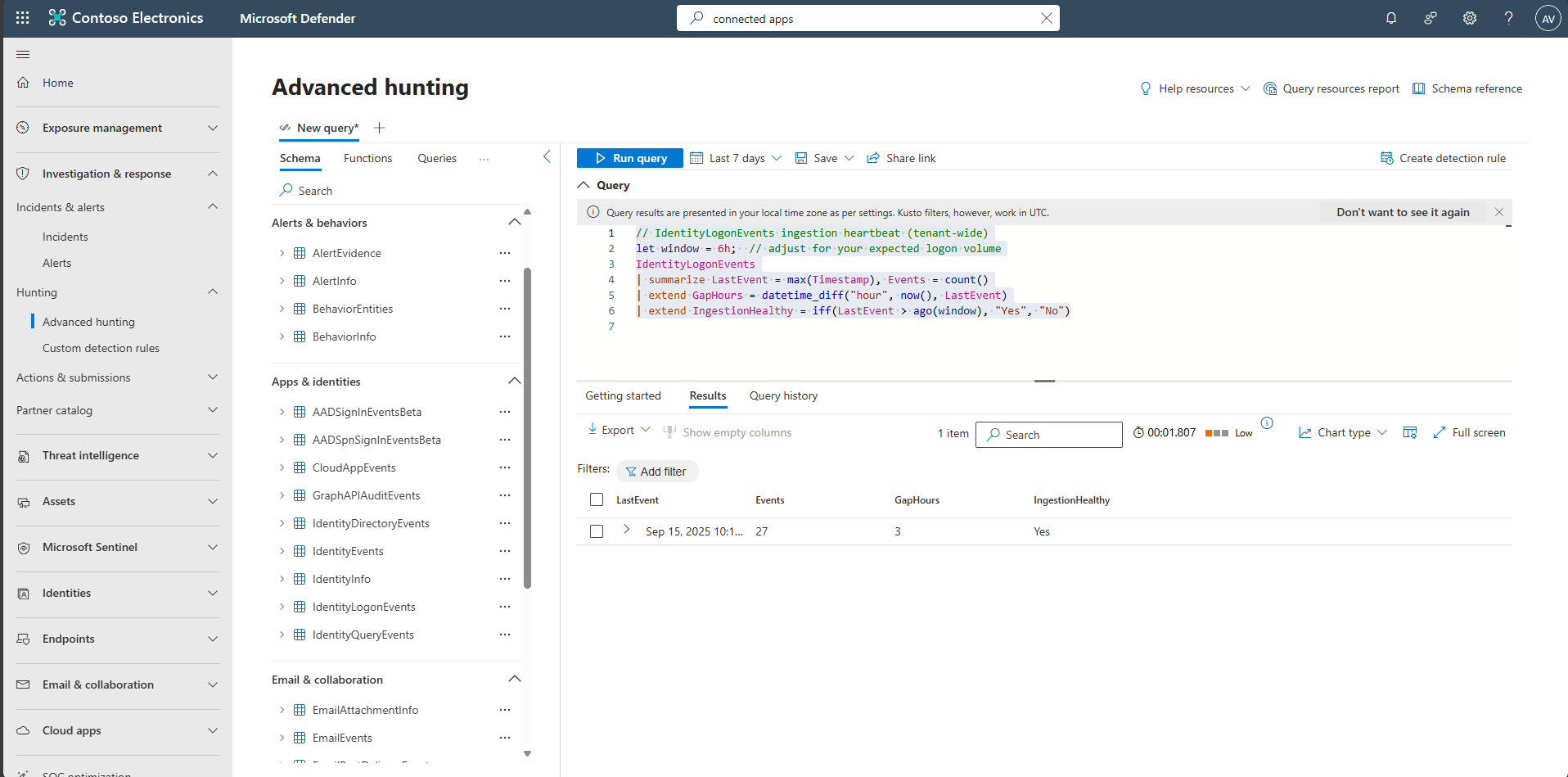
The results will show whether Ingestion is happening and how long the gaps are.