Task 08: Enable advanced configuration for broader coverage
-
In the leftmost pane, go to System > Settings.
-
Select Cloud Apps.
-
In the Cloud apps menu, under Cloud Discovery, select Microsoft Defender for Endpoint.
-
Configure the following:
Item Value Alerts High Notification URL https://intranet.contoso.com/request-exceptionBypass duration 1Notification URL for blocked apps https://intranet.contoso.com/request-exception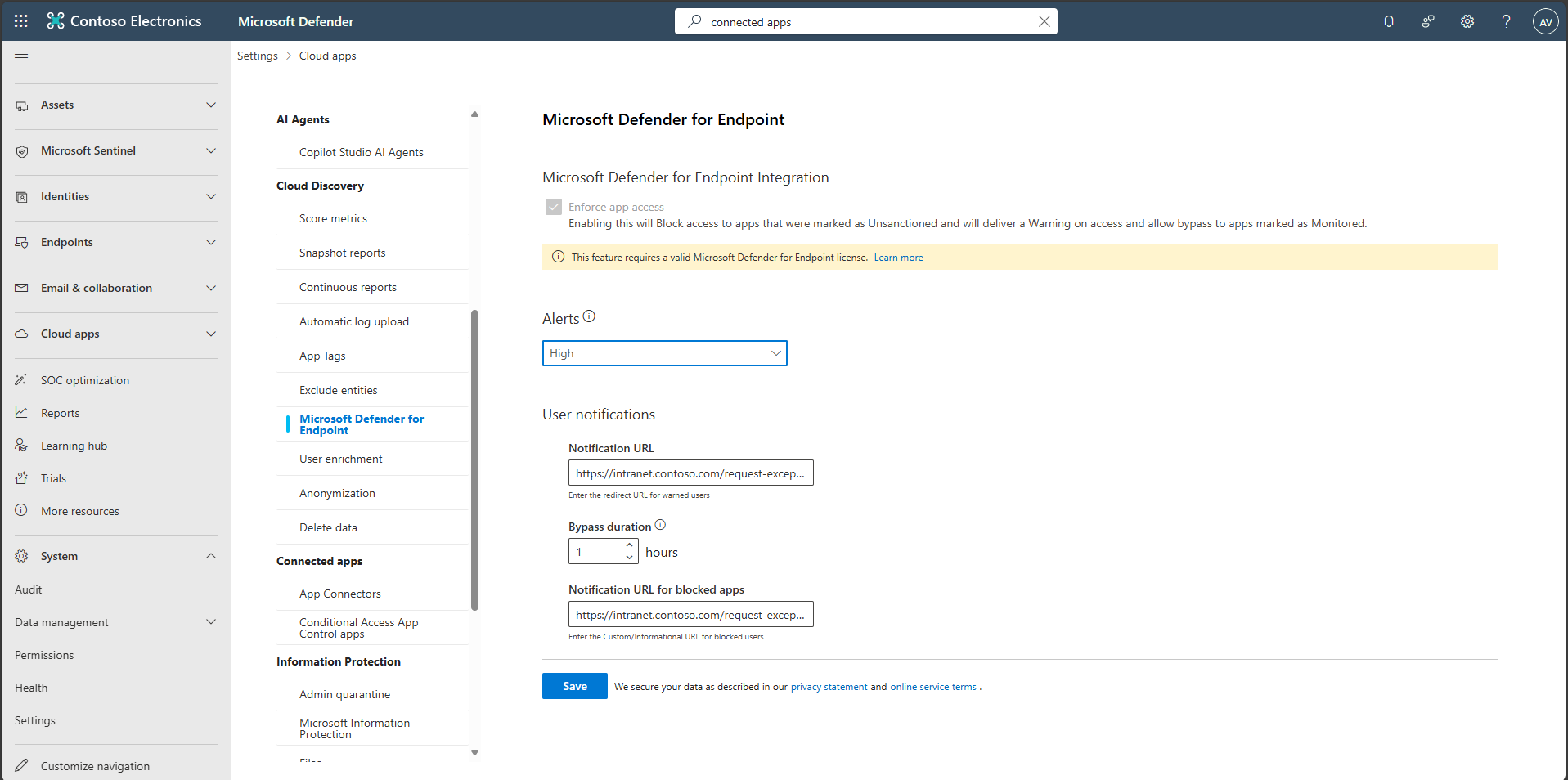
-
Select Save.
-
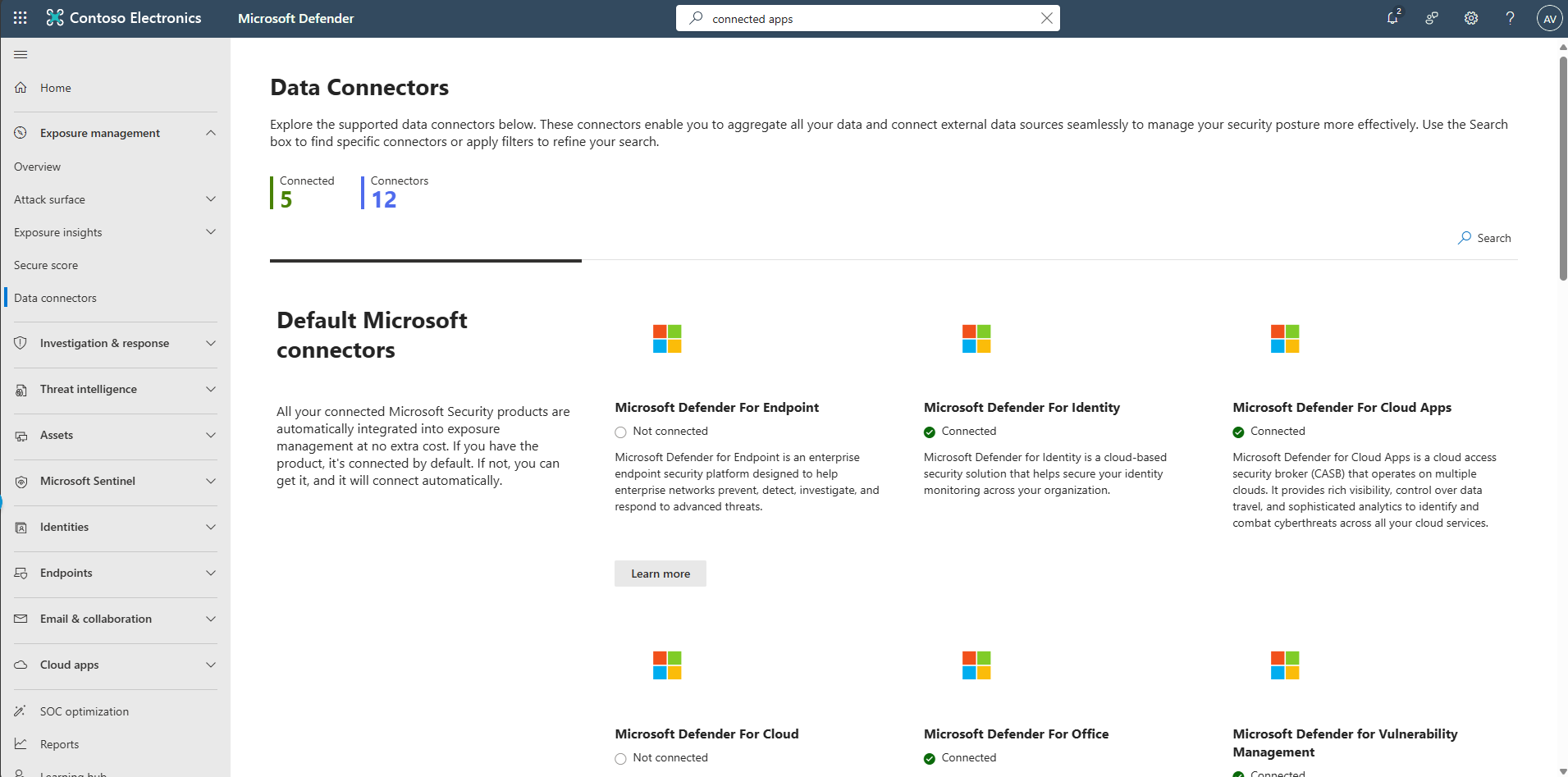
In the leftmost pane, go to Exposure management > Data connectors.
-
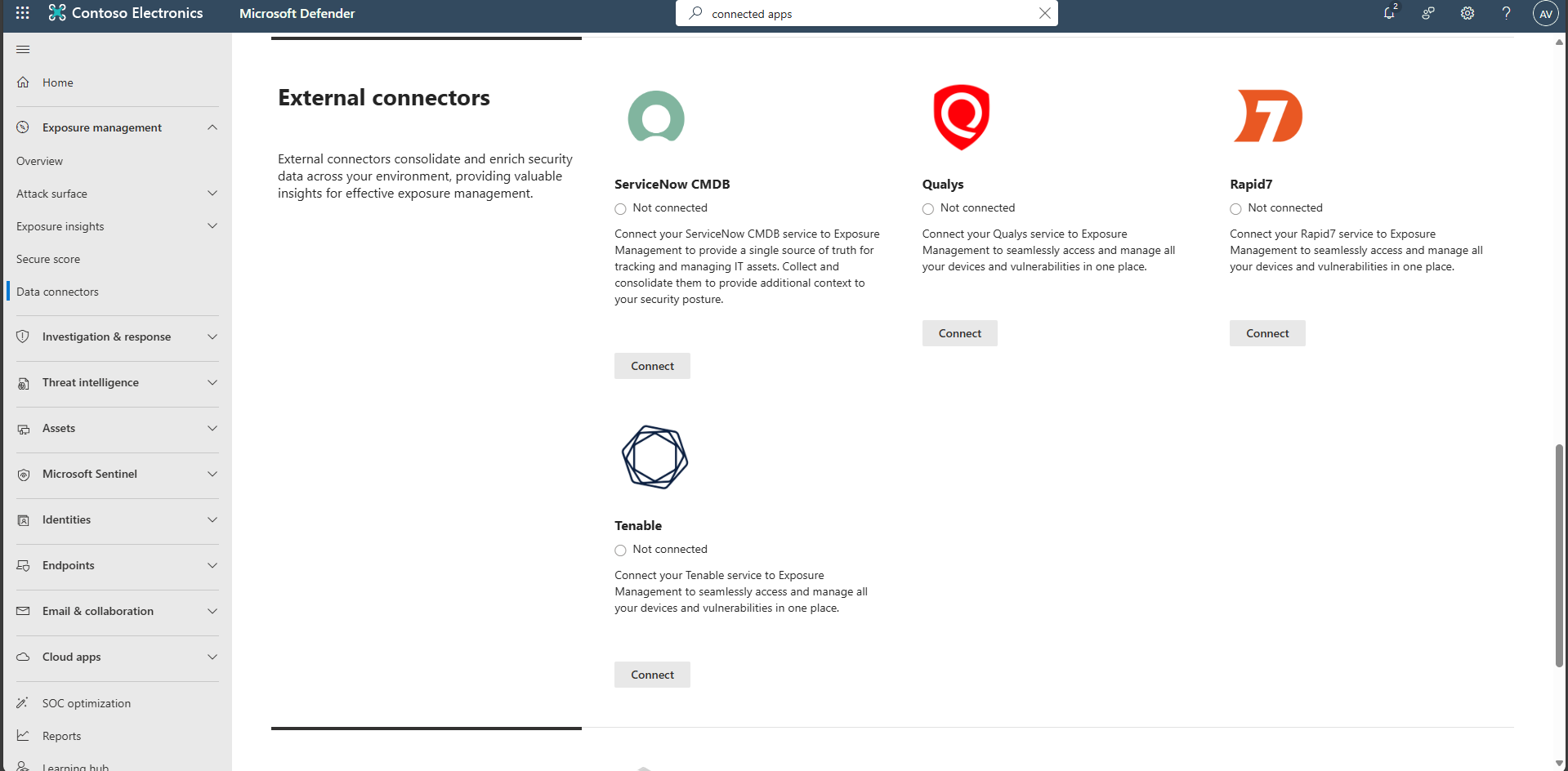
Connect external scanners (Qualys, Tenable, Rapid7) to enrich exposure context, if required.