Task 07: Contain the attack
-
In the leftmost pane, select Investigation & response > Incidents & alerts > Incidents.
-
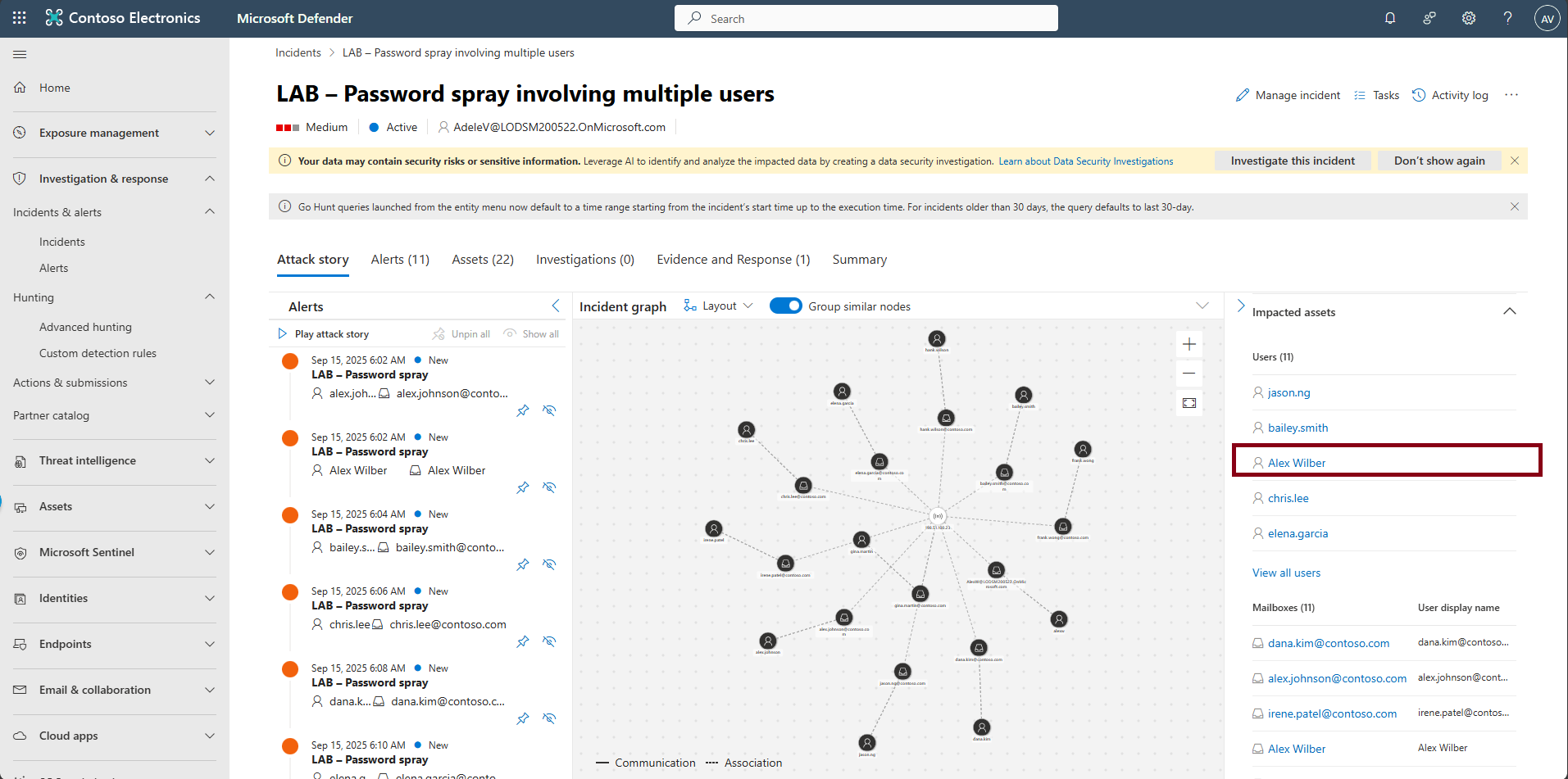
Select the incident LAB - Password spray involving multiple users.
-
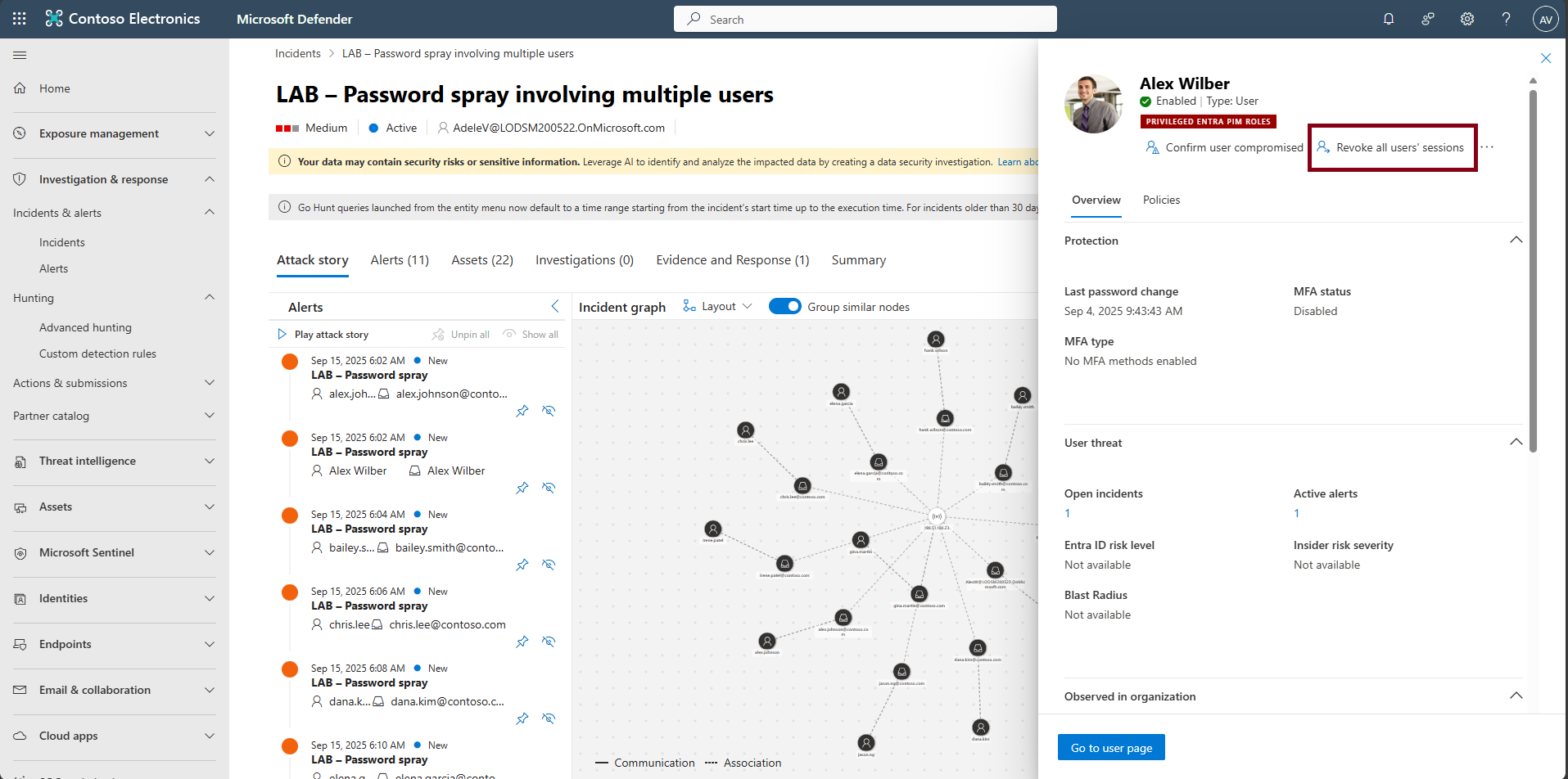
In the rightmost pane, move through the Incident Details, then select Alex Wilber from the user list.
-
At the top of the flyout, select Revoke all users’ sessions.
-
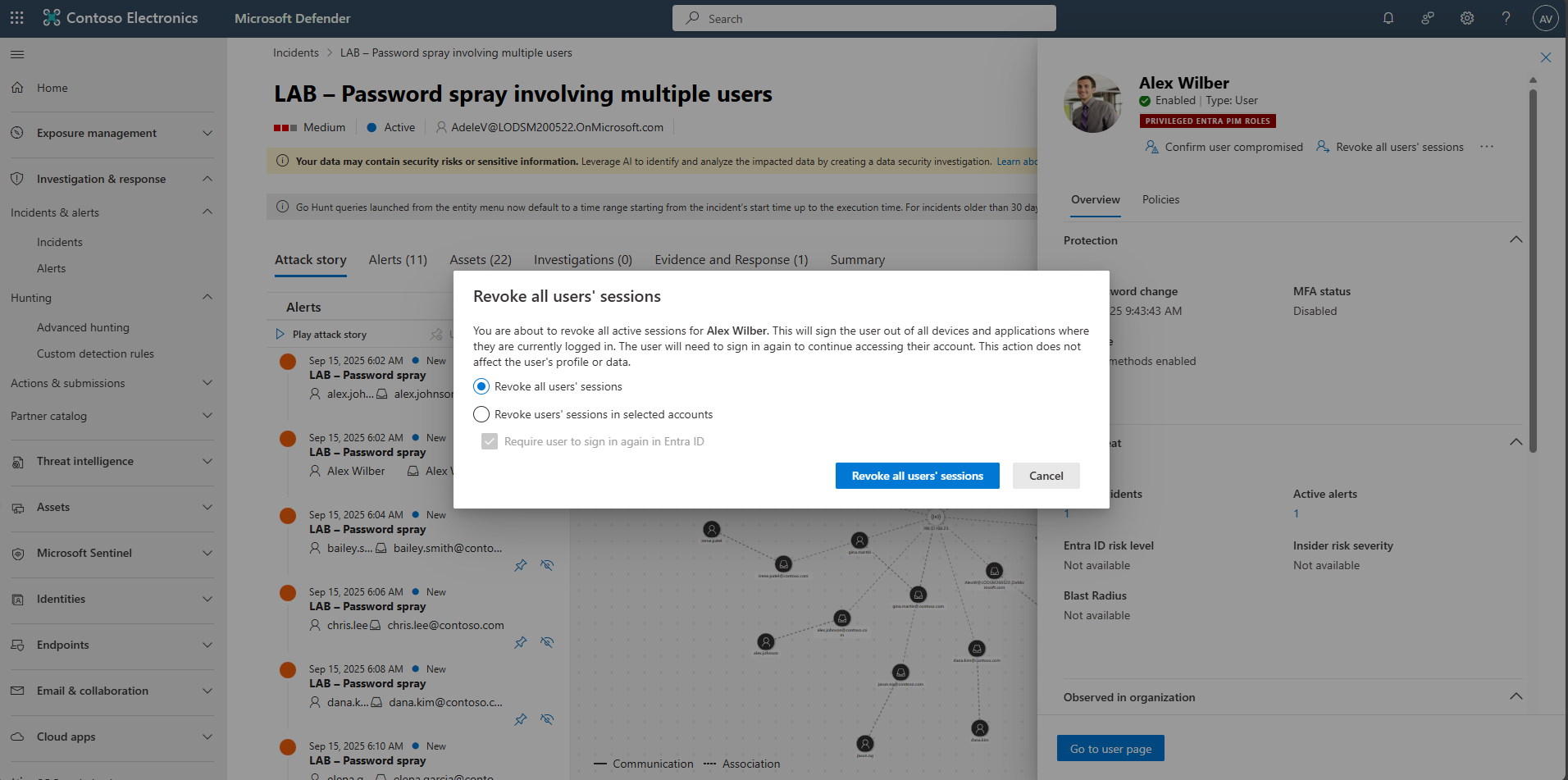
Select Revoke all users’ sessions
-
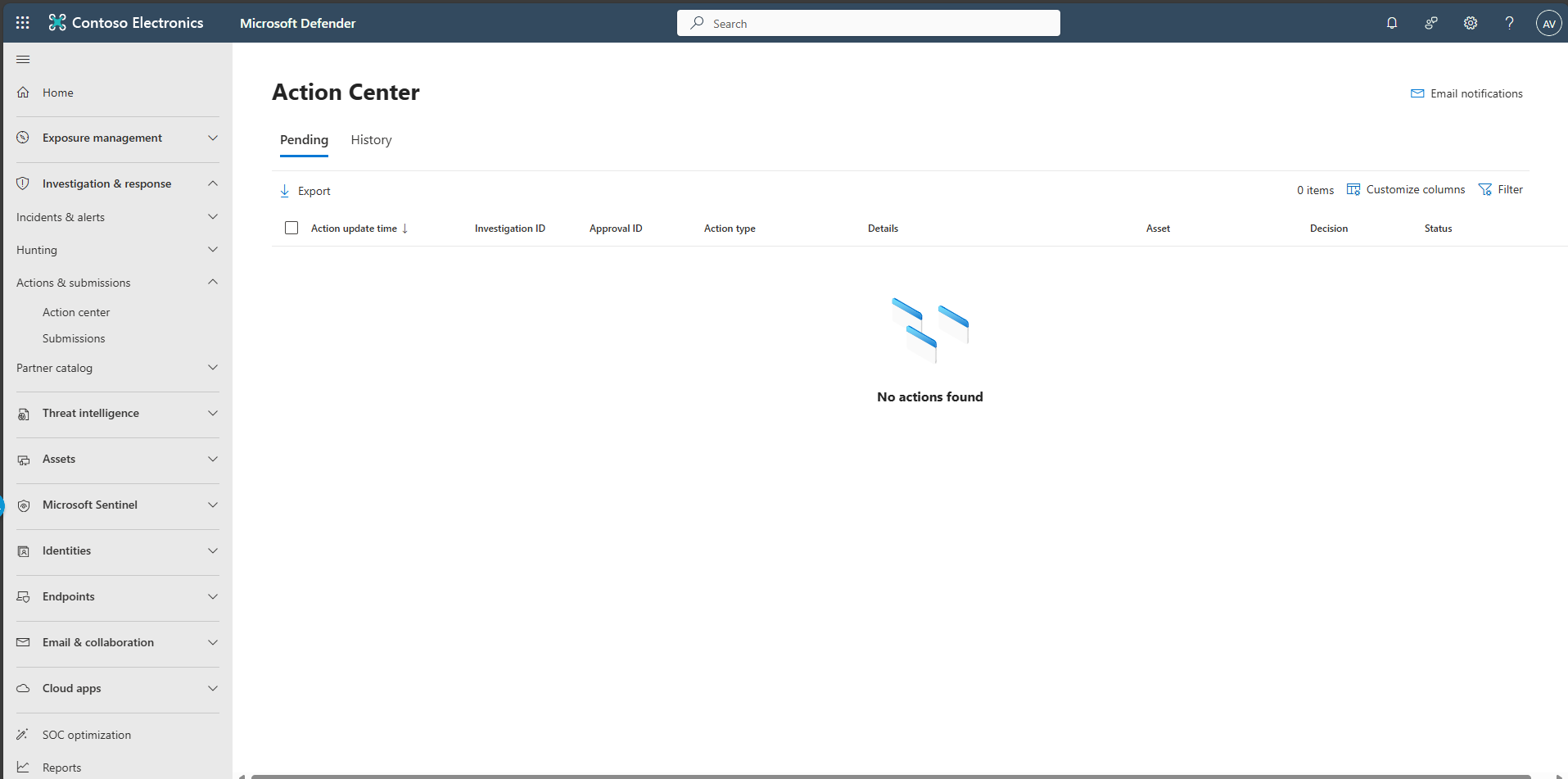
In the leftmost pane, select Investigation & response > Actions & submissions > Action center.
-
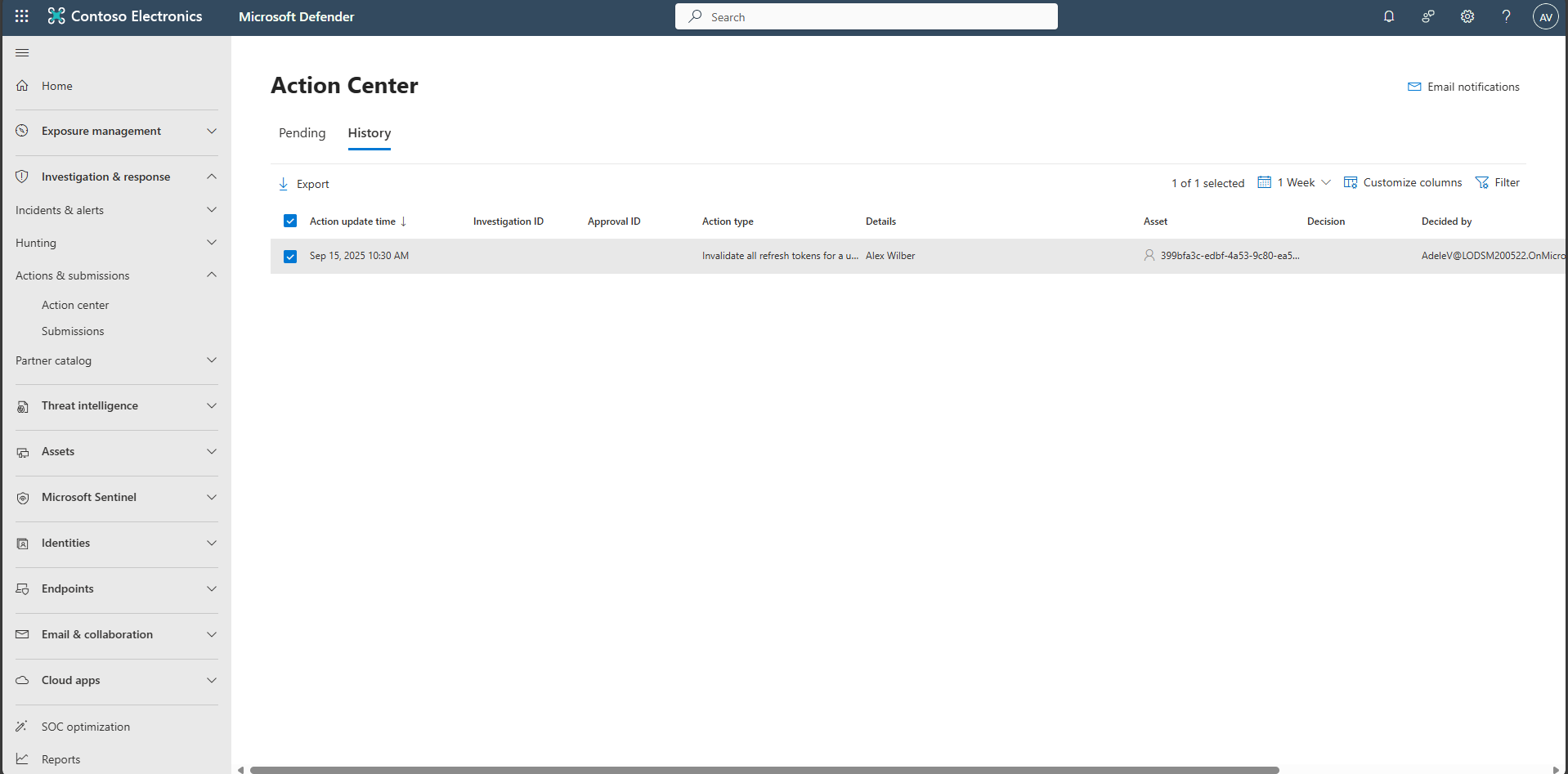
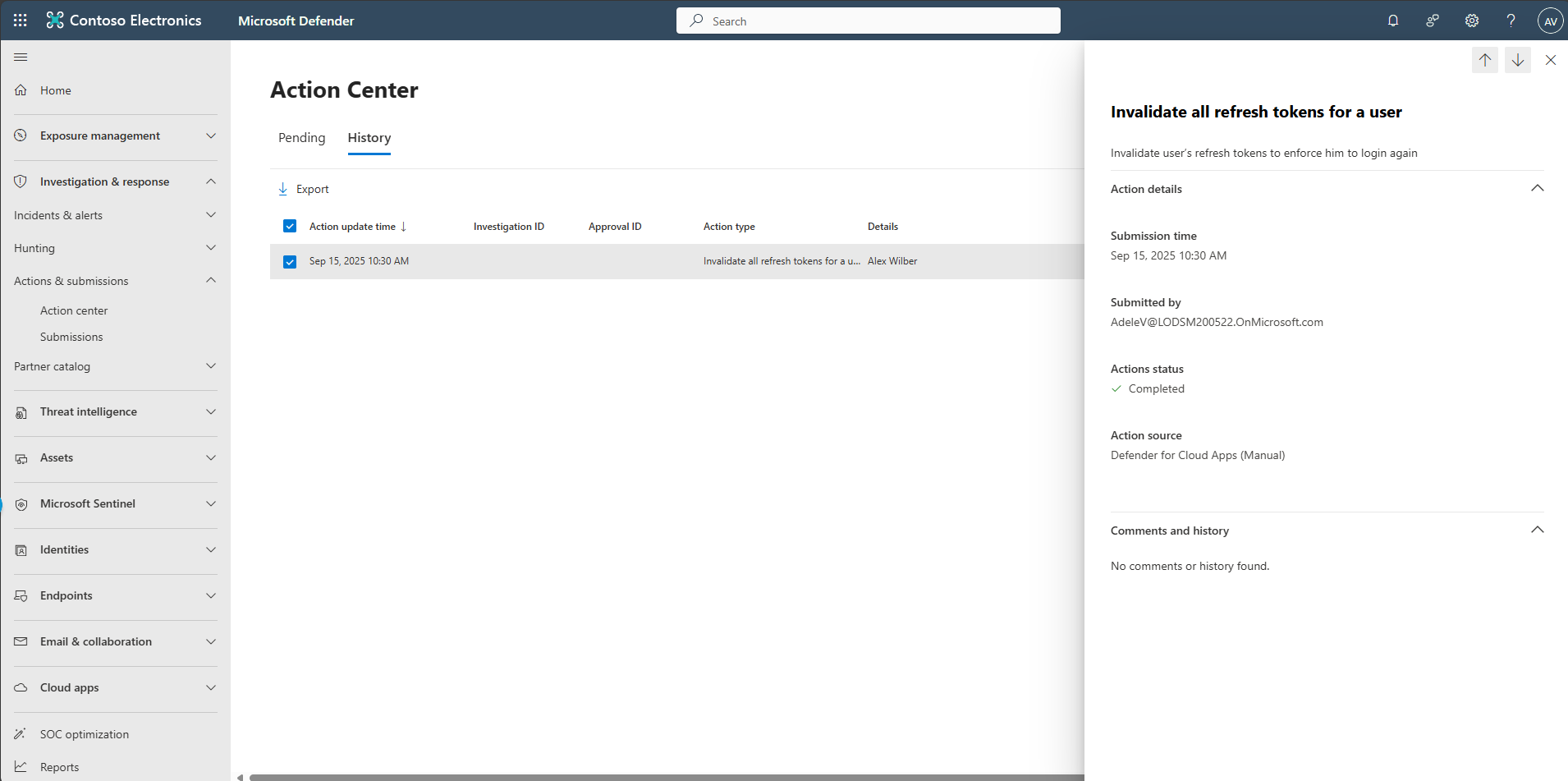
At the top, select the History tab to confirm remediation steps.